


اية الكرسي بدون انترنت
BlueStacksを使ってPCでプレイ - 5憶以上のユーザーが愛用している高機能Androidゲーミングプラットフォーム

Run اية الكرسي بدون انترنت on PC or Mac
Let BlueStacks turn your PC, Mac, or laptop into the perfect home for اية الكرسي بدون انترنت, a fun Music & Audio app from AmalPro.
About the App
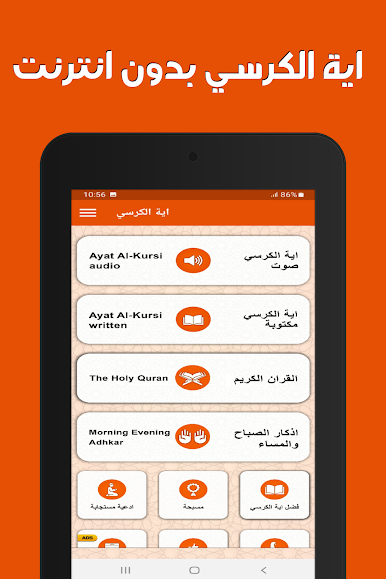
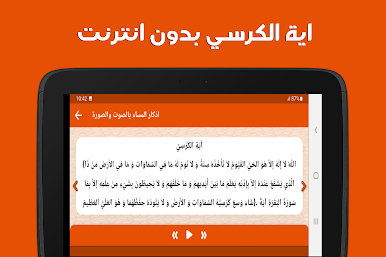
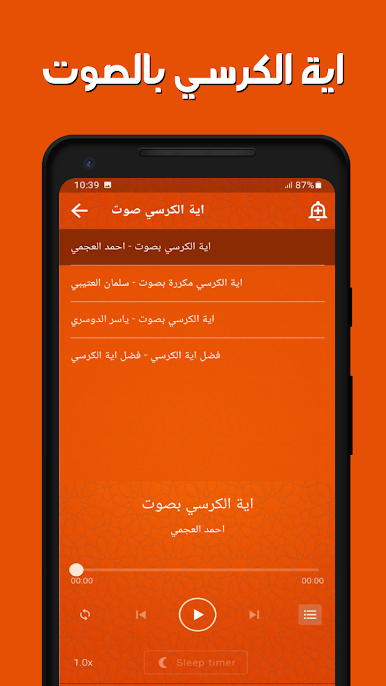
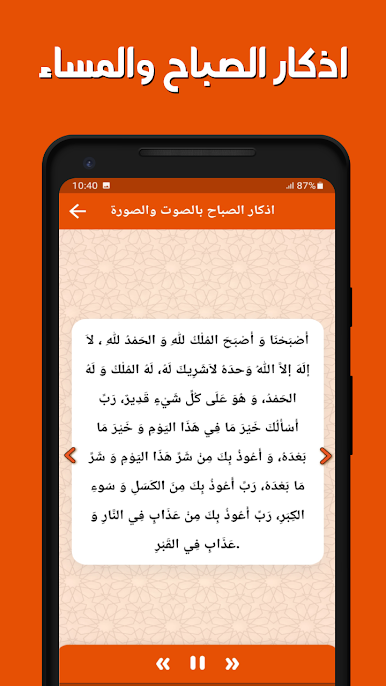
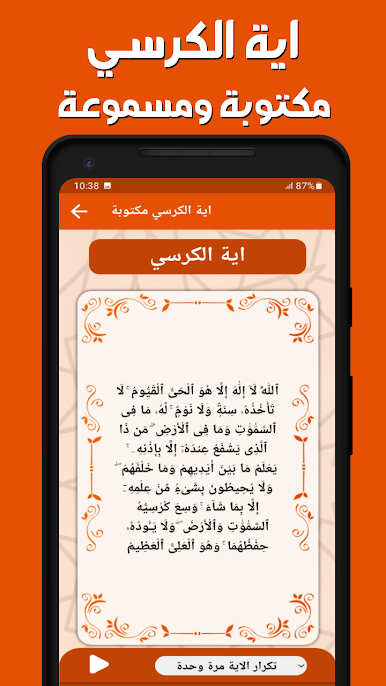
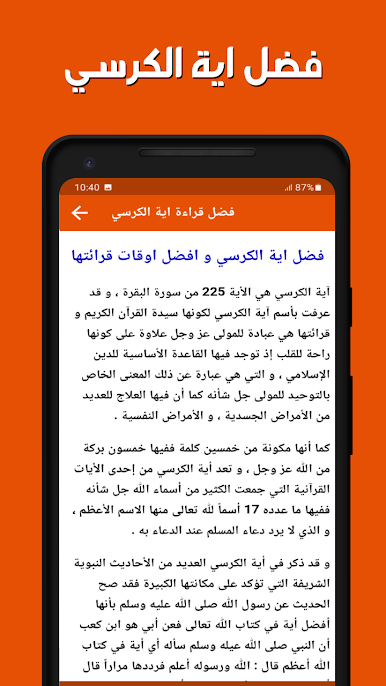
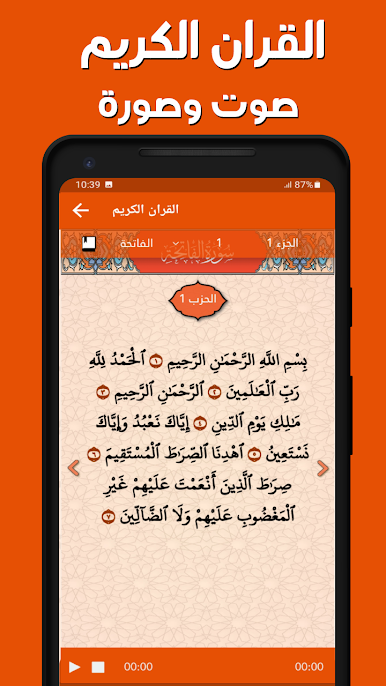
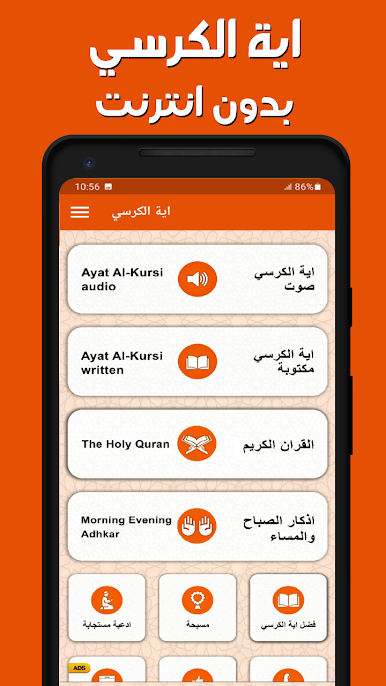
Looking for an easy way to listen to different recitations of Ayat al-Kursi anytime, anywhere? اية الكرسي بدون انترنت by AmalPro brings you beautiful and varied voices from across the Arab world, all packed neatly into one app. Whether you’re at home, in the car, or just need an uplifting moment, this Music & Audio app puts powerful verses right at your fingertips—no internet connection required.
App Features
-
Multiple Reciters
Explore Ayat al-Kursi through the voices of renowned readers. Each recitation feels unique, letting you choose the style and sound that suits your mood or preference. -
Offline Listening
No WiFi? No problem. Everything in اية الكرسي بدون انترنت works offline—so you’re good to go wherever you are, whether it’s a quiet corner or while traveling. -
Spiritual Verses
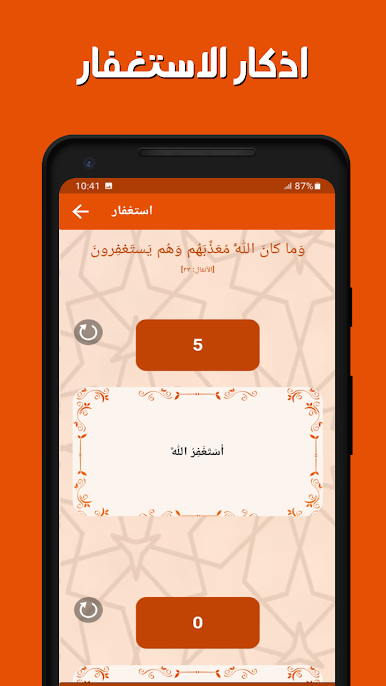
Find not just Ayat al-Kursi, but also a collection of Quranic verses designed for healing and protection. They’re easy to access and play whenever needed. -
Ruqyah Audio
Need verses for ruqyah or protection at home? This app serves audio for spiritual cleansing, making it a perfect companion for moments of reflection or peace. -
Simple & User-Friendly Design
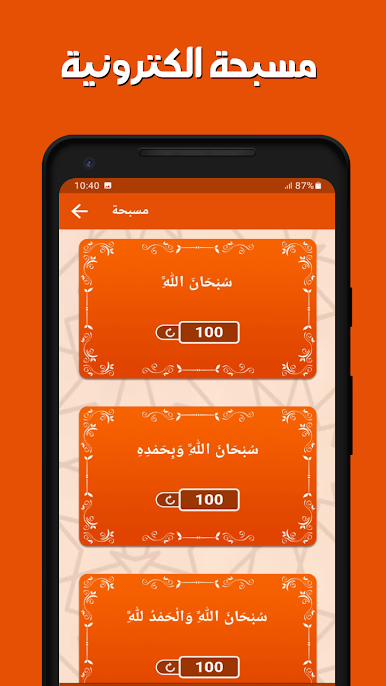
No complicated menus here—just straightforward features that make it easy to play, repeat, and switch between different recitations or sections. -
Runs Smoothly on BlueStacks
If you ever feel like using your PC or want a bigger screen, the app works smoothly with BlueStacks for that extra convenience.
Big screen. Bigger performance. Use BlueStacks on your PC or Mac to run your favorite apps.
اية الكرسي بدون انترنتをPCでプレイ
-
BlueStacksをダウンロードしてPCにインストールします。
-
GoogleにサインインしてGoogle Play ストアにアクセスします。(こちらの操作は後で行っても問題ありません)
-
右上の検索バーにاية الكرسي بدون انترنتを入力して検索します。
-
クリックして検索結果からاية الكرسي بدون انترنتをインストールします。
-
Googleサインインを完了してاية الكرسي بدون انترنتをインストールします。※手順2を飛ばしていた場合
-
ホーム画面にてاية الكرسي بدون انترنتのアイコンをクリックしてアプリを起動します。

