


Brain Rush - Brain Hole Bang
Jogue no PC com BlueStacks - A Plataforma de Jogos Android, confiada por mais de 500 milhões de jogadores.

Página modificada em: Oct 12, 2025
Play Brain Rush - Brain Hole Bang on PC or Mac
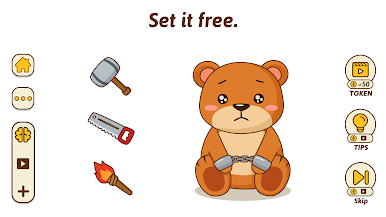
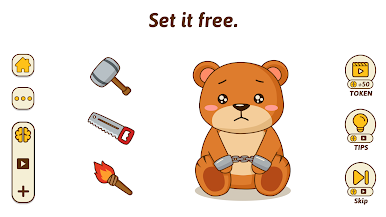
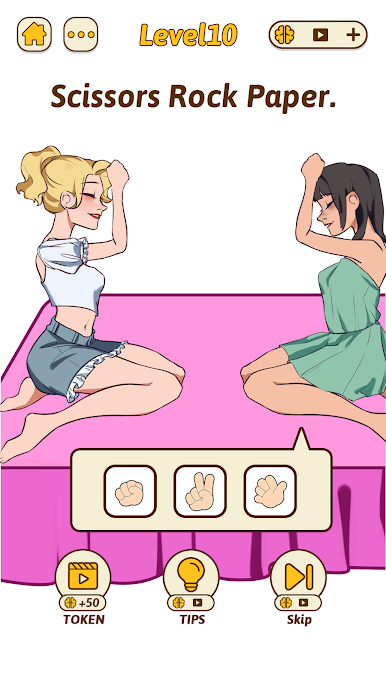
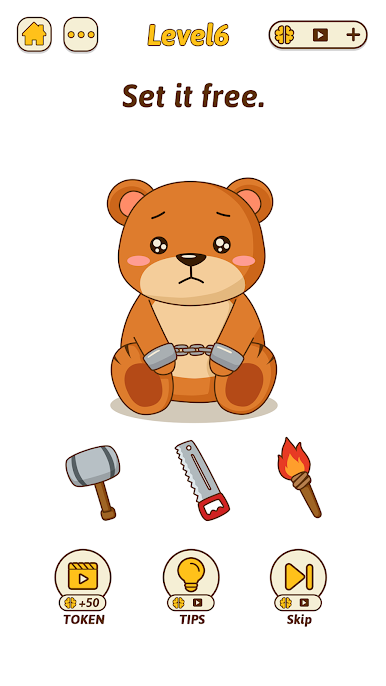
Step into the World of Brain Rush – Brain Hole Bang, a thrilling Puzzle game from the house of AymGame. Play this Android game on BlueStacks App Player and experience immersive gaming on PC or Mac.
About the Game
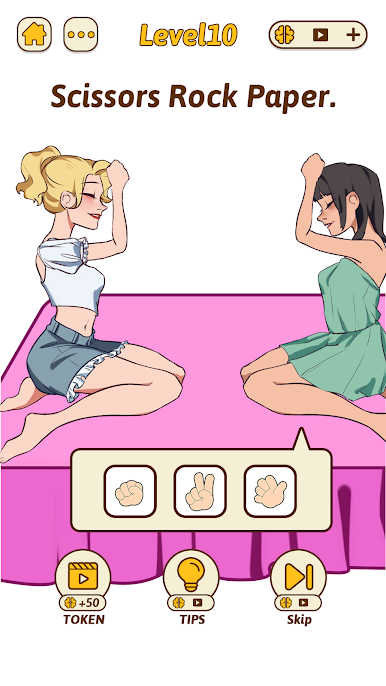
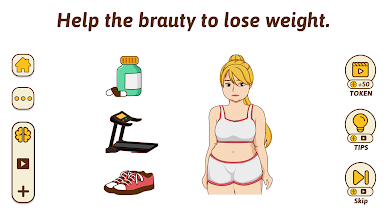
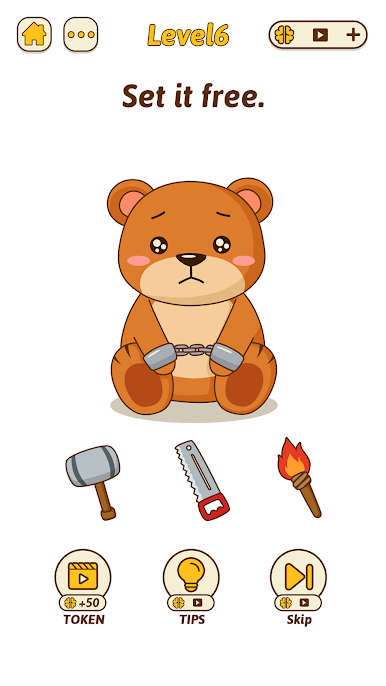
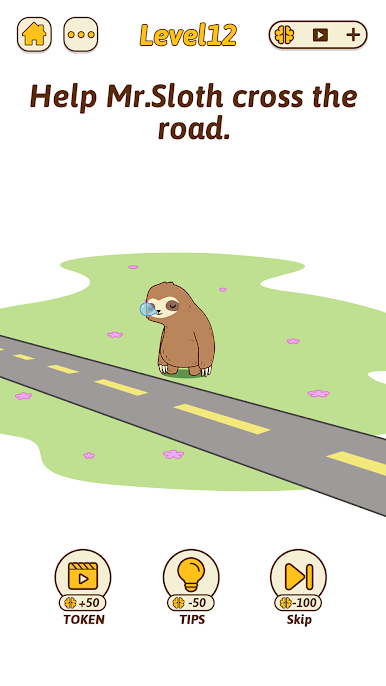
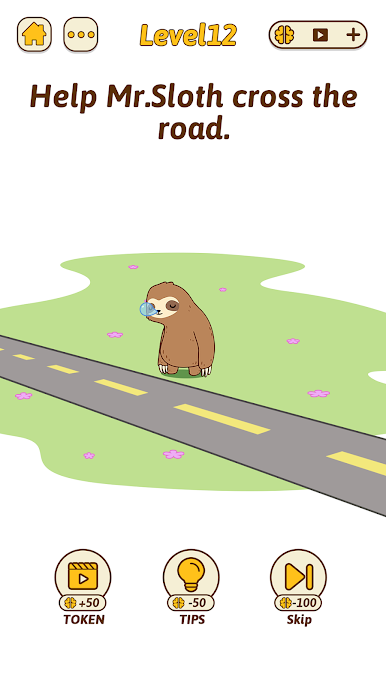
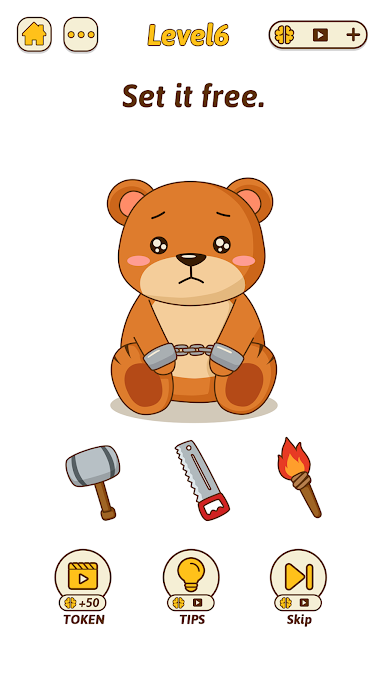
Ready to bend your brain a little? Brain Rush – Brain Hole Bang by AymGame isn’t your average puzzle collection. This one throws quirky questions and clever riddles at you, each more unexpected than the last. Whether you’re looking for a quick mental workout or just want to see how creative you can get, this game makes your logic skills feel like they’ve hit the gym—and then some.
Game Features
-
Surprising Puzzles
Brain Rush – Brain Hole Bang serves up a wild mix of brain teasers and riddles you won’t see coming. Just when you think you’ve got it figured out, the solution flips your expectations. -
Everyone’s Invited
It’s one of those puzzle games you can hand off to anyone—friends, family, whoever—no matter the age or background. No need for a puzzle expert badge here. -
Playful Presentation
Expect a bunch of light-hearted humor mixed in with each challenge. The game isn’t just about grinding for solutions—there’s plenty of fun in the process. -
Boosts Problem-Solving
Each new riddle dares you to ditch the obvious and try thinking from a totally different angle. Get ready to stretch that brainpower a bit further every round. -
Easy to Jump In
You don’t need a detailed tutorial to get the hang of things. The controls are chill and straightforward, and if you ever decide to play using BlueStacks, things run just as smooth.
Start your journey now. Download the game on BlueStacks, invite your friends, and march on a new adventure.







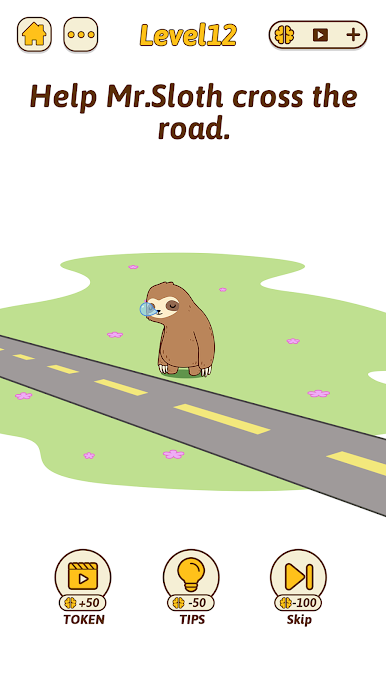
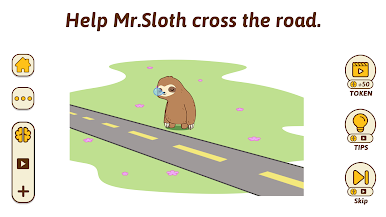


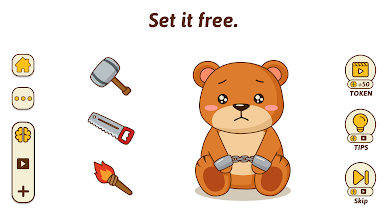
Jogue Brain Rush - Brain Hole Bang no PC. É fácil começar.
-
Baixe e instale o BlueStacks no seu PC
-
Conclua o login do Google para acessar a Play Store ou faça isso mais tarde
-
Procure por Brain Rush - Brain Hole Bang na barra de pesquisa no canto superior direito
-
Clique para instalar Brain Rush - Brain Hole Bang a partir dos resultados da pesquisa
-
Conclua o login do Google (caso você pulou a etapa 2) para instalar o Brain Rush - Brain Hole Bang
-
Clique no ícone do Brain Rush - Brain Hole Bang na tela inicial para começar a jogar

