


FreeCell Solitaire: Classic
Play on PC with BlueStacks – the Android Gaming Platform, trusted by 500M+ gamers.

Page Modified on: Jun 29, 2025
Play FreeCell Solitaire: Classic on PC or Mac
Bring your A-game to FreeCell Solitaire: Classic, the Card game sensation from Andrey Rebrik. Give your gameplay the much-needed boost with precise game controls, high FPS graphics, and top-tier features on your PC or Mac with BlueStacks.
About the Game
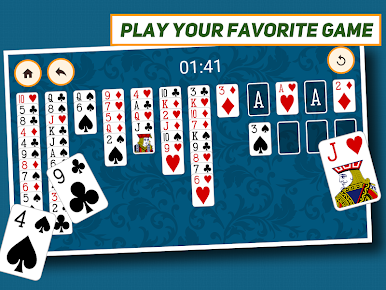
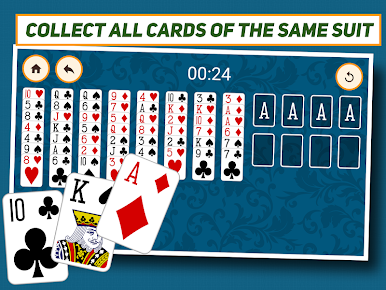
If you’re someone who can’t resist a good card challenge, FreeCell Solitaire: Classic is bound to keep you busy. Created by Andrey Rebrik for fans of the Card genre, this app lets you enjoy all-time favorite solitaire games like FreeCell, Spider, and Klondike, all in one spot. Whether you’re waiting in line or just want a relaxing moment at home, this game is that easy, familiar pastime right in your pocket—or on your computer with BlueStacks if you prefer a bigger screen.
Game Features
-
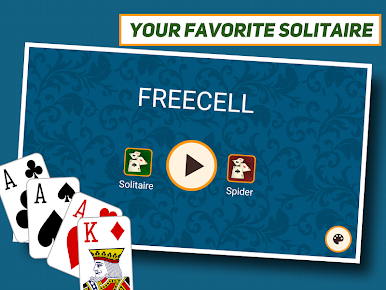
Popular Solitaire Variations
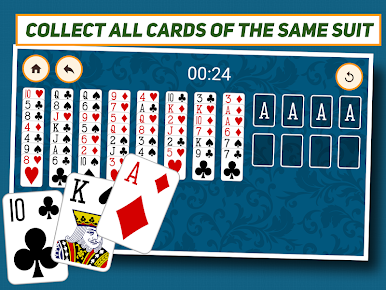
Jump into FreeCell, classic Klondike, or take on Spider Solitaire—all the classics are here, so you’ll never get bored. -
User-Friendly Layout
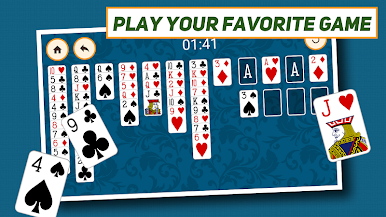
The design’s clean and simple, making it easy to find your way around and just get down to playing, whether you’re new or a seasoned card pro. -
Customizable Settings
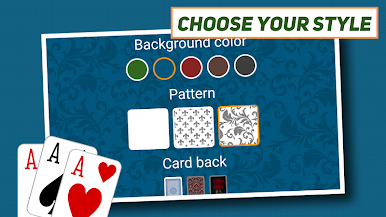
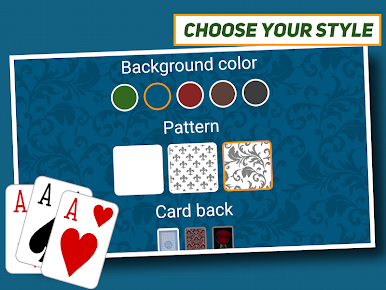
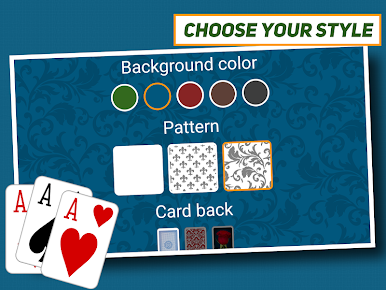
Tweak the game the way you like it. There are flexible options to adjust visuals and controls so you can play comfortably, your way. -
Simple Controls
Whether you’re tapping on your phone or clicking on BlueStacks, moving cards around feels natural and smooth. No clunky menus or confusing instructions. -
Single-Player Gameplay
Sometimes you just want to play cards solo. FreeCell Solitaire: Classic brings that classic one-player action you know and love—nothing else to get in your way. -
Play Anywhere, Anytime
Got a couple free minutes? Open FreeCell Solitaire: Classic on your mobile or fire it up with BlueStacks on your computer for a quick mental break. No WiFi needed.
Make your gaming sessions memorable with precise controls that give you an edge in close combats and visuals that pop up, bringing every character to life.
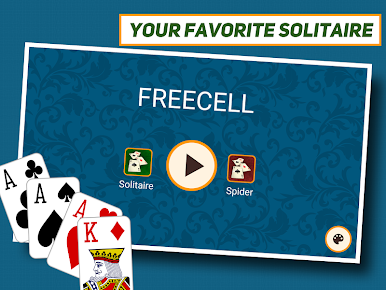
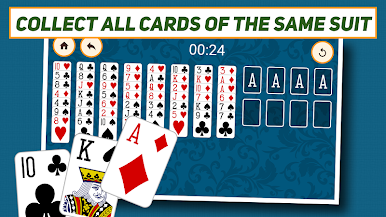
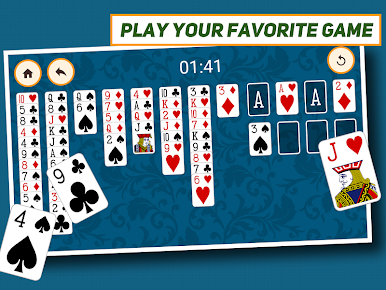
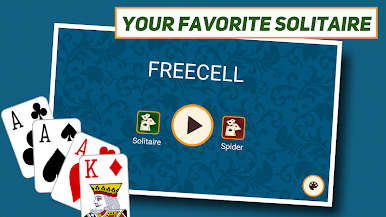



Play FreeCell Solitaire: Classic on PC. It’s easy to get started.
-
Download and install BlueStacks on your PC
-
Complete Google sign-in to access the Play Store, or do it later
-
Look for FreeCell Solitaire: Classic in the search bar at the top right corner
-
Click to install FreeCell Solitaire: Classic from the search results
-
Complete Google sign-in (if you skipped step 2) to install FreeCell Solitaire: Classic
-
Click the FreeCell Solitaire: Classic icon on the home screen to start playing

