


First Words for Baby: Colors
Chơi trên PC với BlueStacks - Nền tảng chơi game Android, được hơn 500 triệu game thủ tin tưởng.

Trang đã được sửa đổi vào: Jun 21, 2023
Play First Words for Baby: Colors on PC or Mac
Step into the World of First Words for Baby: Colors, a thrilling Educational game from the house of Androbaby. Play this Android game on BlueStacks App Player and experience immersive gaming on PC or Mac.
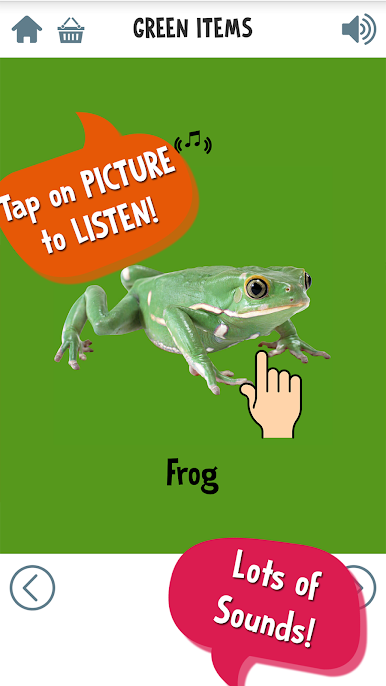
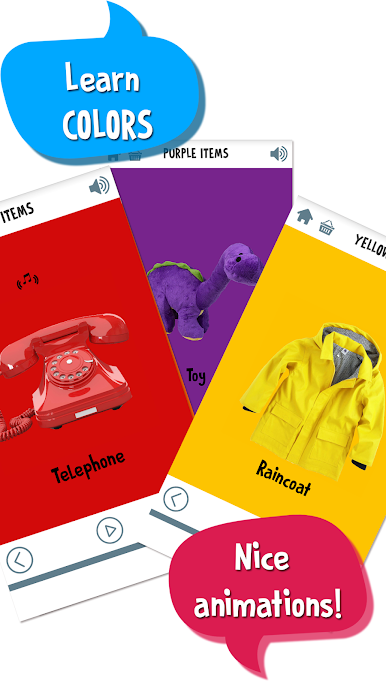
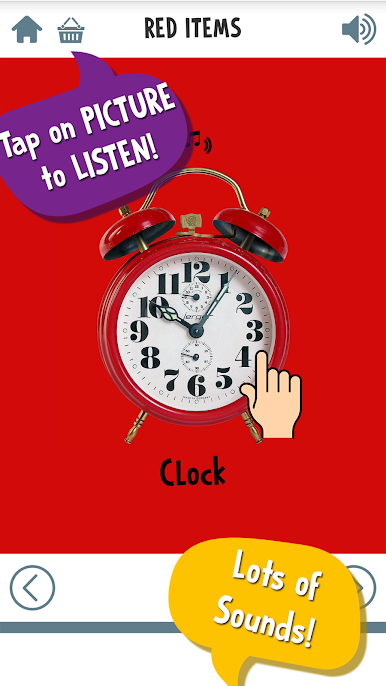
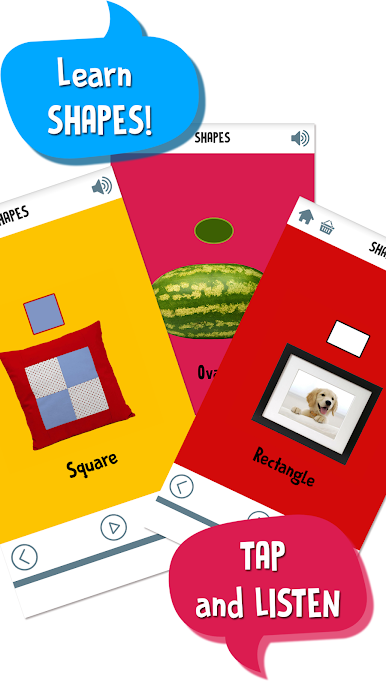
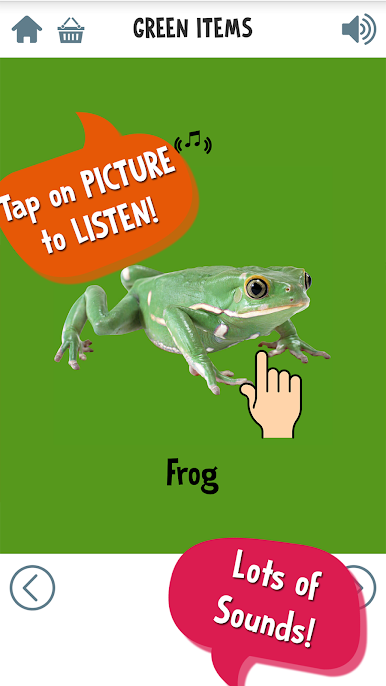
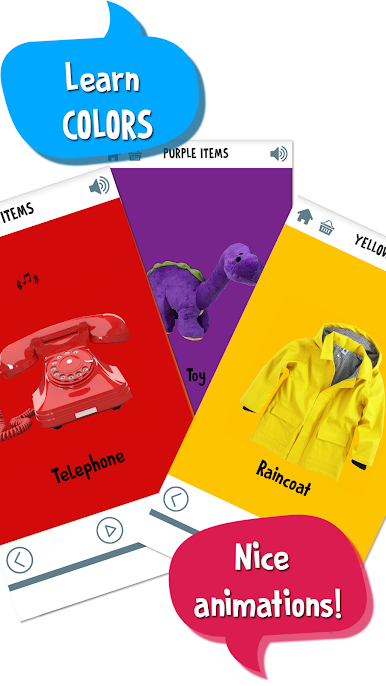
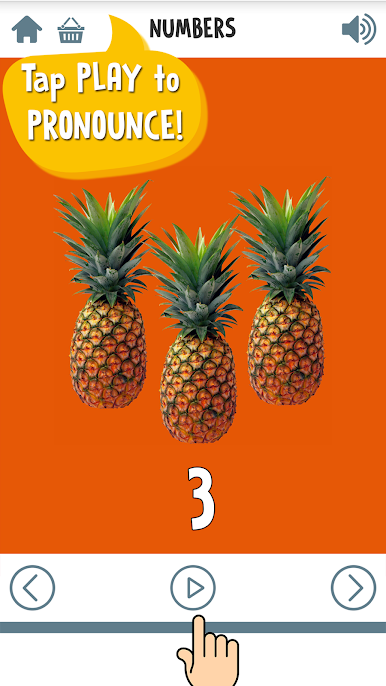
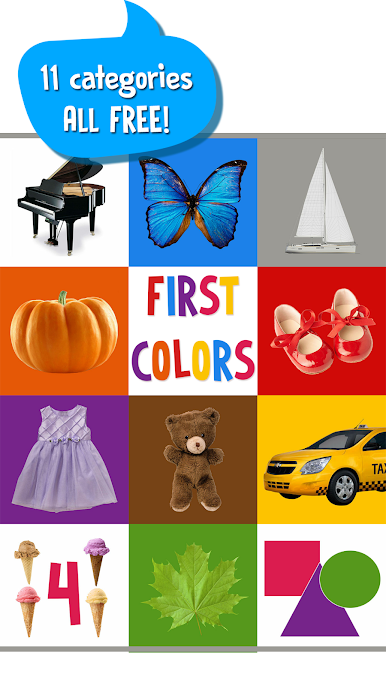
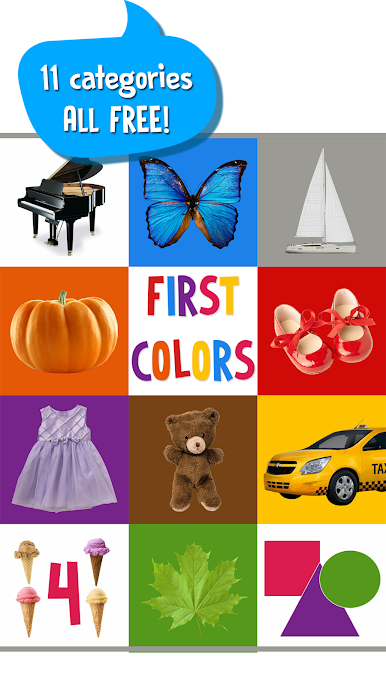
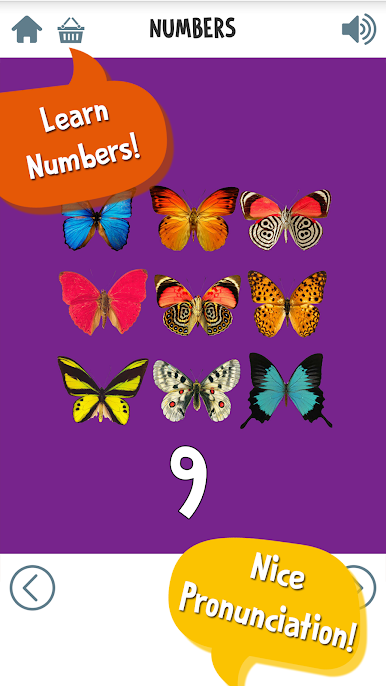
First Words for Baby: Colors is one of those super easygoing games meant for really young kids, but honestly, it does what it sets out to do. It’s full of big, bright pictures and flashcards that teach colors, numbers, and shapes—think stuff like red, blue, square, and numbers up to ten. There are over a hundred words included, all split into little groups so things don’t get confusing. The voiceovers are clear and friendly, so kids actually pick up on the right way to say everything. Nothing in the game feels rushed; it’s all about that slow pace where kids can just poke at different cards, hear the word, and see the picture. That seems to help things stick without any stress or time limits.
Navigation’s super simple, and it’s impossible to “fail” at anything. Little ones can just tap around freely, so it’s not frustrating or tricky for them. Playing on PC with BlueStacks gives it a nice, big screen, which makes the colors and pictures pop even more. It’s honestly ideal if someone wants to sit with their kid or let them mess around without worrying. Everything’s straightforward, from the menus to the way the categories are set up. Great for those first learning steps—nothing flashy, just the basics done well.
Make your gaming sessions memorable with precise controls that give you an edge in close combats and visuals that pop up, bringing every character to life.
Chơi First Words for Baby: Colors trên PC. Rất dễ để bắt đầu
-
Tải và cài đặt BlueStacks trên máy của bạn
-
Hoàn tất đăng nhập vào Google để đến PlayStore, hoặc thực hiện sau
-
Tìm First Words for Baby: Colors trên thanh tìm kiếm ở góc phải màn hình
-
Nhấn vào để cài đặt First Words for Baby: Colors trong danh sách kết quả tìm kiếm
-
Hoàn tất đăng nhập Google (nếu bạn chưa làm bước 2) để cài đặt First Words for Baby: Colors
-
Nhấn vào icon First Words for Baby: Colors tại màn hình chính để bắt đầu chơi

