

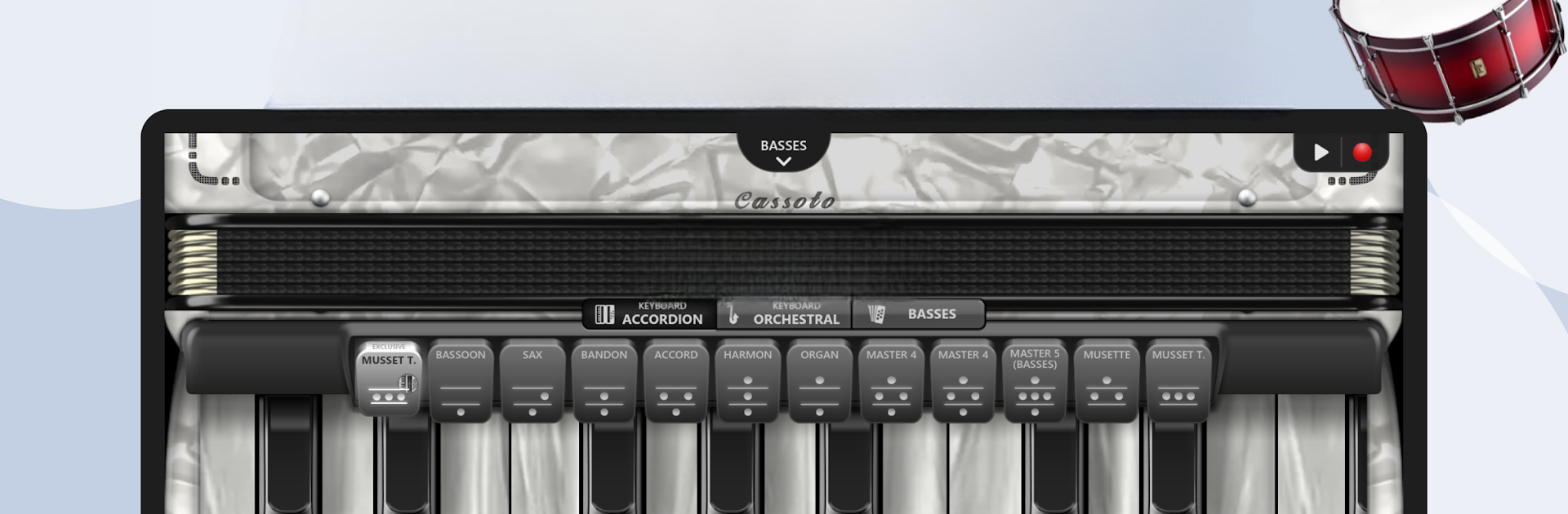
Accordion Piano Cassoto Game
5억명 이상의 게이머가 신뢰하는 안드로이드 게임 플랫폼 BlueStacks으로 PC에서 플레이하세요.

Run Accordion Piano Cassoto Game on PC or Mac
Multitask effortlessly on your PC or Mac as you try out Accordion Piano Cassoto Game, a Music & Audio app by GMobiler Apps on BlueStacks.
About the App
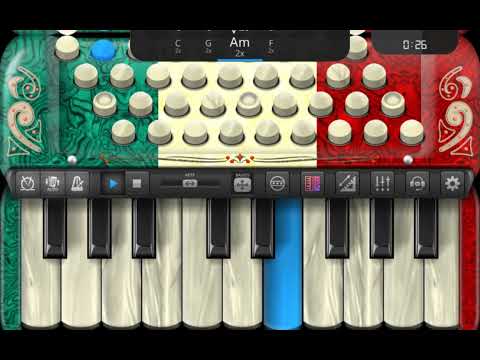
Ever thought about playing the accordion but never found the right moment (or the instrument)? Accordion Piano Cassoto Game puts an entire accordion right in your pocket. Whether you’re brand new or you’ve already got some musical chops, this Music & Audio app from GMobiler Apps lets you jump in, explore, and make music at your own pace. It’s surprisingly immersive—adjust, experiment, and learn while having fun. And if you want a bigger screen, you can mess around with all these features on BlueStacks too.
App Features
-
Loads of Accordions to Try Out
Pick from over a hundred unique accordions. Each one sounds different, and you can tweak the look to match your style. Feeling bold? Go colorful; feeling classic? Stick with the originals. It’s up to you. -
True-to-Life Sounds
There are 50 types of authentic-sounding samples, including musette, violin, concertina, bassoon, and even bandoneon. You might end up picking a new favorite every session. -
Play Along with Rhythms
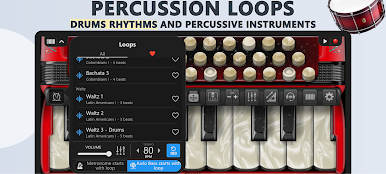
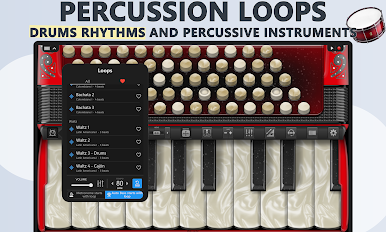
Experiment with rhythms and loops from a range of genres—think Norteño, Vallenato, Cumbia, Forró, and even Carnatic or Bhangra. The built-in metronome’s there if you want to slow things down or bring up the tempo. -
Easy Recording and Sharing
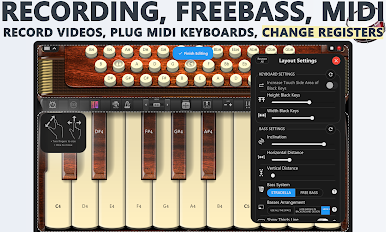
Hit record and save your tunes as videos or MIDI files. Want to post that new riff? Go for it—it’s super straightforward to share what you’ve created. -
Custom Learning Tools
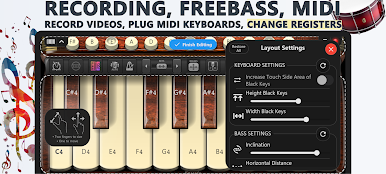
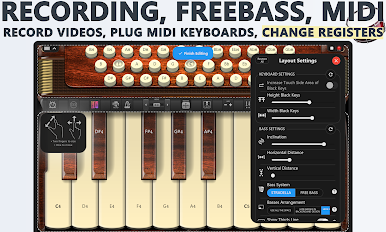
You can light up notes on each key, resize buttons, and take advantage of a “FREE BASS” system to zero in on bass skills. There’s room for both 41 keys and 120 basses. -
Automatic Bass—Because Why Not?
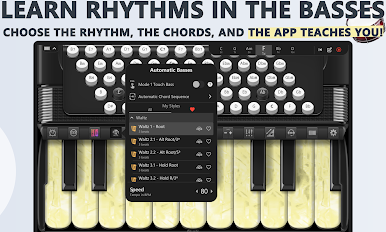
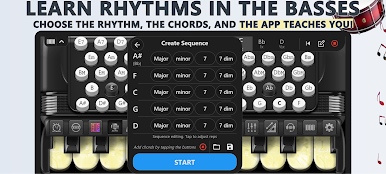
With this feature, you can set the bass to play on its own and focus on melodies—or watch and learn how rhythms come together. -
Fun Across Ages
There are 180 different loops and grooves, so whether it’s the kids goofing around or you working out a complex rhythm, everyone can join in and learn. -
Flexible Practice Options
Try things solo, learn at your own speed, or just jam for fun. It’s a total playground for accordion enthusiasts—or anyone who just wants to make some music.
Switch to BlueStacks and make the most of your apps on your PC or Mac.






PC에서 Accordion Piano Cassoto Game 플레이해보세요.
-
BlueStacks 다운로드하고 설치
-
Google Play 스토어에 로그인 하기(나중에 진행가능)
-
오른쪽 상단 코너에 Accordion Piano Cassoto Game 검색
-
검색 결과 중 Accordion Piano Cassoto Game 선택하여 설치
-
구글 로그인 진행(만약 2단계를 지나갔을 경우) 후 Accordion Piano Cassoto Game 설치
-
메인 홈화면에서 Accordion Piano Cassoto Game 선택하여 실행

