



Internal Organs in 3D Anatomy
Chơi trên PC với BlueStacks - Nền tảng chơi game Android, được hơn 500 triệu game thủ tin tưởng.

Trang đã được sửa đổi vào: Nov 14, 2025
Run Internal Organs in 3D (Anatomy) on PC or Mac
What’s better than using Internal Organs in 3D (Anatomy) by Ing. Victor Michel Gonzalez Galvan? Well, try it on a big screen, on your PC or Mac, with BlueStacks to see the difference.
About the App
Curious about what’s going on inside your body? Internal Organs in 3D (Anatomy) lets you see the human body’s organs in a way that’s easy to explore and surprisingly fun. Created by Ing. Victor Michel Gonzalez Galvan, this Education app is perfect for students, biology fans, or anyone who just wants to get a better look at what makes us tick. Whether you’re brushing up for a test or just want to impress your friends, this app puts tons of detailed anatomical info right at your fingertips.
App Features
-
3D Organ Models
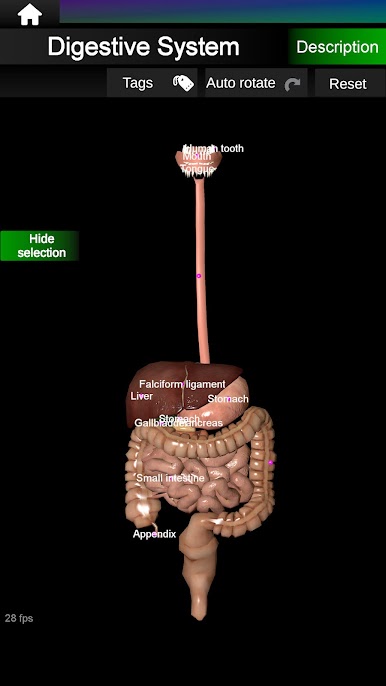
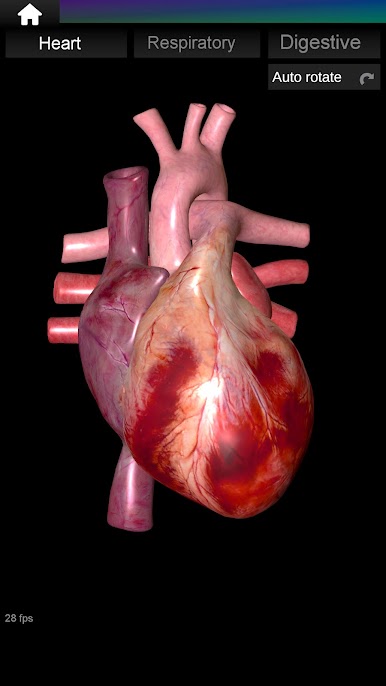
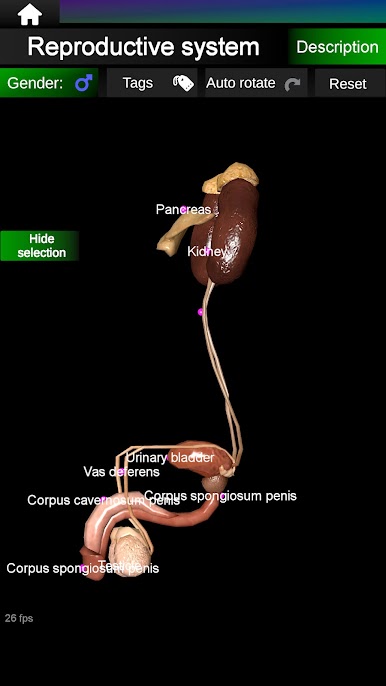
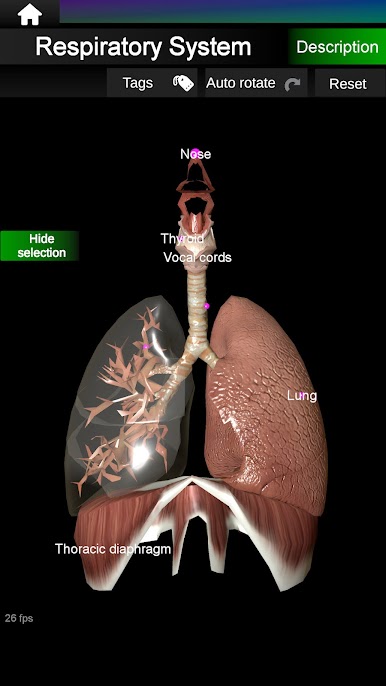
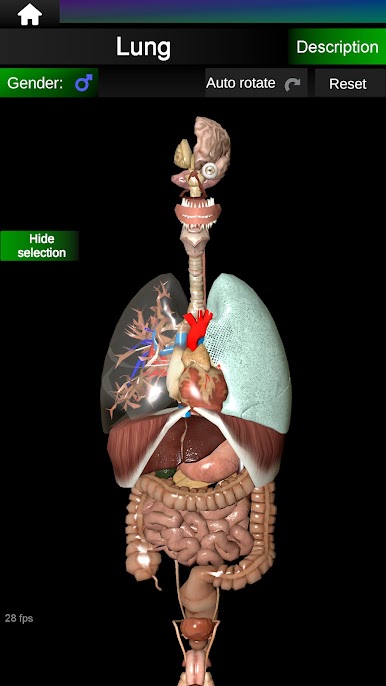
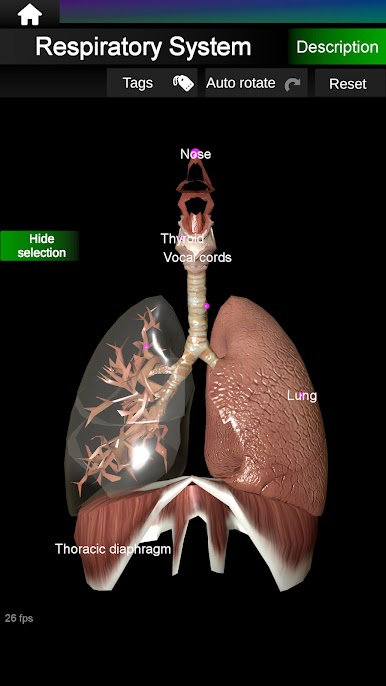
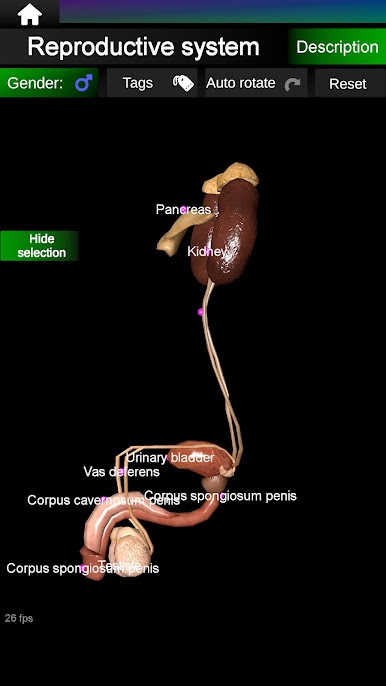
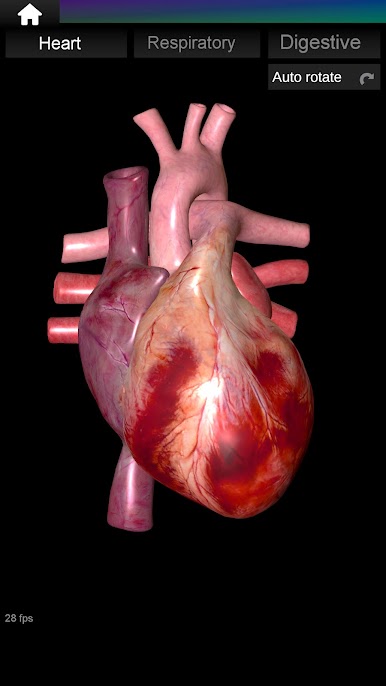
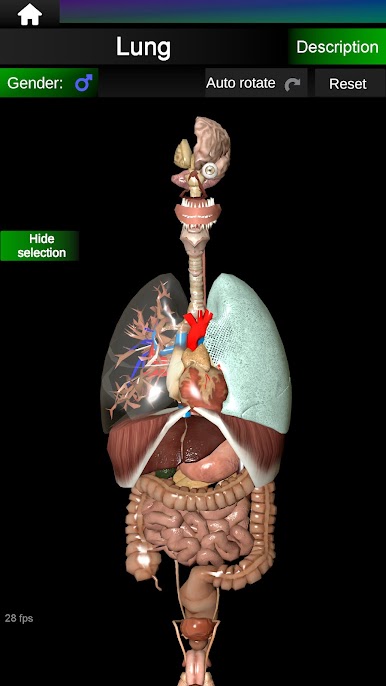
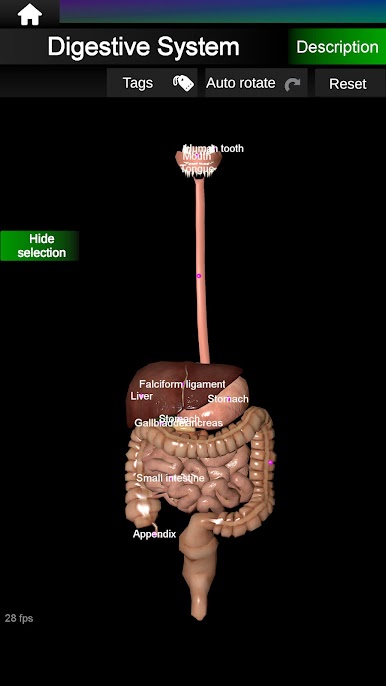
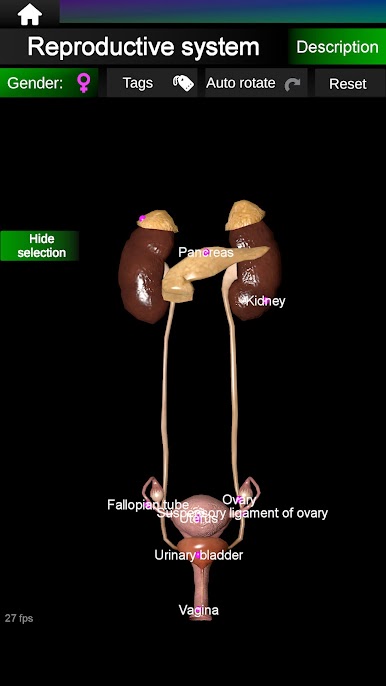
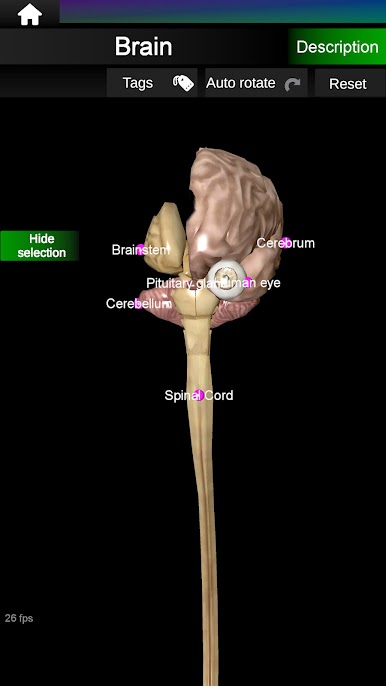
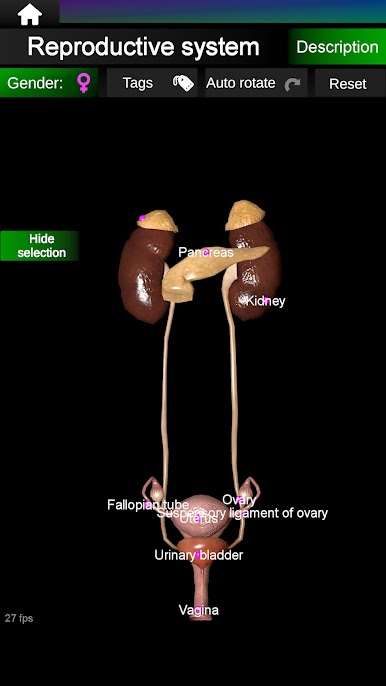
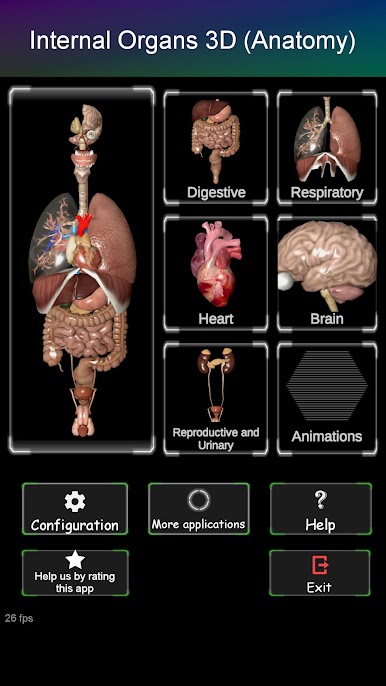
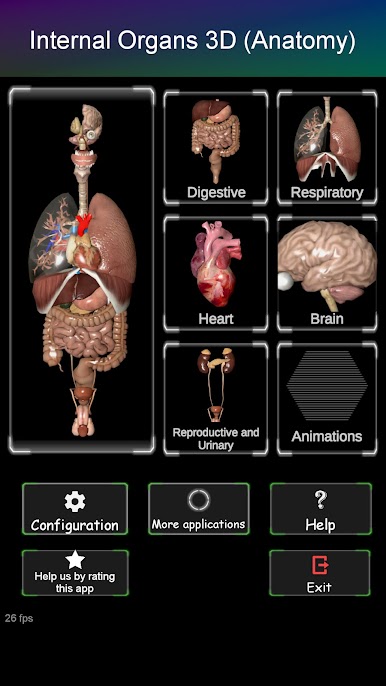
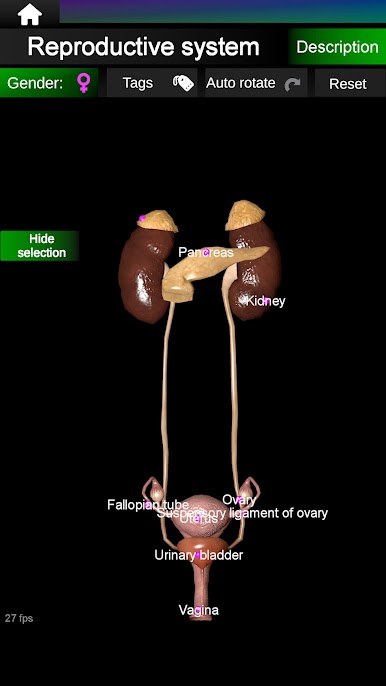
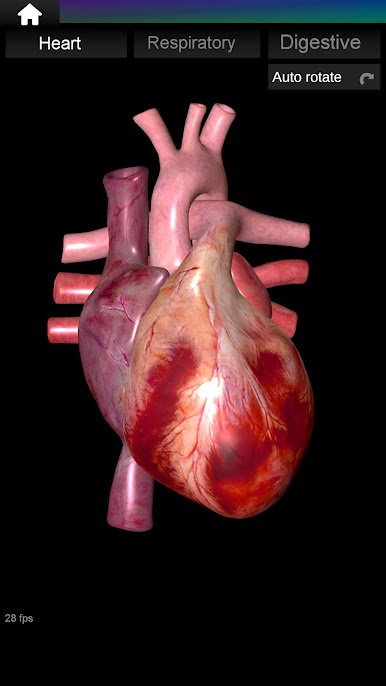
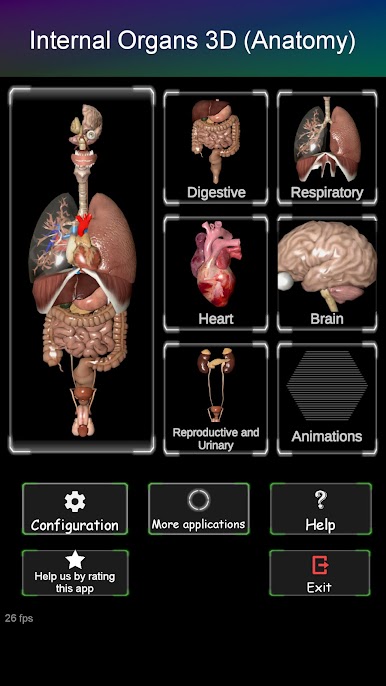
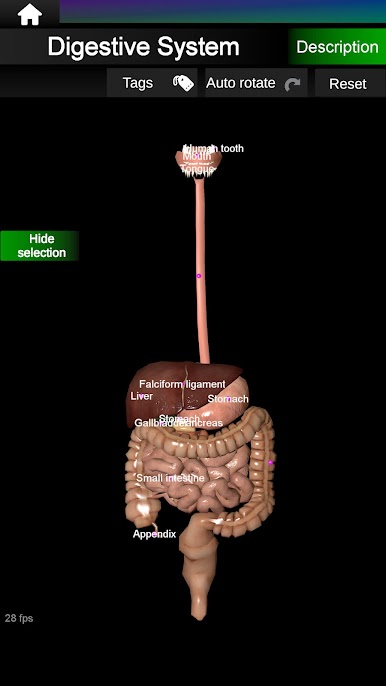
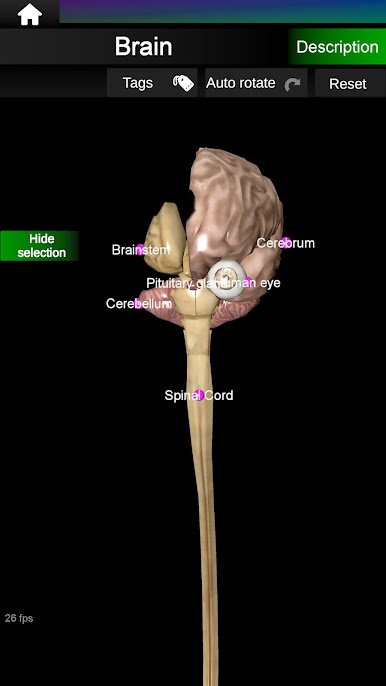
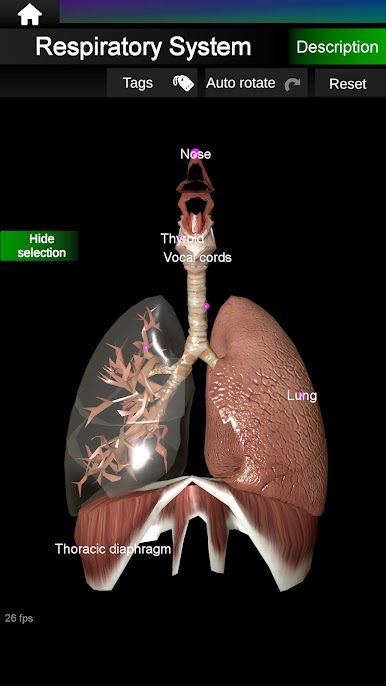
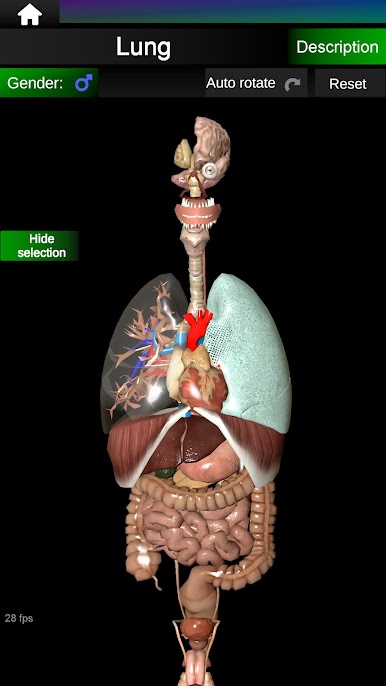
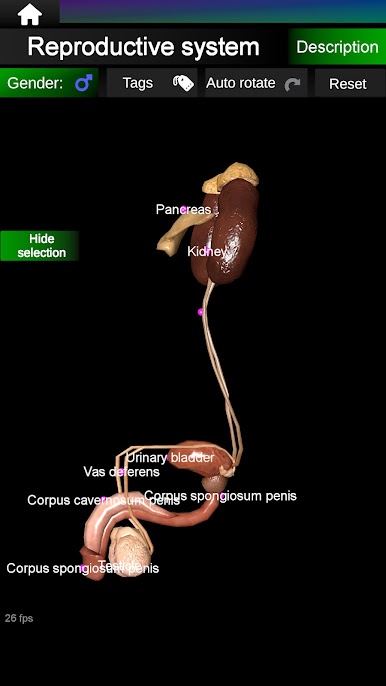
Check out lifelike models of major human organs—heart, lungs, brain, digestive and reproductive systems, and more—all in full color and easy to identify. -
Tap for Details
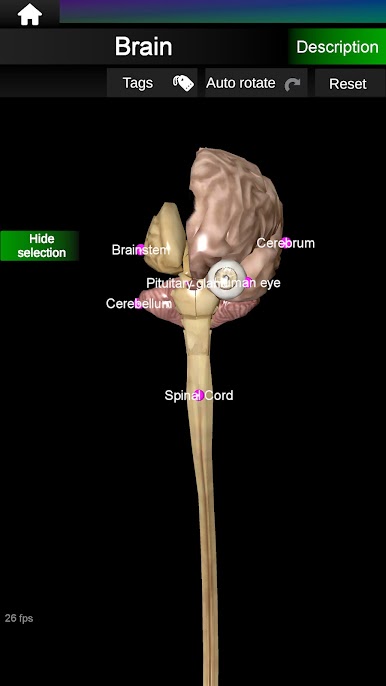
Tap on any organ to instantly see in-depth explanations and facts. It’s a quick way to understand what each organ does without flipping through a textbook. -
Easy Zoom and Rotation
Spin organs around or zoom in for a close look. Want to see the kidney from a different angle? Just move your fingers and it’s done. -
Male & Female Anatomy
See anatomical differences—switch between male and female versions to compare organs side by side. -
Multilingual Options
Choose from English, Spanish, French, or Portuguese. Super handy if you’re studying in a bilingual class or just want to learn anatomical terms in a new language. -
Customizable Info Display
Hide or show detailed information as you wish. Focus on visuals or keep the facts front and center—it’s up to you. -
Works Great on BlueStacks
If you prefer a bigger screen, you can use BlueStacks for a crisp, interactive experience on your desktop. -
Useful for All Levels
Whether you’re in grade school, college, or just a lifelong learner, this app’s organized and colorful format makes things simple for everyone. -
Regular Free Updates
New features and improvements come straight to you, no extra effort needed.
BlueStacks gives you the much-needed freedom to experience your favorite apps on a bigger screen. Get it now.

Chơi Internal Organs in 3D Anatomy trên PC. Rất dễ để bắt đầu
-
Tải và cài đặt BlueStacks trên máy của bạn
-
Hoàn tất đăng nhập vào Google để đến PlayStore, hoặc thực hiện sau
-
Tìm Internal Organs in 3D Anatomy trên thanh tìm kiếm ở góc phải màn hình
-
Nhấn vào để cài đặt Internal Organs in 3D Anatomy trong danh sách kết quả tìm kiếm
-
Hoàn tất đăng nhập Google (nếu bạn chưa làm bước 2) để cài đặt Internal Organs in 3D Anatomy
-
Nhấn vào icon Internal Organs in 3D Anatomy tại màn hình chính để bắt đầu chơi

