

SMD info
Chơi trên PC với BlueStacks - Nền tảng chơi game Android, được hơn 500 triệu game thủ tin tưởng.

Trang đã được sửa đổi vào: Aug 10, 2025
Run SMD info on PC or Mac
Upgrade your experience. Try SMD info, the fantastic Tools app from Alexandr11997755, from the comfort of your laptop, PC, or Mac, only on BlueStacks.
About the App
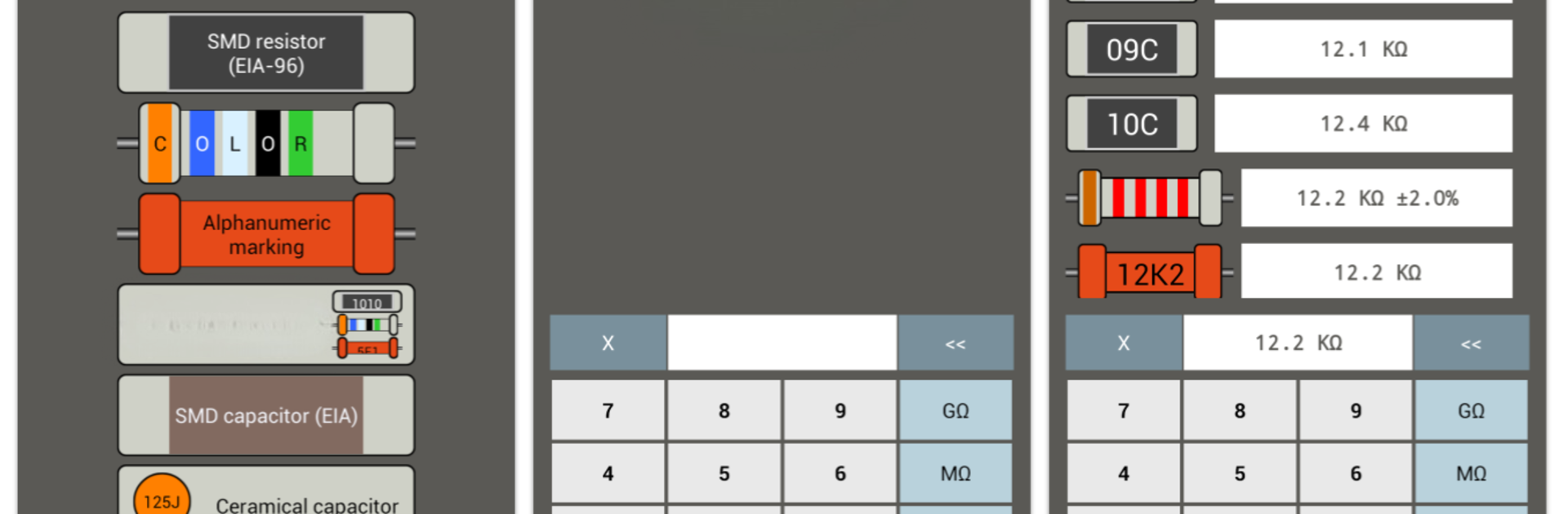
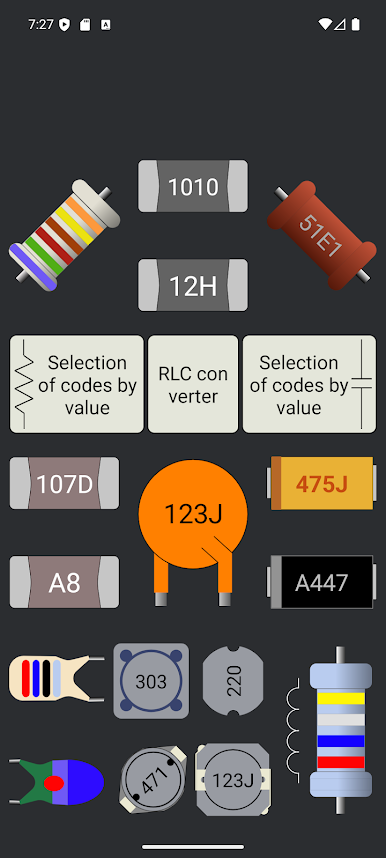
Ever get stumped by those tiny codes on SMD components? SMD info is here to help. Whether you’re tinkering on your own electronics project or handling repairs, this handy tool takes the guesswork out of reading SMD ratings and resistor color codes. With SMD info, you can finally understand what those little marks are telling you and keep your part details close at hand.
App Features
-
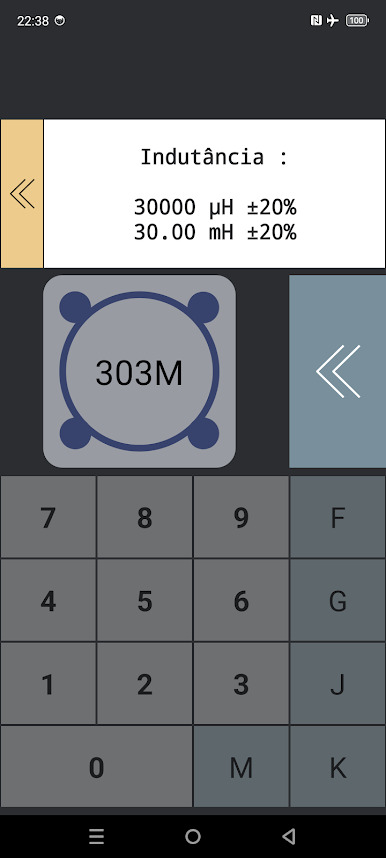
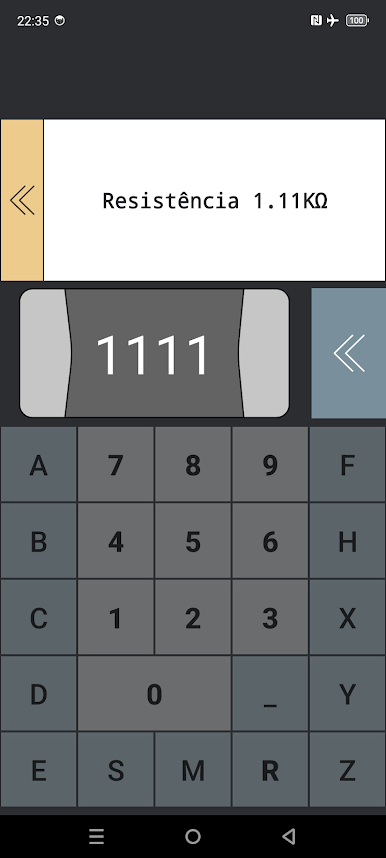
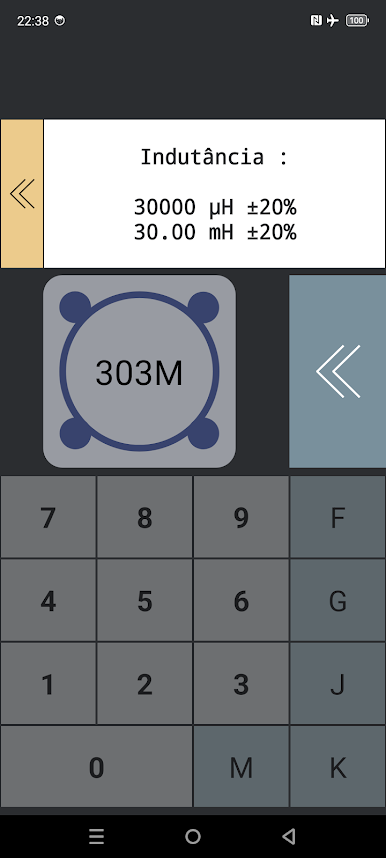
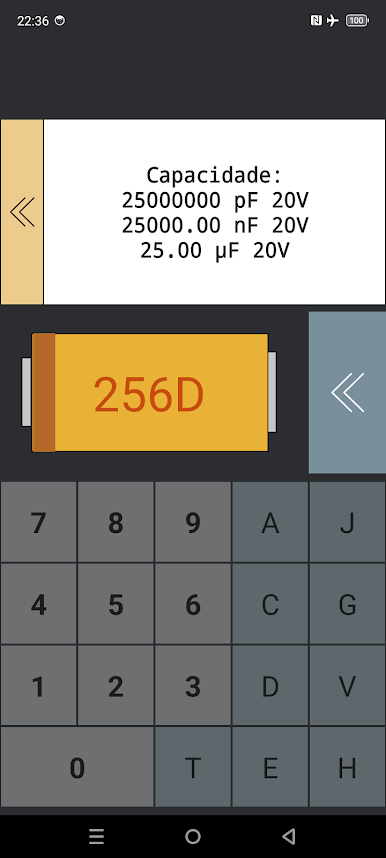
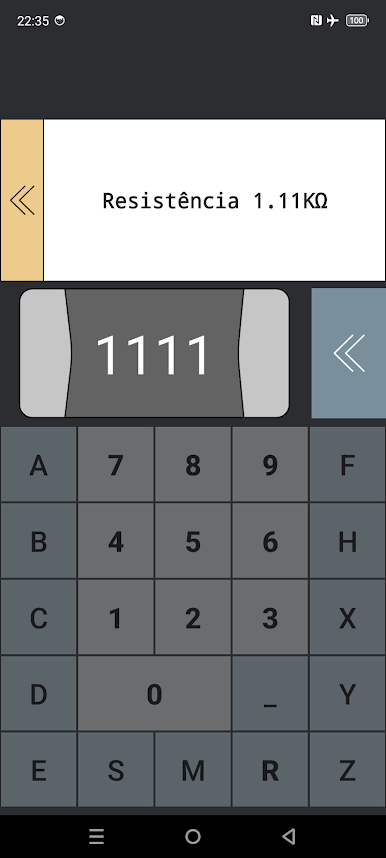
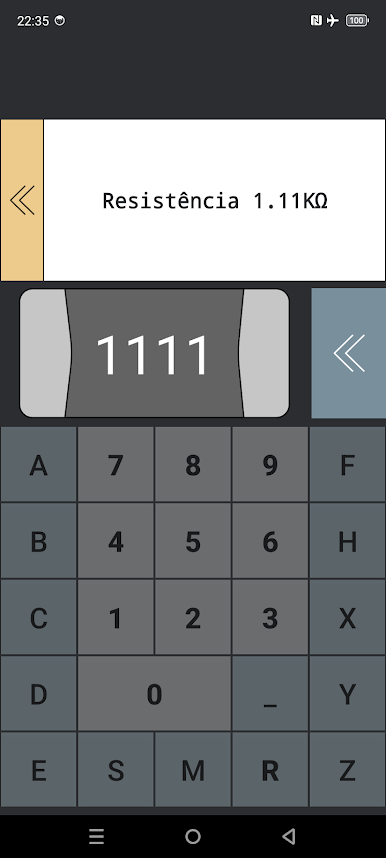
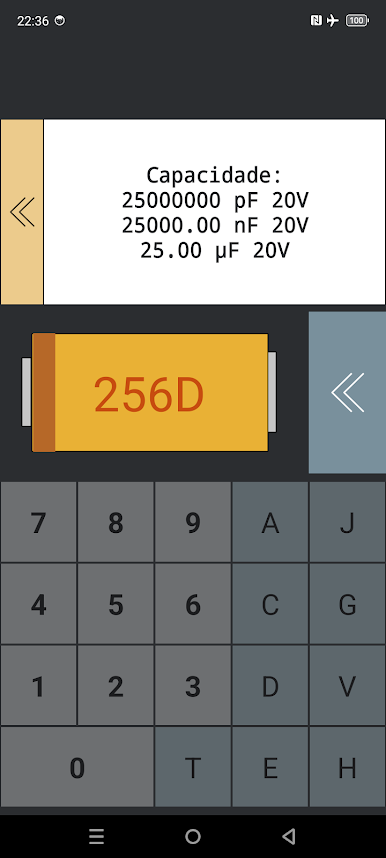
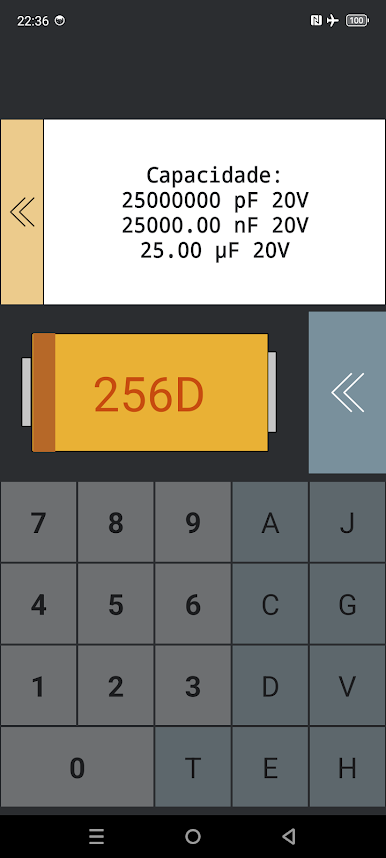
Quick SMD Decoder: Not sure what an SMD code means? Type it in, and you’ll see the resistance or capacitance described in plain English. No more flipping through tables or searching online.
-
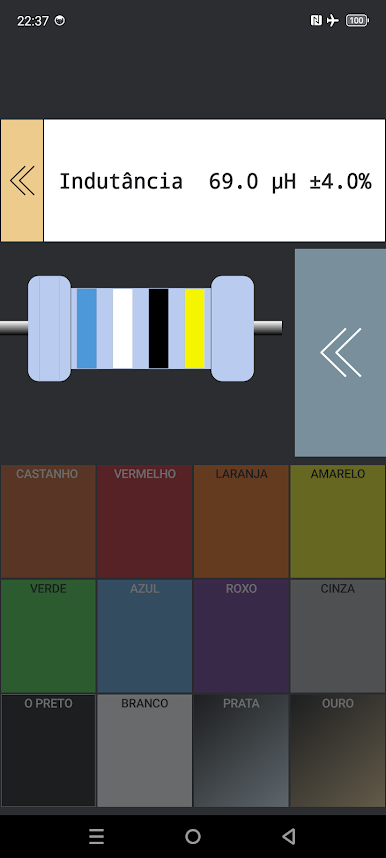
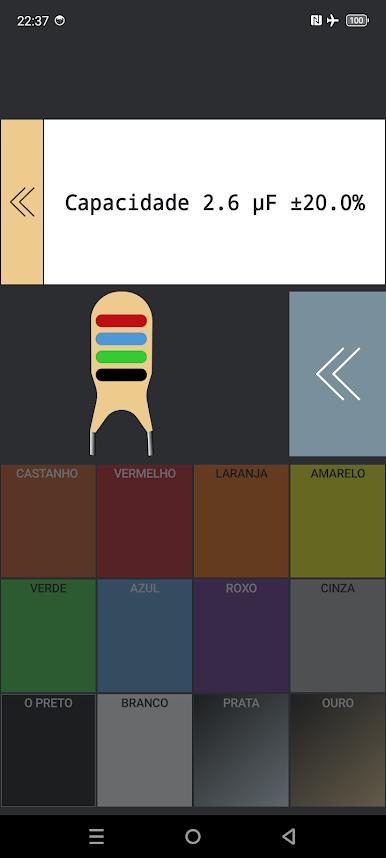
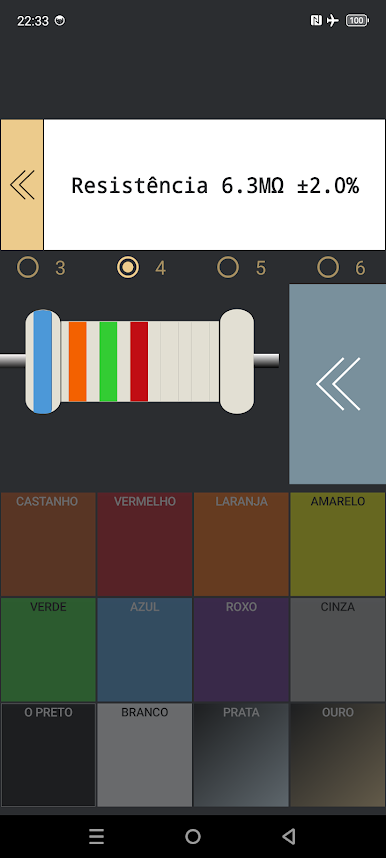
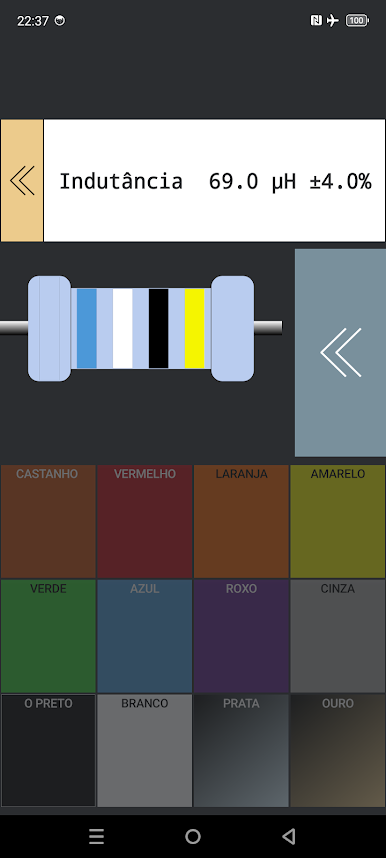
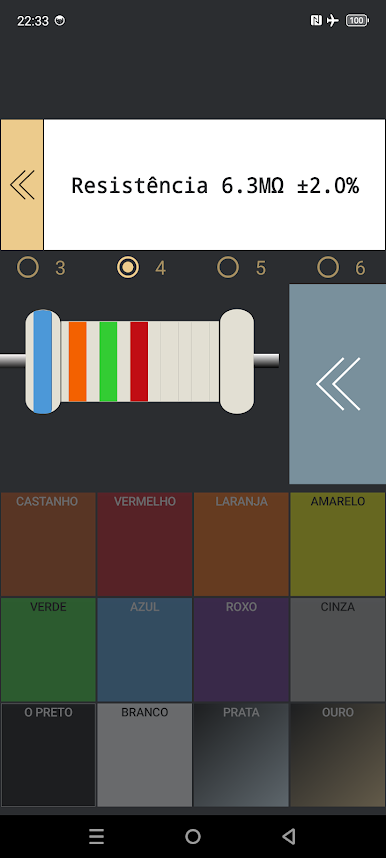
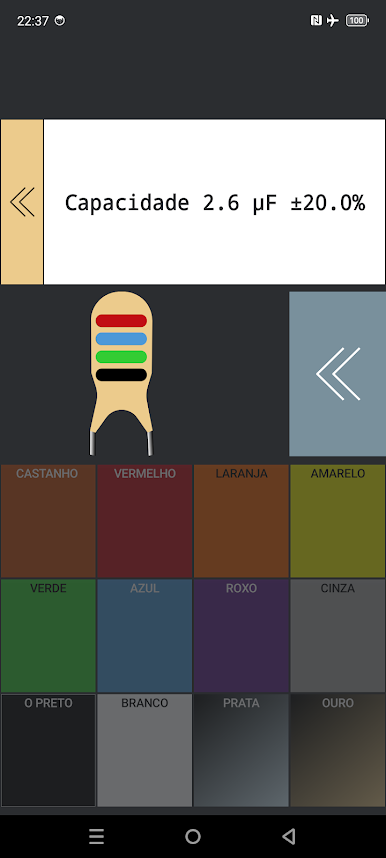
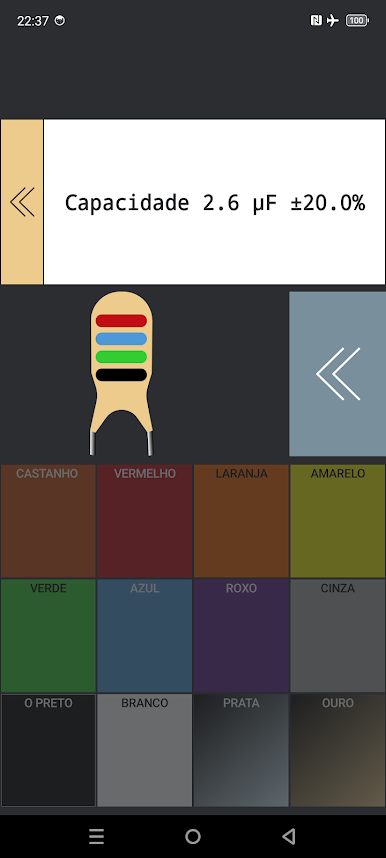
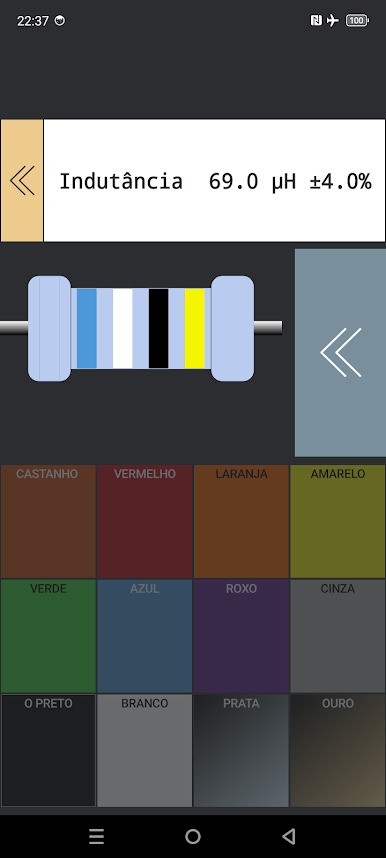
Resistor Color Code Help: Stop squinting at color bands trying to figure out resistor values. Enter the colors, and the app gives you the number you need, fast and simple.
-
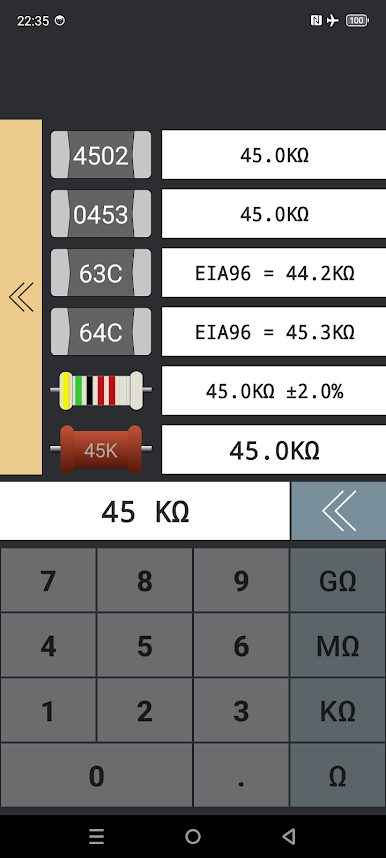
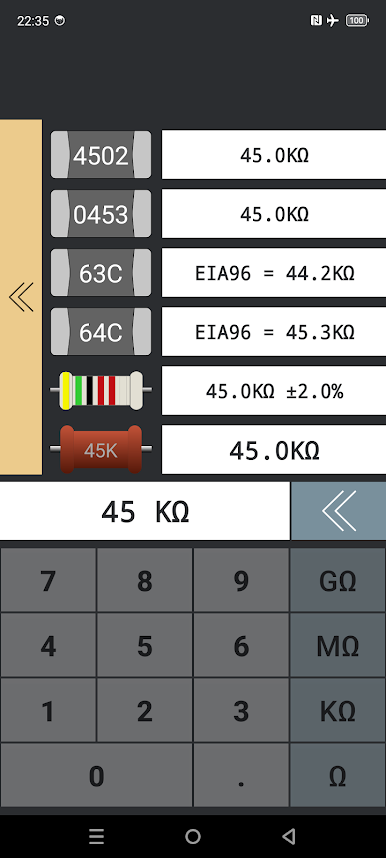
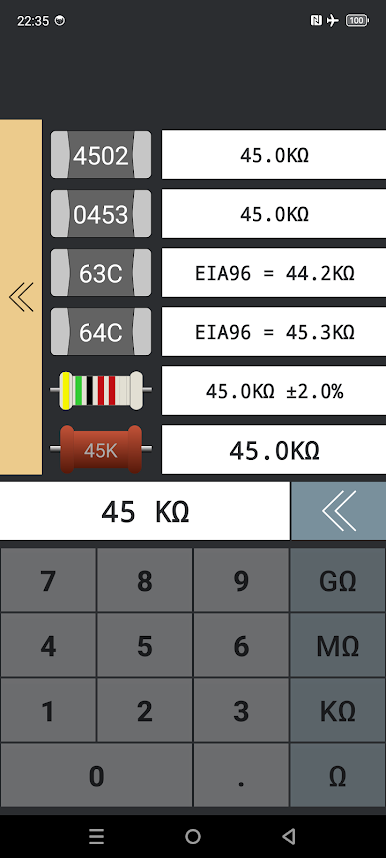
Reverse Lookup: Got a value in mind but need to find the right code? Easy. Type in the resistance, and SMD info shows possible codes for physical marking or color bands.
-
History Tracking: Every code you decode or look up gets saved. Need to remember that weird part from last week? Just check your recent history, and it’s all there.
-
Seamless on BlueStacks: Want a bigger view while working at your bench? SMD info works smoothly if you’re running it on BlueStacks, so you can check codes from your computer without breaking your workflow.
SMD info by Alexandr11997755 puts essential decoding tools right in your pocket, making life easier whether you’re a pro or just getting started.
Eager to take your app experience to the next level? Start right away by downloading BlueStacks on your PC or Mac.

Chơi SMD info trên PC. Rất dễ để bắt đầu
-
Tải và cài đặt BlueStacks trên máy của bạn
-
Hoàn tất đăng nhập vào Google để đến PlayStore, hoặc thực hiện sau
-
Tìm SMD info trên thanh tìm kiếm ở góc phải màn hình
-
Nhấn vào để cài đặt SMD info trong danh sách kết quả tìm kiếm
-
Hoàn tất đăng nhập Google (nếu bạn chưa làm bước 2) để cài đặt SMD info
-
Nhấn vào icon SMD info tại màn hình chính để bắt đầu chơi

