


قرأن كامل سعود الشريم بدون نت
เล่นบน PC ผ่าน BlueStacks - Android Gaming Platform ที่ได้รับความไว้วางใจจากเกมเมอร์ 500 ล้านคนทั่วโลก

Page Modified on: Nov 14, 2025
Run قرأن كامل سعود الشريم بدون نت on PC or Mac
Upgrade your experience. Try قرأن كامل سعود الشريم بدون نت, the fantastic Music & Audio app from free quran mp3, from the comfort of your laptop, PC, or Mac, only on BlueStacks.
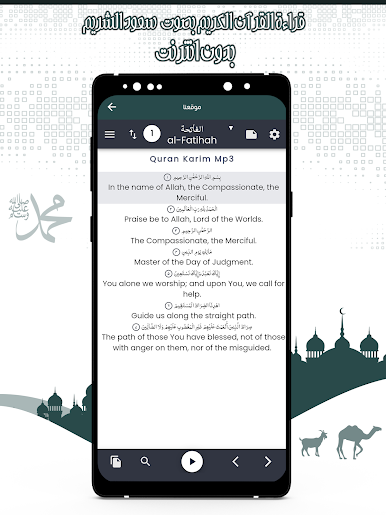
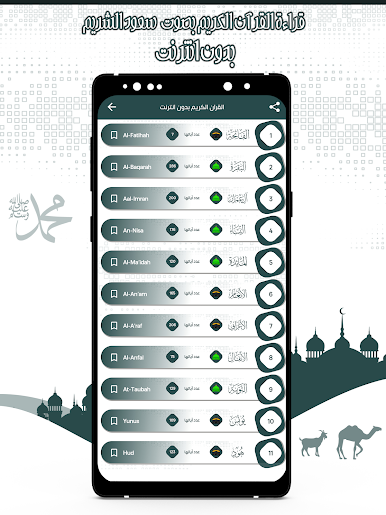
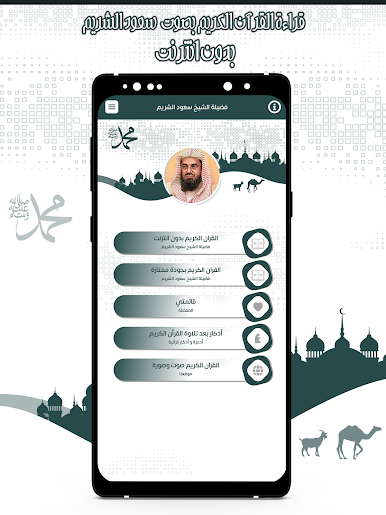
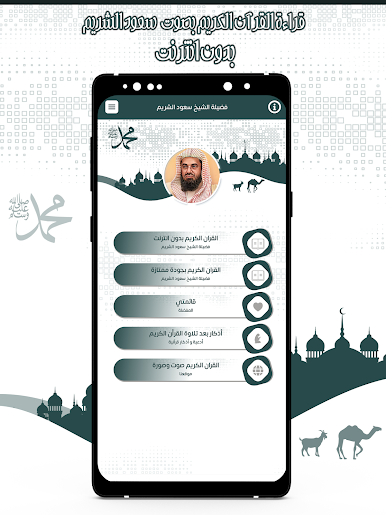
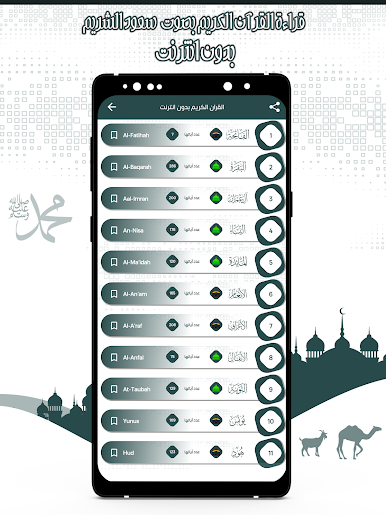
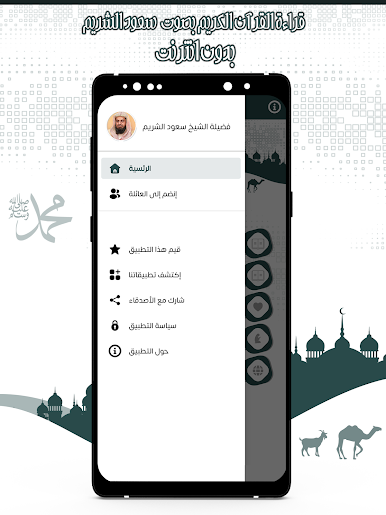
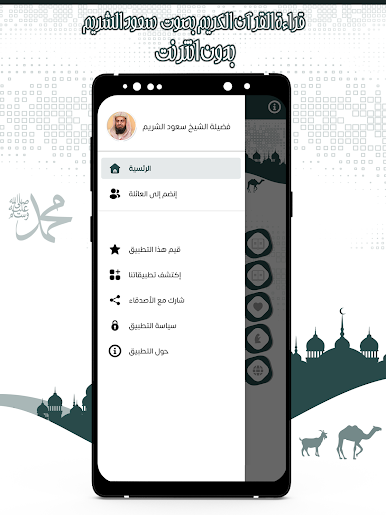
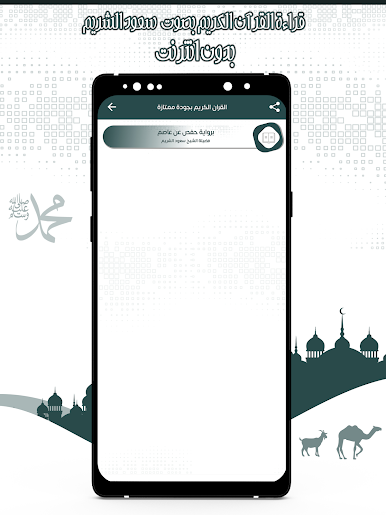
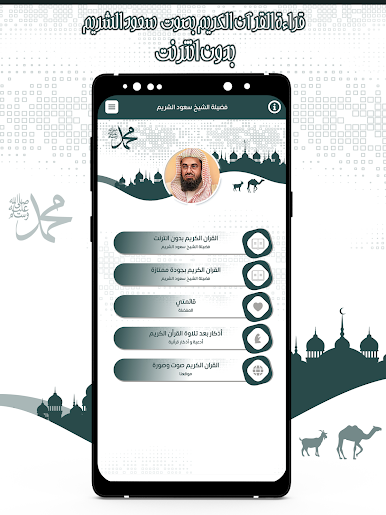
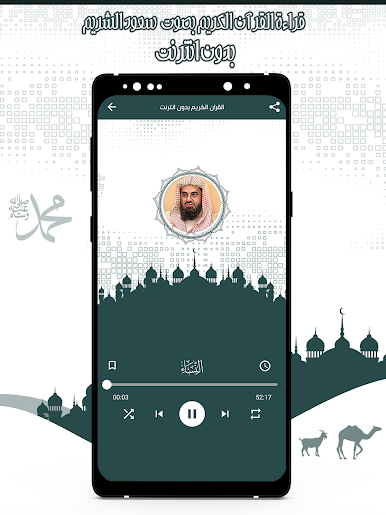
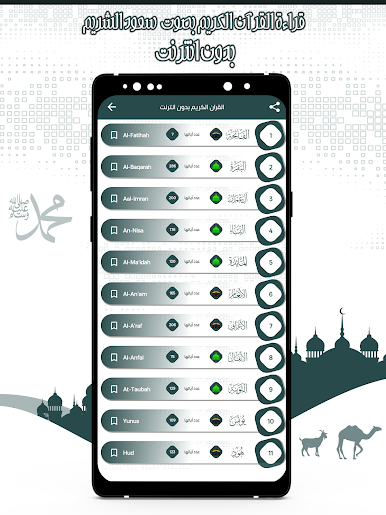
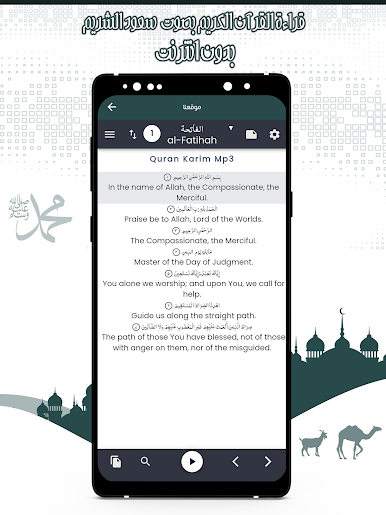
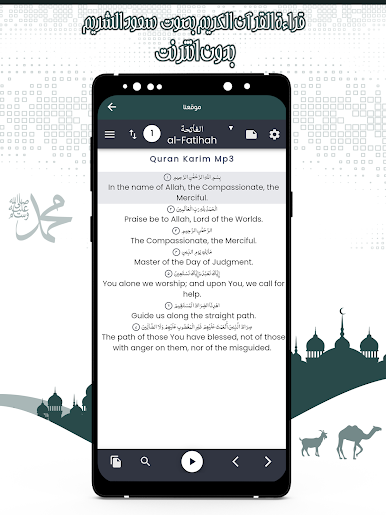
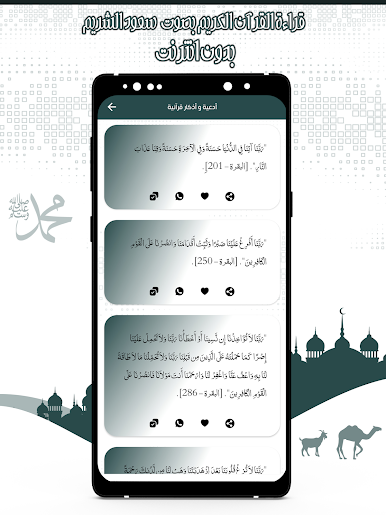
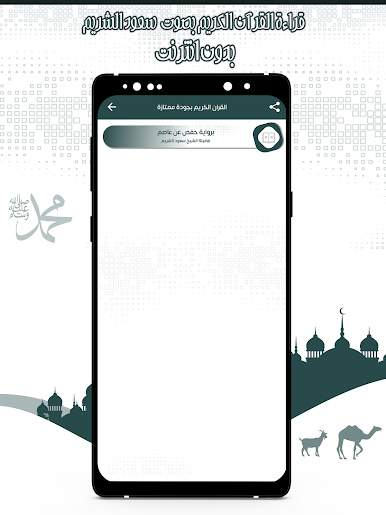
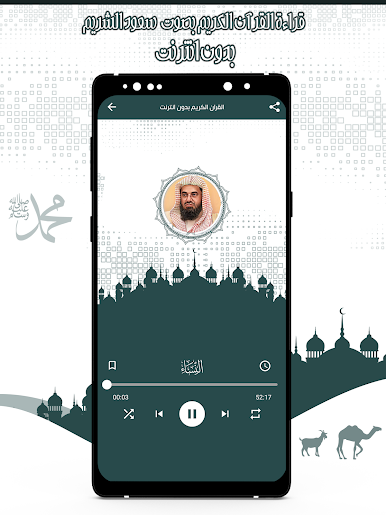
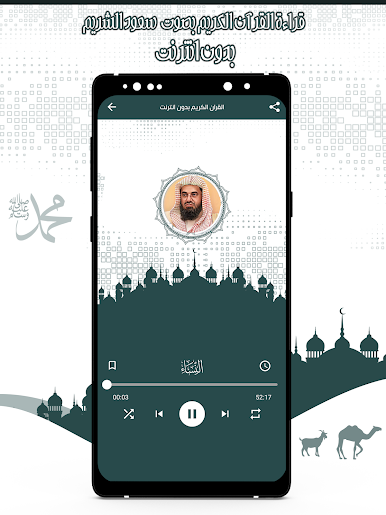
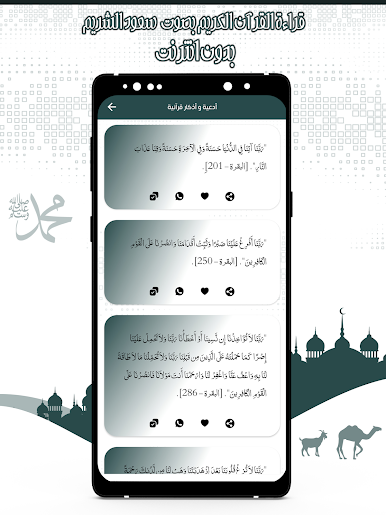
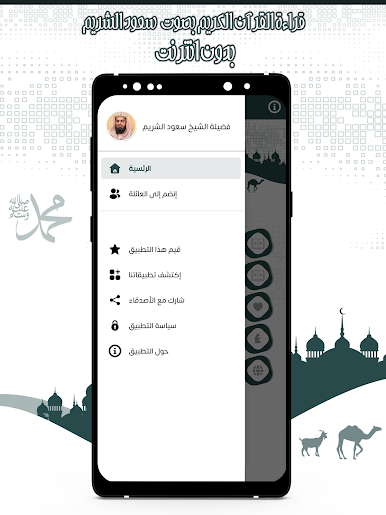
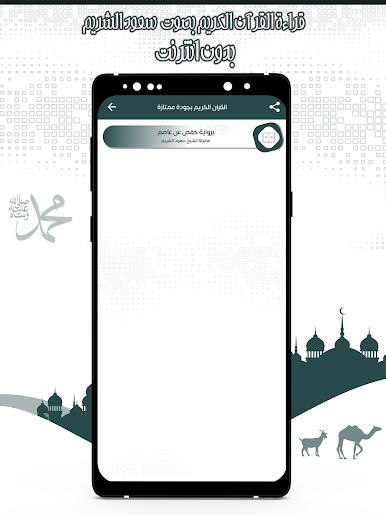
قرأن كامل سعود الشريم بدون نت is for anyone looking to listen to the entire Quran, all recited by Sheikh Saud Al-Shuraim — and the cool part is, there’s no need for an internet connection. The setup is very straightforward; once it’s installed, it’s just a simple, no-fuss way to have every surah right there. The app’s design keeps it really easy to navigate, so whether someone’s used to these kinds of apps or brand new, there’s not much of a learning curve at all. Choose a surah, play, pause, skip to the next or previous — everything is clear and uncomplicated.
A big thing that stands out is the smoothness of the recitation quality—Sheikh Saud Al-Shuraim’s voice is recorded well, and users get the mp3 versions instantly and for free. For those who mostly want something practical, this app doesn’t take up a ton of space, and it runs well even on older devices or if someone’s using BlueStacks on a computer. There aren’t any complicated features or ad interruptions, just a straightforward player that does exactly what it promises. Being offline is a big plus for when Wi-Fi isn’t around, or if someone just wants to stream the Quran without using data. People can even jump between surahs, see how much is left of each one, and use it without any hassle. Overall, it’s accessible whether someone’s young or old, and makes it pretty effortless to listen to the Quran, anytime and anywhere.
BlueStacks brings your apps to life on a bigger screen—seamless and straightforward.
เล่น قرأن كامل سعود الشريم بدون نت บน PC ได้ง่ายกว่า
-
ดาวน์โหลดและติดตั้ง BlueStacks บน PC ของคุณ
-
ลงชื่อเข้าใช้แอคเคาท์ Google เพื่อเข้าสู่ Play Store หรือทำในภายหลัง
-
ค้นหา قرأن كامل سعود الشريم بدون نت ในช่องค้นหาด้านขวาบนของโปรแกรม
-
คลิกเพื่อติดตั้ง قرأن كامل سعود الشريم بدون نت จากผลการค้นหา
-
ลงชื่อเข้าใช้บัญชี Google Account (หากยังไม่ได้ทำในขั้นที่ 2) เพื่อติดตั้ง قرأن كامل سعود الشريم بدون نت
-
คลิกที่ไอคอน قرأن كامل سعود الشريم بدون نت ในหน้าจอเพื่อเริ่มเล่น

