


Crickslab: Score & Live stream
Jogue no PC com BlueStacks - A Plataforma de Jogos Android, confiada por mais de 500 milhões de jogadores.

Página modificada em: Dec 12, 2025
Play Crickslab: Score & Live stream on PC or Mac
Step into the World of Crickslab: Score & Live stream, a thrilling Sports game from the house of CricksLab. Play this Android game on BlueStacks App Player and experience immersive gaming on PC or Mac.
About the Game
Crickslab: Score & Live stream turns any cricket day—casual or competitive—into a smooth, organized, and broadcast-ready experience. Keep ball-by-ball scores, manage teams and fixtures, and even stream your matches with sharp on-screen graphics, all from one place. It’s built for players, scorers, coaches, umpires, and fans who want real-time info without the hassle.
Game Features
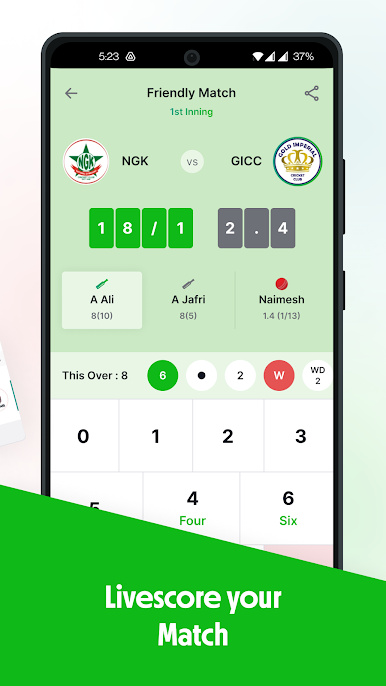
- Ball-by-ball scoring: Record every delivery, run, and wicket from a single, tidy screen that updates live for everyone.
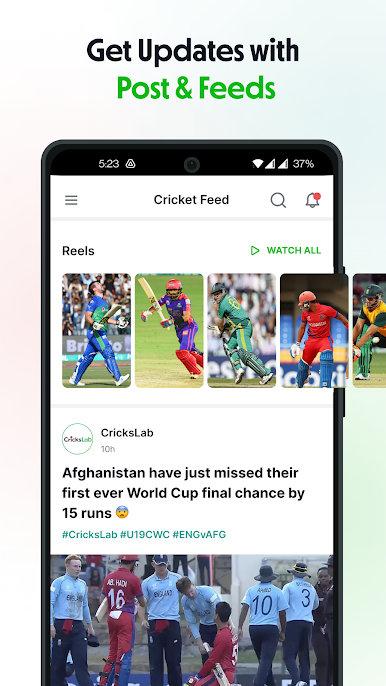
- Live match center: Follow real-time scores with ball-to-ball updates and commentary-style detail for that big-match feel.
- Match manager: Create or join matches in seconds, set rules, manage rosters, and review past games when you need the receipts.
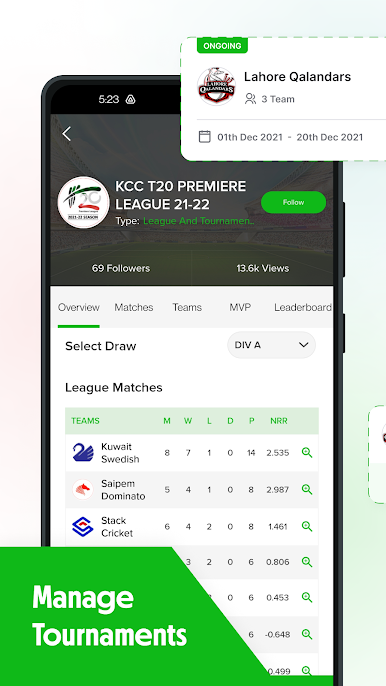
- Leagues and tournaments: Build divisions and fixtures with auto schedules, leaderboards, points tables, and dedicated tournament pages.
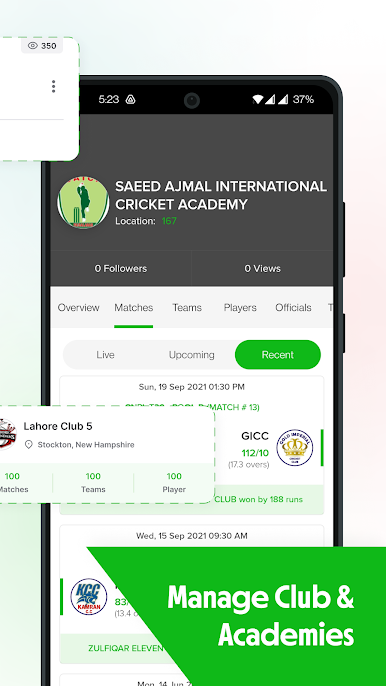
- Club & academy tools: Handle players, teams, officials, and public events from one dashboard designed for busy admins.
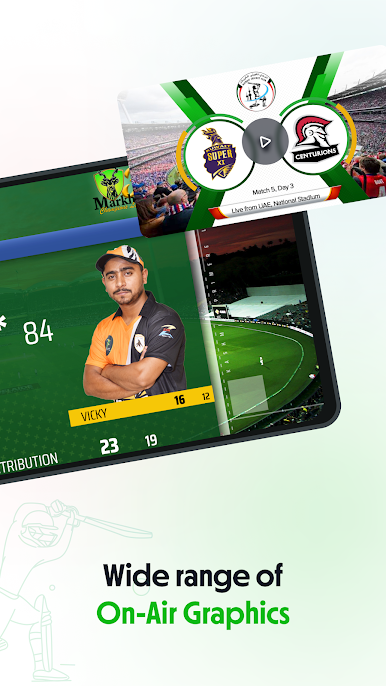
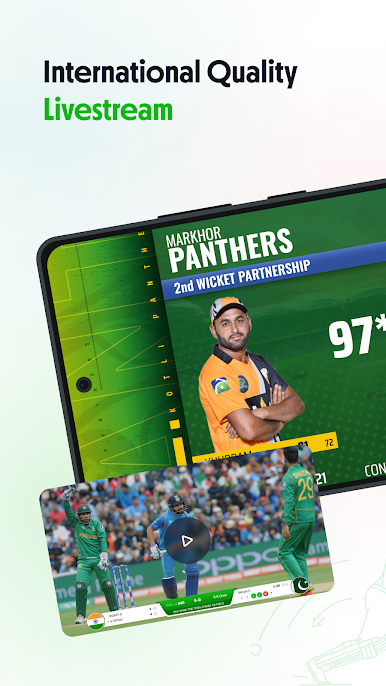
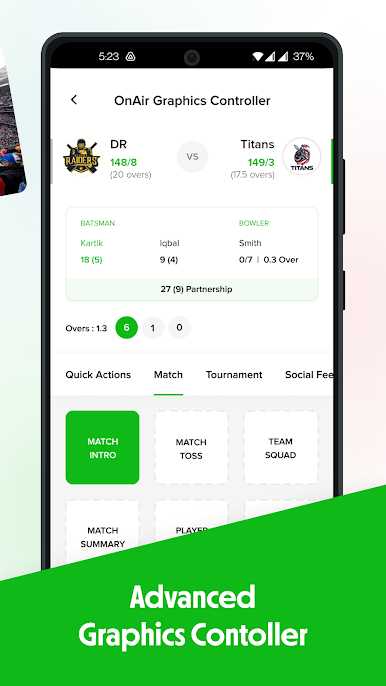
- Live streaming graphics: Add broadcast-style overlays and scoreboard elements powered by 90+ event cues for a polished stream.
- In-app studio: Control your livestream and graphics inside the app—no complicated setup required.
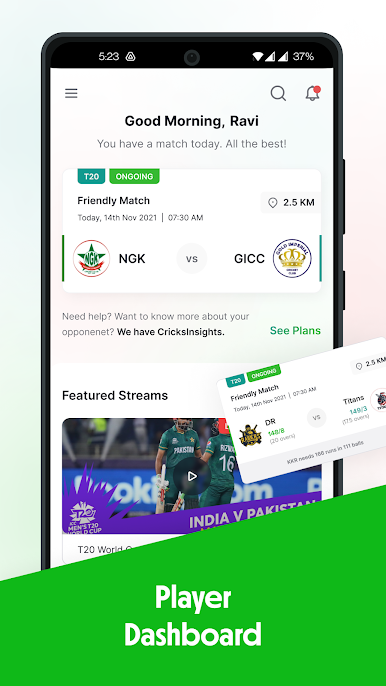
- Player dashboard: Track batting and bowling numbers, join teams, invite friends, and keep your profile up to date.
- Officials & umpires: List yourself as an official, manage assignments, and get hired to score or umpire public matches.
- Custom-branded platforms: Give your club or association a tailored setup with the full Crickslab feature set under your own banner.
- Venues & fixtures: Manage grounds, slots, and availability so scheduling doesn’t turn into guesswork.
- Flexible rules: From backyard cricket to pro formats, set overs, balls per over, and other match rules your way.
- Payments & registrations: Streamline member sign-ups and fees for players, teams, and leagues.
- Works at every level: Great for street games, schools, universities, clubs, and full-on professional events.
- PC-friendly scoring: Prefer a bigger screen on match day? Run the app with BlueStacks and keep everything at your fingertips.
Make your gaming sessions memorable with precise controls that give you an edge in close combats and visuals that pop up, bringing every character to life.
Jogue Crickslab: Score & Live stream no PC. É fácil começar.
-
Baixe e instale o BlueStacks no seu PC
-
Conclua o login do Google para acessar a Play Store ou faça isso mais tarde
-
Procure por Crickslab: Score & Live stream na barra de pesquisa no canto superior direito
-
Clique para instalar Crickslab: Score & Live stream a partir dos resultados da pesquisa
-
Conclua o login do Google (caso você pulou a etapa 2) para instalar o Crickslab: Score & Live stream
-
Clique no ícone do Crickslab: Score & Live stream na tela inicial para começar a jogar

