


Yi Home
Gioca su PC con BlueStacks: la piattaforma di gioco Android, considerata affidabile da oltre 500 milioni di giocatori.

Pagina modificata il: Nov 28, 2025
Play Yi Home on PC
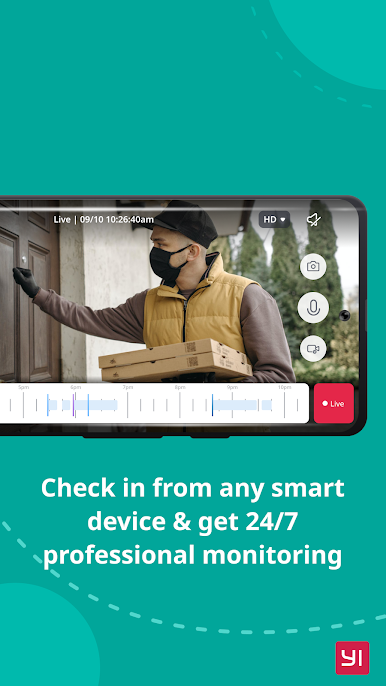
With a simple tap on your mobile phone, you can initiate a 2-way conversation with your family remotely. Its specially designed microphone and speaker ensure loud and clear voice quality.
By simply panning your mobile phone left and right, a complete panoramic view will be displayed to provide a better viewing experience. The gyroscope support, integrated in the YI Home App, is able to follow the mobile phone orientation, making it easier to see every corner being monitored.
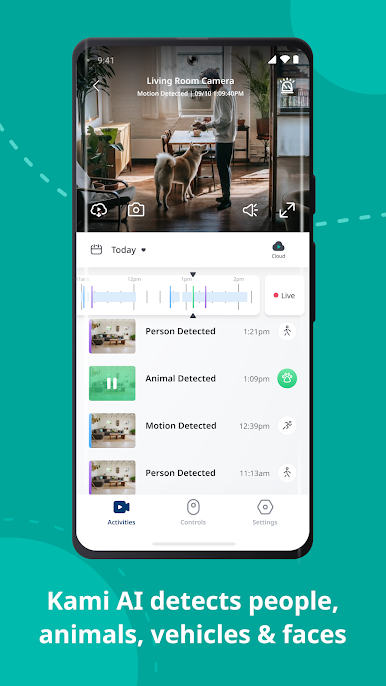
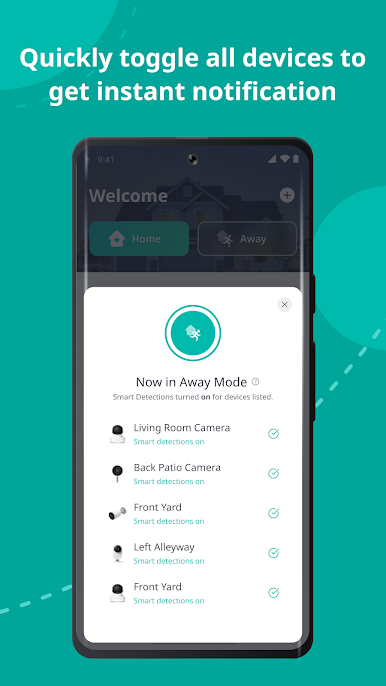
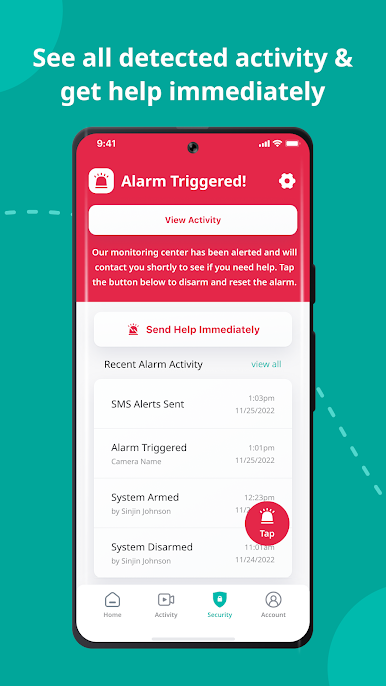
YI Home cameras always keep an eye on things that are important to you. With built-in high accuracy motion detection technology, the camera sends notifications to your YI Home app detailing what movement was detected so you always stay on top of things that you care about, instantly!
The YI camera can support up to 32GB SD card, it stores video and audio of special moments, fully indexed, for you to cherish at the touch of your fingertip. Best yet, a built-in mode triggers store actions only when image change is detected to achieve the best storage capacity optimization.
The adaptive streaming technology automatically adjusts to the optimal viewing quality based on your network conditions.
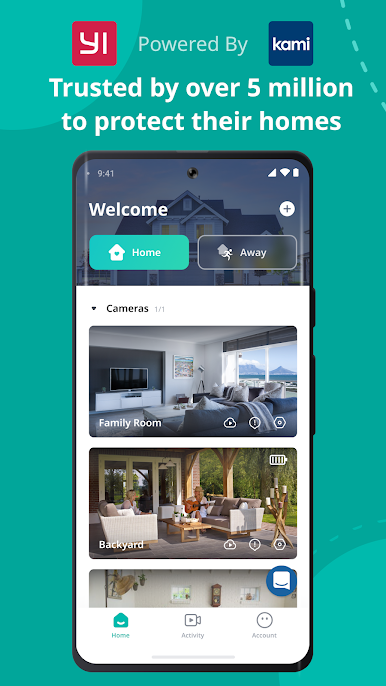
YI Home app supports all YI products.
Gioca Yi Home su PC. È facile iniziare.
-
Scarica e installa BlueStacks sul tuo PC
-
Completa l'accesso a Google per accedere al Play Store o eseguilo in un secondo momento
-
Cerca Yi Home nella barra di ricerca nell'angolo in alto a destra
-
Fai clic per installare Yi Home dai risultati della ricerca
-
Completa l'accesso a Google (se hai saltato il passaggio 2) per installare Yi Home
-
Fai clic sull'icona Yi Home nella schermata principale per iniziare a giocare

