


My Device Pro
Juega en PC con BlueStacks: la plataforma de juegos Android, en la que confían más de 500 millones de jugadores.

Página modificada el: Nov 8, 2025
Run My Device Pro on PC or Mac
Why limit yourself to your small screen on the phone? Run My Device Pro, an app by 3k Developers, best experienced on your PC or Mac with BlueStacks, the world’s #1 Android emulator.
About the App
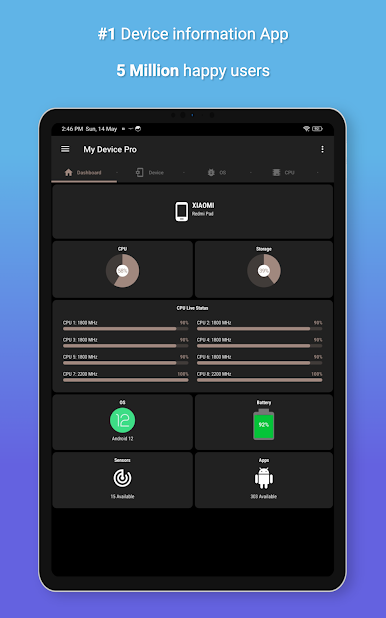
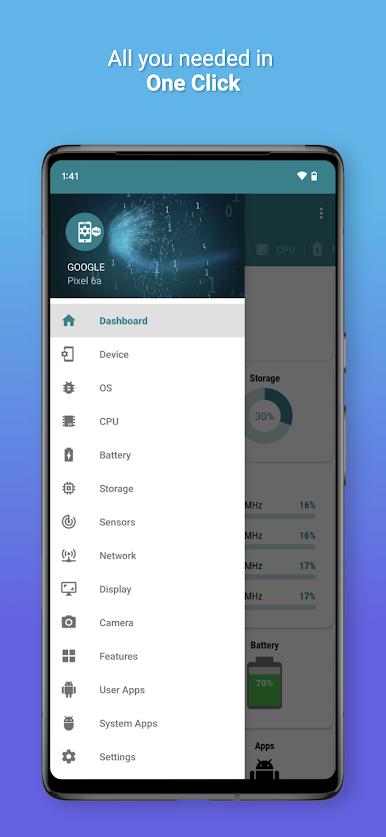
Ever wondered what’s really going on under the hood of your phone or tablet? My Device Pro from 3k Developers puts all your device’s info front and center, packaged in a clean layout that makes it easy to find exactly what you need. Whether you’re tech-curious or just like knowing the facts, this Tools app gives you a full tour of software specs, hardware details, and sensor data—all in one place, with zero ads to slow you down. Plus, you can even check it all out from your computer if you’re using BlueStacks.
App Features
-
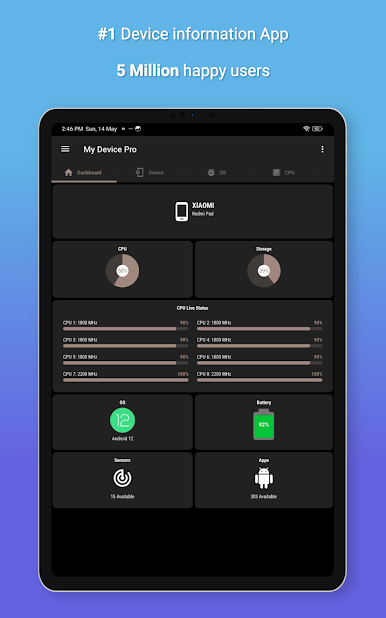
Comprehensive Device Info
See every important detail about your Android gadget, including manufacturer, brand, model, Android ID, screen resolution, and more. It’s all organized for quick access. -
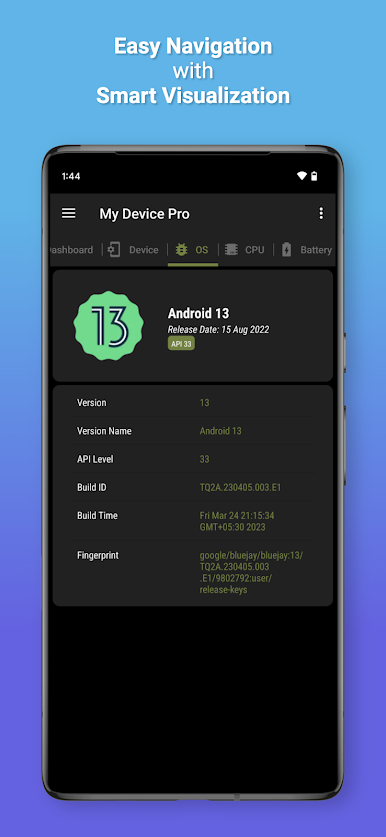
Operating System Breakdown
Get the scoop on your OS version, API level, build info, and everything else you might want to know when comparing devices or troubleshooting. -
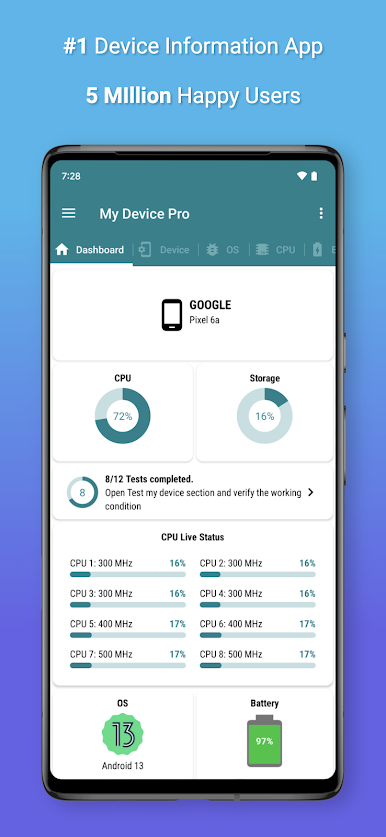
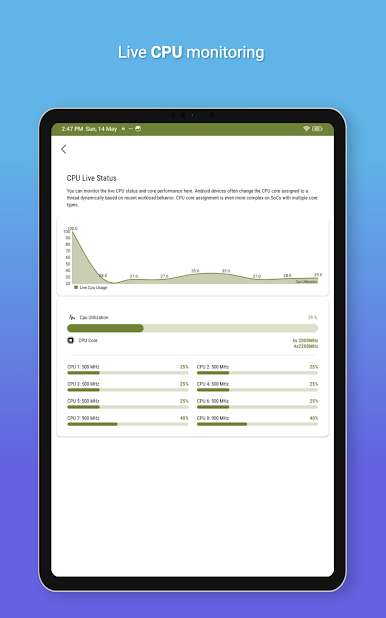
Hardware Insights
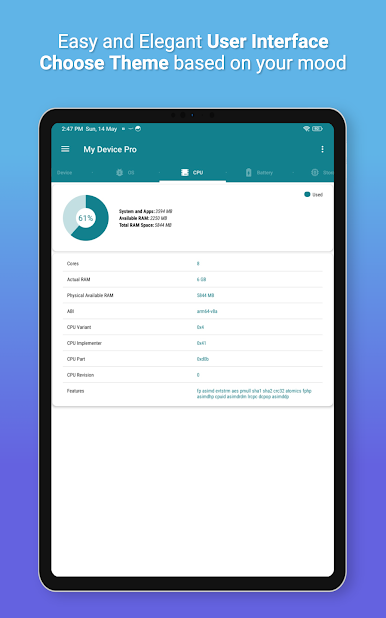
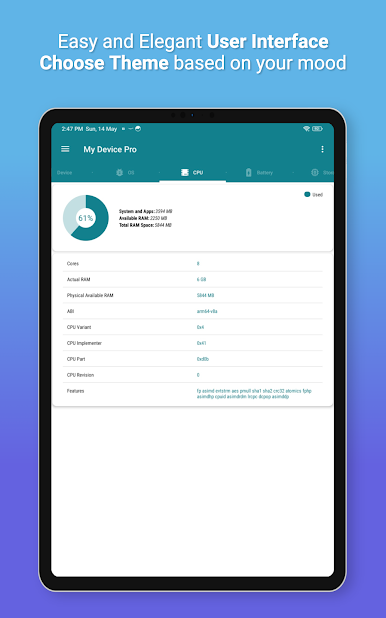
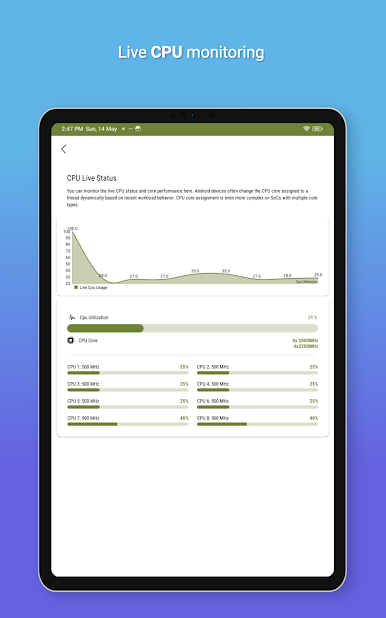
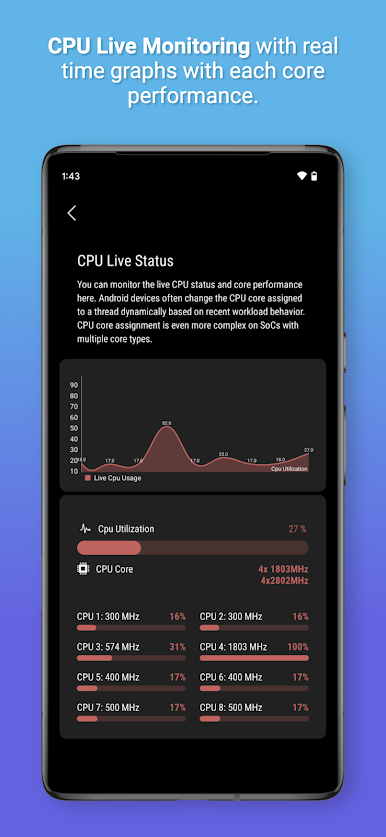
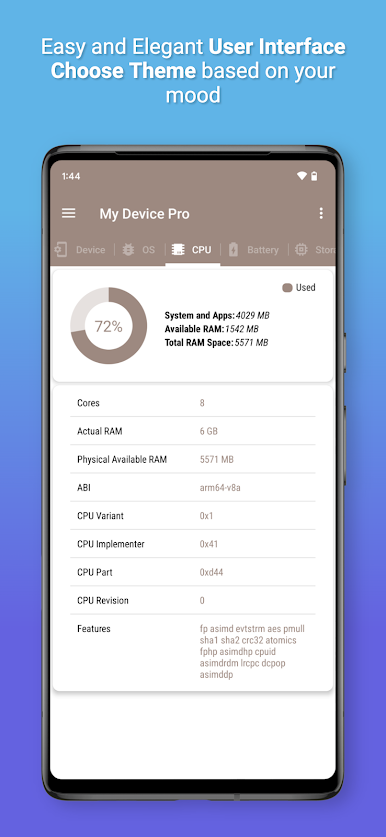
Dig into your phone’s SoC, see RAM stats with handy graphics, check CPU type, core numbers, memory usage, and GPU details. -
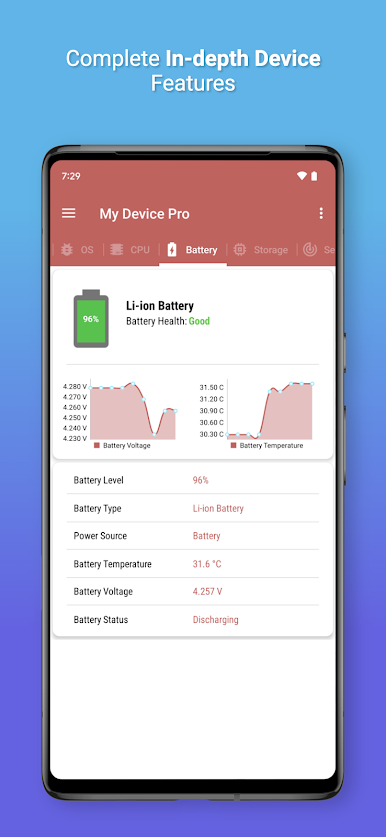
Battery and Power Stats
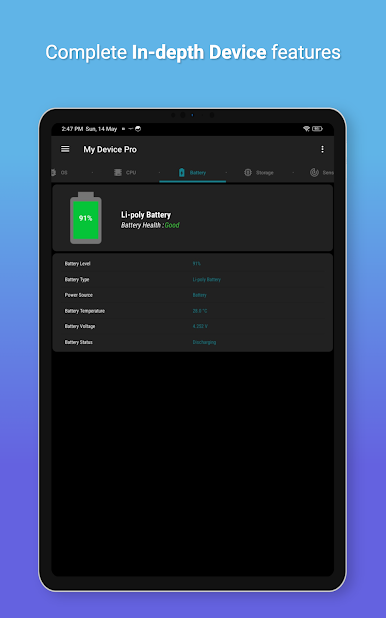
Monitor your battery health, charging status, voltage, and temperature. Super useful if you’re tracking down battery drain issues. -
Storage Monitoring
Find out exactly how much storage you have left, what’s used, and what’s free—plus clear graphics that tell the story at a glance. -
Network and Connectivity
Check your Wi-Fi and mobile connections, see data type and link speed, and pick up details like IP and MAC addresses. Handy for network troubleshooting. -
Camera Specs Galore
Browse through specs for your device’s cameras—megapixels, modes, ISO settings, aspect ratios, and even spot which camera features are supported. -
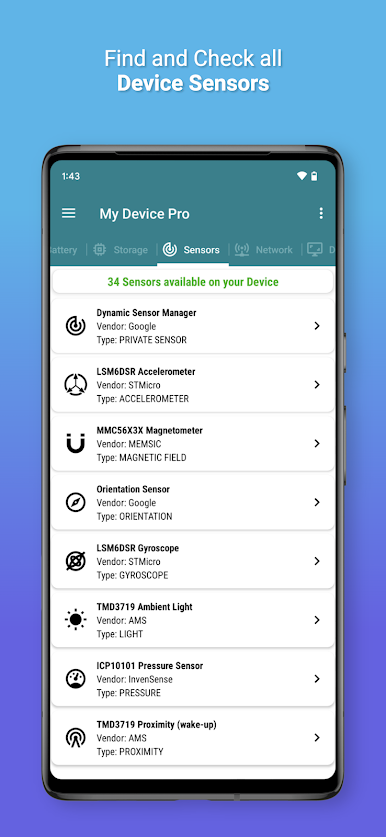
Sensor Explorer
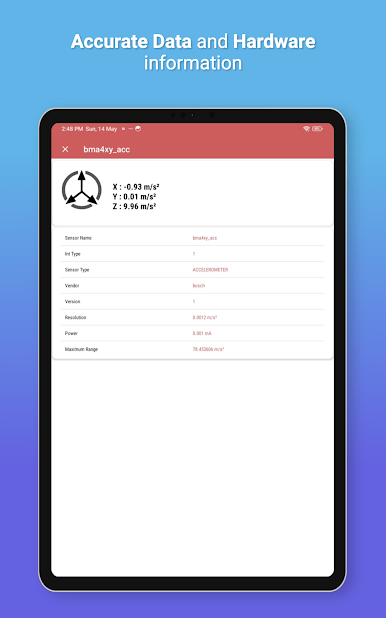
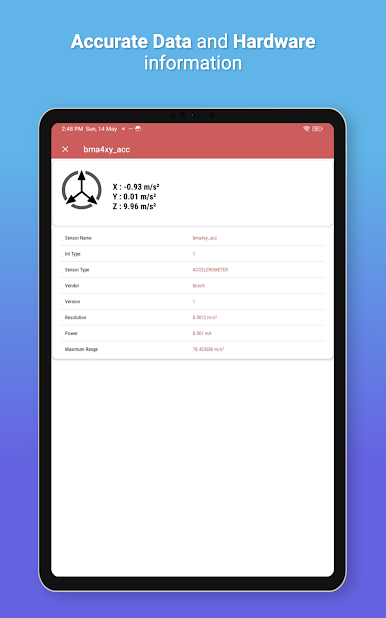
See a full list of all sensors in your device, from the accelerometer and gyroscope to the light sensor and step counter, complete with real-time data. -
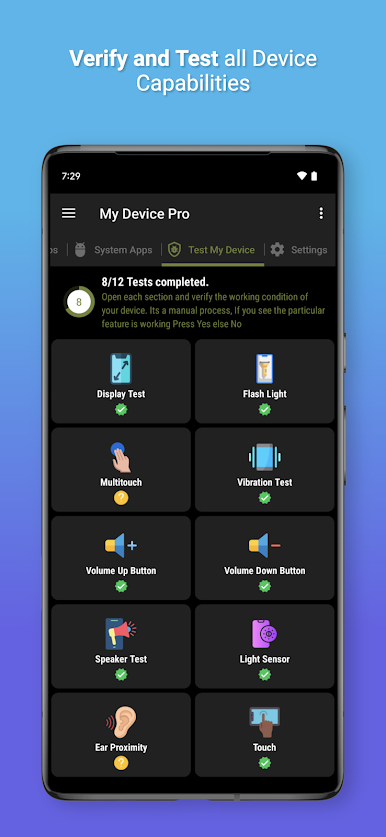
Feature Checker
Figure out if your phone has things like Bluetooth LE, NFC, USB Host, GPS, multi-touch, and more. Great for double-checking compatibility with accessories. -
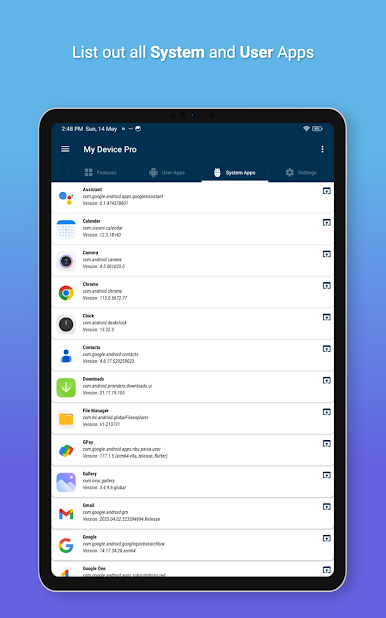
App Lists
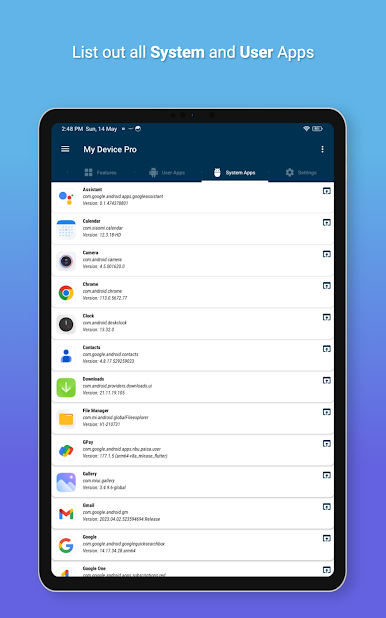
Get a clear list of all installed apps—including both user and system apps—with package names and shortcut options. -
Multi-Language Support
Pick a language that works for you, making the interface accessible and comfortable for more users. -
Easy Sharing
Need to share device details? Send any spec or stat with just a tap, right from the app. -
Ad-Free Experience
Enjoy exploring your phone’s specs without any interruptions—no ads, ever.
Big screen. Bigger performance. Use BlueStacks on your PC or Mac to run your favorite apps.

Juega My Device Pro en la PC. Es fácil comenzar.
-
Descargue e instale BlueStacks en su PC
-
Complete el inicio de sesión de Google para acceder a Play Store, o hágalo más tarde
-
Busque My Device Pro en la barra de búsqueda en la esquina superior derecha
-
Haga clic para instalar My Device Pro desde los resultados de búsqueda
-
Complete el inicio de sesión de Google (si omitió el paso 2) para instalar My Device Pro
-
Haz clic en el ícono My Device Pro en la pantalla de inicio para comenzar a jugar

