


Clutterfly : Photo Remover App
Jogue no PC com BlueStacks - A Plataforma de Jogos Android, confiada por mais de 500 milhões de jogadores.

Página modificada em: Aug 23, 2024
Play Clutterfly : Photo Remover App on PC
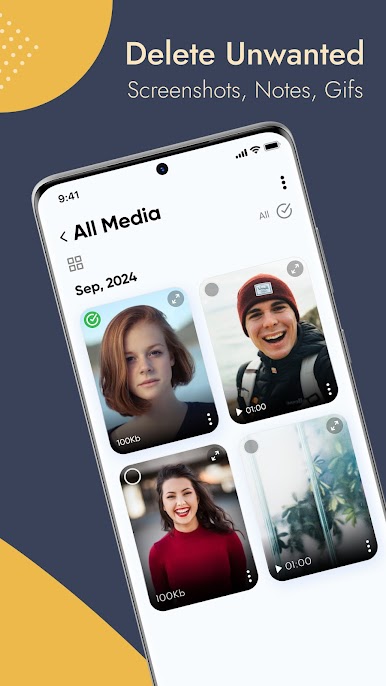
SIMPLY SELECT AND PRESS DELETE TO GET RID OF UNWANTED DUPLICATE PHOTOS & VIDEOS.
ClutterFly is the Perfect App to Make Decluttering Easy on your phone. Only Keep the Best Photos
Smart Algorithm
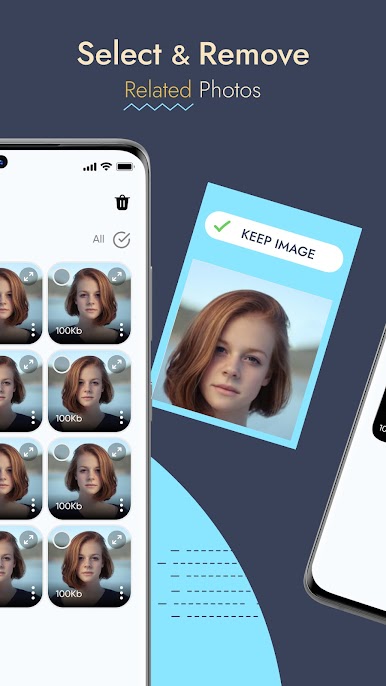
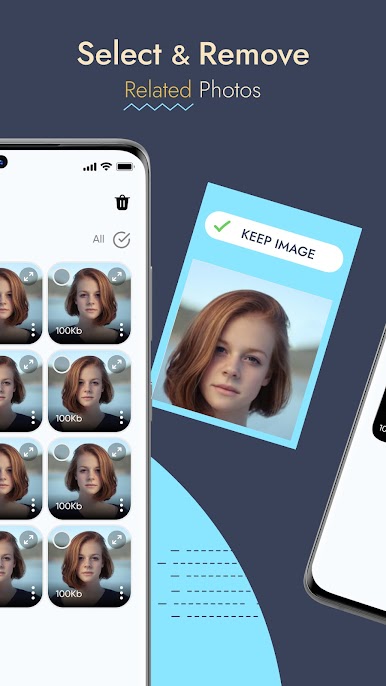
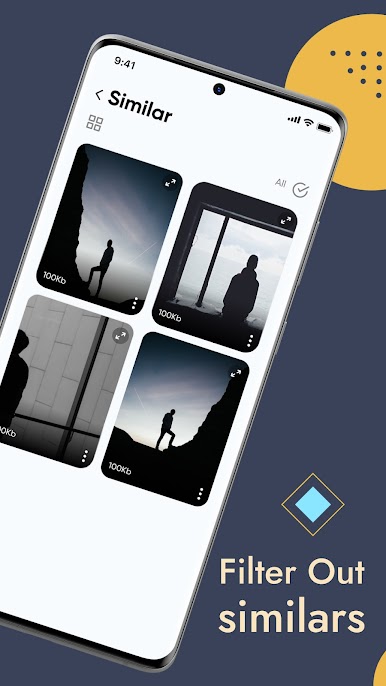
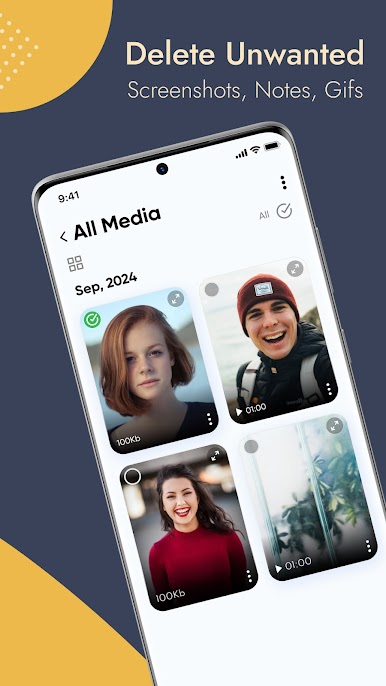
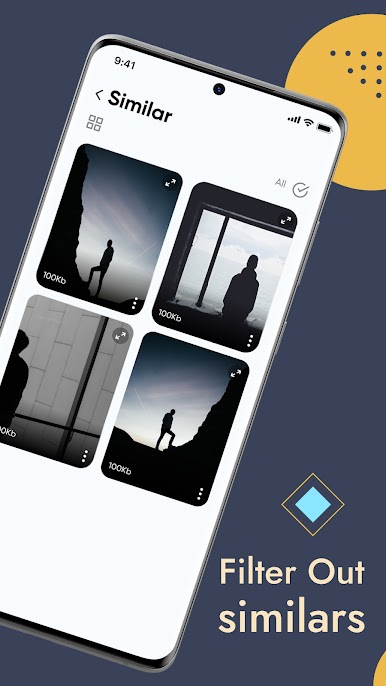
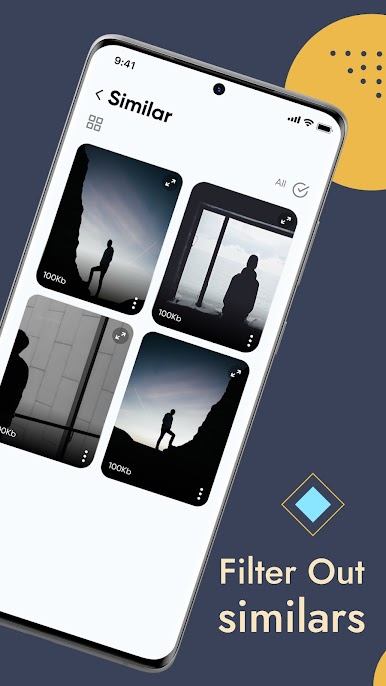
ClutterFly easily identifies duplicate and similar photos, videos, screenshots, and more
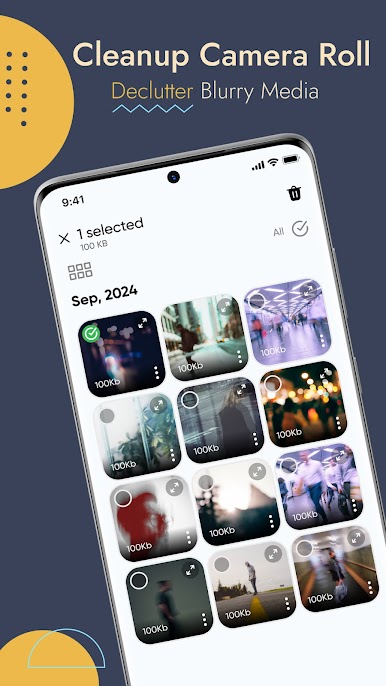
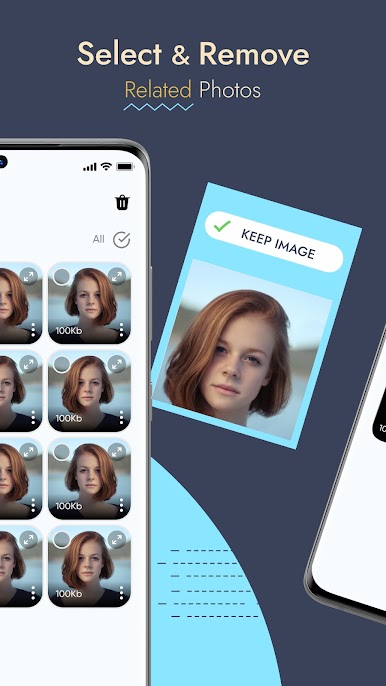
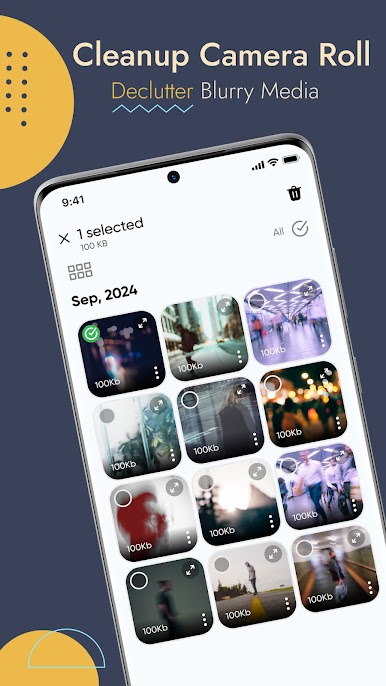
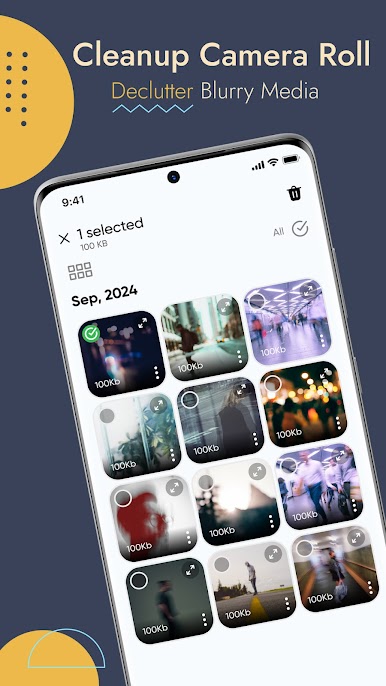
Detect & Identify Duplicate, Similar, Blur Media
You’ll be surprised to see how many unnecessary photos you’ve been keeping in your gallery! Swiftly Remove all the duplicate photos and videos, along with the blurry ones, to make your phone storage tidy.
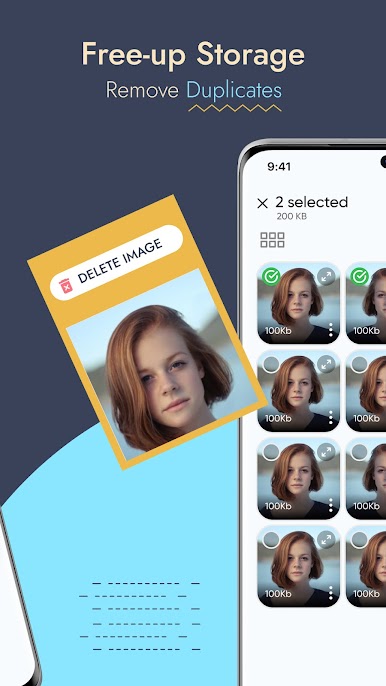
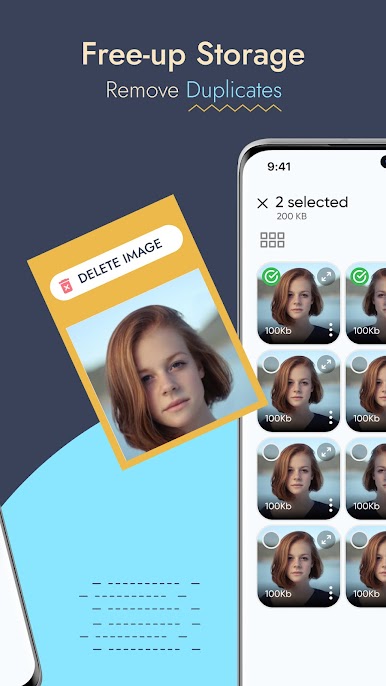
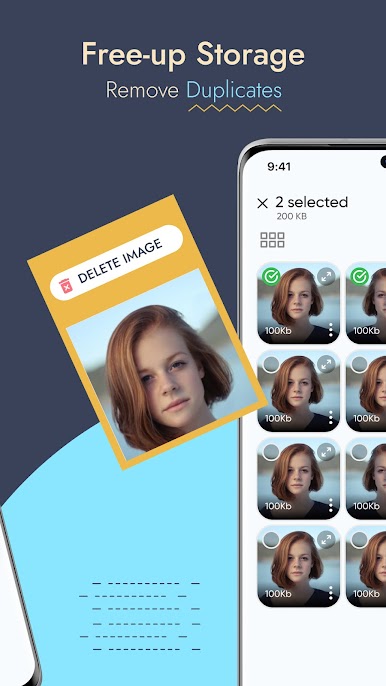
Free-Up Storage Space on Your Phone
Does it annoy you when you see several identical photos and videos in your media folder? ClutterFly is a real lifesaver when it comes to freeing up phone storage space—they can be removed quickly and effectively.
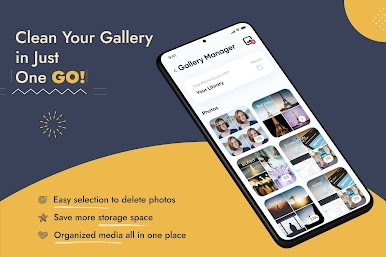
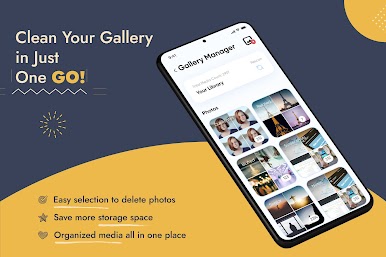
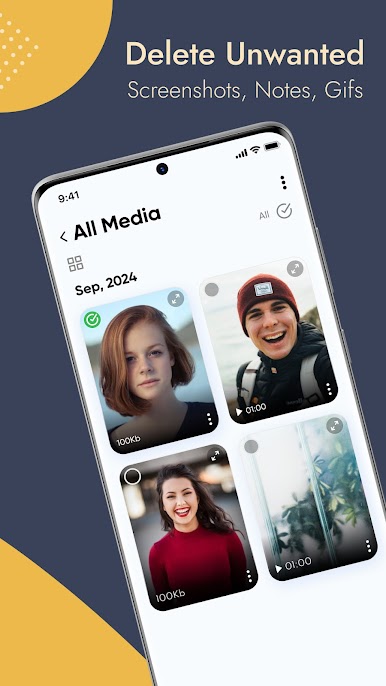
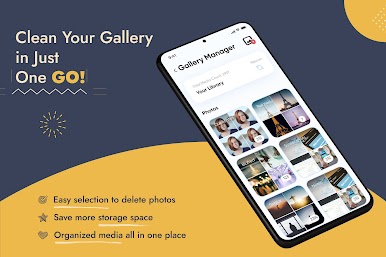
Enjoy a Clean & Optimized Media Gallery
Simple, elegant and intuitive interface designed with your convenience in mind to keep phone media gallery optimised.
Locate Photos & Videos Easily by Sorting (sort by date/size)
Sorting out your gallery can seem daunting and time-consuming at first, but with ClutterFly, you won’t have to spend hours looking through your photos. We will never disappoint or waste your time; ClutterFly does exactly as promised. It is convenient, fast, and effective.
Jogue Clutterfly : Photo Remover App no PC. É fácil começar.
-
Baixe e instale o BlueStacks no seu PC
-
Conclua o login do Google para acessar a Play Store ou faça isso mais tarde
-
Procure por Clutterfly : Photo Remover App na barra de pesquisa no canto superior direito
-
Clique para instalar Clutterfly : Photo Remover App a partir dos resultados da pesquisa
-
Conclua o login do Google (caso você pulou a etapa 2) para instalar o Clutterfly : Photo Remover App
-
Clique no ícone do Clutterfly : Photo Remover App na tela inicial para começar a jogar

