

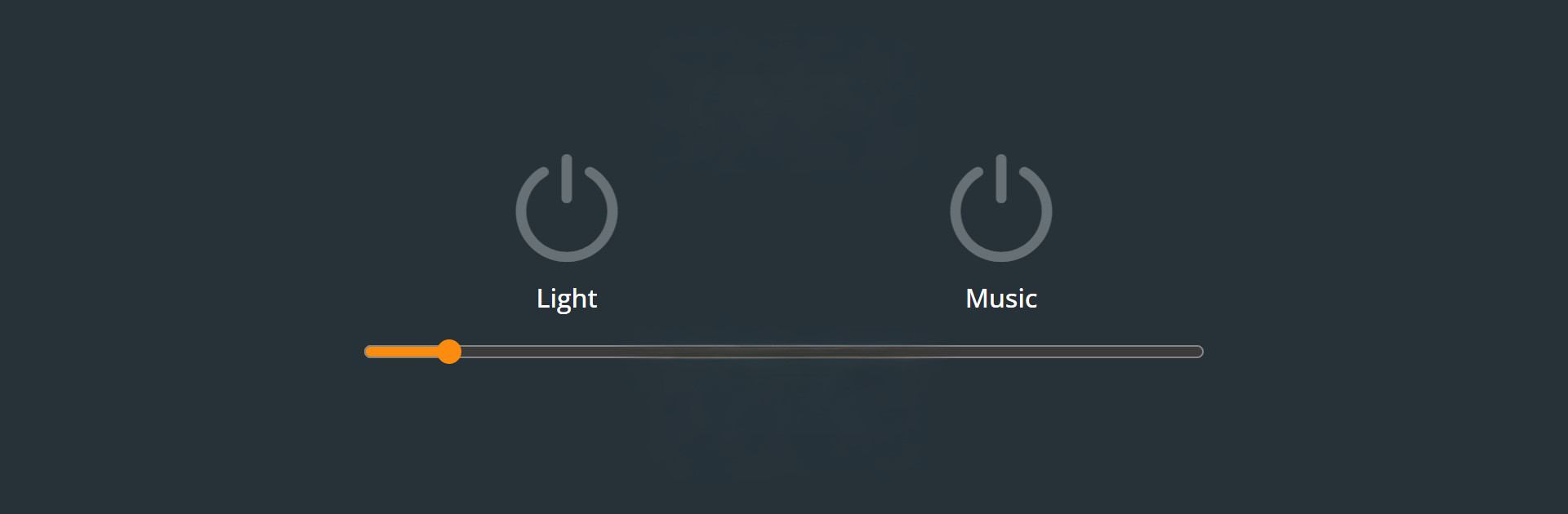
頻閃燈
在電腦上使用BlueStacks –受到5億以上的遊戲玩家所信任的Android遊戲平台。

Run Strobe Light on PC or Mac
Upgrade your experience. Try Strobe Light, the fantastic Entertainment app from Brandon Stecklein, from the comfort of your laptop, PC, or Mac, only on BlueStacks.
About the App
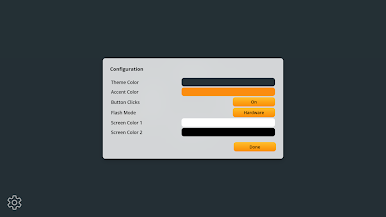
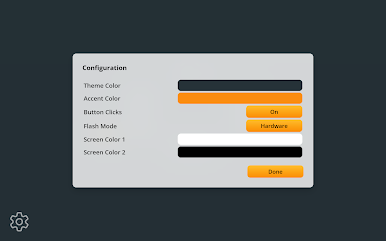
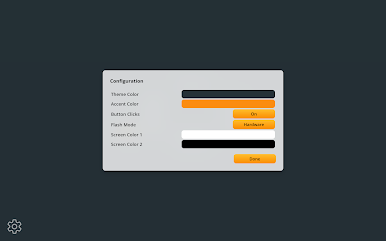
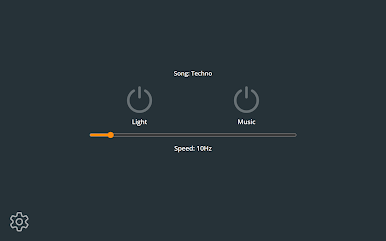
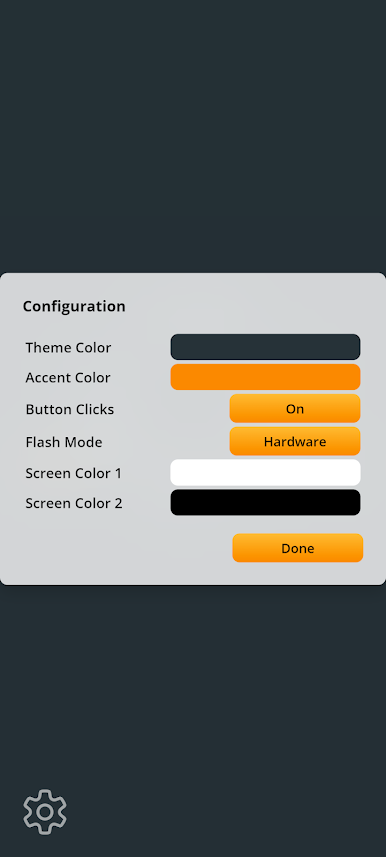
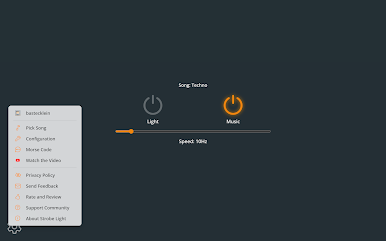
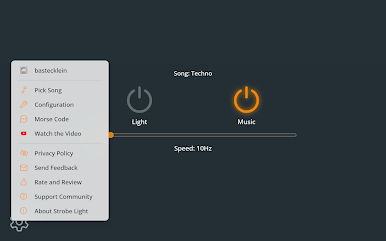
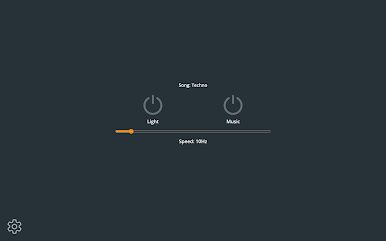
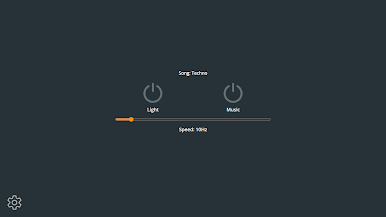
Strobe Light by Brandon Stecklein turns your phone into a pocket party starter. It pulses your camera’s LED like a real strobe, and if your device can’t use the flash, it’ll flip the screen between bright white and deep black for a similar vibe. It’s a simple Entertainment app built for those “let’s make this fun” moments—no fuss, just lights and beats. Curious on a laptop? You can poke around with the screen strobe and music using BlueStacks.
App Features
-
LED Strobe
Fires the camera flash in rapid bursts to create that classic strobe effect and energize a room. -
Screen Mode Backup
No flash on your phone? The app quickly alternates screen colors to mimic a strobe, so you’re never stuck in the dark. -
Quick, Friendly Controls
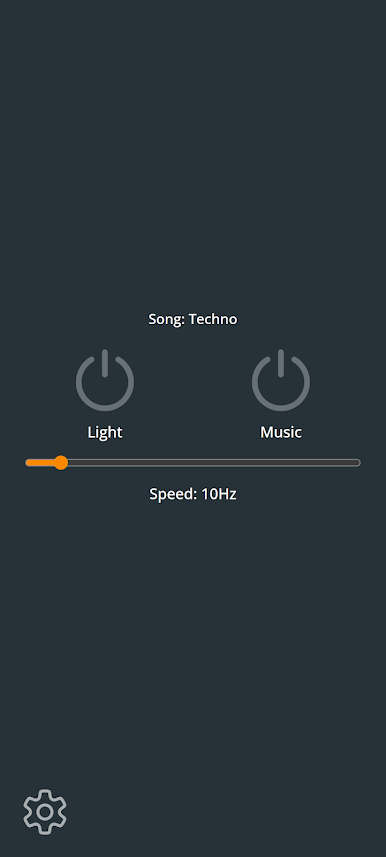
Flip a single switch to start; no complicated setup or menus getting in the way. -
Built-In Beat
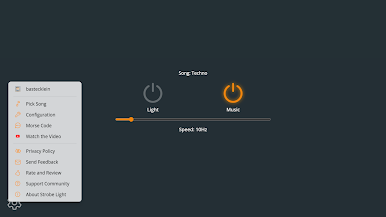
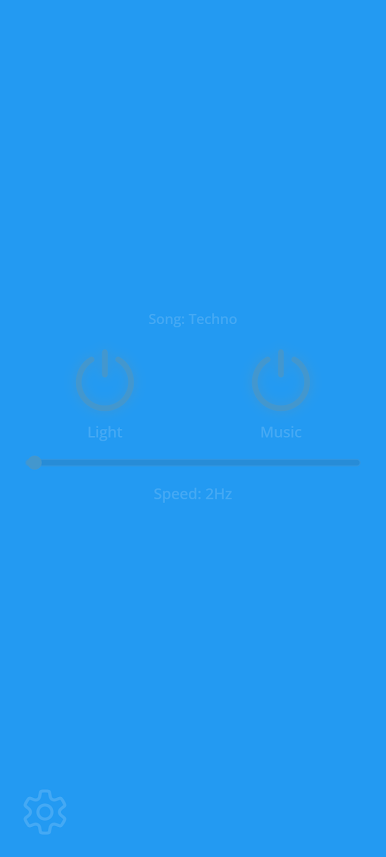
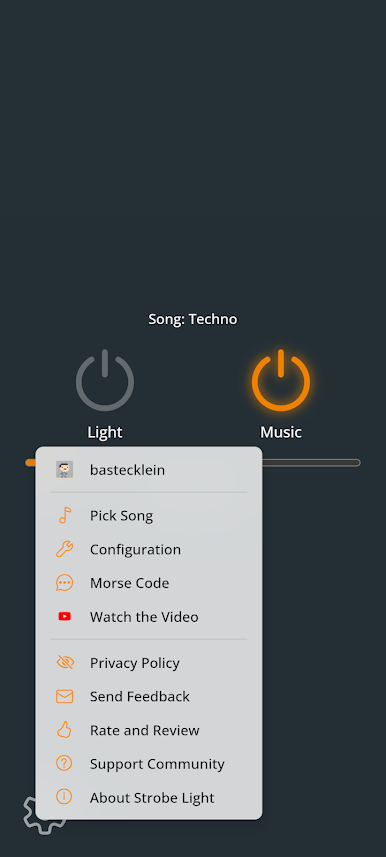
Tap the music button to spin up a steady techno-style rhythm that pairs perfectly with the lights. -
Play Your Own Music
Don’t want the default track? Tap the song name to pull tunes from your device. Works with MP3 and OGG files. -
Party-Ready Simplicity
Set your phone on a table and let it do its thing. Brightness and punch depend on your device’s flash, but it’s great for small rooms and hangouts. -
Lightweight and Focused
No extra fluff—just the essentials for turning a quiet moment into an impromptu dance break.
Big screen. Bigger performance. Use BlueStacks on your PC or Mac to run your favorite apps.

在電腦上遊玩頻閃燈 . 輕易上手.
-
在您的電腦上下載並安裝BlueStacks
-
完成Google登入後即可訪問Play商店,或等你需要訪問Play商店十再登入
-
在右上角的搜索欄中尋找 頻閃燈
-
點擊以從搜索結果中安裝 頻閃燈
-
完成Google登入(如果您跳過了步驟2),以安裝 頻閃燈
-
在首頁畫面中點擊 頻閃燈 圖標來啟動遊戲

