


マシャとくま:子ども向けAI学習アプリ
BlueStacksを使ってPCでプレイ - 5憶以上のユーザーが愛用している高機能Androidゲーミングプラットフォーム

Play Masha and the Bear for Kids on PC or Mac
From the innovators and creators at DTC Lab, Masha and the Bear for Kids is another fun addition to the World of Casual games. Go beyond your mobile screen and play it bigger and better on your PC or Mac. An immersive experience awaits you.
About the Game
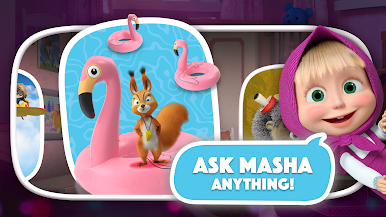
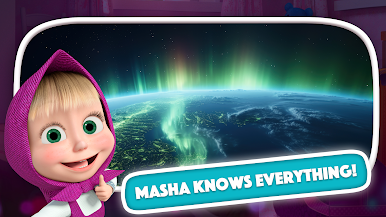
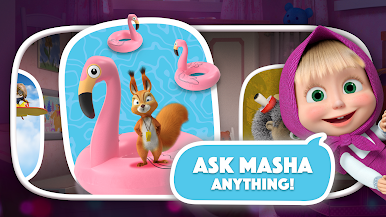
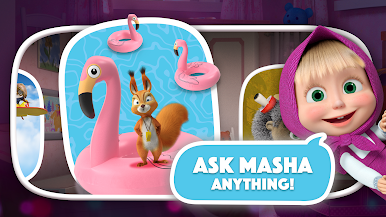
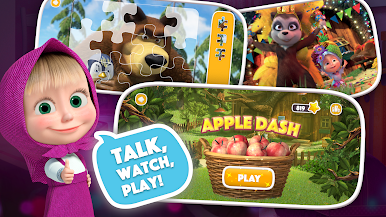
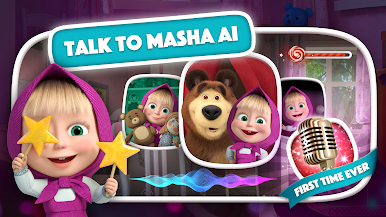
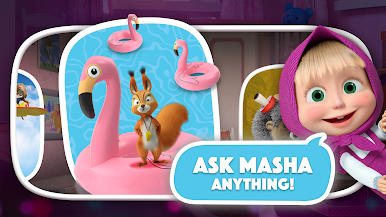
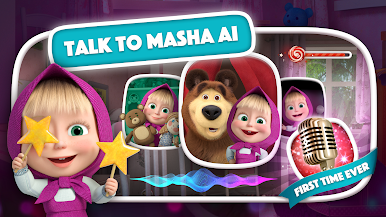
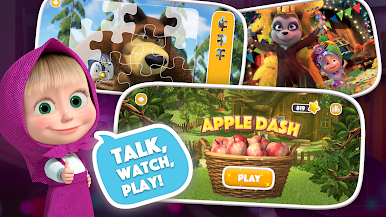
Masha and the Bear for Kids is a cheerful casual experience made for curious little ones, inspired by the much-loved cartoon series. Got a toddler obsessed with Masha? Here, you’ll find their favorite episodes plus a handful of playful mini-games, all wrapped up in a bright, easy-to-explore package. Whether you’re after screen time with something familiar or just need an on-the-go source of giggles, this game has you covered.
Game Features
-
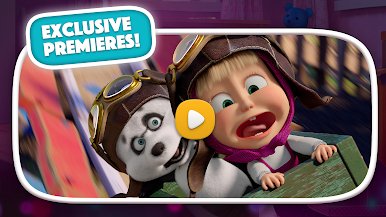
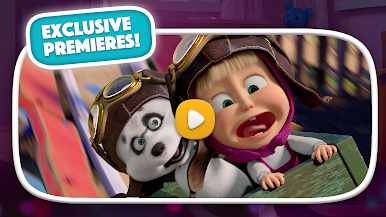
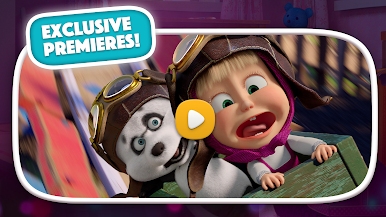
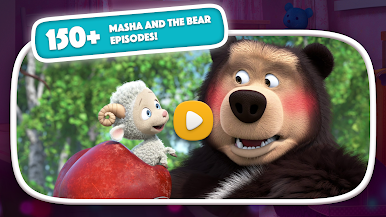
Cartoon Episodes On-Demand
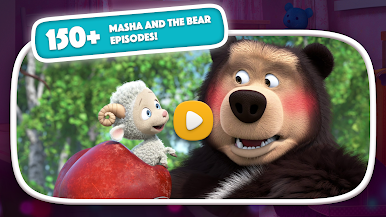
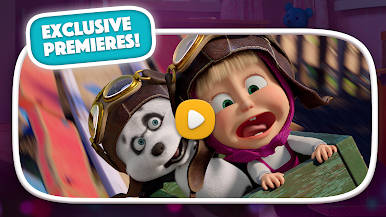
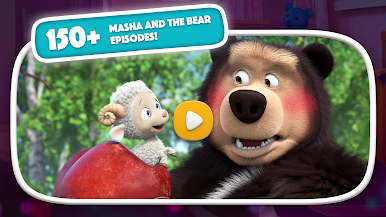
Kids can watch Masha and the Bear, Masha’s Songs, Masha’s Tales, and Masha’s Spooky Stories right in the app. The videos are easy to stream—and if you want, you can download them in HD for road trips or offline viewing. -
Kid-Friendly Video Player
Little ones get distracted and want to tap everything, right? The app’s special player comes with a “Child Lock” feature, so there’s no more accidental pausing or calling for help every few minutes. -
Personalized Watch History
Even toddlers can revisit their favorite episodes without digging around. The watch history makes it super simple to jump back into the cartoons they love most. -
Offline Fun
Download videos straight to your device to keep the entertainment (and the quiet time) going when Wi-Fi isn’t an option. -
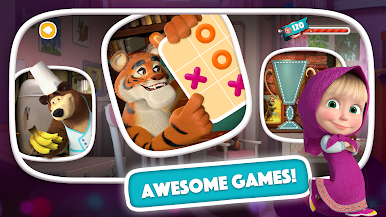
Four Classic Games
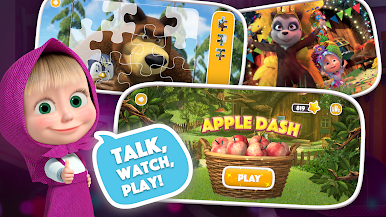
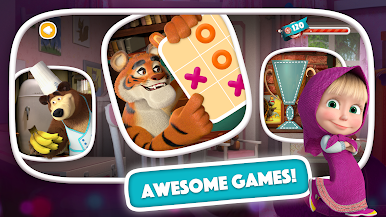
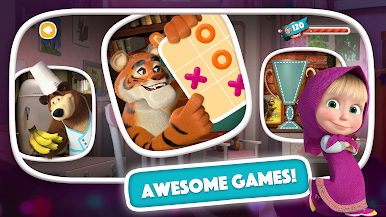
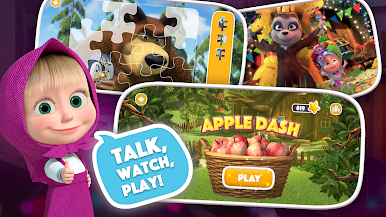
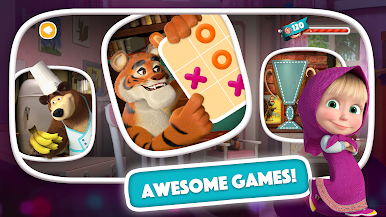
Dive into jigsaw puzzles of all difficulty levels, groove to songs in the Music Game, test quick thinking with Fruit Catch, and bring back Tic-Tac-Toe—now with Masha’s signature twist. -
Made for Preschool Play
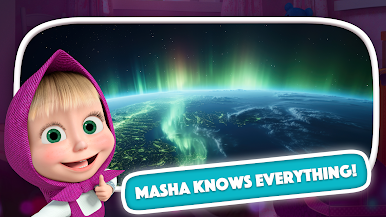
Designed for ages 2–4, Masha and the Bear for Kids balances entertainment with a bit of gentle learning, so parents can feel good about each play session. -
Smooth Experience on BlueStacks
If you want a bigger screen for puzzles or cartoons, using BlueStacks is a great way to play on your computer with your kid.
Ready to top the leaderboard? We bet you do. Let precise controls and sharp visuals optimized on BlueStacks lead you to victory.

マシャとくま:子ども向けAI学習アプリをPCでプレイ
-
BlueStacksをダウンロードしてPCにインストールします。
-
GoogleにサインインしてGoogle Play ストアにアクセスします。(こちらの操作は後で行っても問題ありません)
-
右上の検索バーにマシャとくま:子ども向けAI学習アプリを入力して検索します。
-
クリックして検索結果からマシャとくま:子ども向けAI学習アプリをインストールします。
-
Googleサインインを完了してマシャとくま:子ども向けAI学習アプリをインストールします。※手順2を飛ばしていた場合
-
ホーム画面にてマシャとくま:子ども向けAI学習アプリのアイコンをクリックしてアプリを起動します。

