


このページには広告が含まれます
ダックウォーズ: 放置型カジュアルゲーム
パズル | MAFT Wireless
BlueStacksを使ってPCでプレイ - 5憶以上のユーザーが愛用している高機能Androidゲーミングプラットフォーム

Play Duck Wars: Idle Casual Game on PC
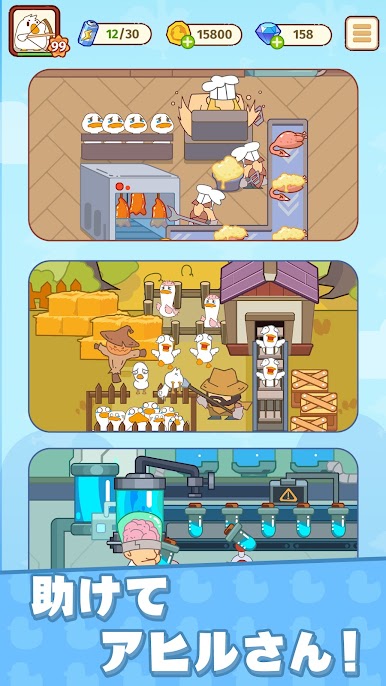
Ducks are good, humans are bad, and the bad guys are coming again! Get rid of them, I don't want to be a roast duck! Are you ready to defend the duck home? Quack, quack!
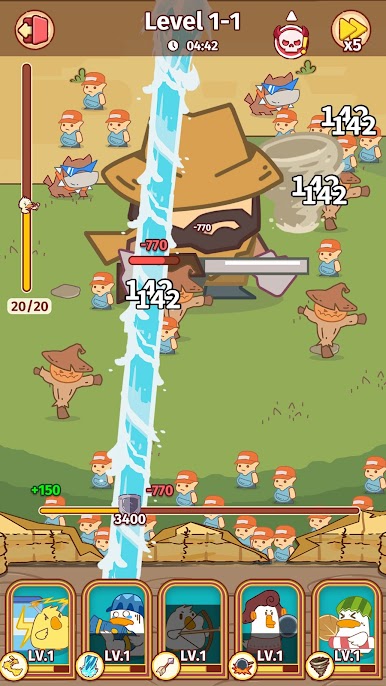
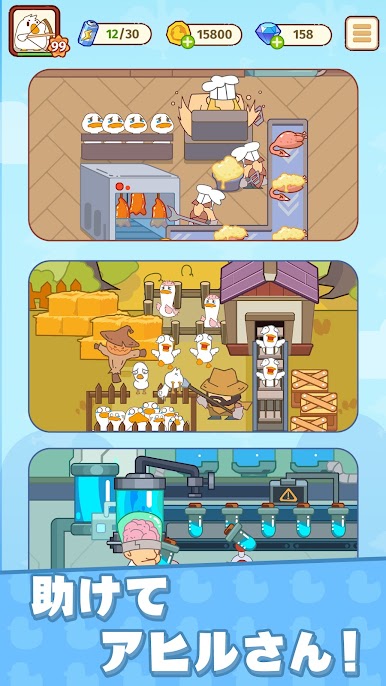
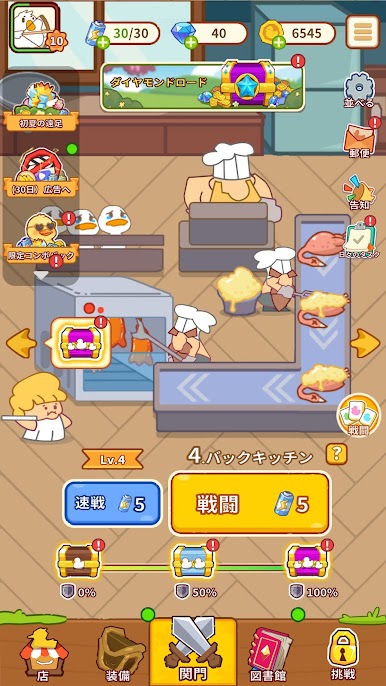
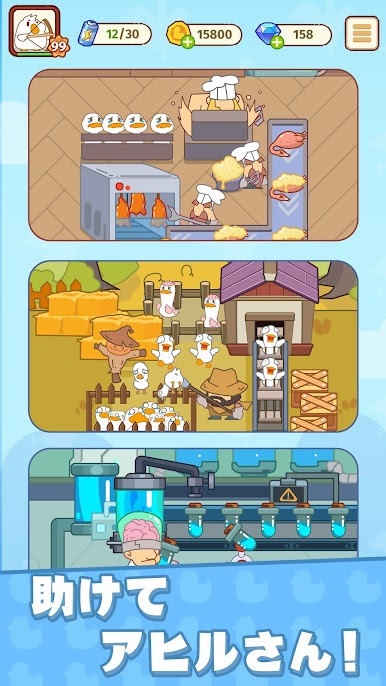
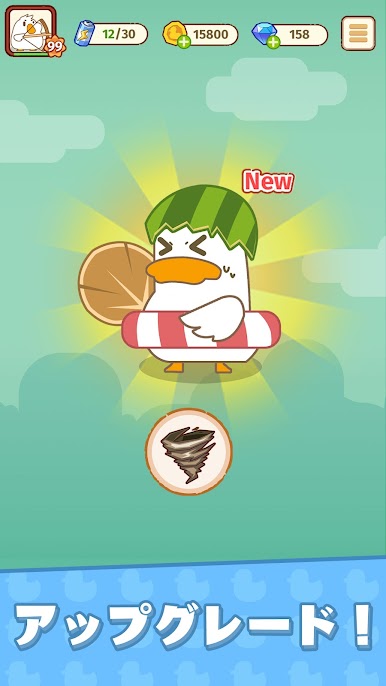
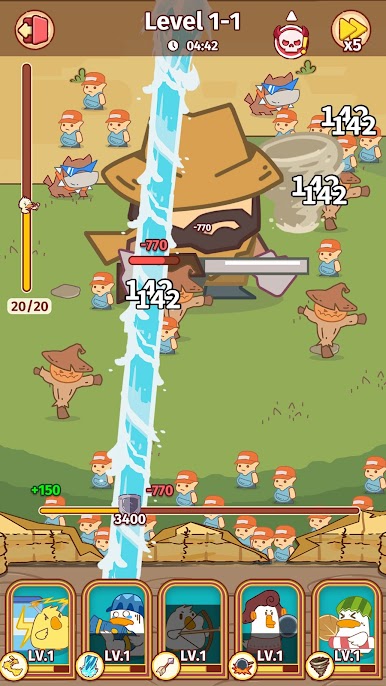
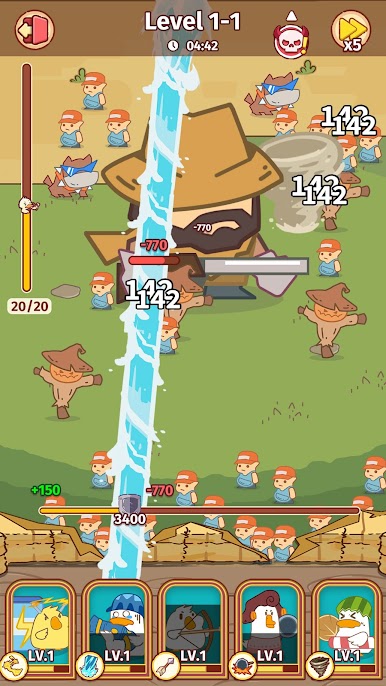
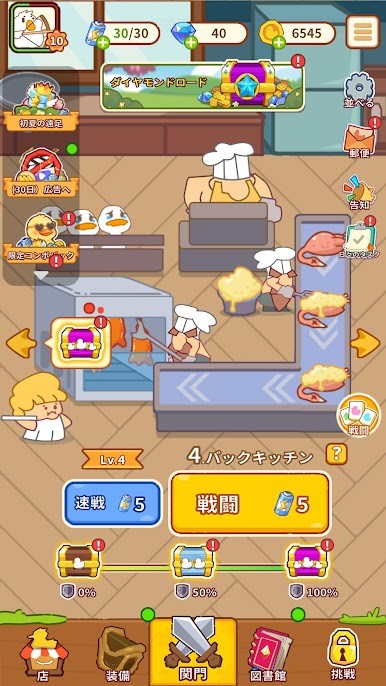
Welcome to " Duck Wars", a creative and humorous idle casual game! Here, you will fight against humans with a group of smart and funny ducks. No button-mashing but all about wisdom!
Play at your fingertips
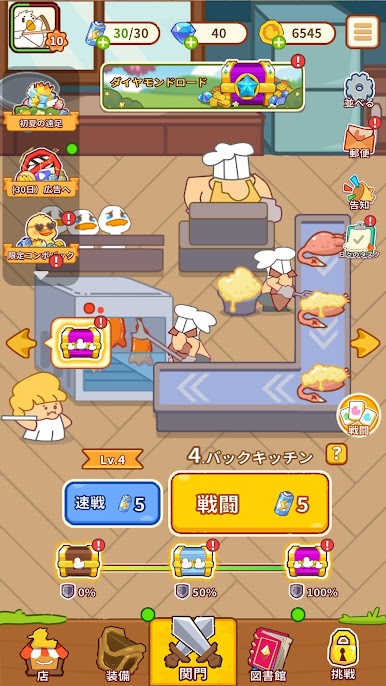
No pressure, no competition, just one tap and you can feel the relaxation and pleasure!
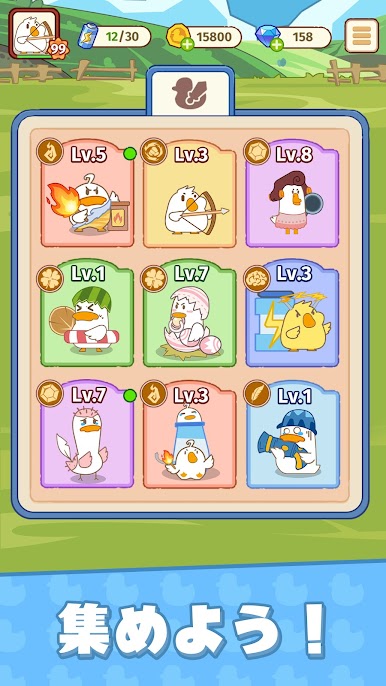
Become an invincible duck
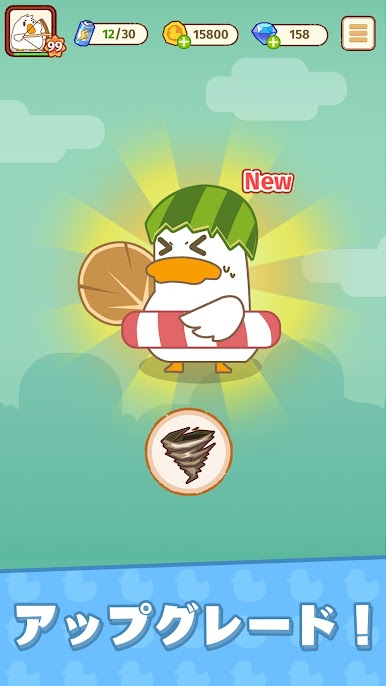
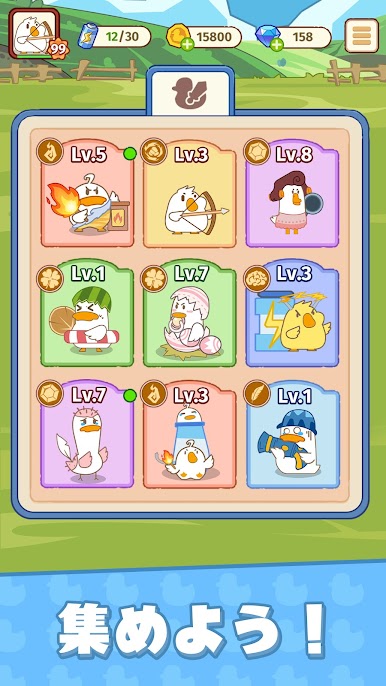
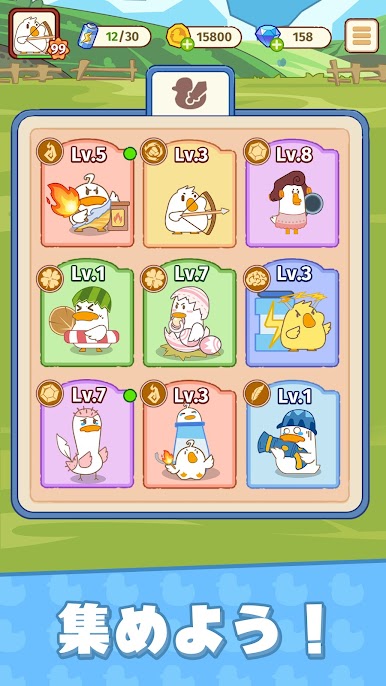
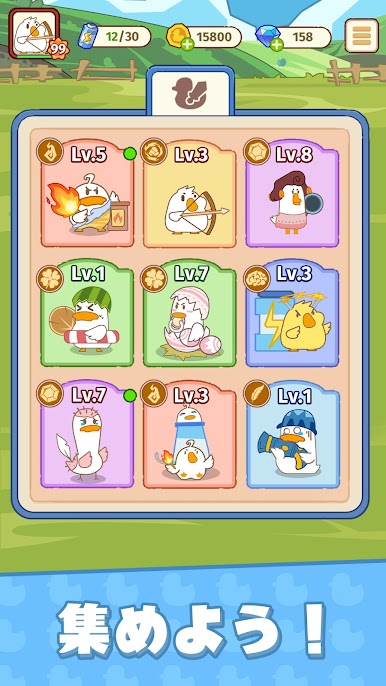
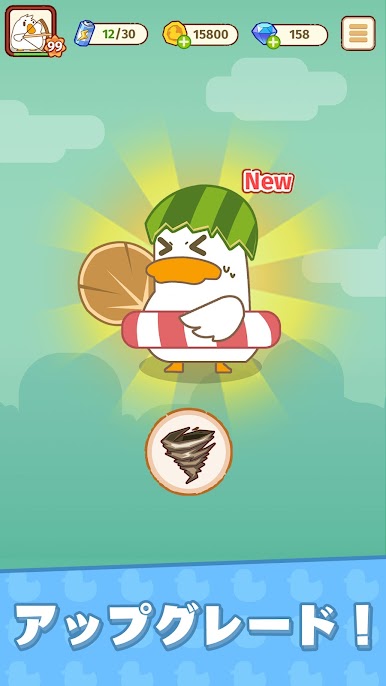
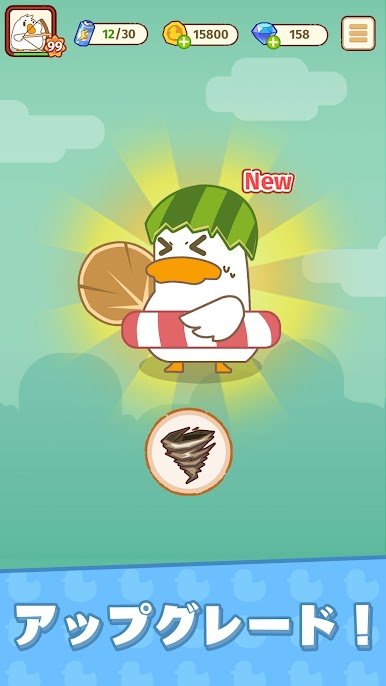
Unlock new ducks, and lead your funny ducks to beat humans!
Discover Funny Easter Eggs
The game is full of surprises, and the text sound effects hide jokes, making you endlessly happy!
Unique cartoon art style
Both ducks and enemies will leave a deep impression on you. Hope we can meet you in your dreams.
Join our community and become a Top Duck Captain!
Facebook:
https://www.facebook.com/profile.php?id=61566305973206
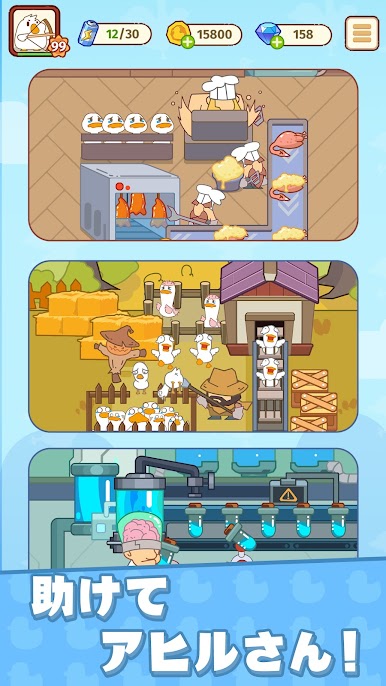
Welcome to " Duck Wars", a creative and humorous idle casual game! Here, you will fight against humans with a group of smart and funny ducks. No button-mashing but all about wisdom!
Play at your fingertips
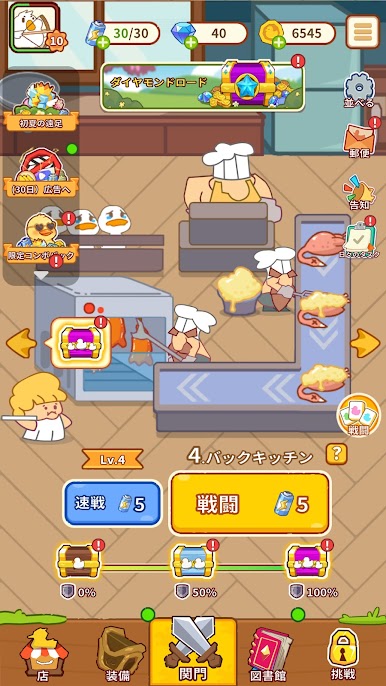
No pressure, no competition, just one tap and you can feel the relaxation and pleasure!
Become an invincible duck
Unlock new ducks, and lead your funny ducks to beat humans!
Discover Funny Easter Eggs
The game is full of surprises, and the text sound effects hide jokes, making you endlessly happy!
Unique cartoon art style
Both ducks and enemies will leave a deep impression on you. Hope we can meet you in your dreams.
Join our community and become a Top Duck Captain!
Facebook:
https://www.facebook.com/profile.php?id=61566305973206
ダックウォーズ: 放置型カジュアルゲームをPCでプレイ
-
BlueStacksをダウンロードしてPCにインストールします。
-
GoogleにサインインしてGoogle Play ストアにアクセスします。(こちらの操作は後で行っても問題ありません)
-
右上の検索バーにダックウォーズ: 放置型カジュアルゲームを入力して検索します。
-
クリックして検索結果からダックウォーズ: 放置型カジュアルゲームをインストールします。
-
Googleサインインを完了してダックウォーズ: 放置型カジュアルゲームをインストールします。※手順2を飛ばしていた場合
-
ホーム画面にてダックウォーズ: 放置型カジュアルゲームのアイコンをクリックしてアプリを起動します。

