


All English Idioms & Phrases
Graj na PC z BlueStacks – Platforma gamingowa Android, która uzyskała zaufanie ponad 500 milionów graczy!

Strona zmodyfikowana w dniu: Jul 16, 2025
Run All English Idioms & Phrases on PC or Mac
Multitask effortlessly on your PC or Mac as you try out All English Idioms & Phrases, a Education app by MS apps on BlueStacks.
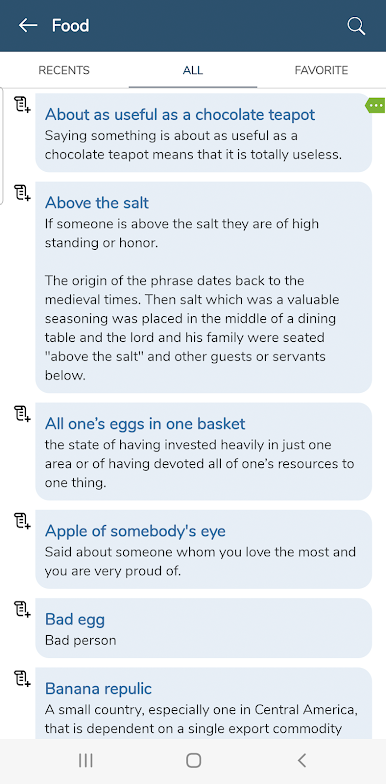
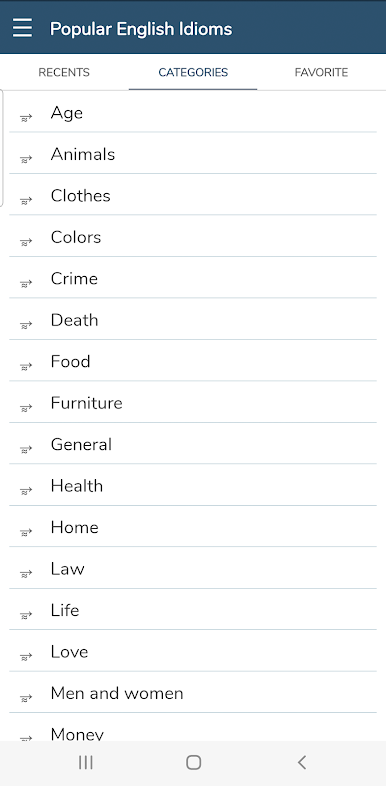
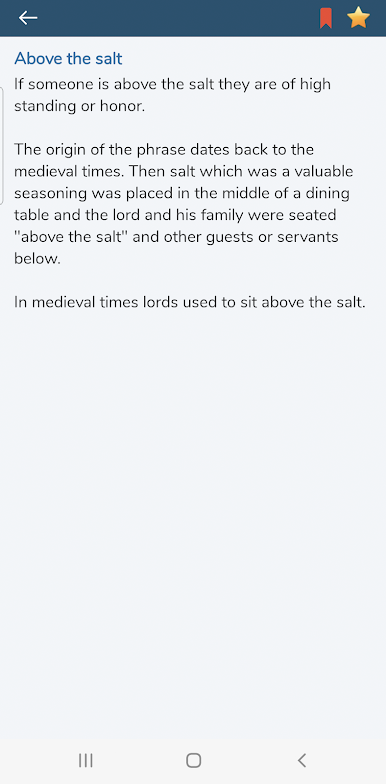
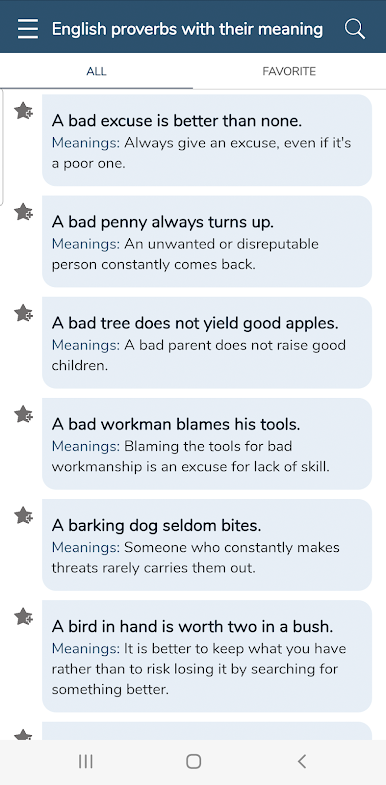
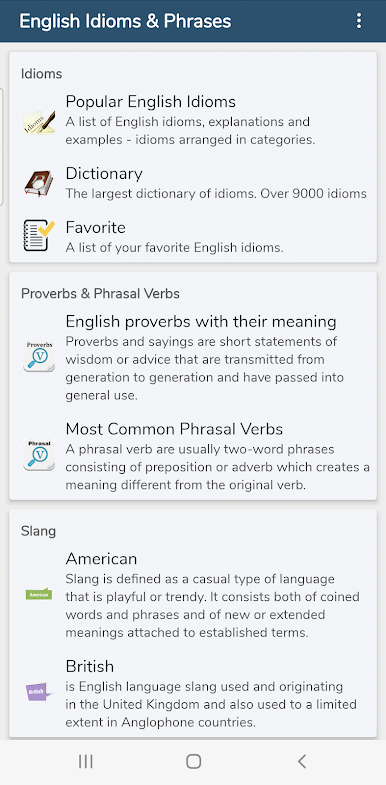
Playing around with All English Idioms & Phrases on PC (especially through BlueStacks) feels like having this pocket guide but way bigger, open on your desktop. The app’s basically crammed with tons of common idioms, phrases, and proverbs—enough to scroll through for ages or grab quick answers when something pops up in conversation. There’s a simple search that works well, so no wading through endless lists just to find what “break the ice” actually means. Stuff is split up into themes too—things like American slang, proverbs, and even phrasal verbs have their own little sections.
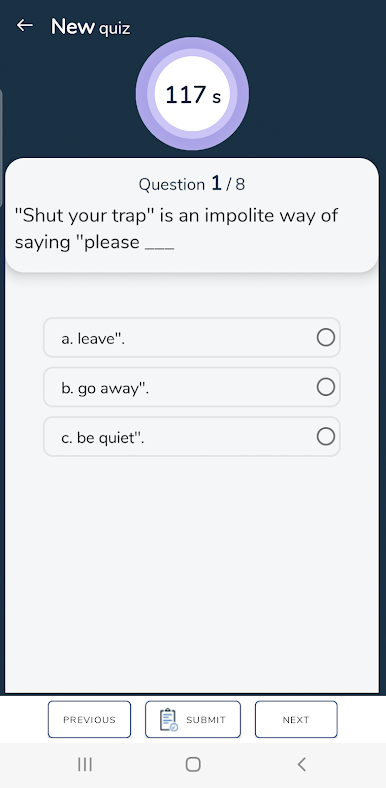
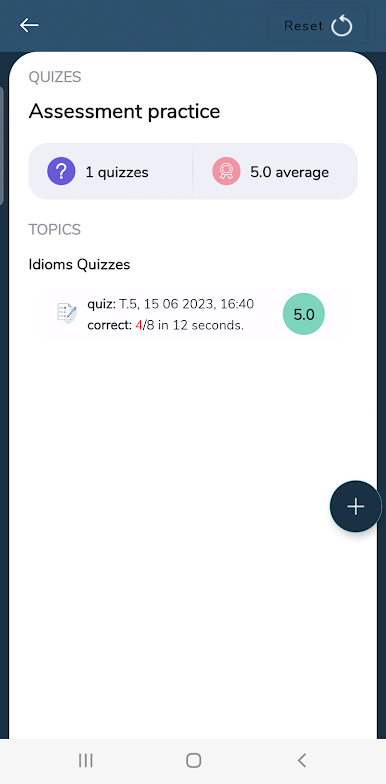
It’s easy to mark favorites or look them up later, which could be handy for anyone cramming for exams or just hoping to sound a bit more natural in English chats. The quizzes stand out, making the “study” part more relaxed since there’s a bit of testing yourself instead of just reading pages of explanations. Nothing in the app feels flashy or complicated—it’s straight to the point, so it works well even when playing on PC. Anyone who’s a fan of straightforward, useful tools for learning English expressions will probably find this one handy, especially if they like seeing things all organized in one spot.
Ready to experience All English Idioms & Phrases on a bigger screen, in all its glory? Download BlueStacks now.
Zagraj w All English Idioms & Phrases na PC. To takie proste.
-
Pobierz i zainstaluj BlueStacks na PC
-
Zakończ pomyślnie ustawienie Google, aby otrzymać dostęp do sklepu Play, albo zrób to później.
-
Wyszukaj All English Idioms & Phrases w pasku wyszukiwania w prawym górnym rogu.
-
Kliknij, aby zainstalować All English Idioms & Phrases z wyników wyszukiwania
-
Ukończ pomyślnie rejestrację Google (jeśli krok 2 został pominięty) aby zainstalować All English Idioms & Phrases
-
Klinij w ikonę All English Idioms & Phrases na ekranie startowym, aby zacząć grę

