


Trình chỉnh sửa ảnh
Chơi trên PC với BlueStacks - Nền tảng chơi game Android, được hơn 500 triệu game thủ tin tưởng.

Trang đã được sửa đổi vào: Nov 27, 2024
Run PicLab - Photo Editor on PC or Mac
Let BlueStacks turn your PC, Mac, or laptop into the perfect home for PicLab – Photo Editor, a fun Photography app from We Heart It.
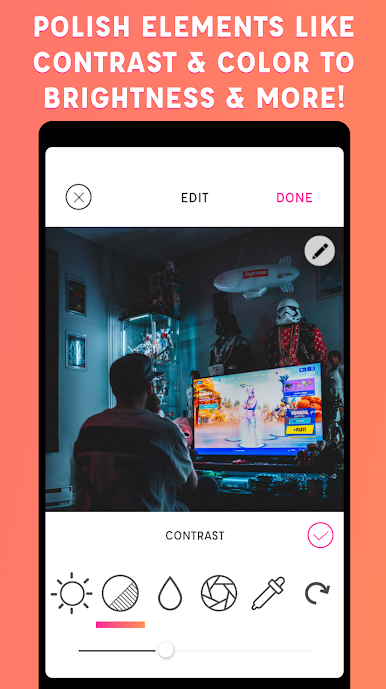
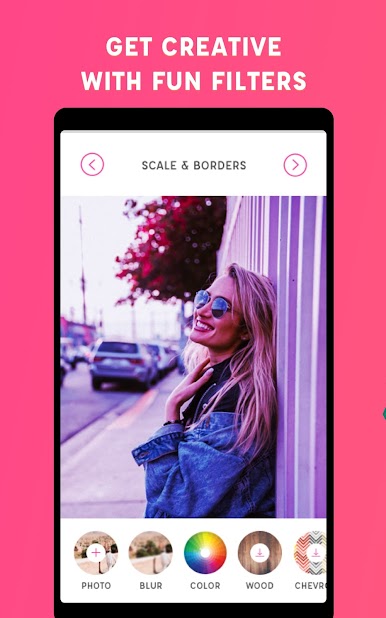
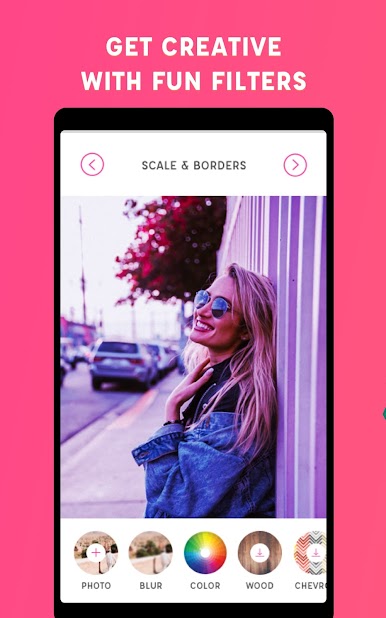
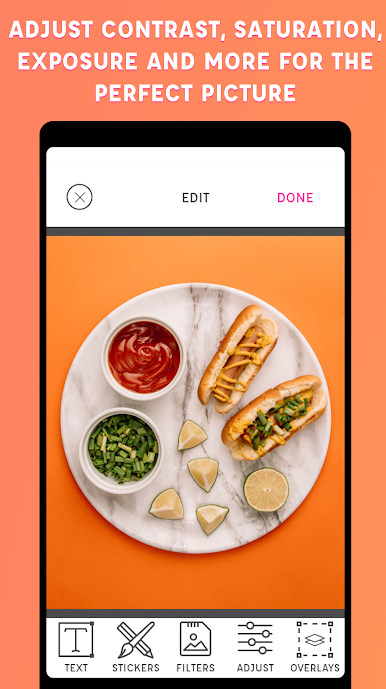
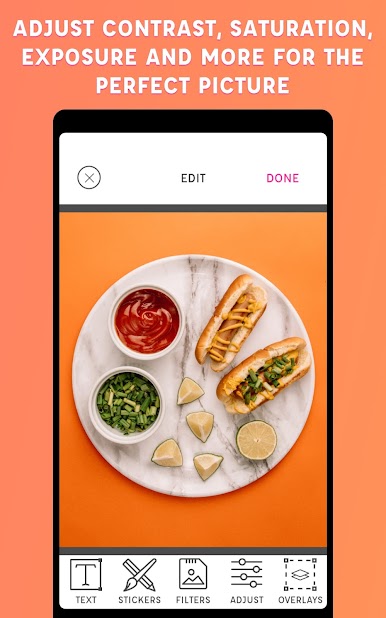
PicLab is one of those photo editing apps that just makes playing around with pictures really easy and fun. There’s a lot to mess with — not just the standard filters and brightness tweaks, but a bunch of creative tools like adding text, stickers, or even hand-drawn doodles. The selection of fonts is nice, and it’s simple to move text around, resize it, or even mess with the opacity for those more subtle looks. And if someone wants, they can add shadows or multiple layers to get pretty creative with the layout.
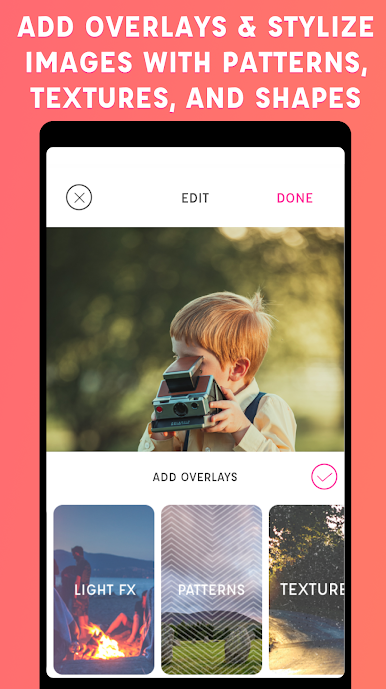
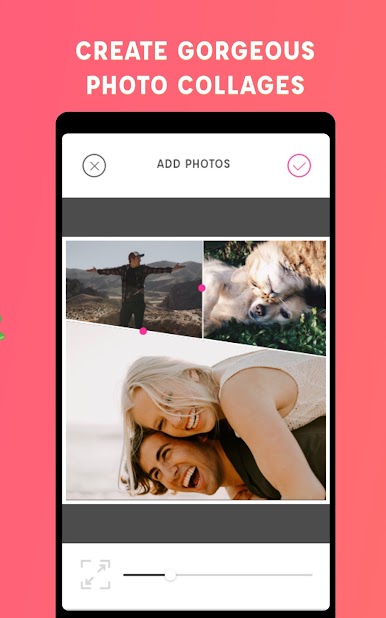
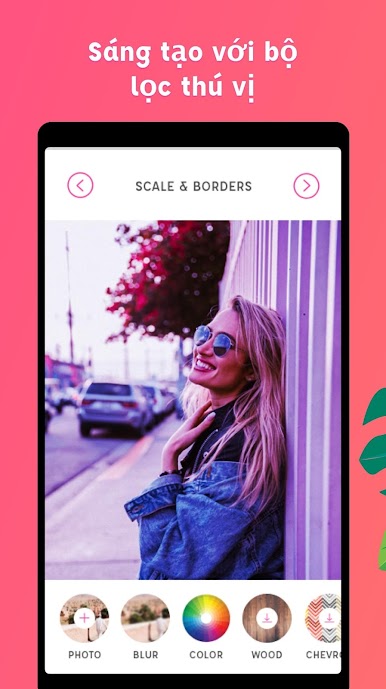
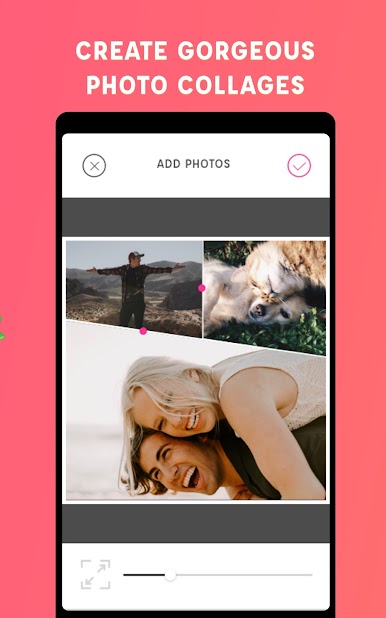
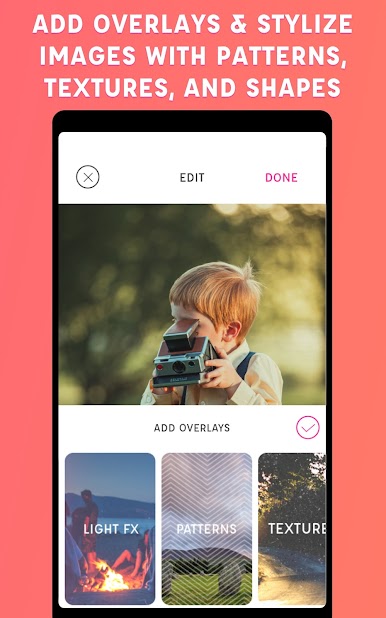
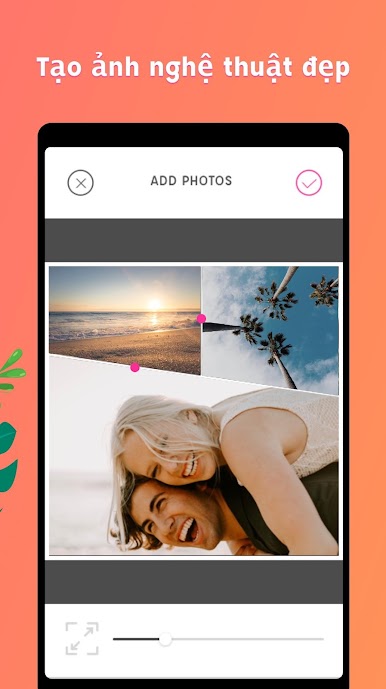
The app’s got tons of stickers and art bits that get updated every so often, so there’s always something new to try. Same thing with filters: there’s a good range, and they don’t all look the same like some other apps. For people who like putting borders, overlays, or cool patterns on top of photos, it’s got lots of options, and it’s easy to preview what different stuff looks like before saving anything. There’s even a collage builder, and the cropping tools are really straightforward, so customizing the layout takes almost no time.
Editing with PicLab on PC through BlueStacks feels really smooth, especially when doing more detailed work or handling a bunch of photos. It doesn’t feel intimidating at all — the controls are clear, and nobody needs design experience to start making pictures stand out. Whether it’s for posting to socials, making quick edits to send to friends, or just adding a silly sticker or caption, PicLab is flexible but stays easy to use.
Big screen. Bigger performance. Use BlueStacks on your PC or Mac to run your favorite apps.










Chơi Trình chỉnh sửa ảnh trên PC. Rất dễ để bắt đầu
-
Tải và cài đặt BlueStacks trên máy của bạn
-
Hoàn tất đăng nhập vào Google để đến PlayStore, hoặc thực hiện sau
-
Tìm Trình chỉnh sửa ảnh trên thanh tìm kiếm ở góc phải màn hình
-
Nhấn vào để cài đặt Trình chỉnh sửa ảnh trong danh sách kết quả tìm kiếm
-
Hoàn tất đăng nhập Google (nếu bạn chưa làm bước 2) để cài đặt Trình chỉnh sửa ảnh
-
Nhấn vào icon Trình chỉnh sửa ảnh tại màn hình chính để bắt đầu chơi

