


このページには広告が含まれます
Class Planner
仕事効率化 | In Pocket Solutions
BlueStacksを使ってPCでプレイ - 5憶以上のユーザーが愛用している高機能Androidゲーミングプラットフォーム

Play Class Planner on PC
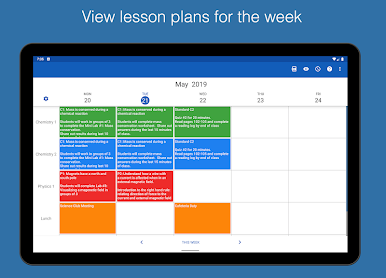
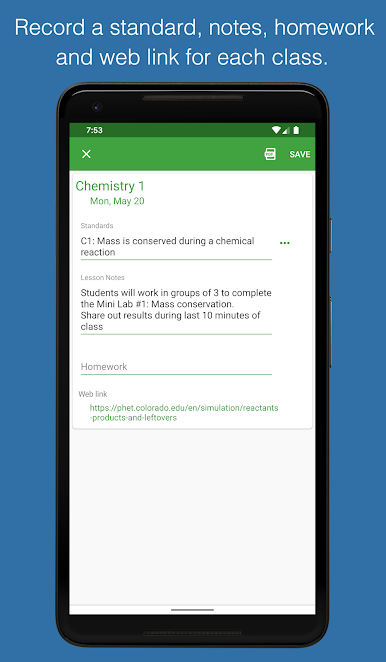
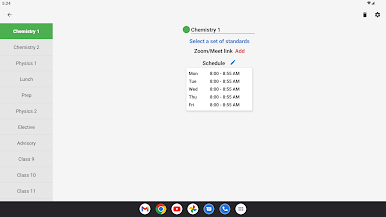
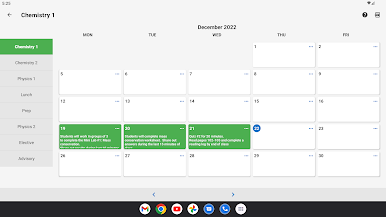
Class Planner allows teachers to easily keep a record of their lesson plans on a mobile device or Chromebook.
Features
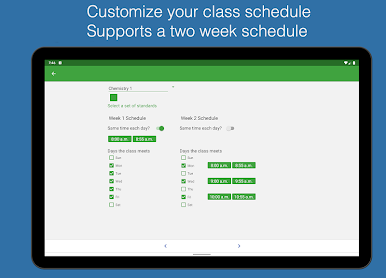
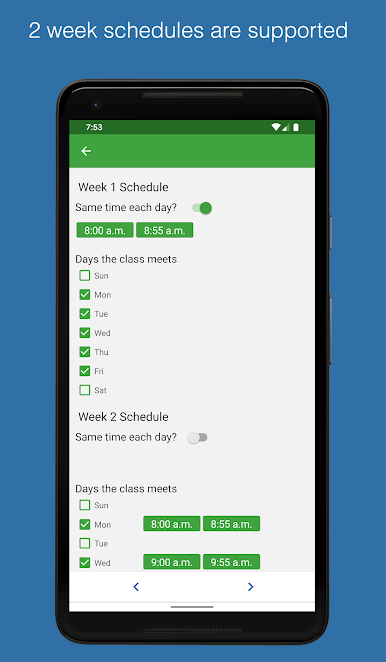
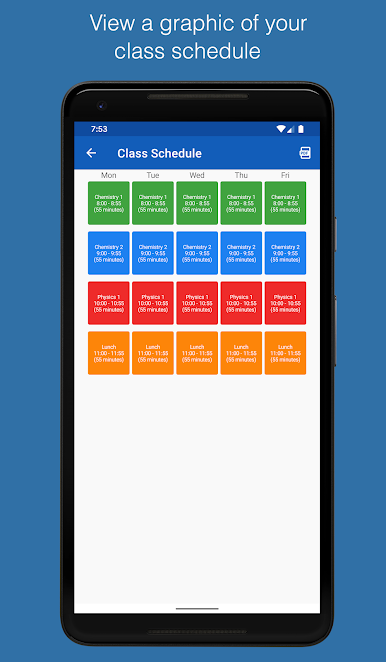
• Supports a 2 week timetable. ***
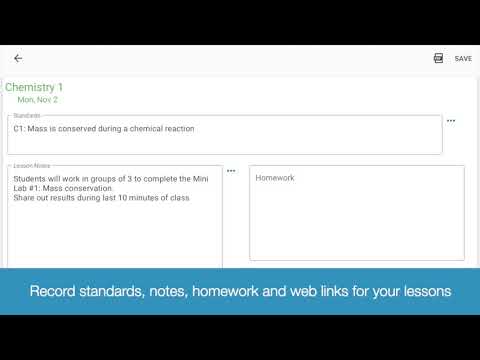
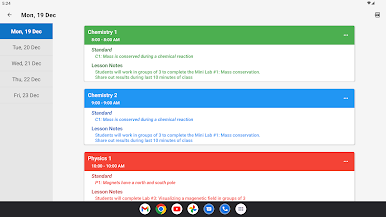
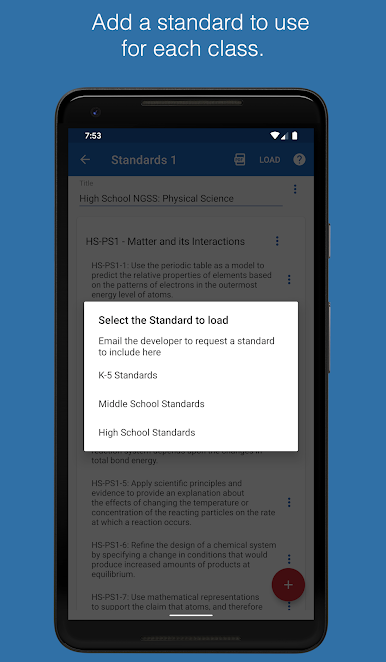
• Link content standards with individual lessons
• Record homework
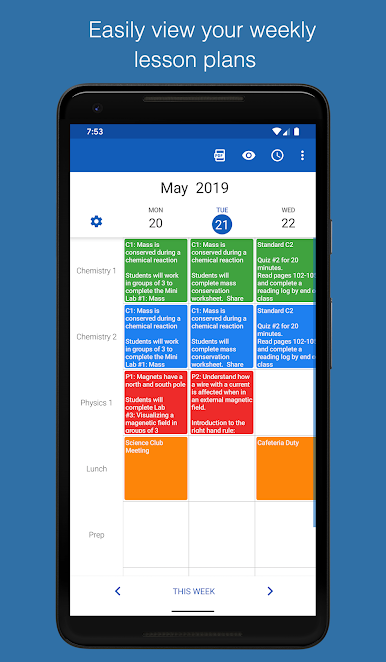
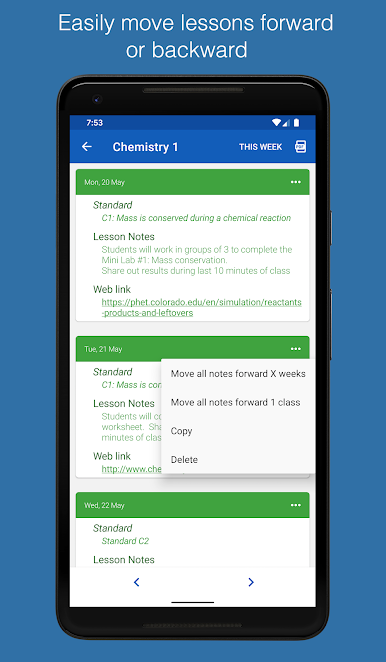
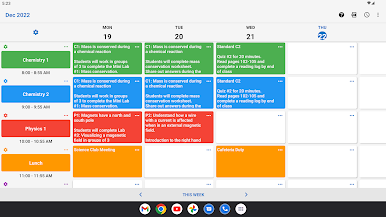
• View notes by week, by class or by day.
• Easily move lessons forward or backwards to accommodate schedule changes.
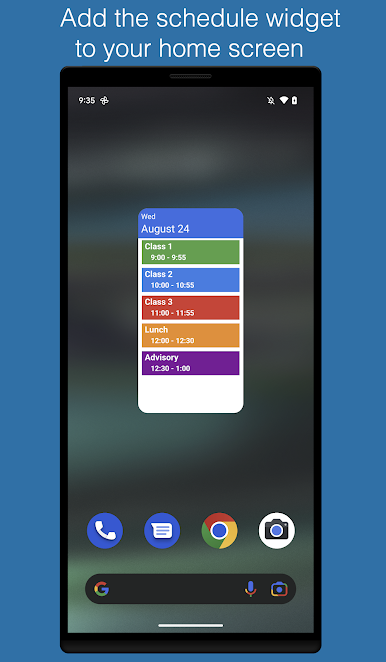
• View your daily class schedule on your home screen with the widget
• Backup data to the device or cloud
• Generate a PDF of the day's lesson for administrators or personal records
Email the developer for requests to include new standards in the app.
Use the app for free for 1 class. Activate a low cost monthly subscription to support up to 20 classes.
Privacy Policy: https://inpocketsolutions.com/privacy-policy
Feel free to email the developer at support@inpocketsolutions.com to give feedback. I love to make improvements based on user suggestions and anything to help teachers keep track of their lesson plans is appreciated.
Features
• Supports a 2 week timetable. ***
• Link content standards with individual lessons
• Record homework
• View notes by week, by class or by day.
• Easily move lessons forward or backwards to accommodate schedule changes.
• View your daily class schedule on your home screen with the widget
• Backup data to the device or cloud
• Generate a PDF of the day's lesson for administrators or personal records
Email the developer for requests to include new standards in the app.
Use the app for free for 1 class. Activate a low cost monthly subscription to support up to 20 classes.
Privacy Policy: https://inpocketsolutions.com/privacy-policy
Feel free to email the developer at support@inpocketsolutions.com to give feedback. I love to make improvements based on user suggestions and anything to help teachers keep track of their lesson plans is appreciated.
Class PlannerをPCでプレイ
-
BlueStacksをダウンロードしてPCにインストールします。
-
GoogleにサインインしてGoogle Play ストアにアクセスします。(こちらの操作は後で行っても問題ありません)
-
右上の検索バーにClass Plannerを入力して検索します。
-
クリックして検索結果からClass Plannerをインストールします。
-
Googleサインインを完了してClass Plannerをインストールします。※手順2を飛ばしていた場合
-
ホーム画面にてClass Plannerのアイコンをクリックしてアプリを起動します。

