


Actualités Scientifiques
Jouez sur PC avec BlueStacks - la plate-forme de jeu Android, approuvée par + 500M de joueurs.

Page Modifiée le: Nov 23, 2025
Run Science News Daily on PC or Mac
Multitask effortlessly on your PC or Mac as you try out Science News Daily, a News & Magazines app by Appsfornexus Digital Media on BlueStacks.
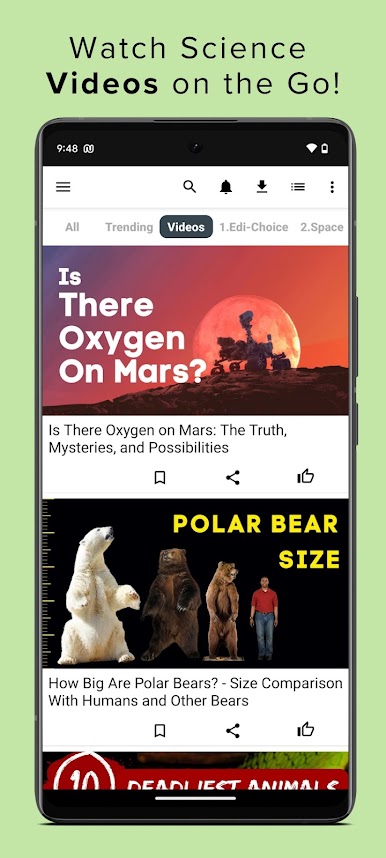
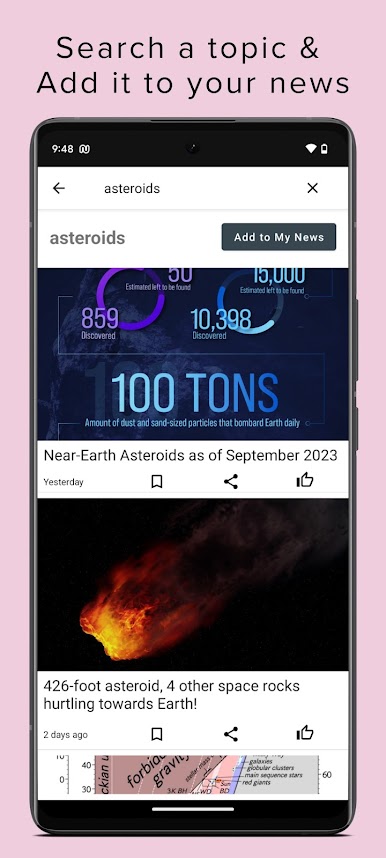
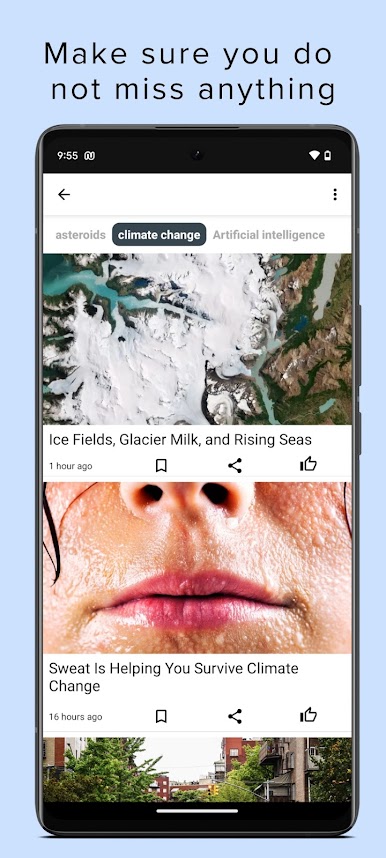
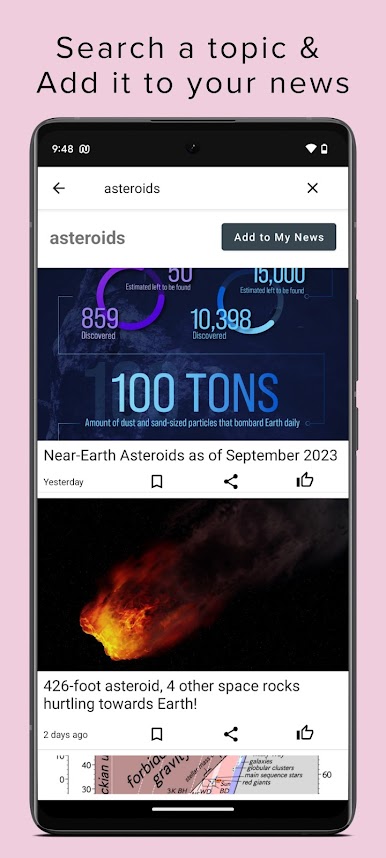
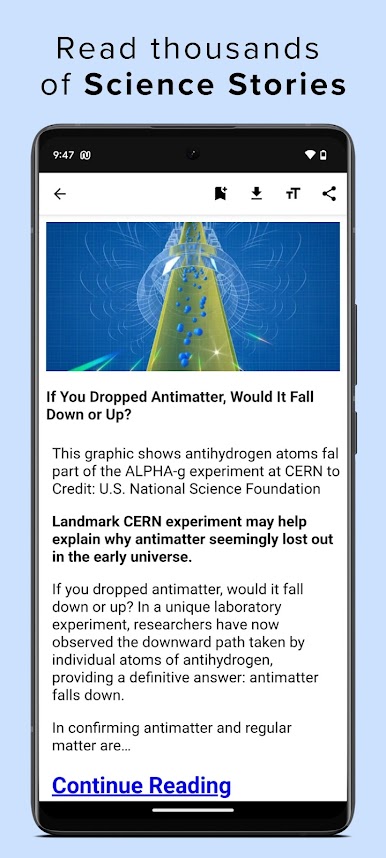
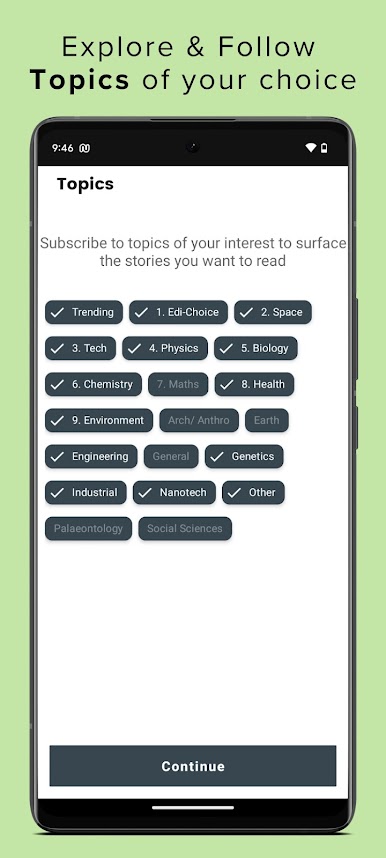
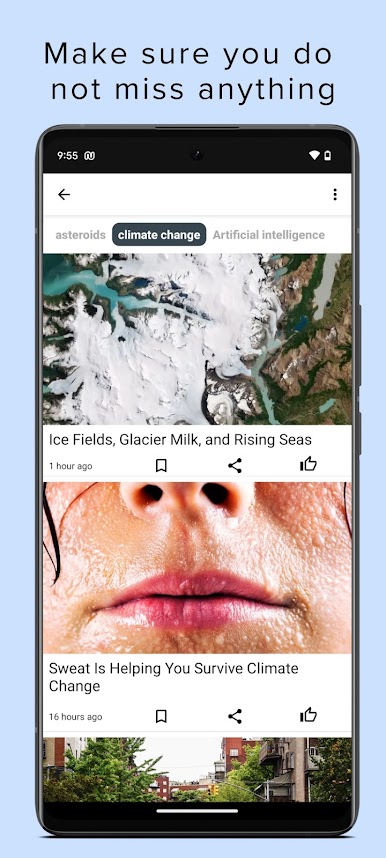
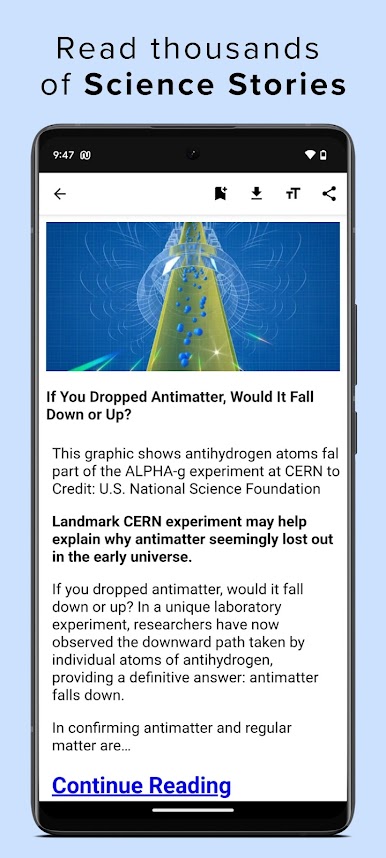
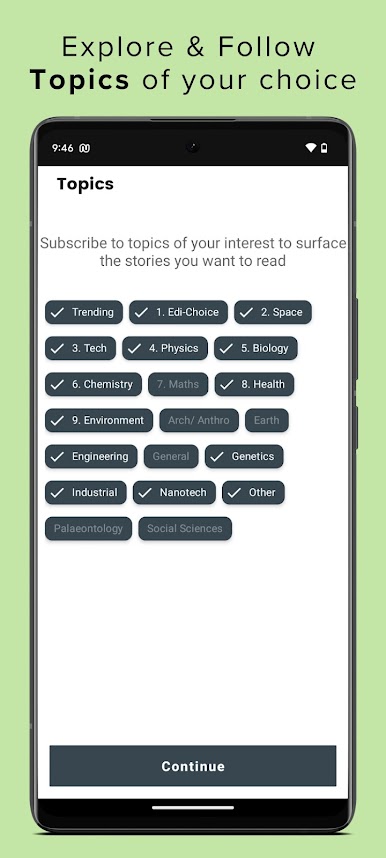
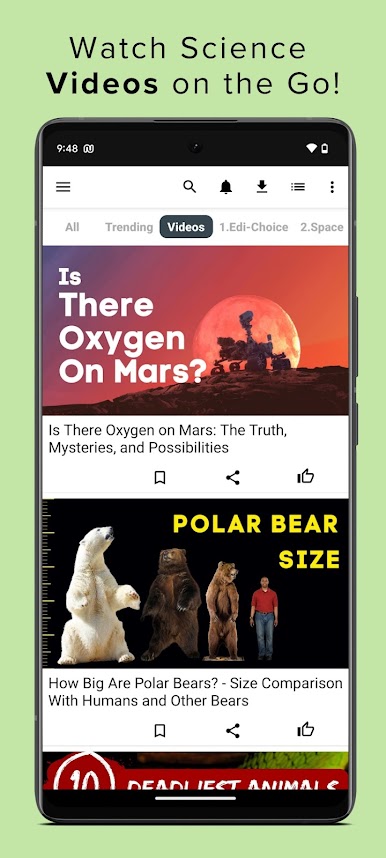
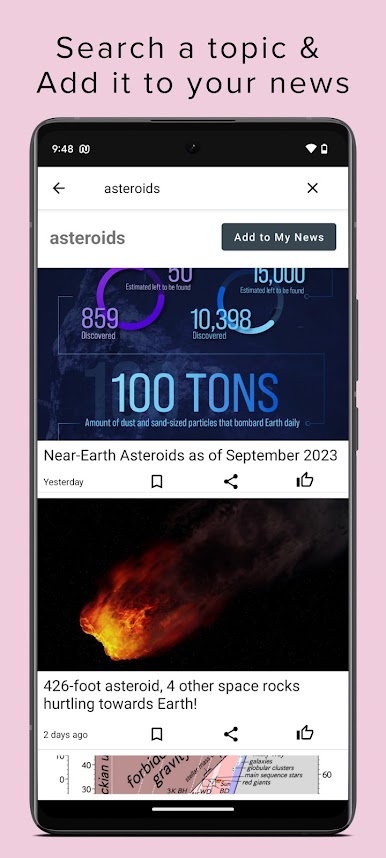
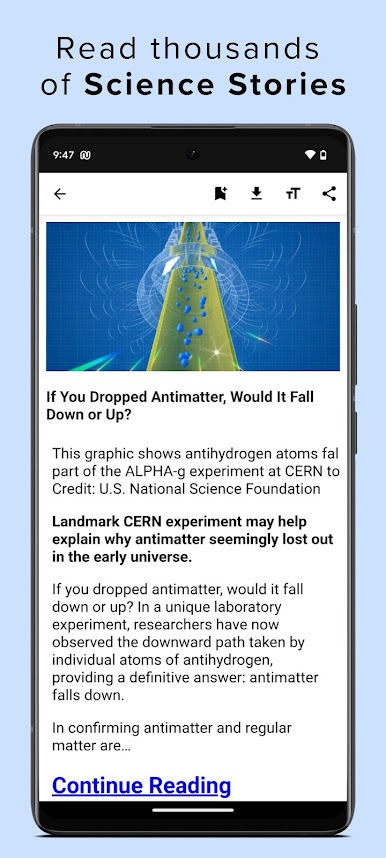
Science News Daily is sort of a go-to place for anyone who wants to keep up with all the wild and interesting stuff happening in science. Once it’s running on a PC with BlueStacks, it feels almost like flipping through a bunch of science magazines, but everything’s just a click away and always up to date. There’s a ton of content, so you’re not just stuck with the usual headlines — they pull in articles and videos on just about every topic, whether someone’s into astrophysics, breakthroughs in medicine, or weird new discoveries. It’s nice because it doesn’t just dump everything on you; the feed can actually be set up so it focuses on the topics you care about, so if space exploration is the thing, you’re not wading through articles on genetics or chemistry (unless you want to).
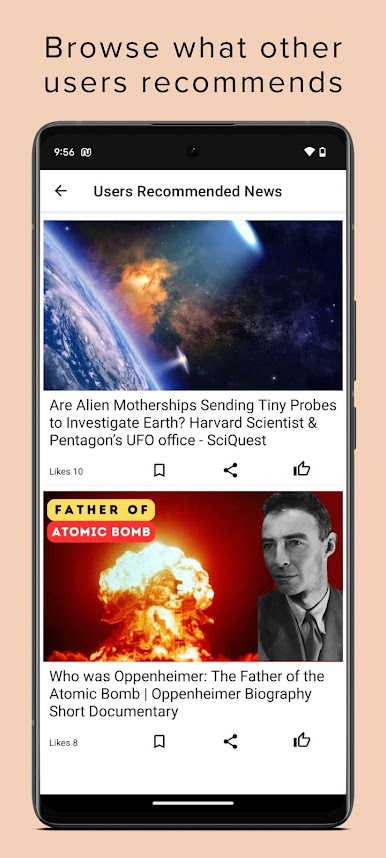
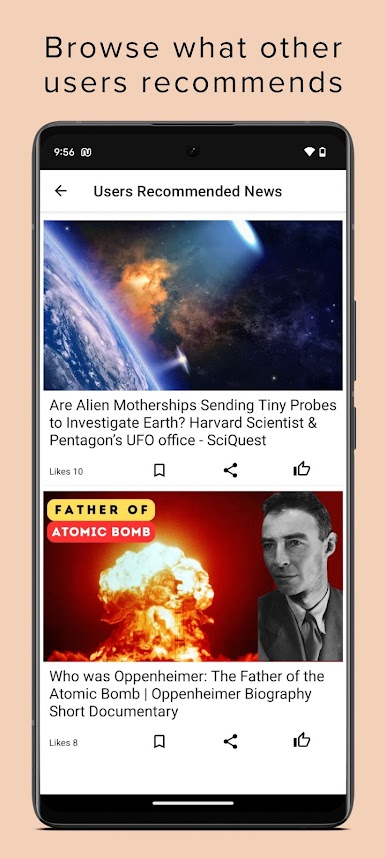
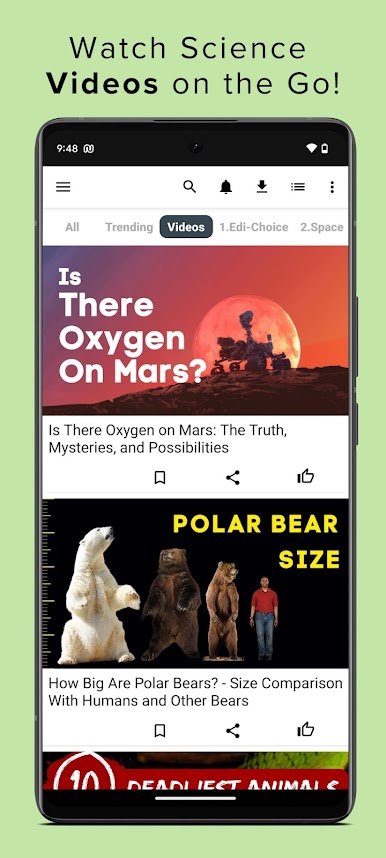
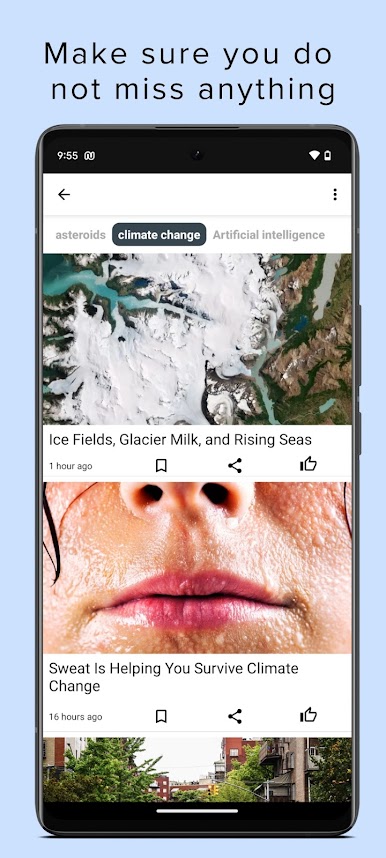
One thing that makes it easy to get into is how all the features are actually pretty simple to use. There are handy options to bookmark stuff to read later or share cool finds with others. The app even throws in some extra tools, like a built-in science dictionary if a term pops up that isn’t familiar, and little science factoids for anyone who likes to pick up random knowledge. The videos are genuinely helpful too, especially for trickier subjects — they make it easier to understand what’s going on without reading a giant article. For people who like notifications, it can ping you about the latest happenings, but those can be tweaked so it’s not blowing up with alerts all the time. Even though it’s packed with different categories – from space, tech, and chemistry, to more niche stuff like nanotechnology and anthropology – it’s all easy to sort through, and the whole thing just feels smooth and straightforward when using it on a bigger screen.
BlueStacks brings your apps to life on a bigger screen—seamless and straightforward.






Jouez à Actualités Scientifiques sur PC. C'est facile de commencer.
-
Téléchargez et installez BlueStacks sur votre PC
-
Connectez-vous à Google pour accéder au Play Store ou faites-le plus tard
-
Recherchez Actualités Scientifiques dans la barre de recherche dans le coin supérieur droit
-
Cliquez pour installer Actualités Scientifiques à partir des résultats de la recherche
-
Connectez-vous à Google (si vous avez ignoré l'étape 2) pour installer Actualités Scientifiques
-
Cliquez sur l'icône Actualités Scientifiques sur l'écran d'accueil pour commencer à jouer

