

محادثات فرنسية مترجمة
Chơi trên PC với BlueStacks - Nền tảng chơi game Android, được hơn 500 triệu game thủ tin tưởng.

Trang đã được sửa đổi vào: Nov 11, 2025
Run Conversations French Arabic on PC or Mac
Let BlueStacks turn your PC, Mac, or laptop into the perfect home for Conversations French Arabic, a fun Education app from CodeLyth.
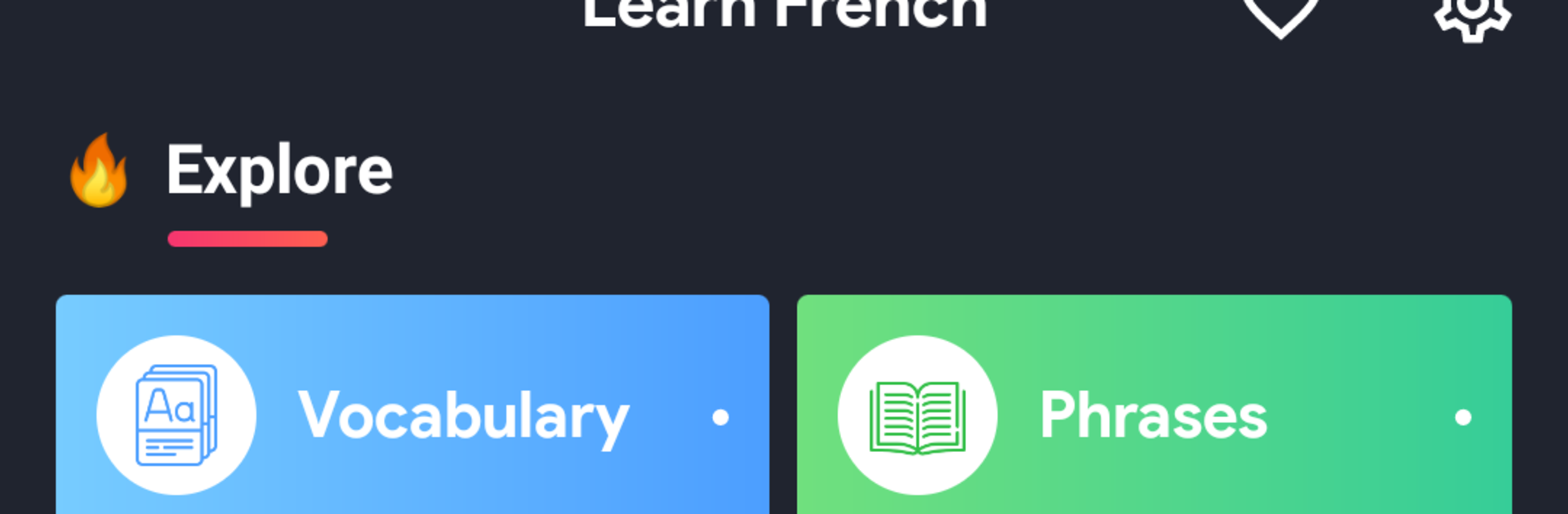
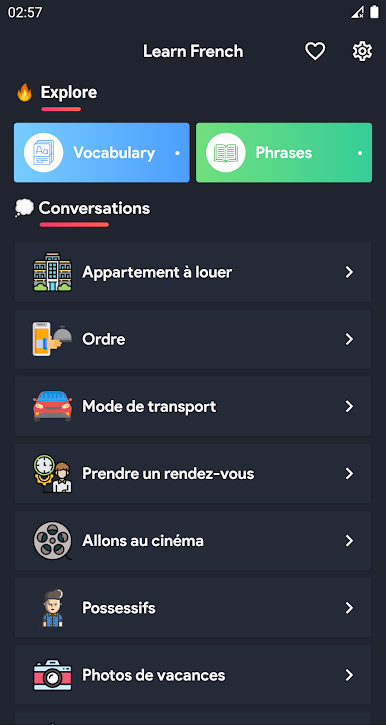
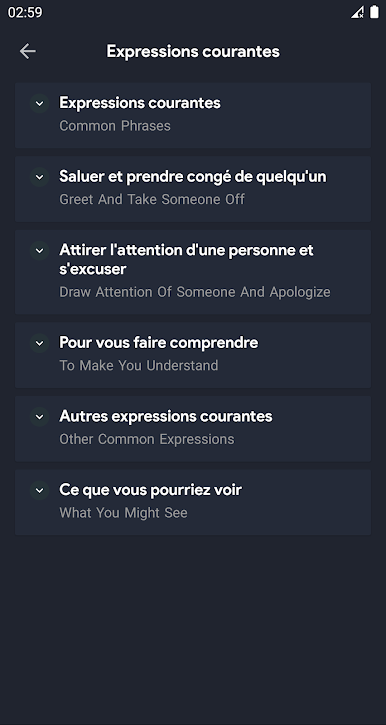
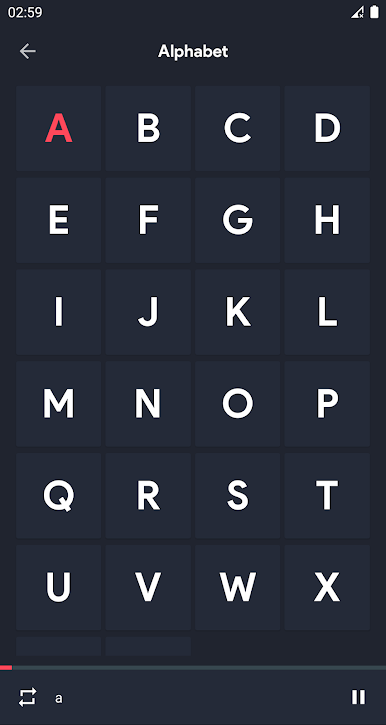
Conversations French Arabic feels like a straight to the point practice buddy for everyday talk, not a textbook. It lines up short, real life dialogues for things like travel, shopping, work, weather, and daily chit chat, with French on one side and clear Arabic support so the meaning clicks fast. Audio is done by native speakers, so the pronunciation sounds natural, and the app nudges users to read, write, and speak along. There are well over 300 conversations to explore, and about 100 of them work offline with sound, which is great when the connection drops. The autoplay option turns a set of dialogues into something like a hands free listening session, and notifications give gentle reminders to run a quick practice so vocabulary sticks. It is simple to use. Pick a topic, tap a line to replay it, check the phrase list for new words, and save favorites for later.
On PC with BlueStacks, it is easy to see both languages side by side without squinting, pause and repeat lines quickly, and keep audio running in the background while doing other stuff. The layout is clean and light, no clutter, just lessons and phrase banks that get users speaking. Some translations can feel a little literal, but the meaning stays clear. It is less about gamified points and more about steady, useful phrases that help with listening and speaking practice. Handy for beginners and anyone brushing up before a trip or work chat, and it does not take ages to figure out the menus, which helps alot.
Eager to take your app experience to the next level? Start right away by downloading BlueStacks on your PC or Mac.
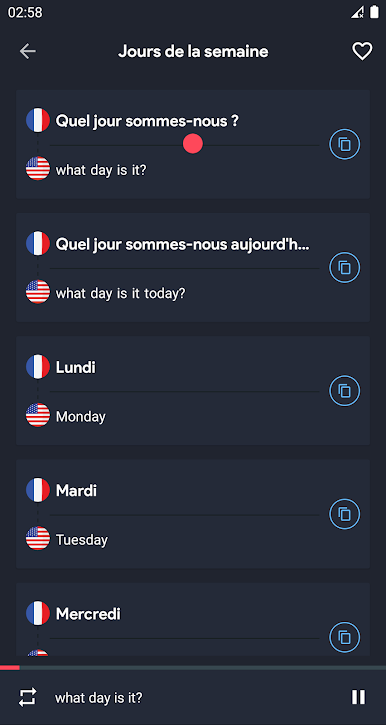
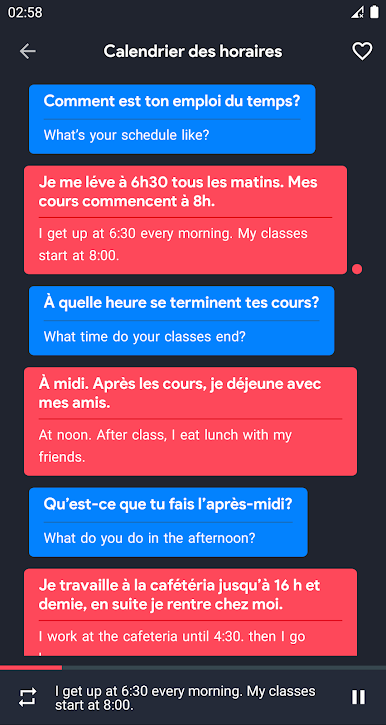
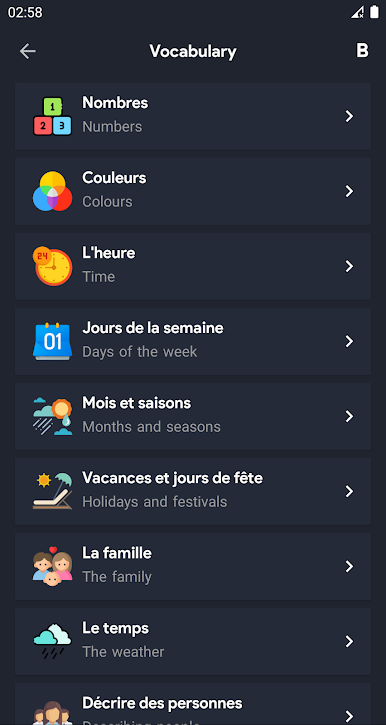
Chơi محادثات فرنسية مترجمة trên PC. Rất dễ để bắt đầu
-
Tải và cài đặt BlueStacks trên máy của bạn
-
Hoàn tất đăng nhập vào Google để đến PlayStore, hoặc thực hiện sau
-
Tìm محادثات فرنسية مترجمة trên thanh tìm kiếm ở góc phải màn hình
-
Nhấn vào để cài đặt محادثات فرنسية مترجمة trong danh sách kết quả tìm kiếm
-
Hoàn tất đăng nhập Google (nếu bạn chưa làm bước 2) để cài đặt محادثات فرنسية مترجمة
-
Nhấn vào icon محادثات فرنسية مترجمة tại màn hình chính để bắt đầu chơi

