

Guitar Pro
العب على الكمبيوتر الشخصي مع BlueStacks - نظام أندرويد للألعاب ، موثوق به من قبل أكثر من 500 مليون لاعب.

Run Guitar Pro on PC or Mac
Why limit yourself to your small screen on the phone? Run Guitar Pro, an app by Arobas Music, best experienced on your PC or Mac with BlueStacks, the world’s #1 Android emulator.
About the App
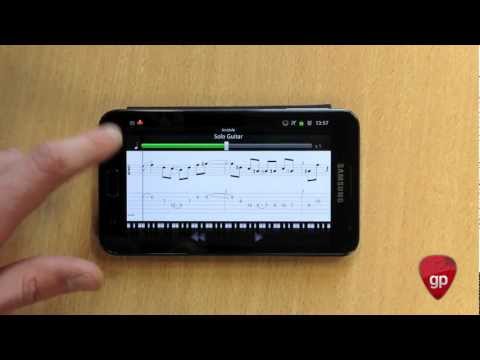
Guitar Pro brings the power and flexibility of the well-known tab editor right to your phone or tablet, making it a breeze to jot down riffs, practice your favorite licks, and follow along with detailed scores wherever you are. Whether you’re noodling in your living room, prepping for a jam session, or just want to keep musical ideas handy, this handy tool lets you view, play, and write guitar tablature on the go. Arobas Music designed it for musicians who want an easy, no-fuss way to keep their music close and stay inspired.
App Features
-
Wide File Compatibility
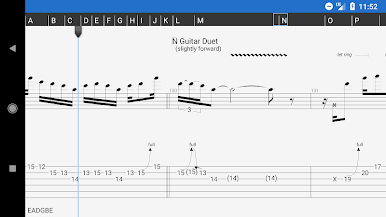
Open and play Guitar Pro files in formats GP3 through GP8. Got tabs saved from years ago? Odds are, you can use them here. -
Plenty of Notation Options
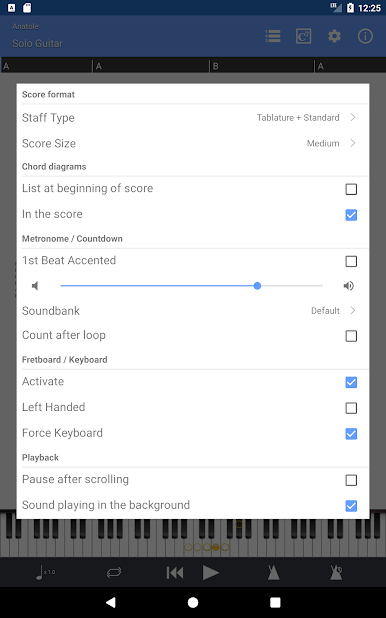
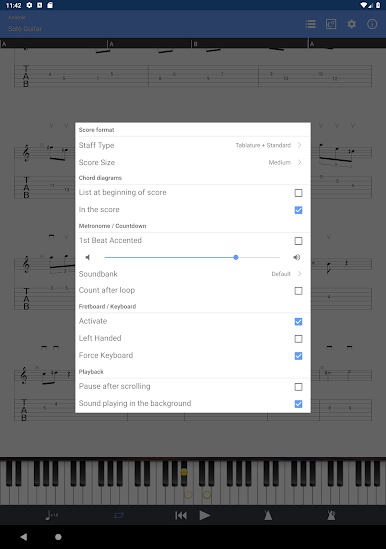
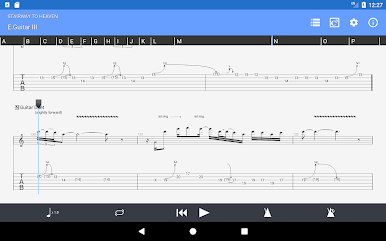
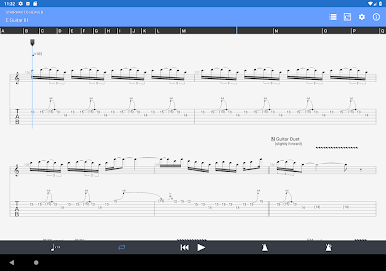
View tabs, rhythms, slashes, or classic standard notation—whatever makes the most sense for your style of learning. -
Integrated Sheet Music Library
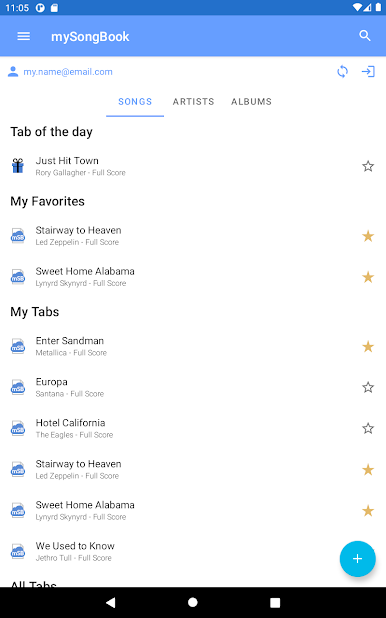
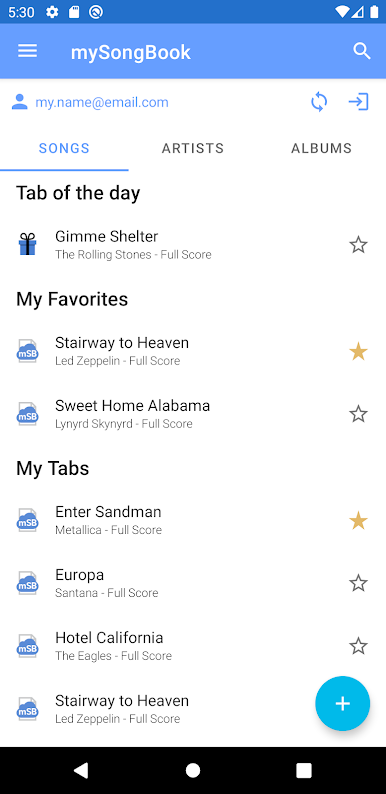
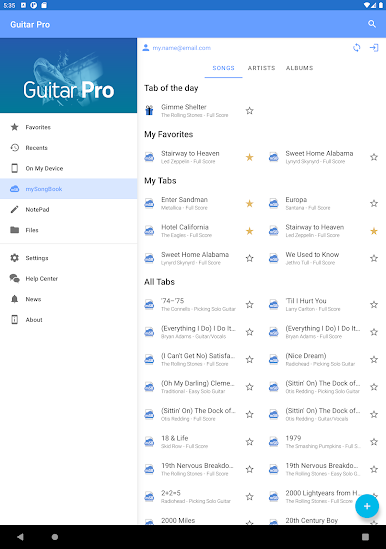
Browse and organize your scores with built-in search, filters, and favorites. Everything’s ready to go when you are. -
Flexible Score Player
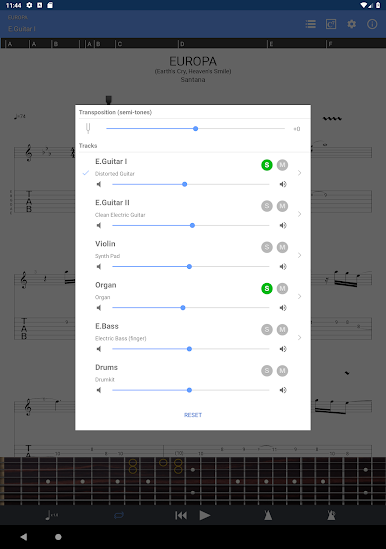
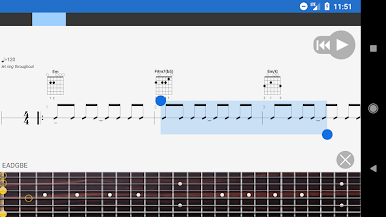
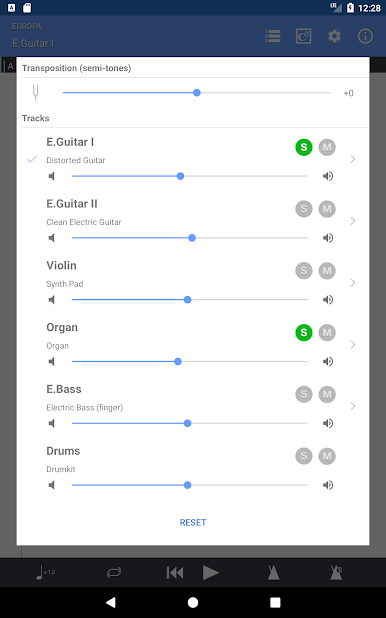
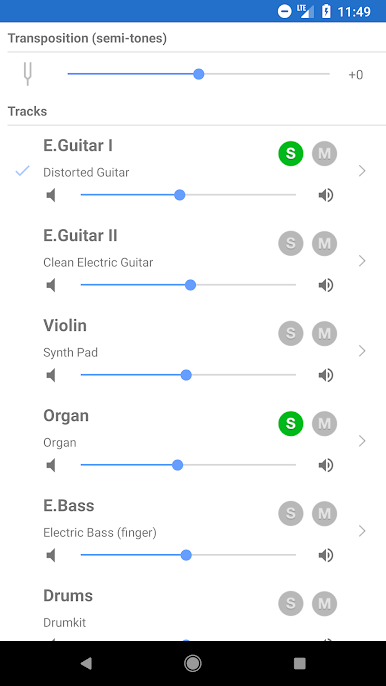
Jam with the multitrack player—solo or mute parts, adjust instrument volume, and toggle between the soundbanks. Loop tricky passages, tweak the tempo on the fly, or transpose everything up or down in half-steps if you need to change key fast. -
Handy Practice Tools
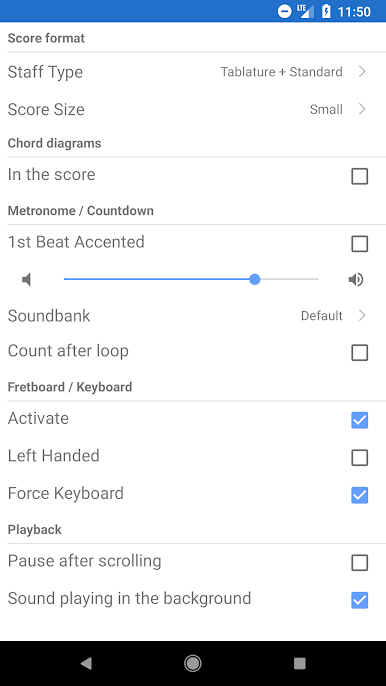
A built-in metronome and visual countdown help you lock in your timing, and you get three zoom levels for a comfortable view on any screen. -
Instrument Fretboards and Keyboards
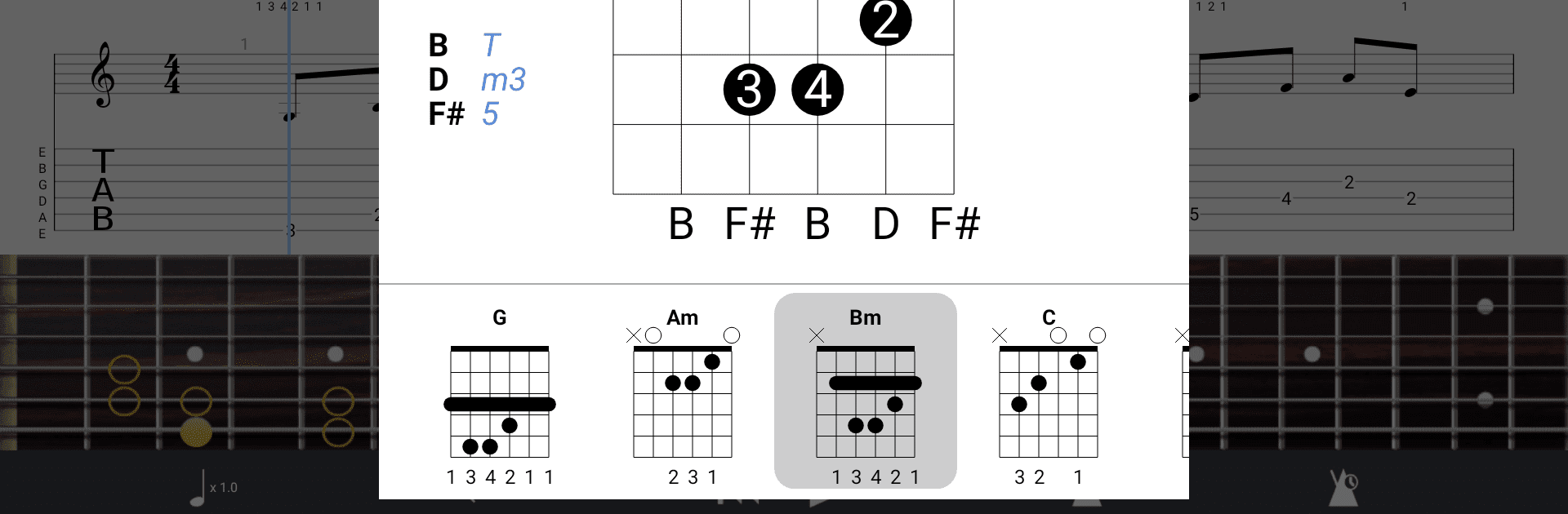
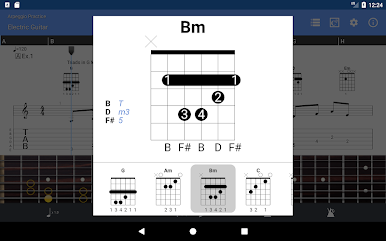
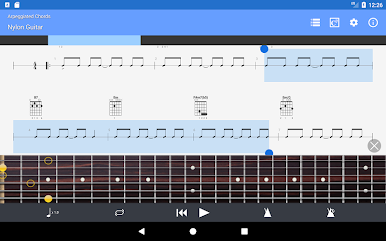
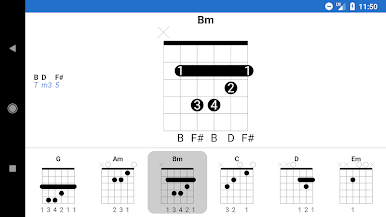
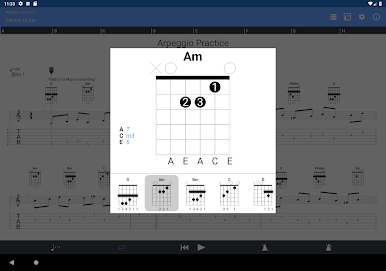
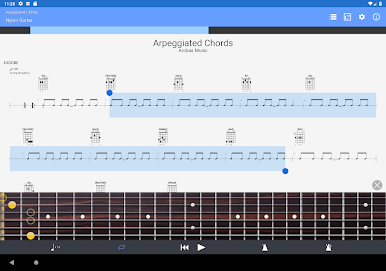
Check out music using a virtual guitar or bass fretboard (works for both right- and left-handed players) or a keyboard, so you can see exactly where to put your fingers. -
NotePad for Quick Ideas
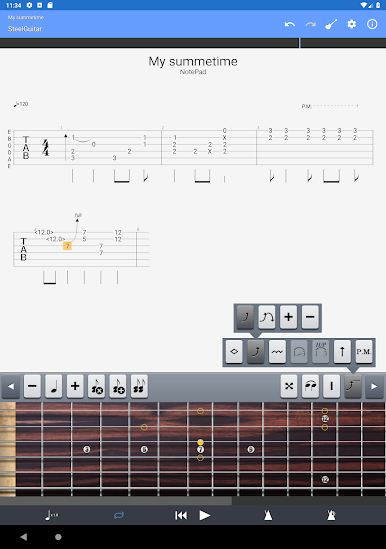
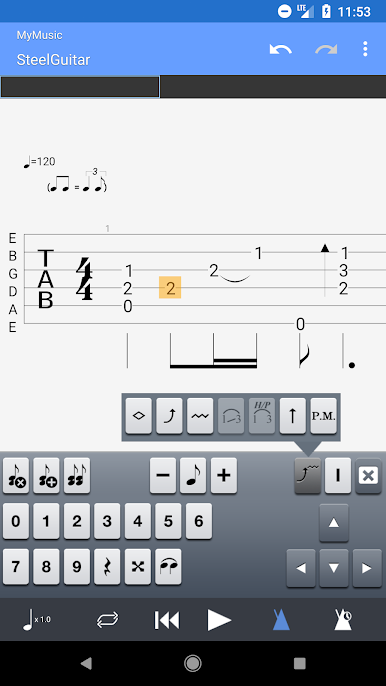
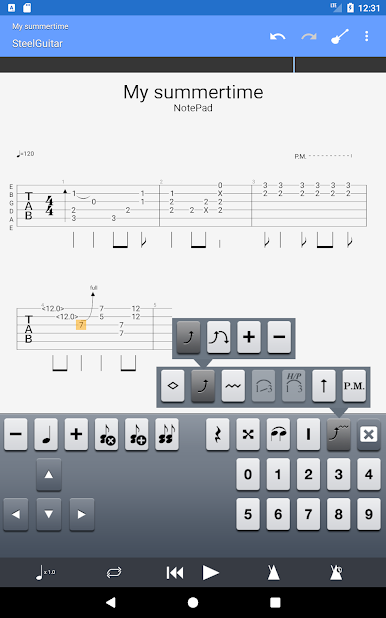
Got a riff or chord progression in your head? Use the NotePad tool to sketch out single-track tabs for guitar, bass, mandolin, ukulele—even banjo. Tweak the tuning, play with 19 built-in sounds, and experiment with tempo until it feels right. -
Seamless Export for Composers
Send your NotePad ideas to Guitar Pro 6 and 7 desktop software later if you want to keep developing your compositions. -
Easy File Management
You can load new files into Guitar Pro over WiFi, a web browser, or even email. When you want to share a score, just send it directly from the app. -
mySongBook Portal Access
Browse tens of thousands of scores via mySongBook (monthly subscription not included), so you’re never short on new music. -
BlueStacks Compatibility
Prefer a bigger screen? Guitar Pro works with BlueStacks, so you can enjoy practicing on your computer with all the familiar features. -
Additional Details
While you can listen to and play most parts of Guitar Pro files, a few features like editing existing sheet music or using audio tracks are limited to desktop versions. But when you want to jot down ideas or practice on the go, this app has you covered.
Eager to take your app experience to the next level? Start right away by downloading BlueStacks on your PC or Mac.
العب Guitar Pro على جهاز الكمبيوتر. من السهل البدء.
-
قم بتنزيل BlueStacks وتثبيته على جهاز الكمبيوتر الخاص بك
-
أكمل تسجيل الدخول إلى Google للوصول إلى متجر Play ، أو قم بذلك لاحقًا
-
ابحث عن Guitar Pro في شريط البحث أعلى الزاوية اليمنى
-
انقر لتثبيت Guitar Pro من نتائج البحث
-
أكمل تسجيل الدخول إلى Google (إذا تخطيت الخطوة 2) لتثبيت Guitar Pro
-
انقر على أيقونة Guitar Pro على الشاشة الرئيسية لبدء اللعب

