


HRV4Training
Play on PC with BlueStacks – the Android Gaming Platform, trusted by 500M+ gamers.

Page Modified on: Oct 6, 2025
Play HRV4Training on PC
On compatibility with your phone: the app will detect right away if your phone is supported so that you can always get a refund in case it is not.
HRV4Training in addition to our camera based measurements, supports the Oura ring, Coros watches and Bluetooth sensors (e.g. a Polar chest strap, our recommendation)
HRV4Training is also the first app that goes beyond simple measurements and provides insights on:
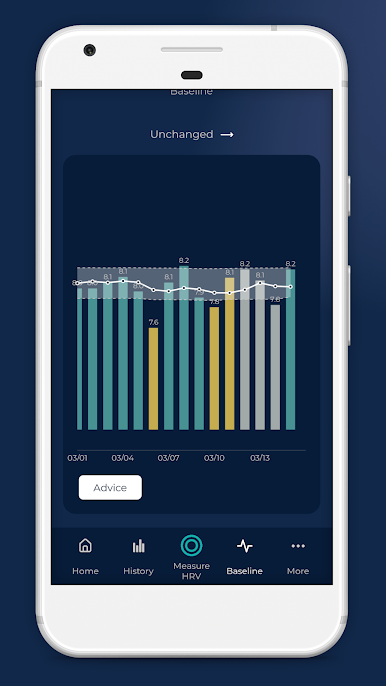
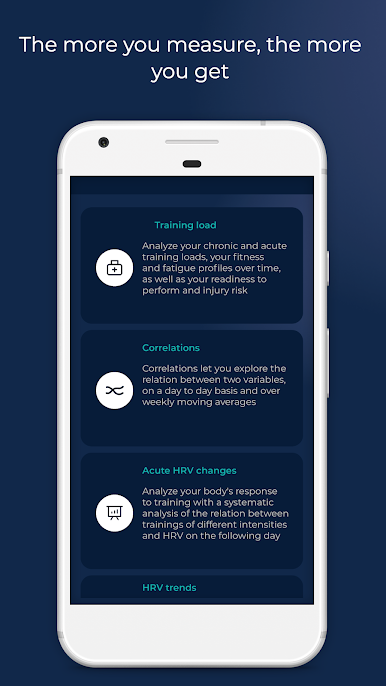
1) acute or day to day HRV changes in response to different stressors (alcohol, travel, sick days, training, menstruation, etc.)
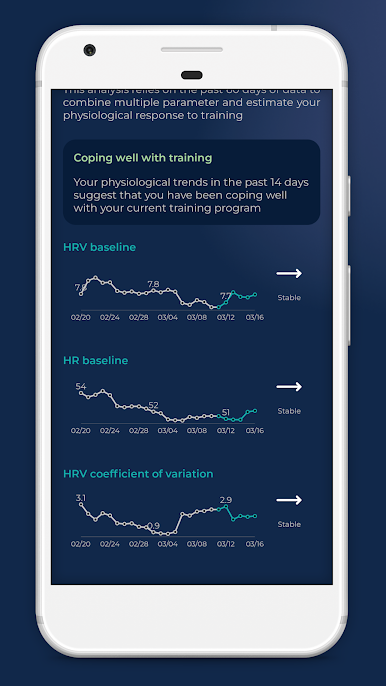
2) long term multi-parameter trends to look at the big picture
3) correlations between physiological measurements and annotations
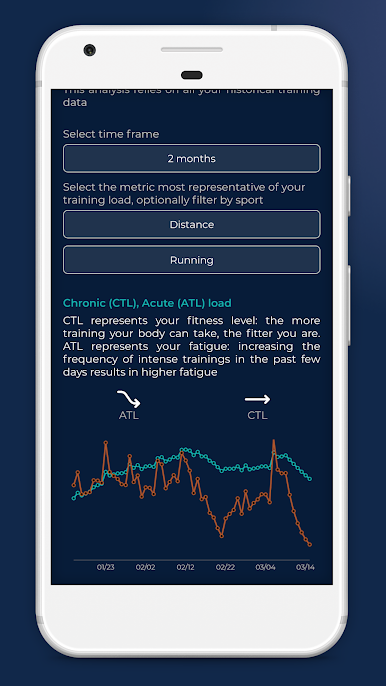
4) training load analysis, fitness, fatigue, readiness to perform and injury risk
5) VO2max estimation for runners linking the app to Strava or TrainingPeaks
6) Training Polarization analysis
7) Weekly and monthly summaries to track progress.
All data is processed inside the app in order to provide you with actionable interpretations that can help optimizing your training plan and performance.
Other features:
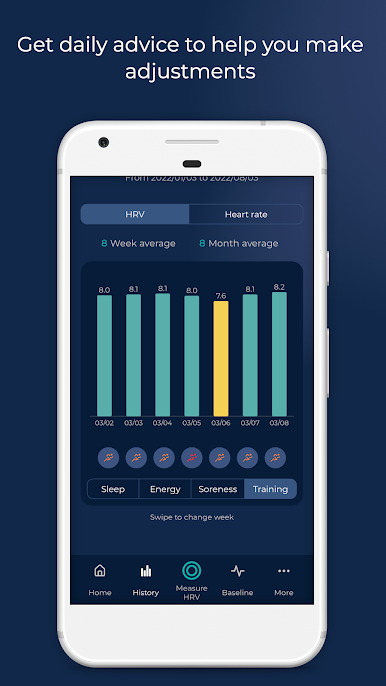
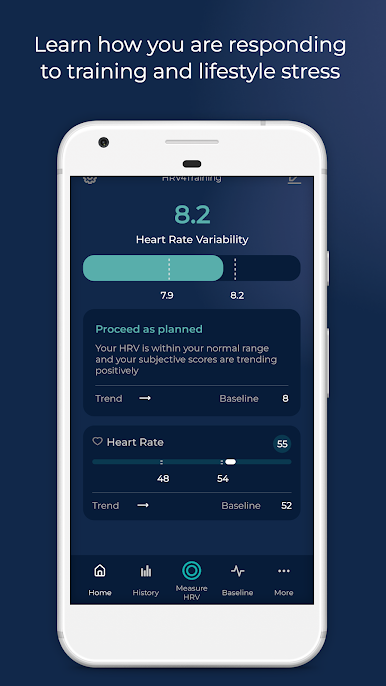
- HRV-based advice helps you to adapt your trainings based on objective measures of recovery
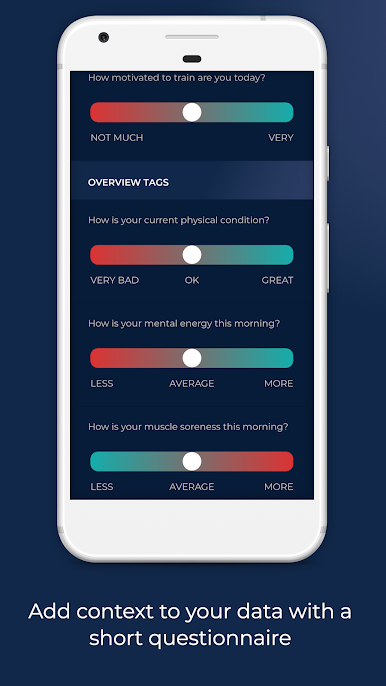
- TAGS: lets you tag your sleep, mental energy, muscle fatigue, stress and all other parameters that can help you understand what is influencing your physical condition and physiological stress
- Works with Bluetooth SMART heart rate monitors (a Polar H7 is recommended)
- Configurable test (choose test duration between 1, 3 or 5 minutes)
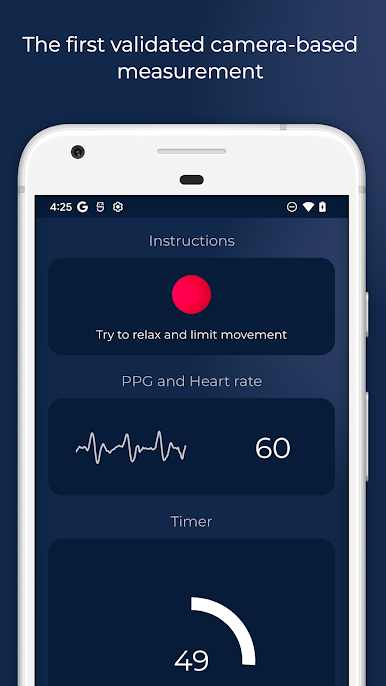
- Shows the PPG signal view to ensure signal quality during the test if the camera is used instead of a sensor
- Extracts and stores the following features while lying down and/or standing: heart rate, mean of beat-to-beat intervals (AVNN), standard deviation of beat-to-beat intervals (SDNN), square root of the mean squared difference of successive R-Rs (rMSSD), number of pairs of successive R-Rs that differ by more than 50 ms (pNN50), low frequency power (LF, 0.04-0.15 Hz), high frequency power (HF, 0.15-0.40 Hz)
- Population summaries and people like you comparisons to put your data into perspective
- Data export via email
- RR-intervals correction
- Integrates with TrainingPeaks, Strava and others
More details on HRV and app usage are available here:
http://www.hrv4training.com/quickstart-guide.html
and here: https://marcoaltini.substack.com/
HRV4Training requires to register an account with your email address, so that your data can be backed up safely and retrieved in case anything happens (app issue, changing phone, etc.).

Play HRV4Training on PC. It’s easy to get started.
-
Download and install BlueStacks on your PC
-
Complete Google sign-in to access the Play Store, or do it later
-
Look for HRV4Training in the search bar at the top right corner
-
Click to install HRV4Training from the search results
-
Complete Google sign-in (if you skipped step 2) to install HRV4Training
-
Click the HRV4Training icon on the home screen to start playing

