


Hearts + Classic Card Game
Играйте на ПК с BlueStacks – игровой платформе для приложений на Android. Нас выбирают более 500 млн. игроков.

Страница изменена: Mar 20, 2025
Play Hearts + Classic Card Game on PC
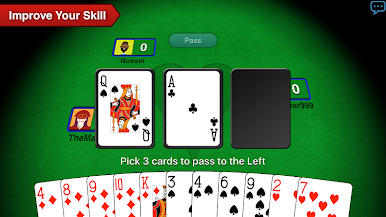
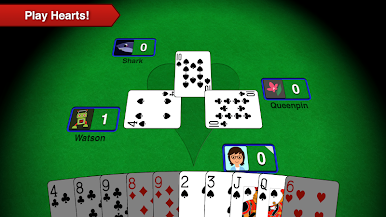
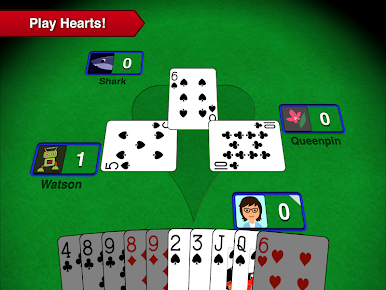
Free to play online Hearts multiplayer with real people, or relaxing offline play against artificial intelligence. Hearts + by A-Star Software is the most popular & top rated free Hearts app on Android, offering simple, challenging, and fun gameplay.
Hearts is a classic four player trick taking card game: avoid the Queen of Spades and Heart cards, or try to shoot the moon by collecting them all! If you enjoy any classic card game like Spades, Euchre, Pinochle, Bridge, Varaq, Rummy, Gin, or Solitaire, you will love our free Hearts card game.
Free Live Online Multiplayer!
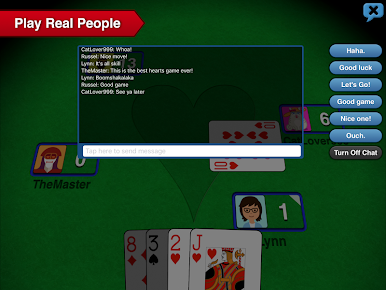
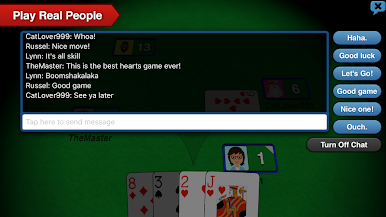
Hearts + has a huge online community of real people you can challenge in competitive ranked match-ups, or relaxed casual multiplayer games. Our ranked rating system ensures fair competition - improve your rating & progress through the multiplayer ranks to become the #1 competitive hearts user! Play with friends to prove you’re the best, or simply enjoy a casual low stakes Hearts game together.
Offline Single-Player Artificial Intelligence!
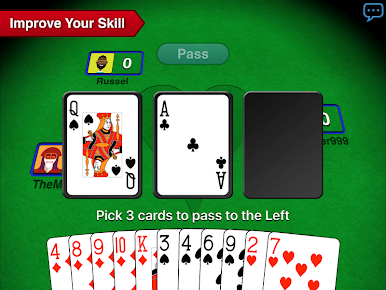
Hearts + classic offline with no Wi-Fi required. Our smart AI bots will challenge you and teach you some tricks.
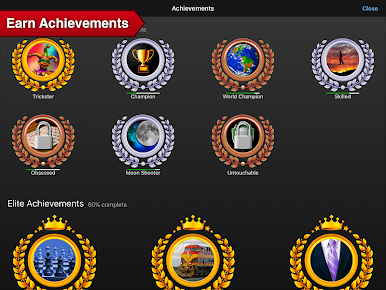
Statistics & Achievements!
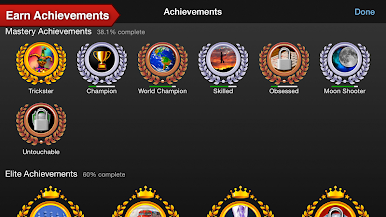
Track your Hearts skills with our free advanced statistics. Play your cards right to unlock achievements you can show off with friends.
Customize Your Hearts!
Tons of options to change classic gameplay rules & settings, card decks, and create your own multiplayer user profile for free.
A-Star Software is the top card game developer on Android & iOS - check out our free Spades + & Euchre 3D apps for more online & offline classic multiplayer card game fun!



Играйте в игру Hearts + Classic Card Game на ПК. Это легко и просто.
-
Скачайте и установите BlueStacks на ПК.
-
Войдите в аккаунт Google, чтобы получить доступ к Google Play, или сделайте это позже.
-
В поле поиска, которое находится в правой части экрана, введите название игры – Hearts + Classic Card Game.
-
Среди результатов поиска найдите игру Hearts + Classic Card Game и нажмите на кнопку "Установить".
-
Завершите авторизацию в Google (если вы пропустили этот шаг в начале) и установите игру Hearts + Classic Card Game.
-
Нажмите на ярлык игры Hearts + Classic Card Game на главном экране, чтобы начать играть.

