


Astraware Wordsearch
Mainkan di PC dengan BlueStacks – platform Game-Game Android, dipercaya oleh lebih dari 500 juta gamer.

Main Astraware Wordsearch di PC
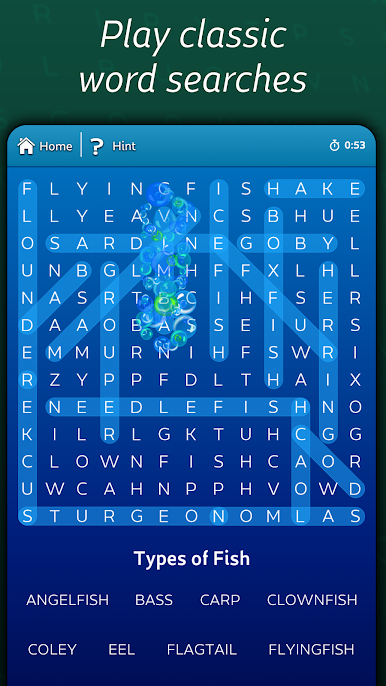
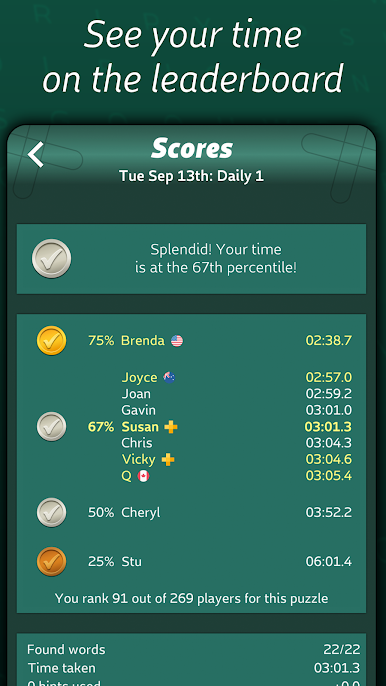
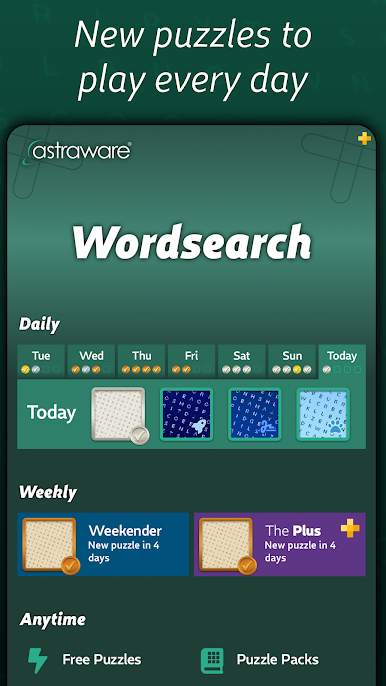
Anda mendapatkan akses tak terbatas gratis untuk memainkan empat teka-teki Daily Wordsearch baru setiap hari, dan Anda dapat melihat bagaimana waktu Anda dibandingkan di papan peringkat global!. Ada juga teka-teki Weekender gratis yang tersedia setiap minggu untuk dimainkan semua orang!
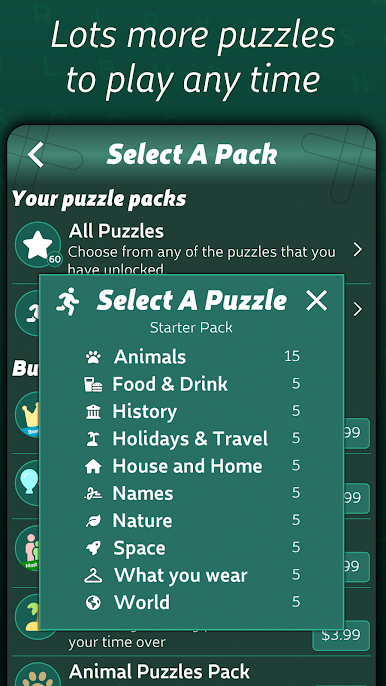
Ada 60 teka-teki bawaan dan yang tidak terkunci dengan berbagai kategori, sehingga Anda dapat bermain secara offline dan langsung bersenang-senang. Dengan lebih dari 20 kategori, dan lebih dari 100 daftar kata yang berbeda, ada banyak variasi saat Anda memainkan teka-teki gratis setiap hari - dan mungkin juga mempelajari sesuatu yang baru.
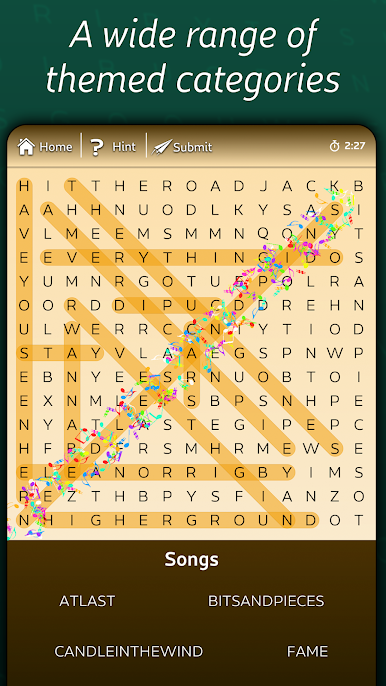
Banyak teka-teki yang memiliki tema yang berbeda, jadi Anda mungkin melihat jejak kaki lucu pada teka-teki kata ras kucing, riam daun pada teka-teki alam, kilauan bintang pada tema luar angkasa, dan banyak lagi!
Astraware Wordsearch memiliki petunjuk bermanfaat - ketuk untuk membuat awal kata berkilau agar Anda memiliki tempat untuk mencari!), dan fitur tahan dan sorot yang populer sehingga Anda dapat menahan kata untuk melihat huruf pertama yang disorot di seluruh kotak, atau menahan huruf untuk menyorot huruf tersebut di mana saja!
Fitur Unggulan Astraware Wordsearch:
- Akses tak terbatas gratis ke teka-teki Harian dan Akhir Pekan kami, masing-masing dengan tabel skor tinggi daring sehingga Anda dapat mengirimkan waktu Anda dan melihat perbandingannya!
- 60 teka-teki gratis sepenuhnya dalam berbagai kategori untuk memberi Anda banyak kesenangan!
- Mainkan teka-teki apa pun dari minggu lalu dan selesaikan kapan pun Anda mau!
- Petunjuk bermanfaat tak terbatas
- Aliran teka-teki berarti Anda dapat terus bermain dan tidak akan pernah kehabisan teka-teki gratis
- Berbagai macam kata dalam banyak tema - sangat membantu bagi pembaca dan siswa pemula!
Pembelian Dalam Aplikasi tersedia:
- Berbagai paket dengan jumlah teka-teki yang berbeda, dan pilihan baru teka-teki bertema hewan paling populer yang sangat populer di kalangan anak-anak dan pecinta hewan lainnya! - Langganan Puzzles Plus opsional yang membuat semua teka-teki harian dan streaming sepenuhnya bebas iklan - mainkan sebanyak yang Anda suka tanpa harus menonton iklan atau mendapatkan prangko!
Kategori dan daftar pencarian kata meliputi:
Ras kucing, anjing, hewan, burung, alam, ibu kota dunia, geografi, cuaca, pakaian & mode, makanan dan minuman, sejarah, istilah musik, nama band, puisi, buku, sejarah, negara bagian dan ibu kota AS, lagu, bahasa, ejaan, kata-kata umum dalam bahasa Spanyol, buku, tentang rumah, nama anak perempuan dan laki-laki, acara TV, film, pertunjukan & musikal, olahraga, tim sepak bola dan bisbol, permainan komputer, tata surya, rasi bintang, dan masih banyak lagi!
Streaming teka-teki musiman sepanjang tahun, termasuk Natal, Thanksgiving, Musim Semi, Malam Tahun Baru, Hari Valentine, Hari Bicara Seperti Bajak Laut, dan masih banyak lagi!
Jika Anda menyukai permainan ini dan Anda seorang penggemar berat teka-teki, Anda akan senang mengetahui bahwa kami memiliki aplikasi lain yang tersedia dalam kisaran ini: Astraware CodeWords, Kriss Kross, Number Cross dan Acrostics, dan tentu saja Astraware Crosswords untuk penggemar yang berdedikasi!
Kompatibel dengan perangkat Kit Kat, Lollipop dan Marshmallow termasuk layar quad HD.
Mainkan Astraware Wordsearch di PC Mudah saja memulainya.
-
Unduh dan pasang BlueStacks di PC kamu
-
Selesaikan proses masuk Google untuk mengakses Playstore atau lakukan nanti
-
Cari Astraware Wordsearch di bilah pencarian di pojok kanan atas
-
Klik untuk menginstal Astraware Wordsearch dari hasil pencarian
-
Selesaikan proses masuk Google (jika kamu melewati langkah 2) untuk menginstal Astraware Wordsearch
-
Klik ikon Astraware Wordsearch di layar home untuk membuka gamenya

