

French Conversation
Spiele auf dem PC mit BlueStacks - der Android-Gaming-Plattform, der über 500 Millionen Spieler vertrauen.

Seite geändert am: Nov 29, 2023
Run French Conversation on PC or Mac
Why limit yourself to your small screen on the phone? Run French Conversation, an app by TTA Apps Studio, best experienced on your PC or Mac with BlueStacks, the world’s #1 Android emulator.
About the App
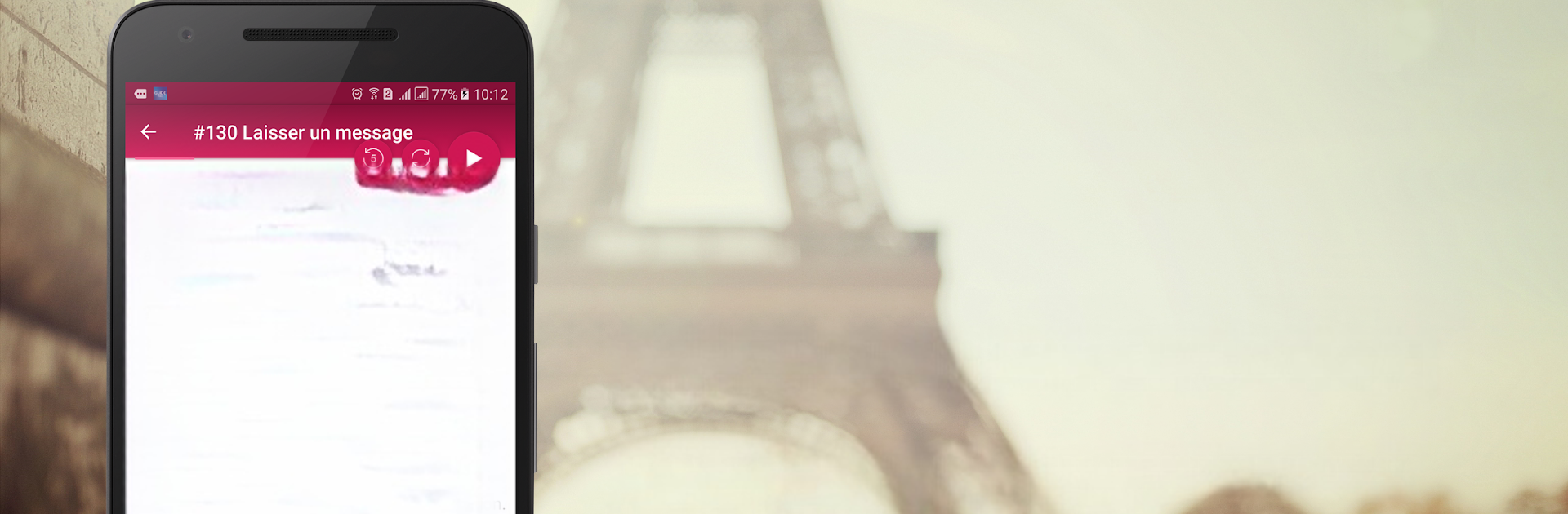
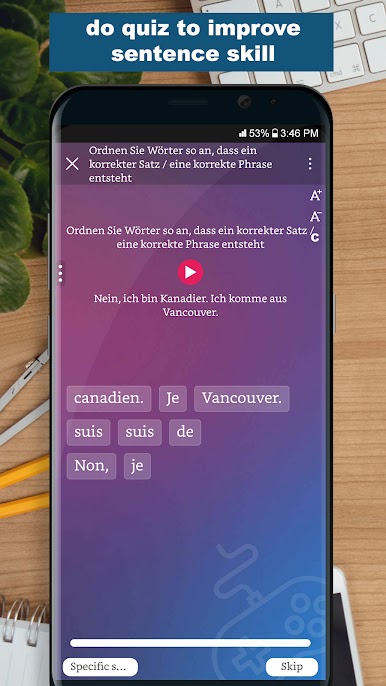
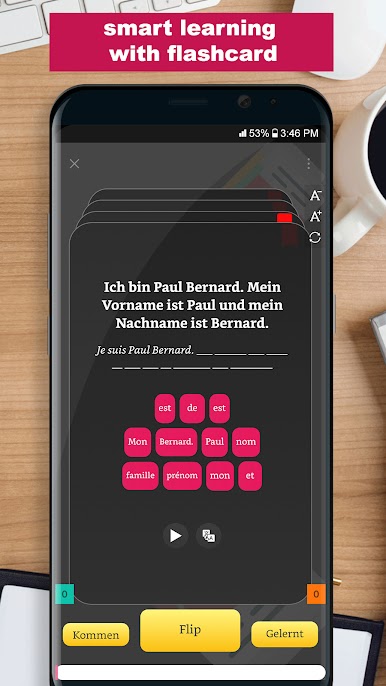
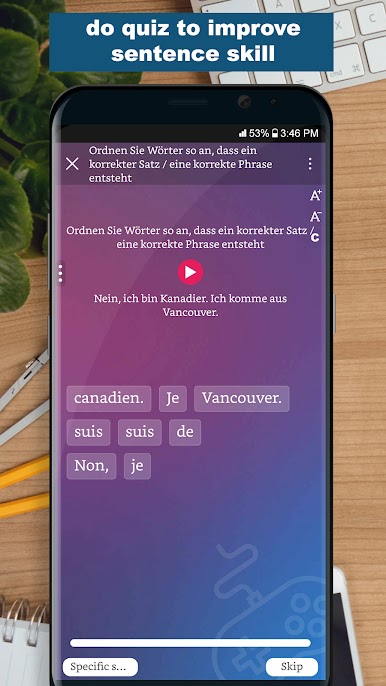
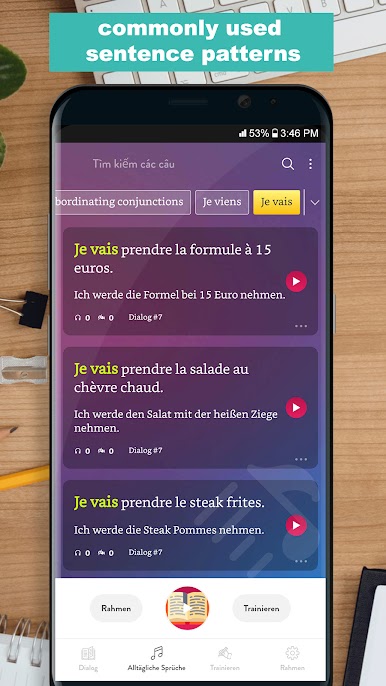
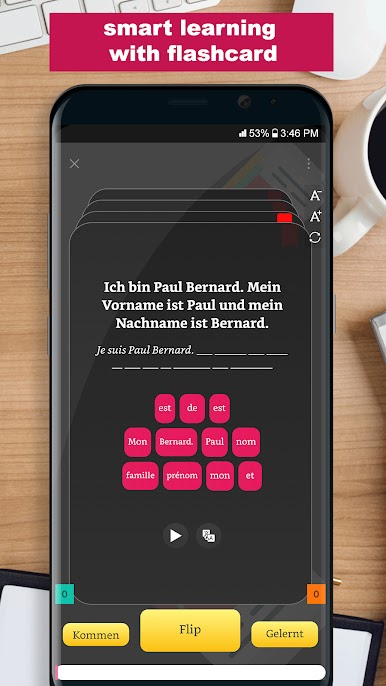
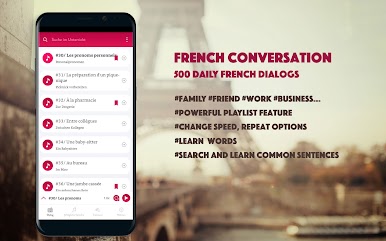
Ever wish you could just pick up some real French without slogging through endless grammar charts? French Conversation from TTA Apps Studio is all about jumpstarting your speaking skills with practical, everyday dialogs. Whether you’re just getting started or hoping to sound a bit more like a local, this app gives you the kind of conversational practice that’s actually useful in real life.
App Features
-
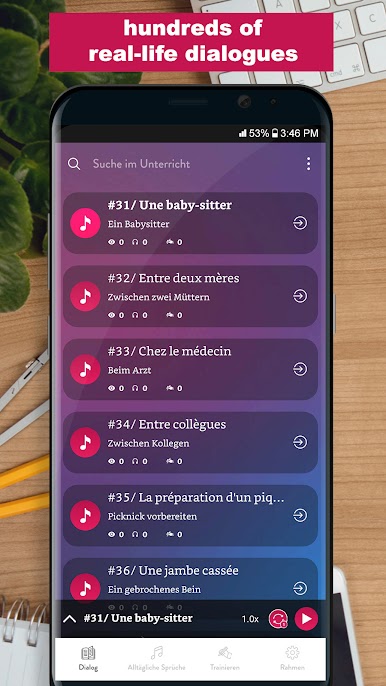
Practical Dialogs for Real Situations
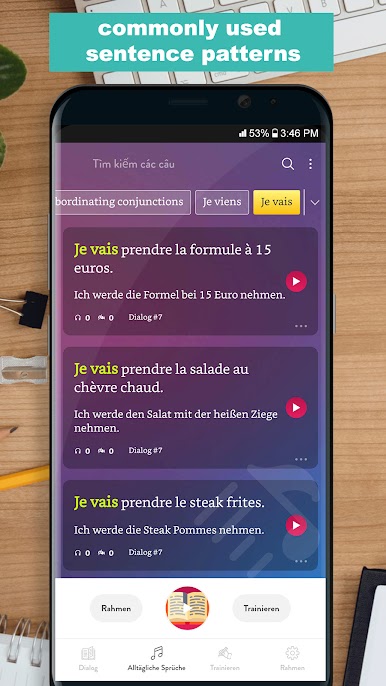
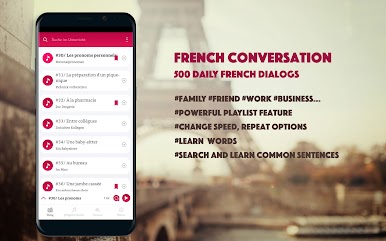
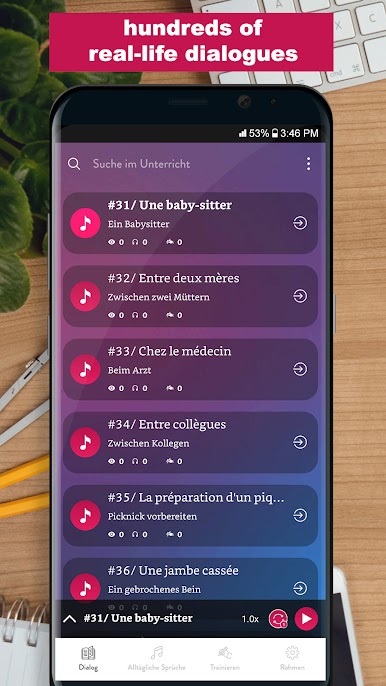
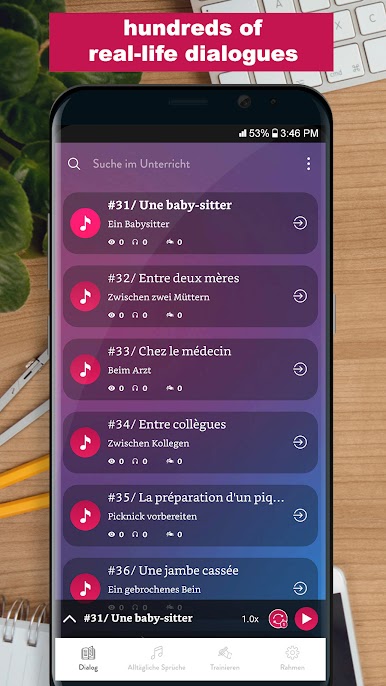
Find hundreds of daily conversations covering genuine topics, so you’re always learning how people actually talk—at the café, out shopping, asking for directions, and so on. -
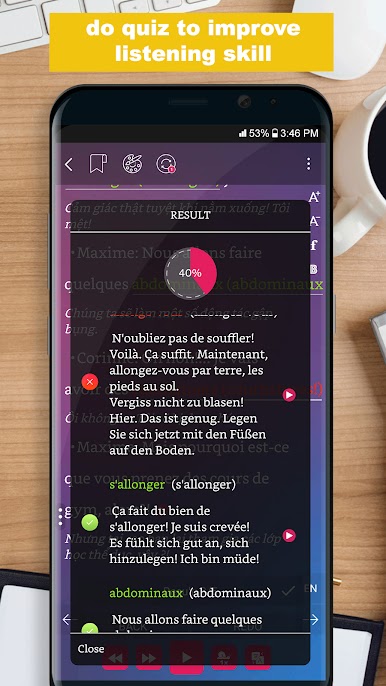
Listen & Repeat, Anywhere
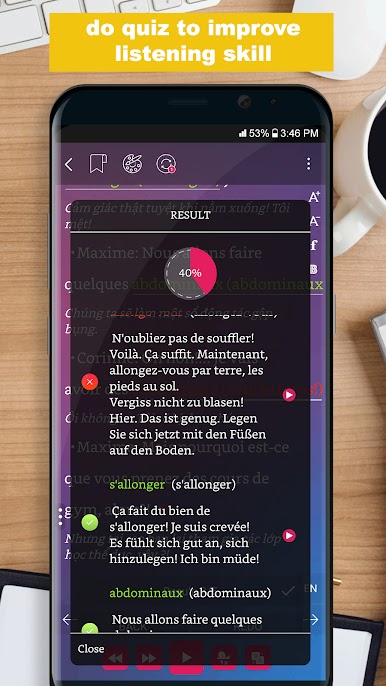
Good audio is key for picking up the right accent and rhythm. Pop in your headphones and practice on the go—even while you’re driving. Just hit play, minimize the app, and focus on listening. -
No Internet Needed
Forget hunting for Wi-Fi or racking up data charges. Everything’s available offline, so your lessons are always ready when you are. -
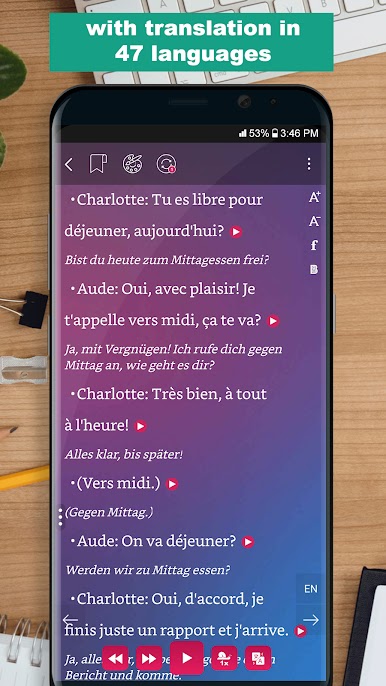
Side-by-Side Translations
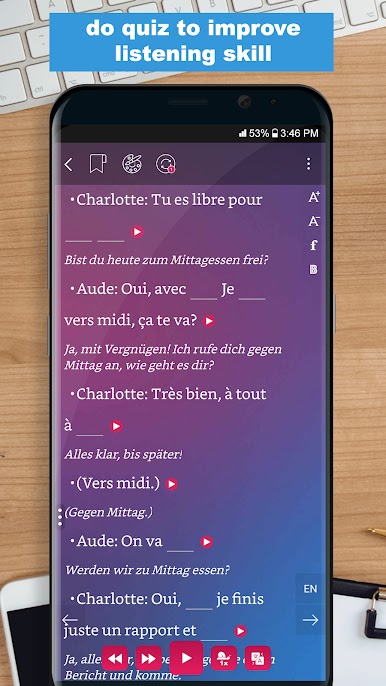
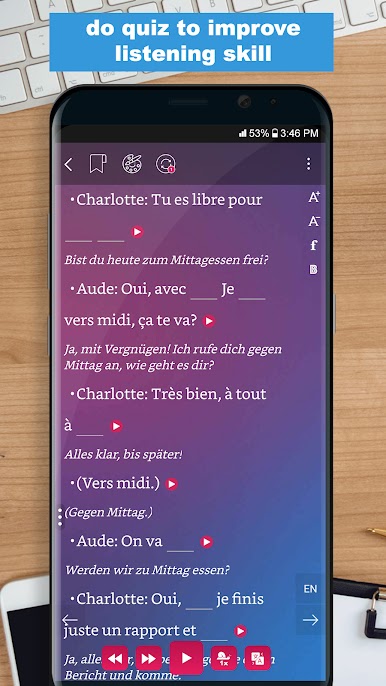
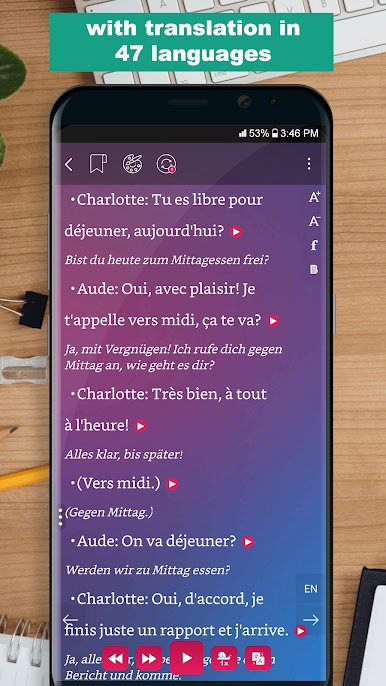
Each script shows both French and English together. Just a swipe lets you compare easily and pick up new words in context—no guesswork. -
Flexible Learning for Busy Lives
Open up a lesson whenever you find a few minutes, or queue up some audio and let it play while you handle errands. It’s easy to keep practicing, no matter how packed your schedule is. -
Simple, Clean Design
The layout is straightforward—no clutter or confusion. You can jump right into the learning part, without tripping over complicated menus. -
Supports Headphones & BlueStacks
Want a bigger screen or to listen comfortably? The app works great with headphones and runs smoothly on BlueStacks. -
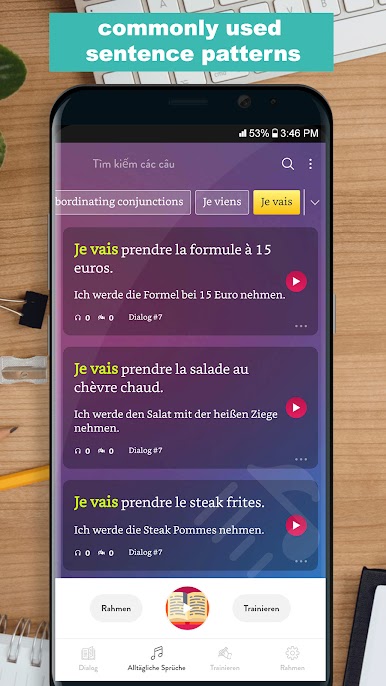
Wide Range of Topics
The lessons touch on a ton of scenarios—from meeting new people and using common verbs to visiting a restaurant or introducing yourself in French. There’s a little something for just about any situation.
BlueStacks brings your apps to life on a bigger screen—seamless and straightforward.
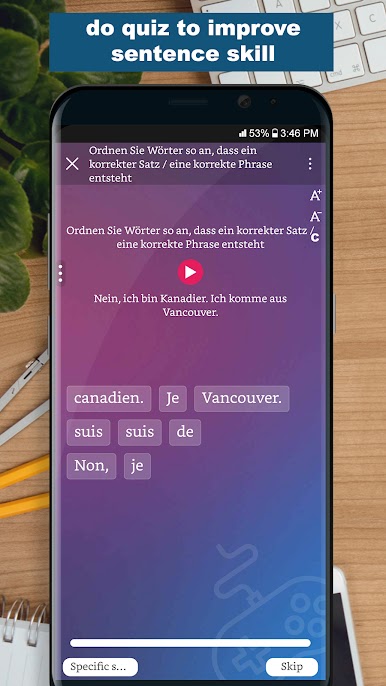
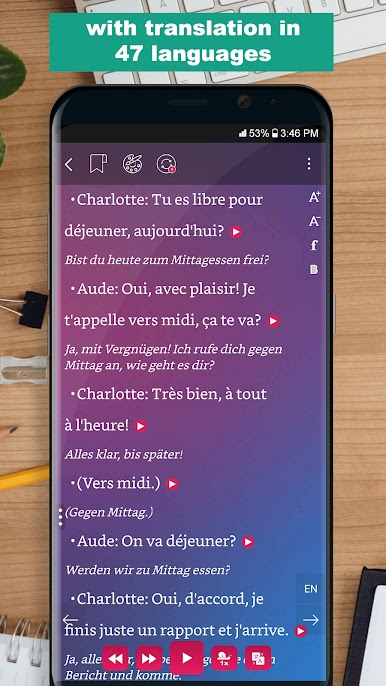
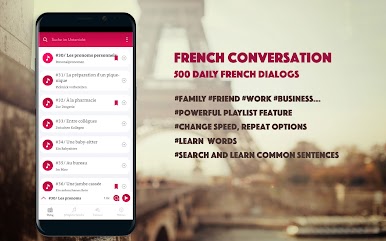
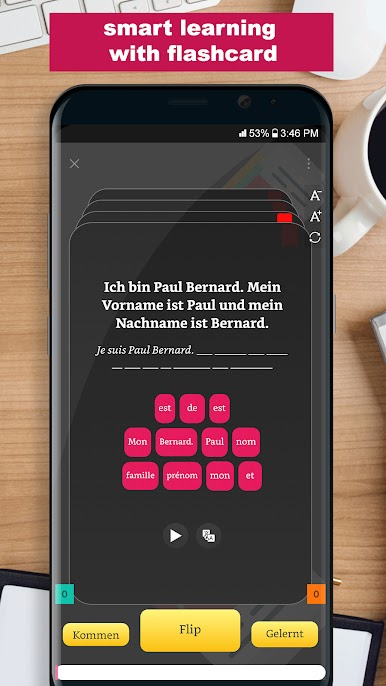
Spiele French Conversation auf dem PC. Der Einstieg ist einfach.
-
Lade BlueStacks herunter und installiere es auf deinem PC
-
Schließe die Google-Anmeldung ab, um auf den Play Store zuzugreifen, oder mache es später
-
Suche in der Suchleiste oben rechts nach French Conversation
-
Klicke hier, um French Conversation aus den Suchergebnissen zu installieren
-
Schließe die Google-Anmeldung ab (wenn du Schritt 2 übersprungen hast), um French Conversation zu installieren.
-
Klicke auf dem Startbildschirm auf das French Conversation Symbol, um mit dem Spielen zu beginnen

