


Mondly: Aprenda hebraico
Jogue no PC com BlueStacks - A Plataforma de Jogos Android, confiada por mais de 500 milhões de jogadores.

Página modificada em: Dec 5, 2024
Run Learn Hebrew. Speak Hebrew on PC or Mac
Upgrade your experience. Try Learn Hebrew. Speak Hebrew, the fantastic Education app from ATi Studios, from the comfort of your laptop, PC, or Mac, only on BlueStacks.
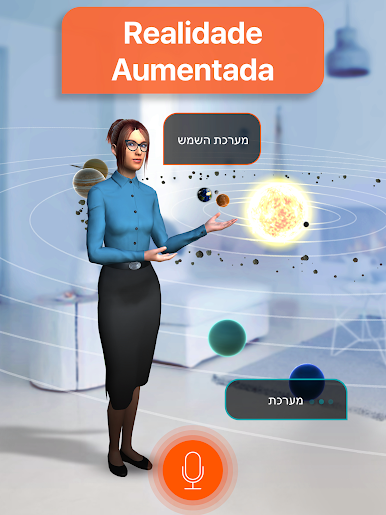
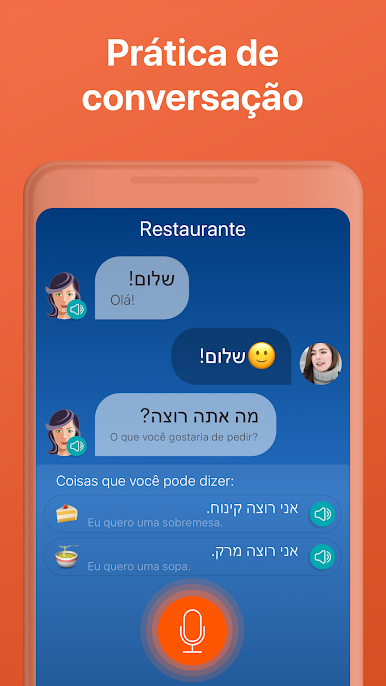
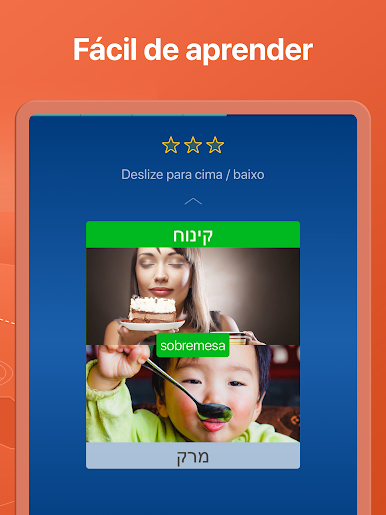
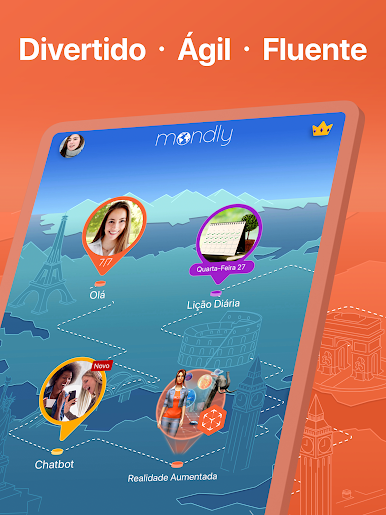
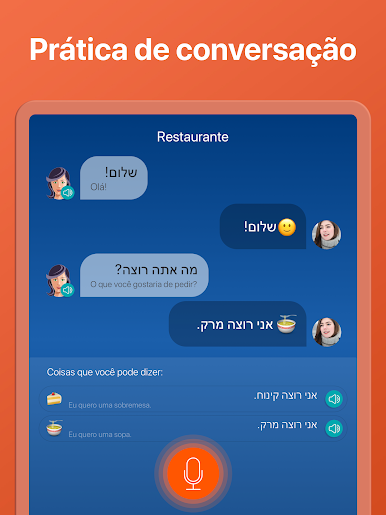
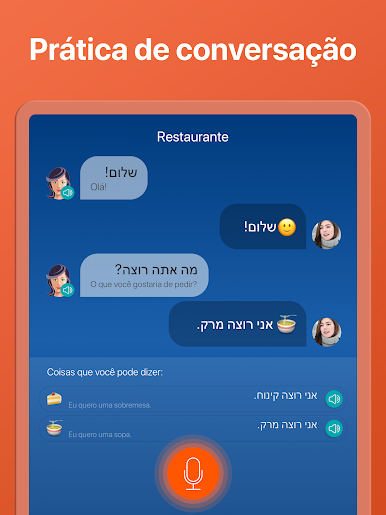
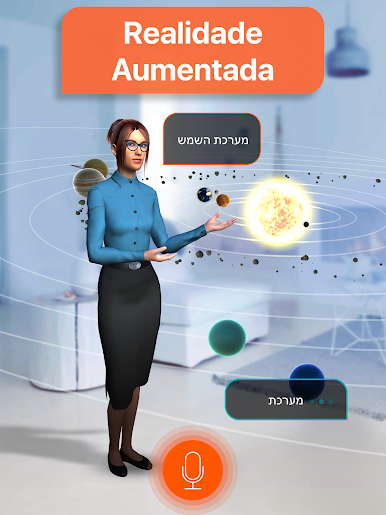
Learn Hebrew. Speak Hebrew feels like a friendly phrasebook that talks back, but with lessons that actually build into real chats. Sessions are short, about a few minutes, and they start with a tiny conversation instead of long word lists. Someone listens to native voices, repeats lines, and the speech checker nudges them until the pronunciation lands. The audio is clean, the prompts are simple, and the app keeps throwing useful phrases for travel, home, work, all packed into small themed sets that do not overwhelm.
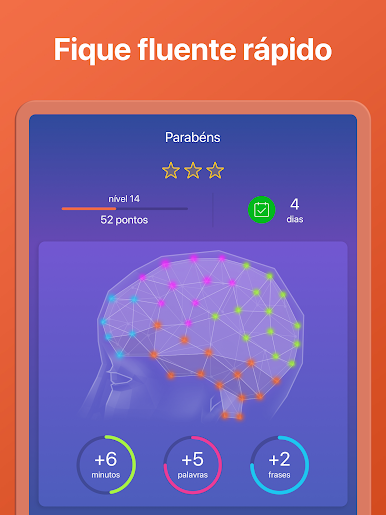
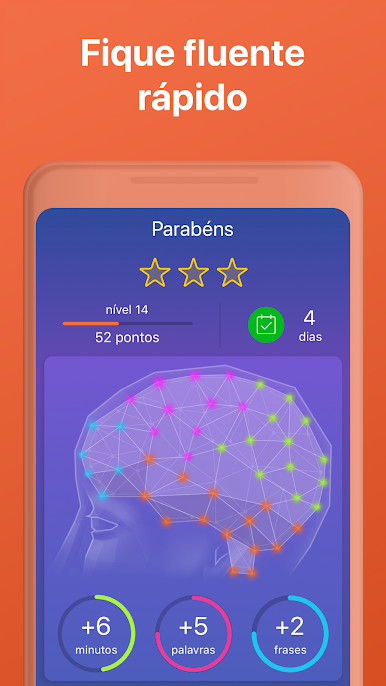
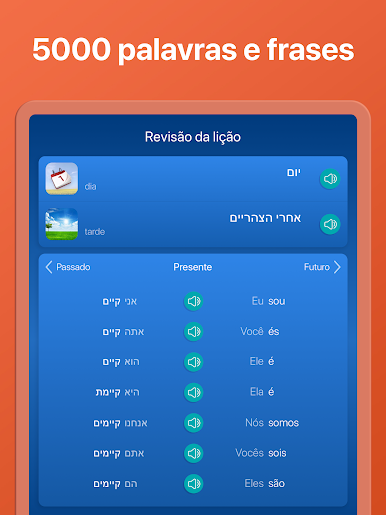
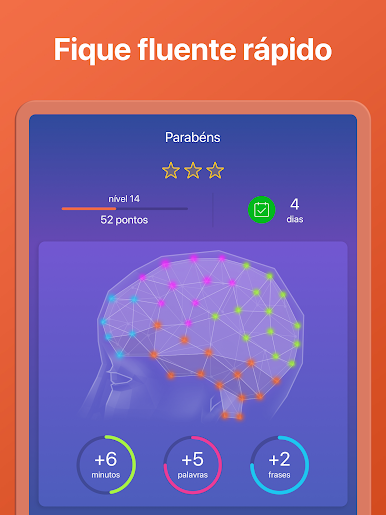
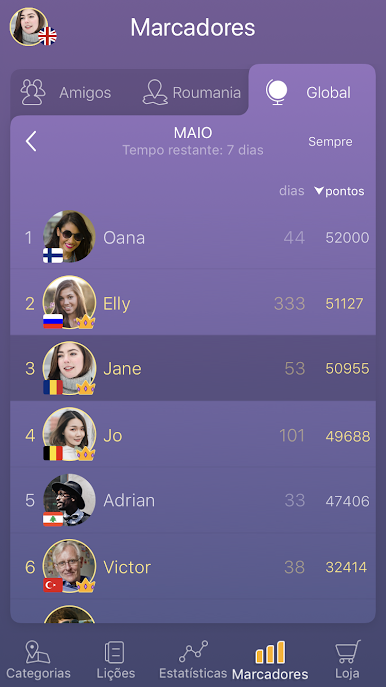
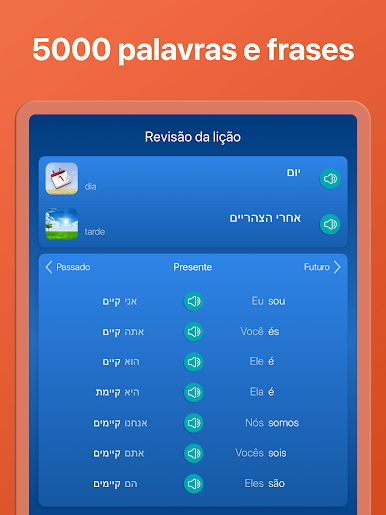
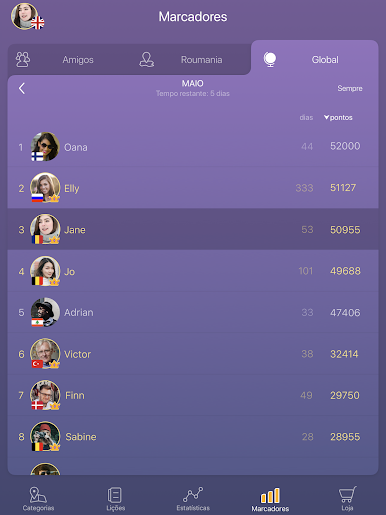
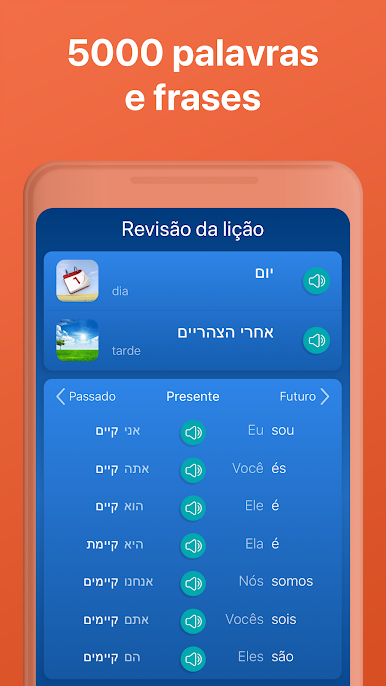
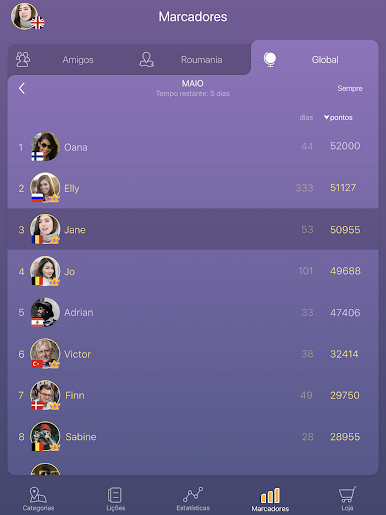
There is grammar when needed. Tap a verb and the full set of forms pops up with translations, so a quick peek fixes that “how do you say it in past tense” moment. Progress is tracked in a way that makes sense, with gentle stats, a weekly quiz, and a scoreboard that turns practice into a little game. It adapts too, so if someone struggles with certain sounds or words, more of those show up later. Kids can handle it, beginners will not feel lost, and anyone who just wants everyday Hebrew will get a lot out of the repetitive but smart drills.
On PC with BlueStacks, the bigger screen helps with the Hebrew script, and typing answers with a keyboard feels faster. The mic works fine for the speaking bits, though the recognition can be picky on a noisy desk. After a while the app piles up a solid bank of words and phrases without that schoolbook boredom.
Big screen. Bigger performance. Use BlueStacks on your PC or Mac to run your favorite apps.






Jogue Mondly: Aprenda hebraico no PC. É fácil começar.
-
Baixe e instale o BlueStacks no seu PC
-
Conclua o login do Google para acessar a Play Store ou faça isso mais tarde
-
Procure por Mondly: Aprenda hebraico na barra de pesquisa no canto superior direito
-
Clique para instalar Mondly: Aprenda hebraico a partir dos resultados da pesquisa
-
Conclua o login do Google (caso você pulou a etapa 2) para instalar o Mondly: Aprenda hebraico
-
Clique no ícone do Mondly: Aprenda hebraico na tela inicial para começar a jogar

