


Anwar ul Bayan
Jogue no PC com BlueStacks - A Plataforma de Jogos Android, confiada por mais de 500 milhões de jogadores.

Página modificada em: Jul 22, 2021
Run Anwar ul Bayan - Maulana Aashiq Illahi Madani on PC or Mac
Why limit yourself to your small screen on the phone? Run Anwar ul Bayan – Maulana Aashiq Illahi Madani, an app by UsmanPervez, best experienced on your PC or Mac with BlueStacks, the world’s #1 Android emulator.
About the App
Ever wanted to understand the Quran on a deeper level, with clear explanations and an easy-to-read layout? Anwar ul Bayan – Maulana Aashiq Illahi Madani, brought to you by UsmanPervez, is an Education app designed for readers looking to explore Tafseer and Urdu translation side by side. Whether you’re a daily reader or just getting started, this app packs in thoughtful features to make your learning journey engaging and personal.
App Features
-
Full Tafseer Access
Read the complete Anwar ul Bayan Tafseer by Maulana Aashiq Illahi Madani, right on your device—no need to juggle between books or tabs. -
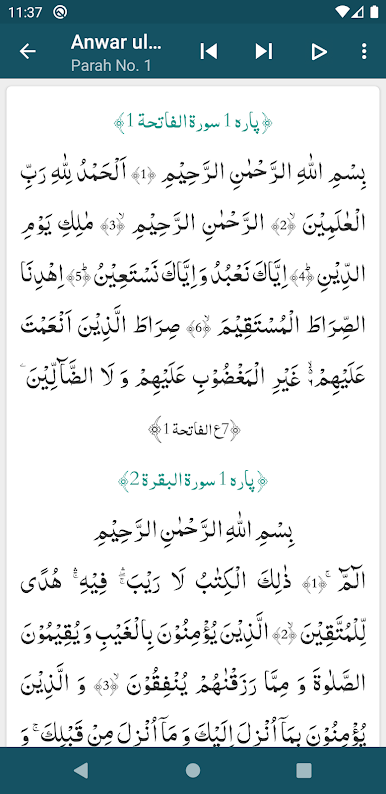
Colored Word-by-Word Translation
See every word from the Quran alongside its Urdu translation, with smart color-coding to make things super clear. -
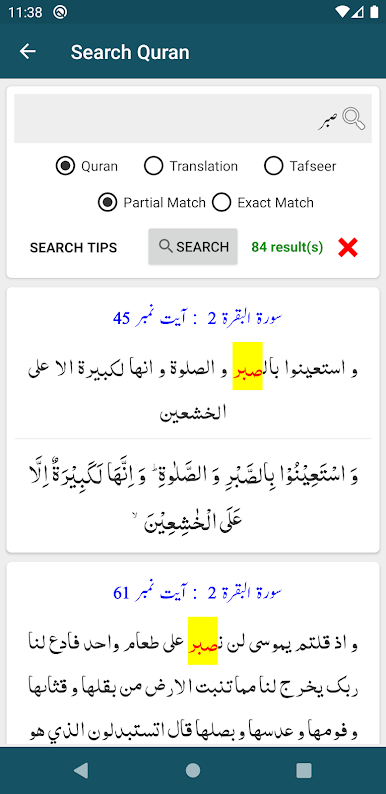
Advanced Search Tools
Curious about a specific verse or word? Use the powerful search function to browse the Quran, the translations, or the Tafseer without endless scrolling. -
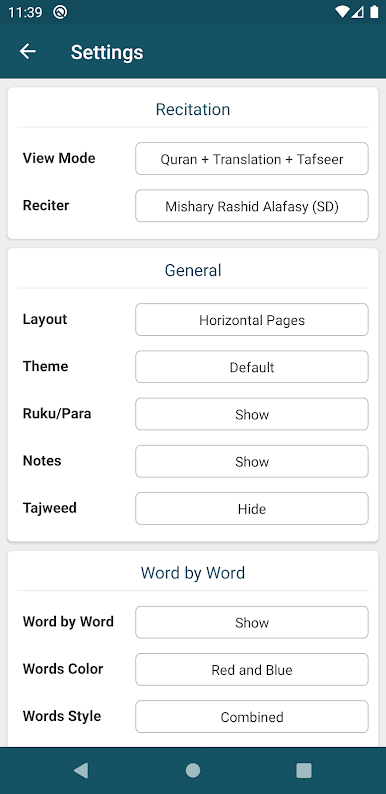
Flexible Reading Styles
Flip between several Arabic and Urdu fonts, pick your color themes, and adjust font sizes or colors until reading feels just right. -
Bookmarks and Progress Tracking
Bookmark unlimited verses and jump right back in where you left off—no more losing your place or trying to remember the last ayah you read. -
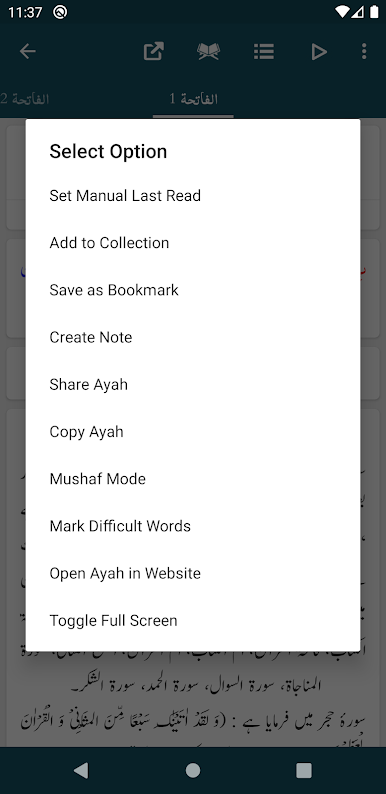
Easy Sharing Options
Send individual or multiple Ayat to friends and family, and choose if you want to include the translation or Tafseer with them. -
Customizable Layouts
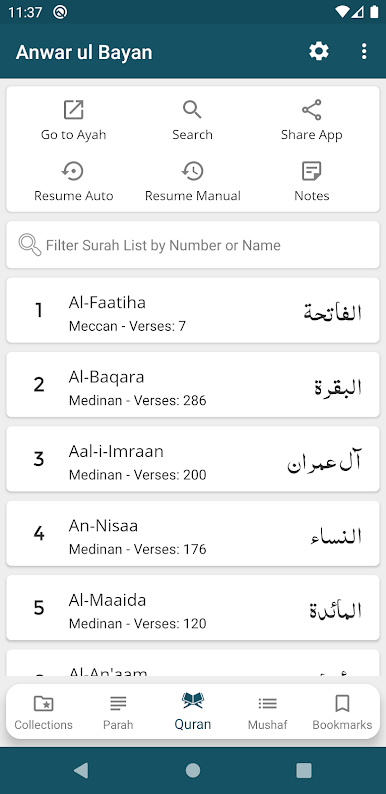
Switch between classic list view or swipe-ready slider mode—the app adjusts to your reading habits. -
Detailed Quran Info
Instantly check the Ruku, Para, or surah details for every verse, so you’re always aware of where you are. -
Reading Modes Galore
Choose from Mushaf Mode (Arabic with translation or Tafseer) or stick with just the Translation Mode if that’s more your style. -
Night and Dark Themes
Make those late-night reading sessions gentler on the eyes with dark or night themes. -
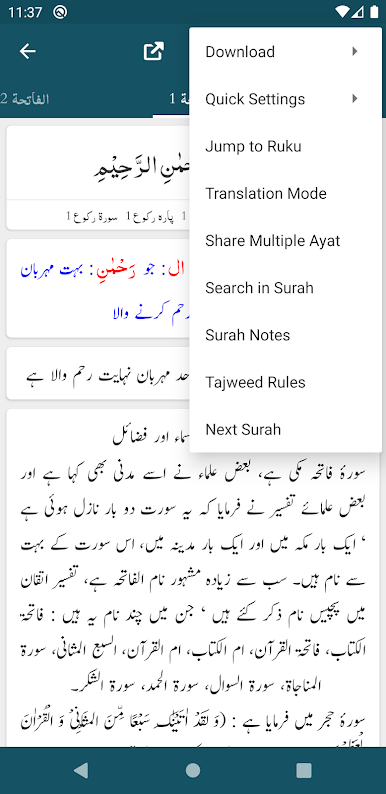
Quick Navigation
Jump straight to any Ayah or Ruku you want—no fussing around with long lists. -
Personalization Controls
Show or hide the word-by-word display, translation, and Tafseer for a clutter-free look.
For folks who like to read on desktop, Anwar ul Bayan – Maulana Aashiq Illahi Madani also works seamlessly on BlueStacks, making larger screens just as user-friendly.
Switch to BlueStacks and make the most of your apps on your PC or Mac.


Jogue Anwar ul Bayan no PC. É fácil começar.
-
Baixe e instale o BlueStacks no seu PC
-
Conclua o login do Google para acessar a Play Store ou faça isso mais tarde
-
Procure por Anwar ul Bayan na barra de pesquisa no canto superior direito
-
Clique para instalar Anwar ul Bayan a partir dos resultados da pesquisa
-
Conclua o login do Google (caso você pulou a etapa 2) para instalar o Anwar ul Bayan
-
Clique no ícone do Anwar ul Bayan na tela inicial para começar a jogar

