

Tafseer-e-Usmani
Chơi trên PC với BlueStacks - Nền tảng chơi game Android, được hơn 500 triệu game thủ tin tưởng.

Trang đã được sửa đổi vào: Aug 14, 2025
Run Tafseer-e-Usmani on PC or Mac
What’s better than using Tafseer-e-Usmani by UsmanPervez? Well, try it on a big screen, on your PC or Mac, with BlueStacks to see the difference.
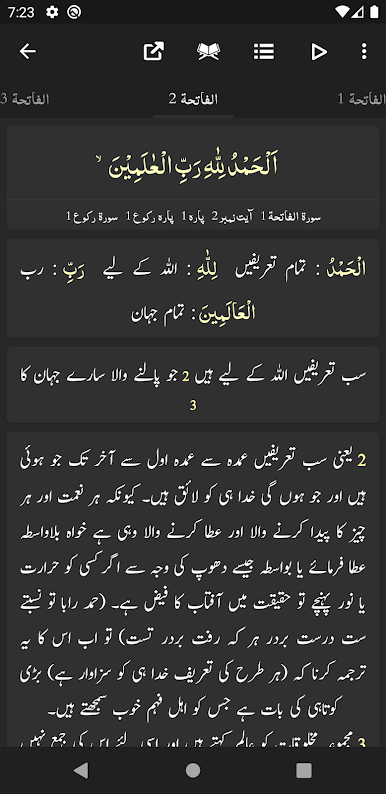
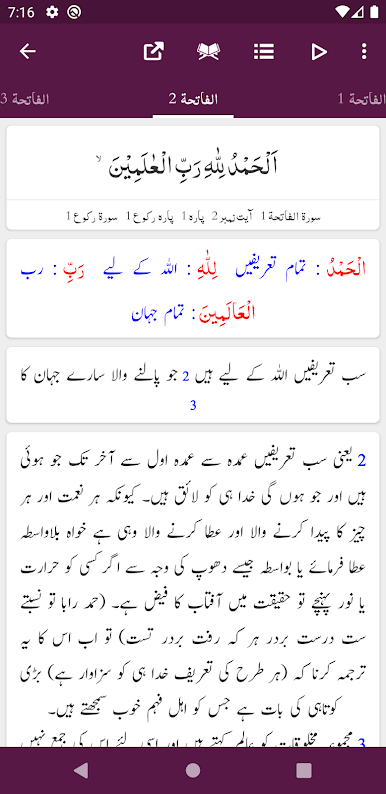
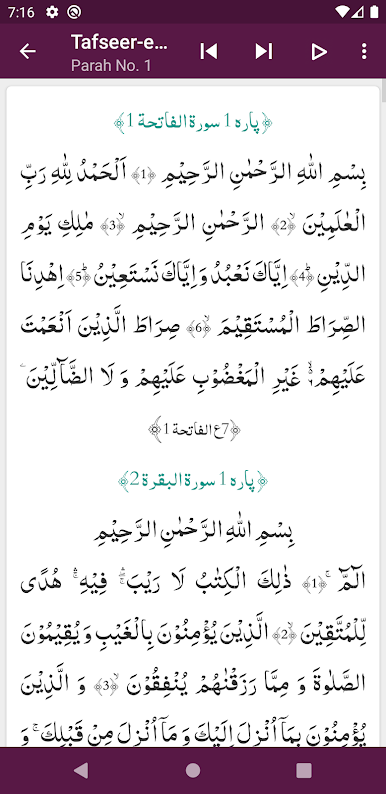
Tafseer-e-Usmani on a PC feels like opening a serious study desk, just digital. Through BlueStacks it runs smooth and gives plenty of space for the text, which helps a lot with focus. It has the complete Tafseer by Maulana Shabbir Ahmad Usmani with Urdu translation by Mufti Muhammad Taqi Usmani, and the word by word coloring makes it easier to match the Arabic with Urdu without getting lost. The design keeps things clean and modern, nothing flashy, which suits a reading app.
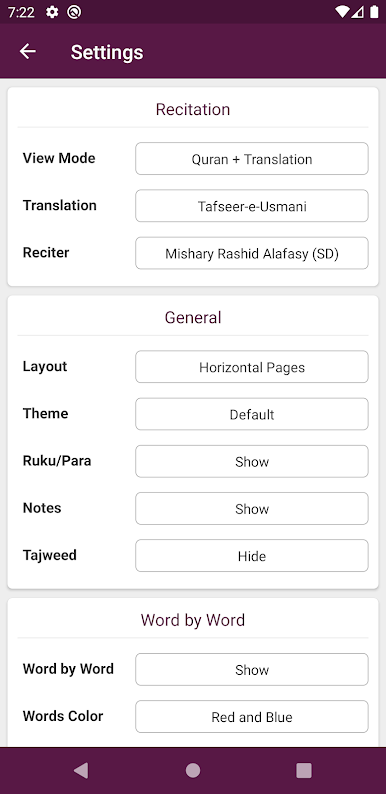
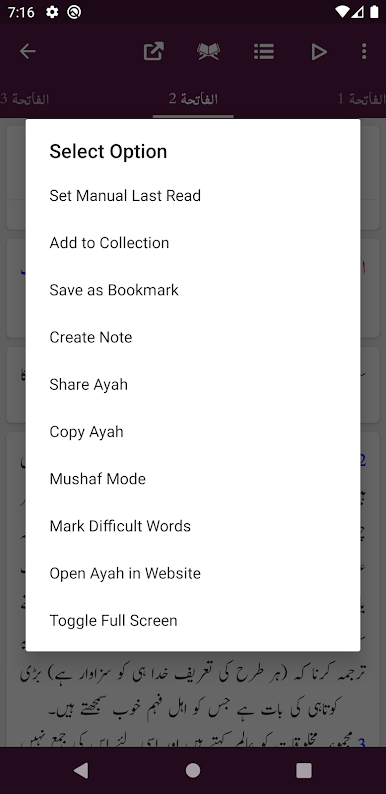
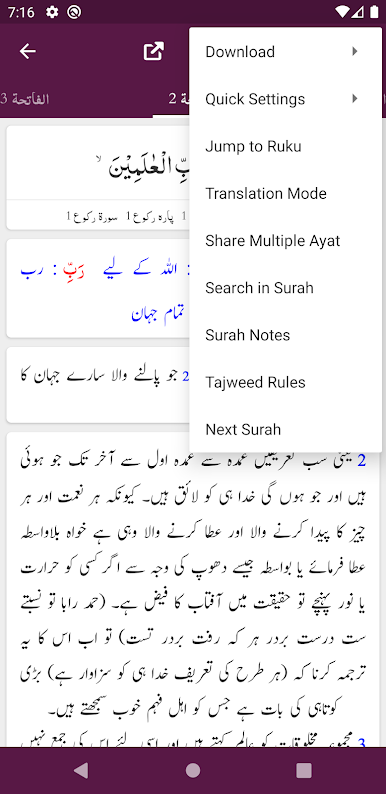
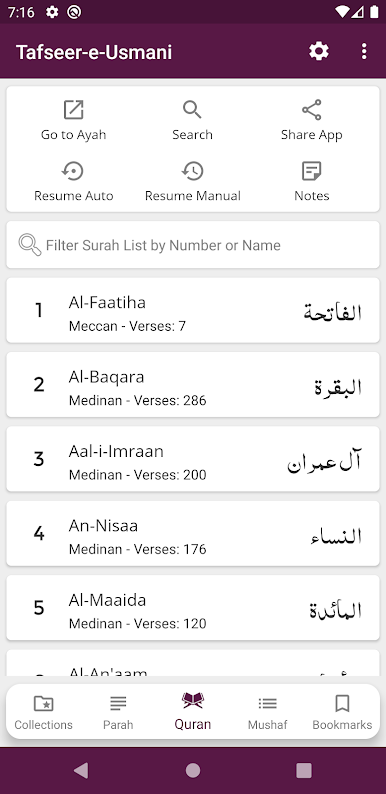
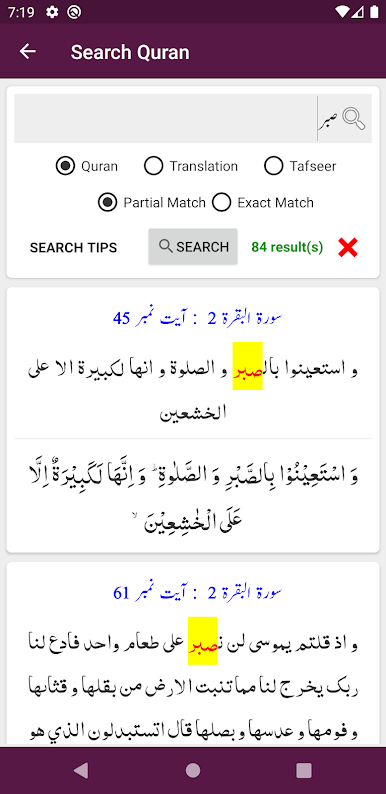
What stands out is how much control the reader gets. There are multiple Arabic and Urdu fonts, adjustable sizes and colors, and light, dark, or night themes if the eyes are tired. The layout can be a list or a slider, and there is a Mushaf mode for reciting with translation or tafseer, or a translation only mode if someone just needs that. Search works across Quran text, the Urdu Tarjuma, and the tafseer, and it is quick. Bookmarks are unlimited, and it remembers the last ayah, so picking up again is easy. Jumping to a specific ayah or ruku takes a second, and each verse shows ruku and para info which is handy during study. Sharing is flexible too, one ayah or several, with or without translation and tafseer. It also lets the reader hide or show the word by word, translation, and tafseer panels to cut down clutter. On a monitor the spacing and font choices really breathe, and scrolling with a mouse through BlueStacks feels steady. For anyone wanting an Urdu tafseer app that balances depth with simple controls, this hits a good spot.
Ready to experience Tafseer-e-Usmani on a bigger screen, in all its glory? Download BlueStacks now.
Chơi Tafseer-e-Usmani trên PC. Rất dễ để bắt đầu
-
Tải và cài đặt BlueStacks trên máy của bạn
-
Hoàn tất đăng nhập vào Google để đến PlayStore, hoặc thực hiện sau
-
Tìm Tafseer-e-Usmani trên thanh tìm kiếm ở góc phải màn hình
-
Nhấn vào để cài đặt Tafseer-e-Usmani trong danh sách kết quả tìm kiếm
-
Hoàn tất đăng nhập Google (nếu bạn chưa làm bước 2) để cài đặt Tafseer-e-Usmani
-
Nhấn vào icon Tafseer-e-Usmani tại màn hình chính để bắt đầu chơi

