


PTE Tutorials - Exam Practice
Graj na PC z BlueStacks – Platforma gamingowa Android, która uzyskała zaufanie ponad 500 milionów graczy!

Strona zmodyfikowana w dniu: Nov 20, 2024
Run PTE Tutorials - Exam Practice on PC or Mac
Why limit yourself to your small screen on the phone? Run PTE Tutorials – Exam Practice, an app by LET’S UPSKILL PTY LTD, best experienced on your PC or Mac with BlueStacks, the world’s #1 Android emulator.
About the App
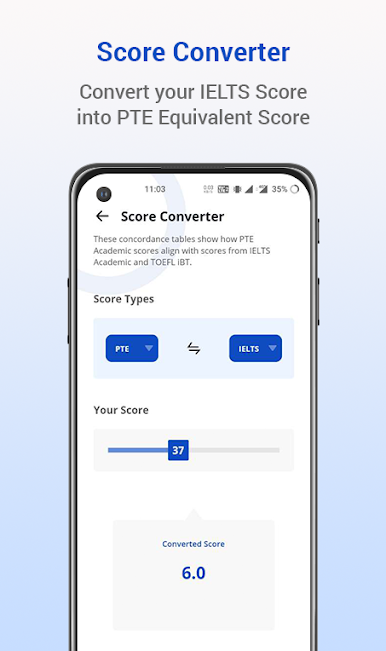
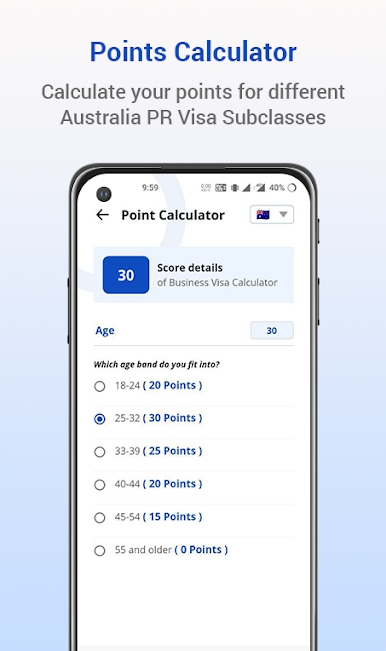
Getting ready for the PTE-A test? PTE Tutorials – Exam Practice is designed to make your studying journey smoother, smarter, and a lot less stressful. Created by LET’S UPSKILL PTY LTD, this Education app brings expert-backed tools right to your device, so you can practice on your schedule, whether you’re squeezing in a quick session over coffee or doing a full mock exam at home. If you want helpful tips, realistic practice questions, or just a way to see how you’re stacking up, you’ll find it all in one spot.
App Features
-
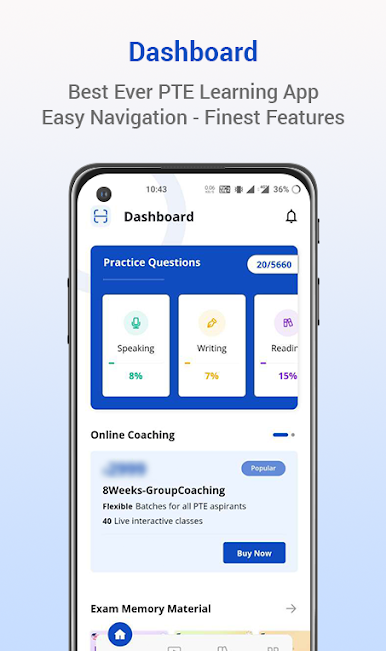
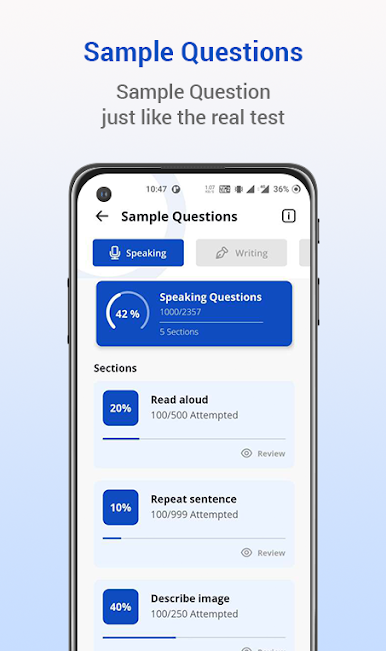
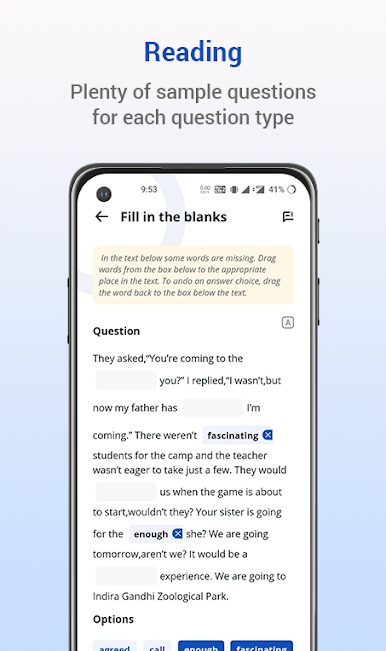
Extensive Question Bank
Access thousands of up-to-date practice questions with model answers. Perfect for building your skills and getting familiar with what you’ll face on test day. -
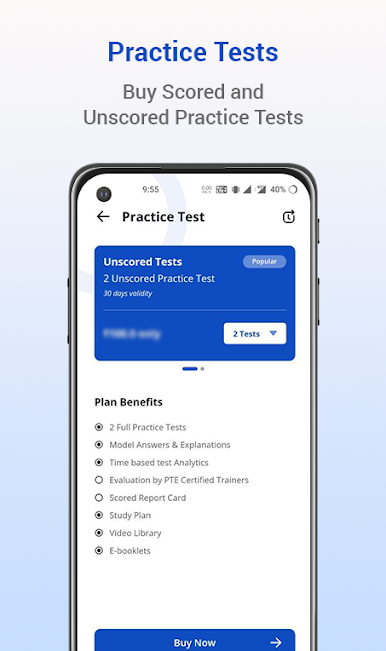
Realistic AI Scoring
Tap into over 50 full-length mock tests scored with smart AI—it’s designed to feel just like the real Pearson system, so you can see exactly where you stand with speaking, pronunciation, and fluency. -
Study Community on Telegram
Want instant help or feedback? Join a massive Telegram group with over 20,000 PTE students and experts. It’s a great place for sharing tips, solving doubts, and getting extra study resources. -
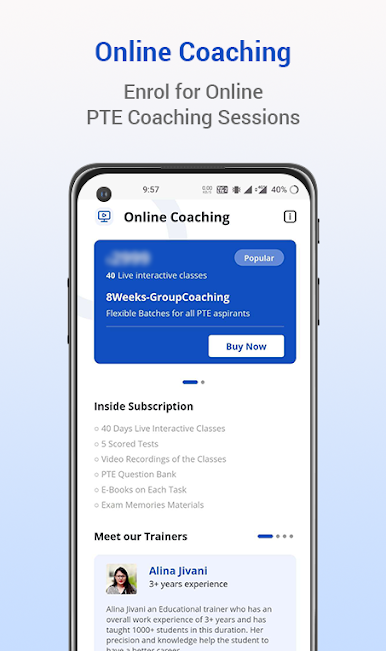
Expert Coaching Options
Need one-on-one guidance? Book personalized coaching sessions, or sign up for online group classes from trusted PTE professionals—right inside the app. -
Vocabulary & Grammar Tools
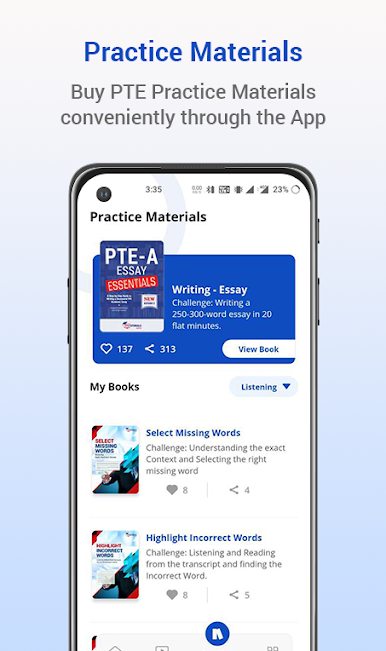
Grow your vocabulary with the built-in vocab bank, watch videos for expert strategies, and access grammar lessons, collocations, audio material, and ready-made templates. -
Student-Friendly Extras
Take advantage of features like dark mode for late-night studying, purchase PTE vouchers to save on exam fees (India only), and enjoy a flexible, personalized learning experience with community support.
For the most comfortable experience, you can even run PTE Tutorials – Exam Practice on BlueStacks, letting you prep on your computer whenever you want.
BlueStacks gives you the much-needed freedom to experience your favorite apps on a bigger screen. Get it now.
Zagraj w PTE Tutorials - Exam Practice na PC. To takie proste.
-
Pobierz i zainstaluj BlueStacks na PC
-
Zakończ pomyślnie ustawienie Google, aby otrzymać dostęp do sklepu Play, albo zrób to później.
-
Wyszukaj PTE Tutorials - Exam Practice w pasku wyszukiwania w prawym górnym rogu.
-
Kliknij, aby zainstalować PTE Tutorials - Exam Practice z wyników wyszukiwania
-
Ukończ pomyślnie rejestrację Google (jeśli krok 2 został pominięty) aby zainstalować PTE Tutorials - Exam Practice
-
Klinij w ikonę PTE Tutorials - Exam Practice na ekranie startowym, aby zacząć grę

