


Avis Autonoleggio
Gioca su PC con BlueStacks: la piattaforma di gioco Android, considerata affidabile da oltre 500 milioni di giocatori.

Pagina modificata il: Nov 11, 2025
Play Avis Car Hire on PC
Key Features:
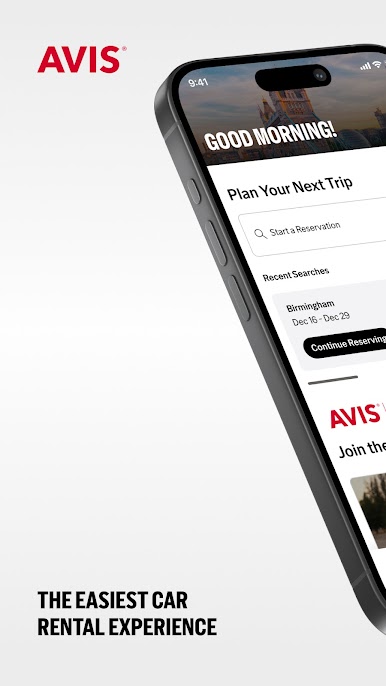
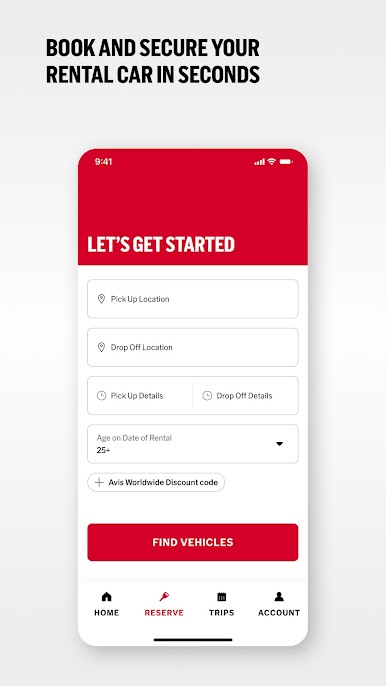
- Seamless Reservations: Find and reserve a car in a few simple steps.
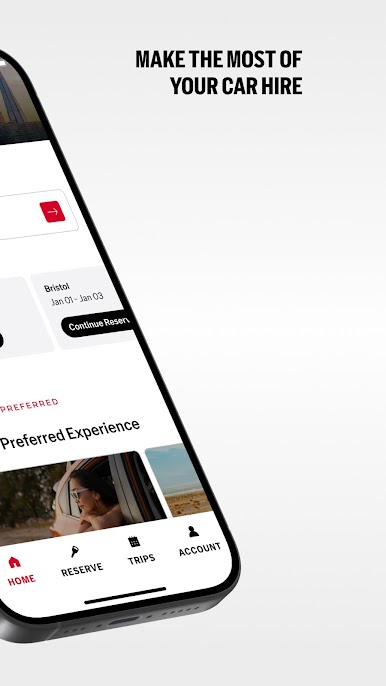
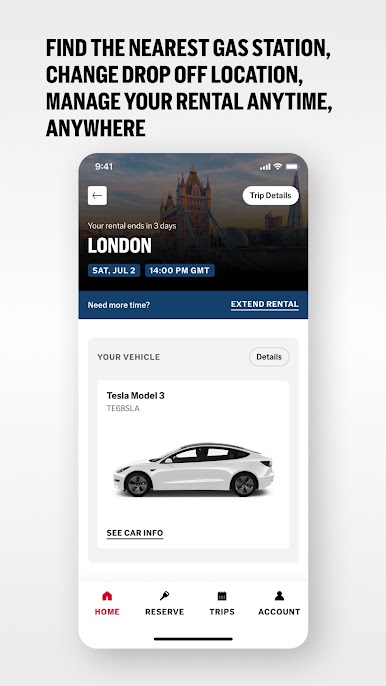
Manage Your Booking: Easily view, modify or cancel your reservations directly from the app. Keep track of your rental details and upcoming trips all in one place.
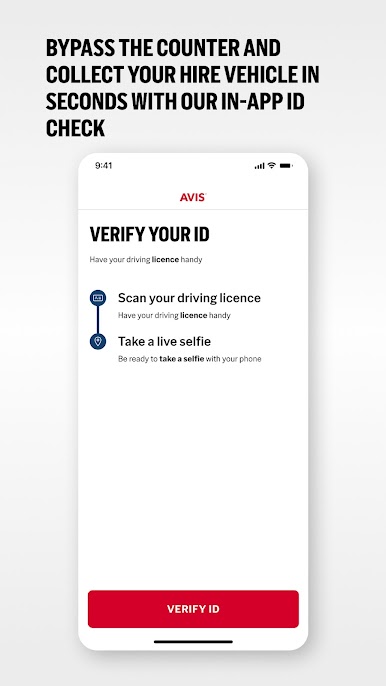
- Contactless Rentals: Skip the queue and go straight to your car with Avis Preferred*. Enjoy a seamless experience with our contactless rental options.
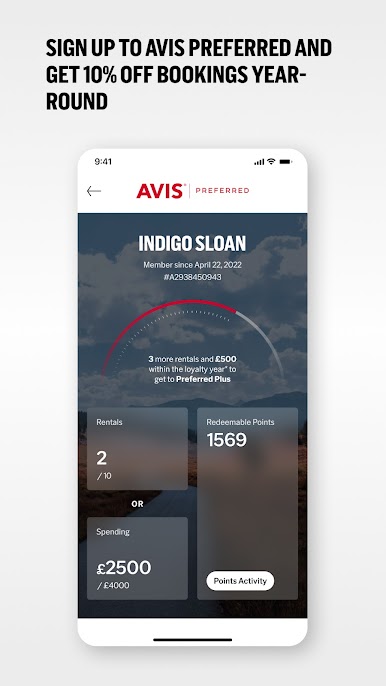
- Avis Preferred Member Benefits: Choose your car, bypass the counter and get an always-on 10% discount across Europe and South Africa.
- 24/7 Dedicated Support: Get assistance whenever you need it with our dedicated customer service team. We’re here to help you every step of the way.
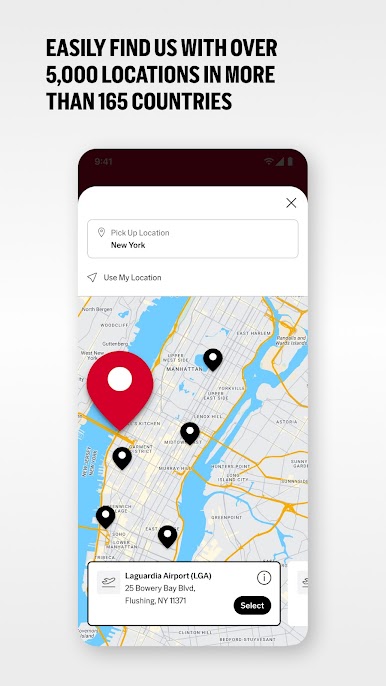
- Location Finder: Find the nearest Avis location with ease. Use the app to get directions, phone numbers, hours of operation and available vehicle options.
- Thousands of Locations: Select your car rental from one of our airport, railway station or city locations across the globe.
* Available at select locations; identity verification required on first Avis Preferred rental.
Gioca Avis Autonoleggio su PC. È facile iniziare.
-
Scarica e installa BlueStacks sul tuo PC
-
Completa l'accesso a Google per accedere al Play Store o eseguilo in un secondo momento
-
Cerca Avis Autonoleggio nella barra di ricerca nell'angolo in alto a destra
-
Fai clic per installare Avis Autonoleggio dai risultati della ricerca
-
Completa l'accesso a Google (se hai saltato il passaggio 2) per installare Avis Autonoleggio
-
Fai clic sull'icona Avis Autonoleggio nella schermata principale per iniziare a giocare

