


Tasbeeh Counter: Zikr & Tasbih
Graj na PC z BlueStacks – Platforma gamingowa Android, która uzyskała zaufanie ponad 500 milionów graczy!

Strona zmodyfikowana w dniu: Aug 26, 2025
Run Tasbeeh counter: zikr, tasbih on PC or Mac
What’s better than using Tasbeeh counter: zikr, tasbih by AwardSofts? Well, try it on a big screen, on your PC or Mac, with BlueStacks to see the difference.
About the App
Looking for a simple way to keep track of your dhikr on your phone? Tasbeeh counter: zikr, tasbih, brought to you by AwardSofts, is built exactly for this. Whether you’re counting tasbih beads, repeating daily prayers, or tracking your personal zikr progress, this handy app keeps it all organized and at your fingertips. Everything’s neatly arranged, with a clean interface and just the right amount of customization, so your sacred routines fit perfectly into your day.
App Features
-
Digital Counting Made Easy
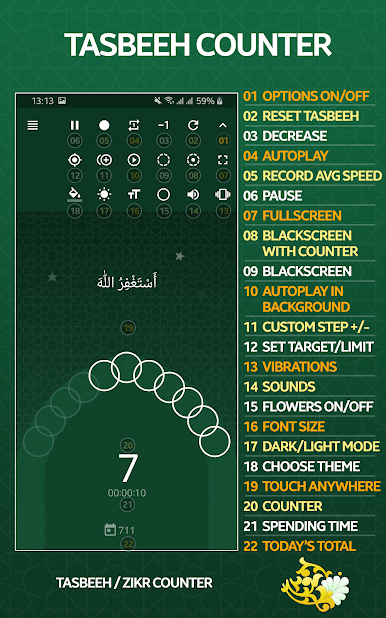
Tap the screen and the tasbeeh counter counts each zikr or prayer without missing a beat. No need to carry physical beads everywhere—even works if you’re multitasking or have the phone in your pocket. -
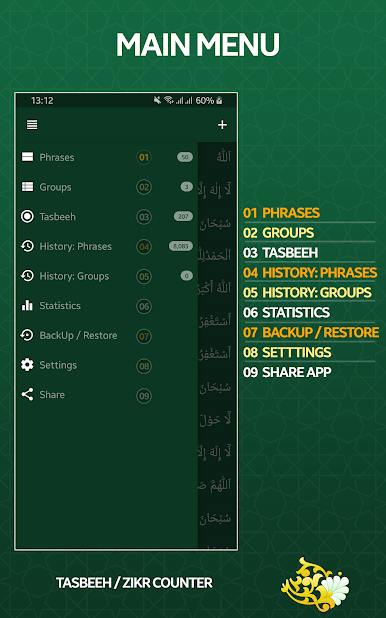
Phrase Groups at a Glance
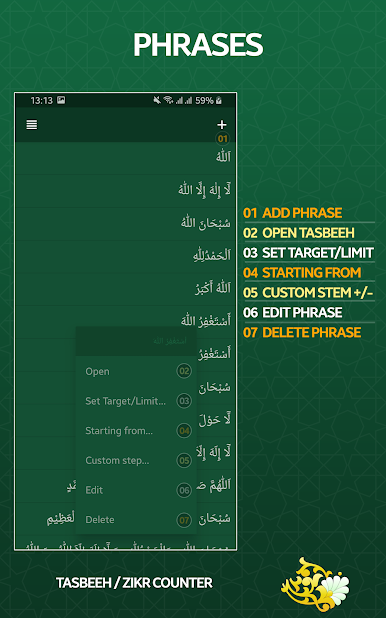
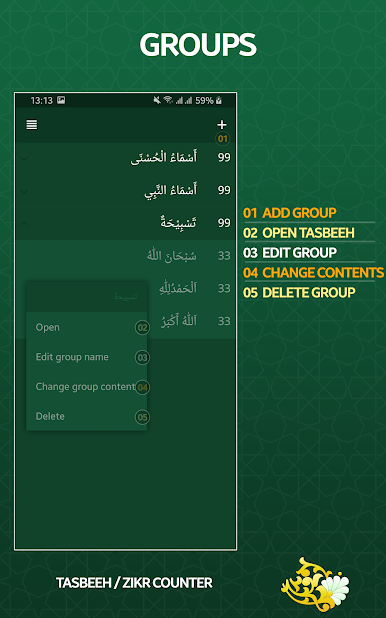
Jump right into Asma ul-Husna, Asma un-Nabi, or various tasbihat groups, all organized for quick access. And yes, if you’ve got special phrases, you can add custom ones to personalize your sessions. -
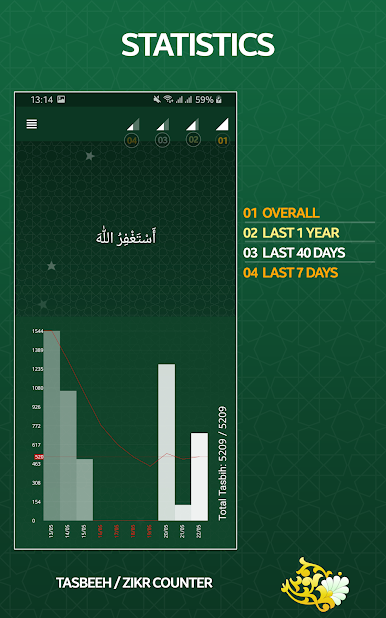
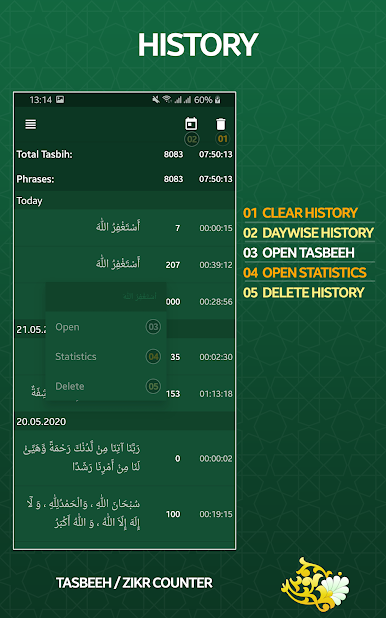
Full History and Session Logs
Check back anytime to see your progress. The app keeps a detailed record of every session—counts, timings, and even lets you configure which logs you want to see. -
Session Controls
Pause and resume whenever you want—life calls, and sometimes you have to put things on hold. There’s even automatic pausing if the app senses you aren’t using it for a while. -
English Transliteration Mode
Not super confident with the original texts? Switch to English transliteration for clarity. -
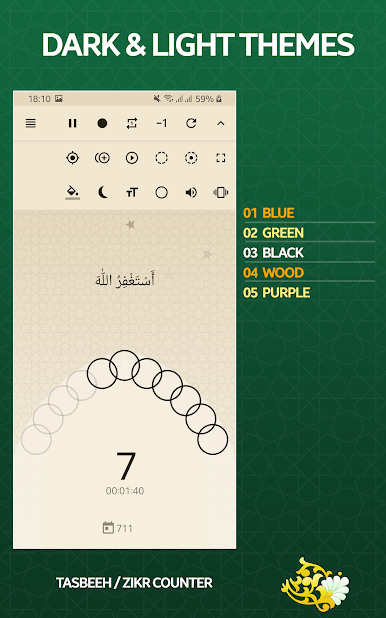
Themes and Personalization
Choose from four different themes and customize sounds and vibrations, so your zikr tracking is smooth—and fits your mood. -
Ad-Free Experience
No annoying ads popping up while you’re focused. The whole thing is distraction-free. -
Smart Background Usage
Need to check something else? The tasbeeh counter keeps working in the background until you’re ready to come back. -
Extra Handy Features
There’s a decrease button if you tapped by mistake, an autoplay (auto counter) if you want the app to count for you, plus black screen and full-screen options for comfort and privacy. Works seamlessly across devices, and if you’re on your PC using BlueStacks, everything runs just as smoothly.
Switch to BlueStacks and make the most of your apps on your PC or Mac.
Zagraj w Tasbeeh Counter: Zikr & Tasbih na PC. To takie proste.
-
Pobierz i zainstaluj BlueStacks na PC
-
Zakończ pomyślnie ustawienie Google, aby otrzymać dostęp do sklepu Play, albo zrób to później.
-
Wyszukaj Tasbeeh Counter: Zikr & Tasbih w pasku wyszukiwania w prawym górnym rogu.
-
Kliknij, aby zainstalować Tasbeeh Counter: Zikr & Tasbih z wyników wyszukiwania
-
Ukończ pomyślnie rejestrację Google (jeśli krok 2 został pominięty) aby zainstalować Tasbeeh Counter: Zikr & Tasbih
-
Klinij w ikonę Tasbeeh Counter: Zikr & Tasbih na ekranie startowym, aby zacząć grę

