


AwoX Smart CONTROL
เล่นบน PC ผ่าน BlueStacks - Android Gaming Platform ที่ได้รับความไว้วางใจจากเกมเมอร์ 500 ล้านคนทั่วโลก

Page Modified on: Dec 8, 2025
Play AwoX Smart CONTROL on PC
In case you don’t own legacy devices in the list below and you already have an AwoX Smart CONTROL account, you can easily and automatically migrate your devices to our new Application AwoX HomeControl. You will benefit from the latest features and updates. Download AwoX HomeControl from the store and just enter your Smart CONTROL credentials. Follow the wizard to transfer your products automatically.
HomeControl non compatible devices :
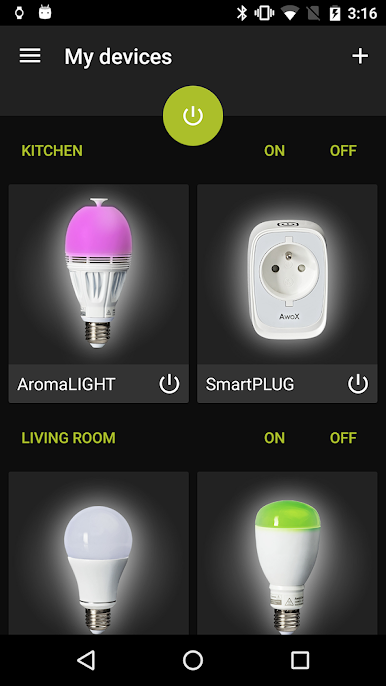
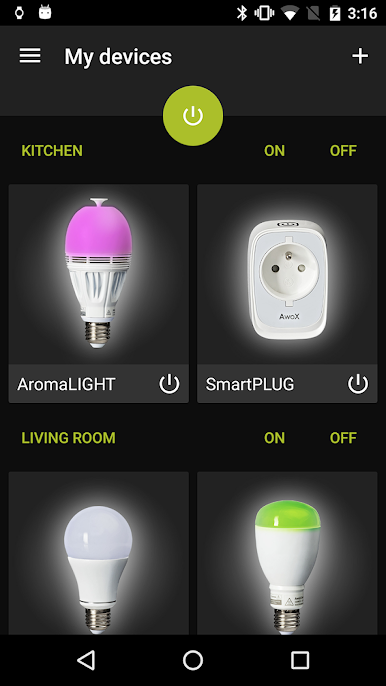
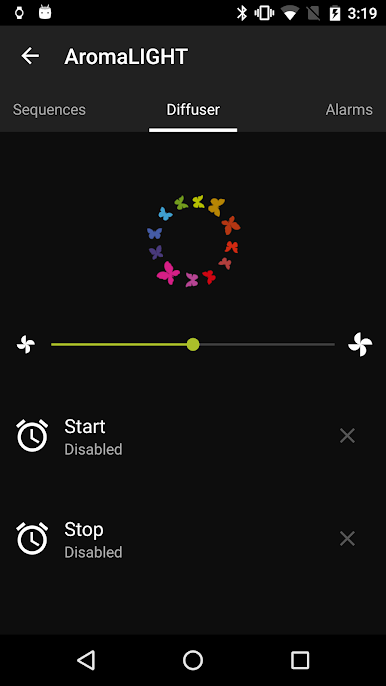
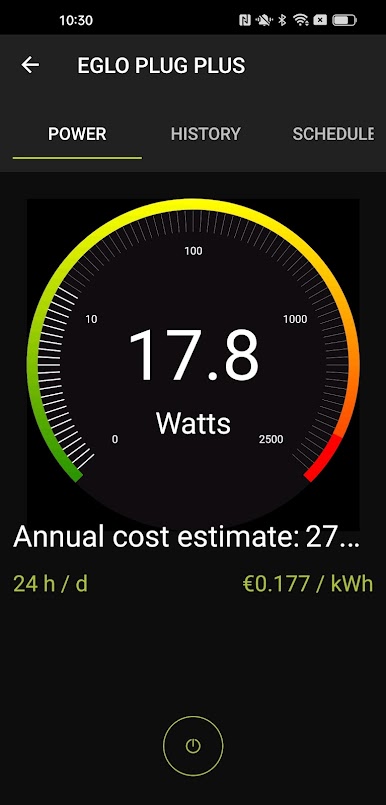
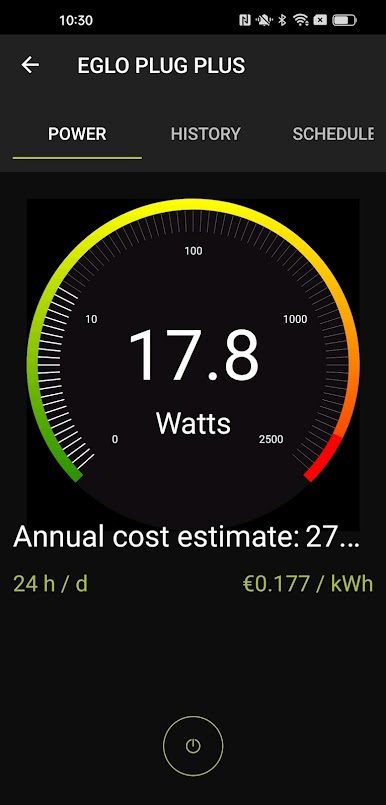
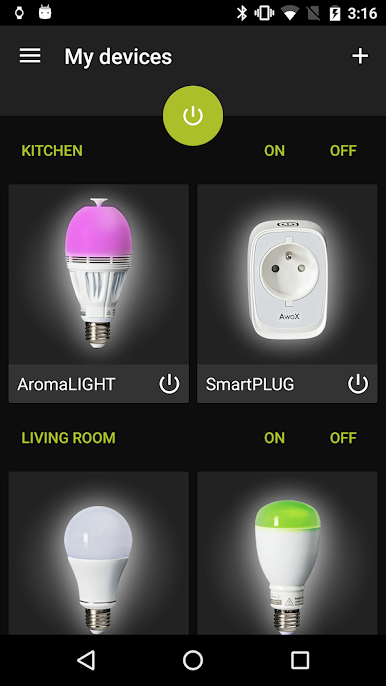
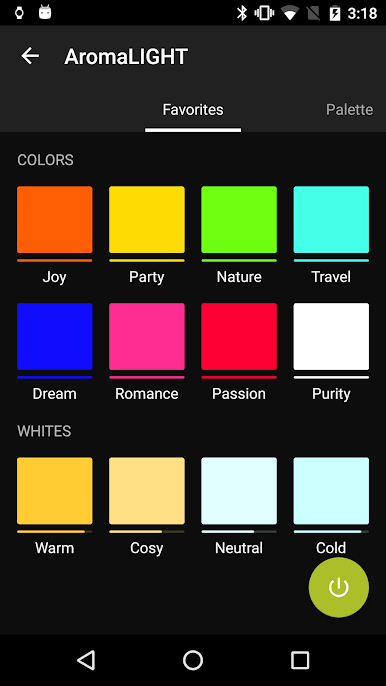
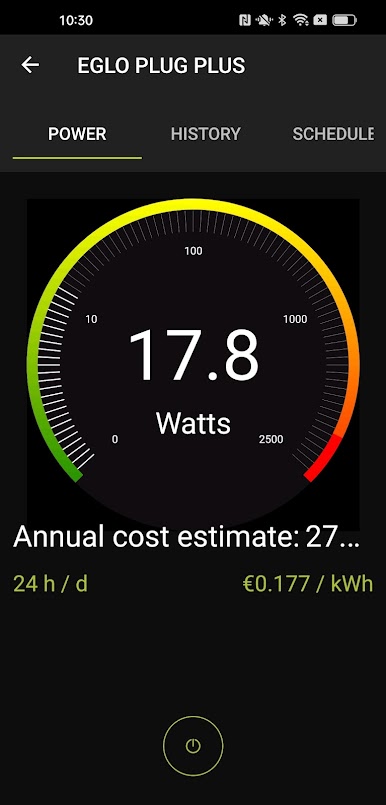
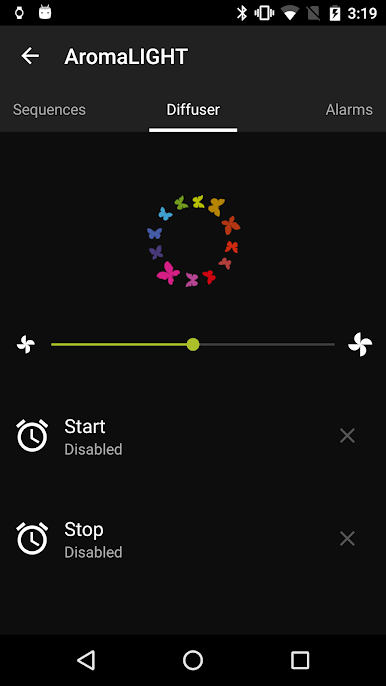
EGLO connect.wifi products, EGLO PLUG, EGLO PLUG PLUS or EGLO USB KEY, AwoX SmartLIGHTs, AromaLIGHTs, AwoX StriimLIGHTs, Awox SmartLED, SmartPEBBLE and SmartPLUGs.
Regarding AwoX Smart CONTROL:
A free account creation is needed, in order :
To be able to share your settings across several devices. You can install the application on multiple devices without additional configuration or reinstallation. Your setup is still available even if you change your phone.
To create a private and secure device network.
What about my data?
The data collected during the creation of your account (email address) has the sole purpose of providing the best user experience and the best quality of service. Under no circumstances is it shared with third parties.
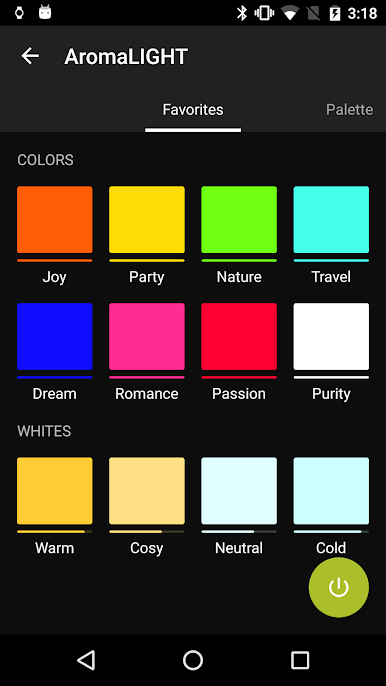
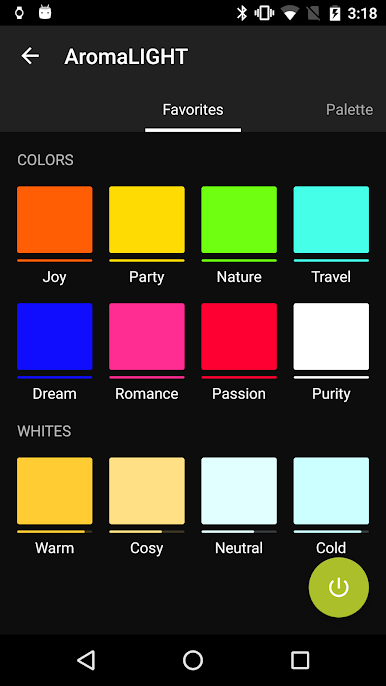
Notice: in order to manage AwoX SmartLIGHTs, AromaLIGHTs, Awox SmartLED and SmartPLUGs products, your phone/tablet must be Bluetooth 4.0 compliant (SmartReady), and with Android 4.3+ installed. Else, you will be only able to detect and control the AwoX StriimLIGHTs BT Color.Android 6.0+ users must accept location permission and activate location service in order to be able to discover Bluetooth Low Energy devices in the App.
เล่น AwoX Smart CONTROL บน PC ได้ง่ายกว่า
-
ดาวน์โหลดและติดตั้ง BlueStacks บน PC ของคุณ
-
ลงชื่อเข้าใช้แอคเคาท์ Google เพื่อเข้าสู่ Play Store หรือทำในภายหลัง
-
ค้นหา AwoX Smart CONTROL ในช่องค้นหาด้านขวาบนของโปรแกรม
-
คลิกเพื่อติดตั้ง AwoX Smart CONTROL จากผลการค้นหา
-
ลงชื่อเข้าใช้บัญชี Google Account (หากยังไม่ได้ทำในขั้นที่ 2) เพื่อติดตั้ง AwoX Smart CONTROL
-
คลิกที่ไอคอน AwoX Smart CONTROL ในหน้าจอเพื่อเริ่มเล่น

