

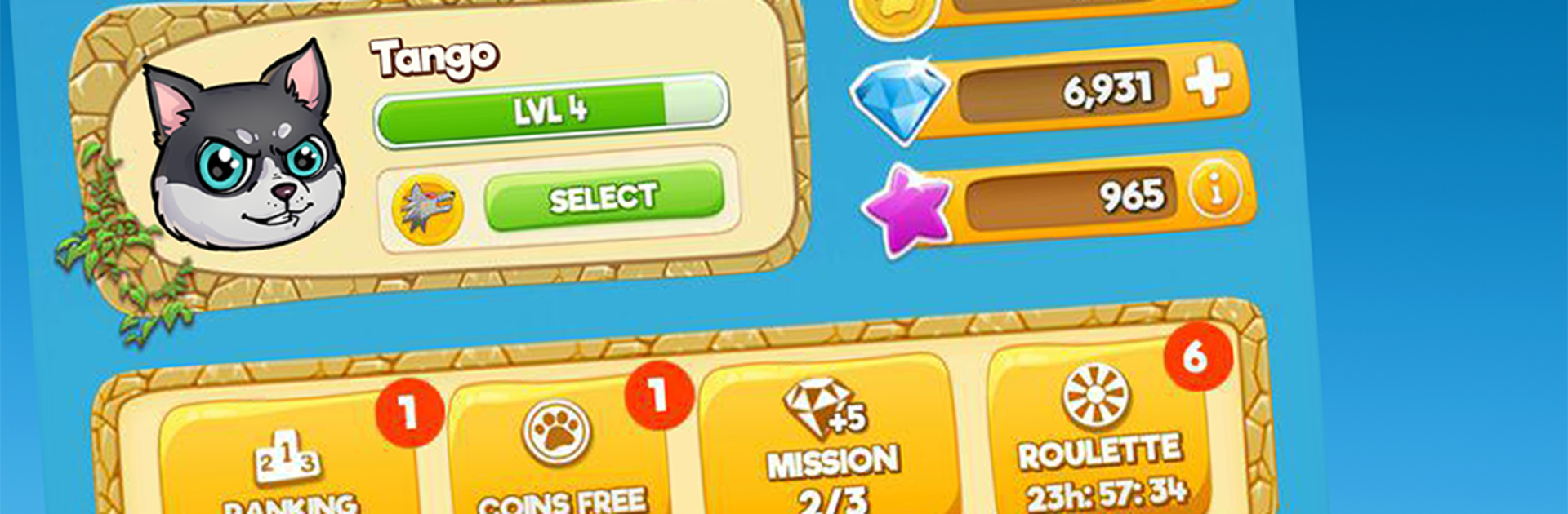
CUTE WARS PUZZLE BATTLE
Play on PC with BlueStacks – the Android Gaming Platform, trusted by 500M+ gamers.

Page Modified on: Sep 22, 2023
Play CUTE WARS PUZZLE BATTLE – Cats vs Dogs Match 3 on PC or Mac
Join millions to experience CUTE WARS PUZZLE BATTLE – Cats vs Dogs Match 3, an exciting Puzzle game from Axelerum S.L.. With BlueStacks App Player, you are always a step ahead of your opponent, ready to outplay them with faster gameplay and better control with the mouse and keyboard on your PC or Mac.
About the Game
CUTE WARS PUZZLE BATTLE – Cats vs Dogs Match 3 turns a silly rivalry into a fast, strategic Puzzle showdown. Link colorful balloons to power up attacks, trigger chain reactions, and outsmart real opponents in quick, head‑to‑head rounds. Made by Axelerum S.L., it’s easy to pick up, playful at heart, and surprisingly tactical once you get going.
Game Features
- Cats vs Dogs choice: Pick your faction and represent your team in a cheeky, long‑running feud that plays out across online matches and weekly rankings.
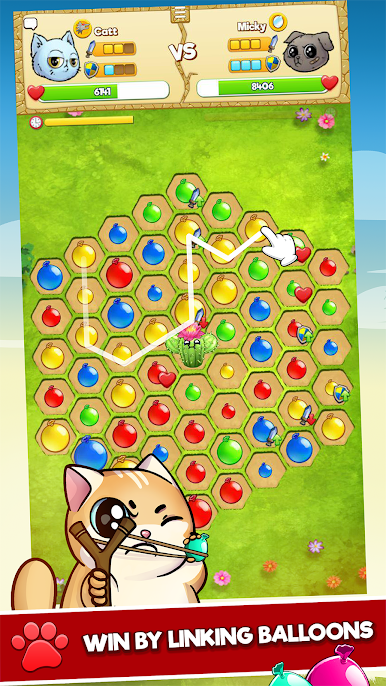
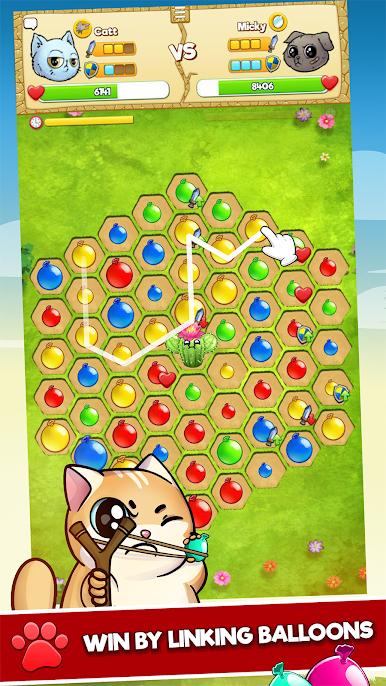
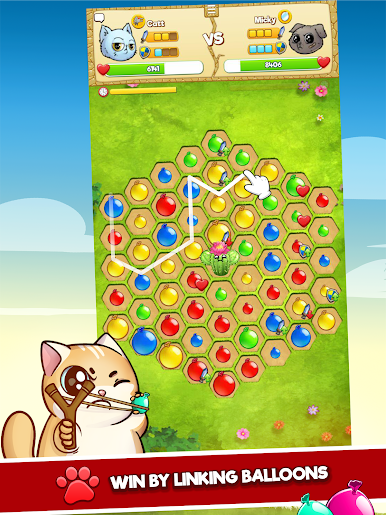
- Match-3 combat: Connect three or more balloons of the same color to strike your rival. Longer links hit harder, and planning your next move matters.
- Chain reactions & board clears: Set up combos, wipe the board at the right moment, and watch the damage spike while you steal the momentum.
- Power-up collars: Collect unique collars that grant special skills—from clutch saves to heavy hits—so your loadout matches your playstyle.
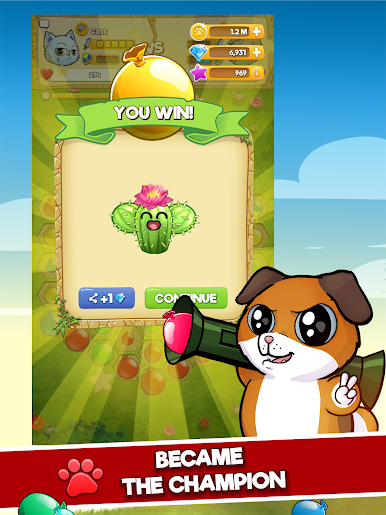
- Clever tiles & cacti: Match near cacti to “water” them and unlock handy effects. It’s a cute twist that rewards careful positioning.
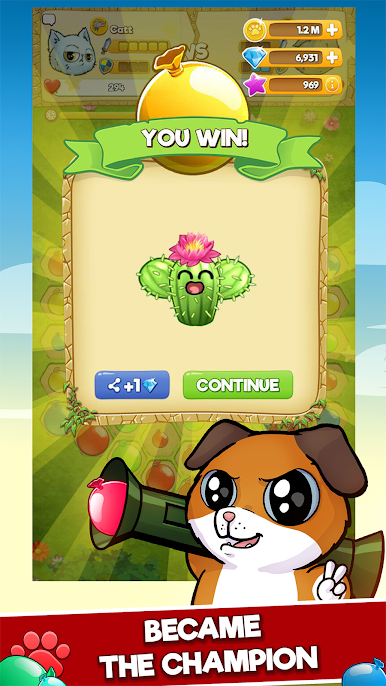
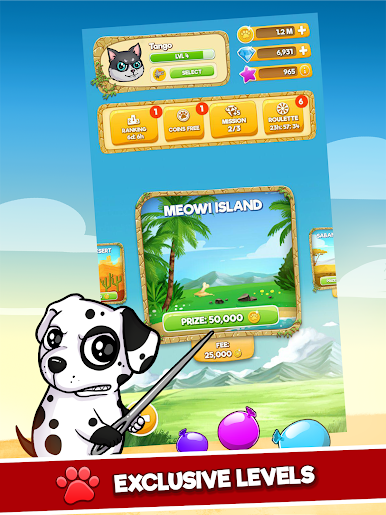
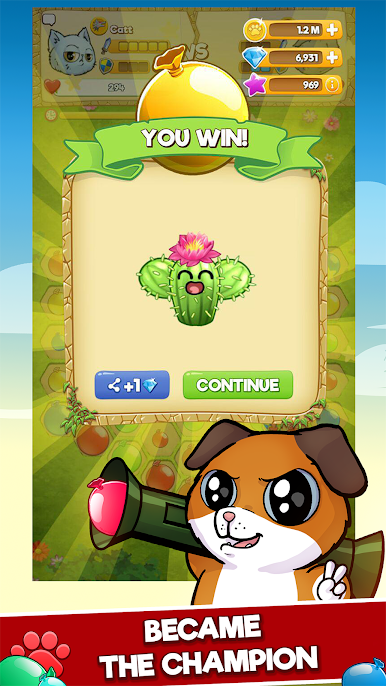
- Weekly leagues: Climb through Cute Leagues, earn prizes, and snag rewards when your faction comes out on top.
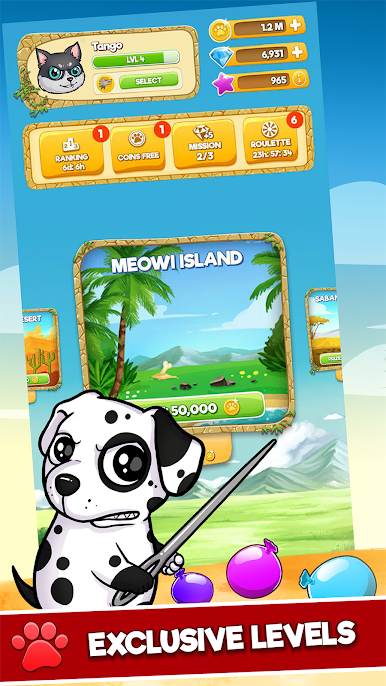
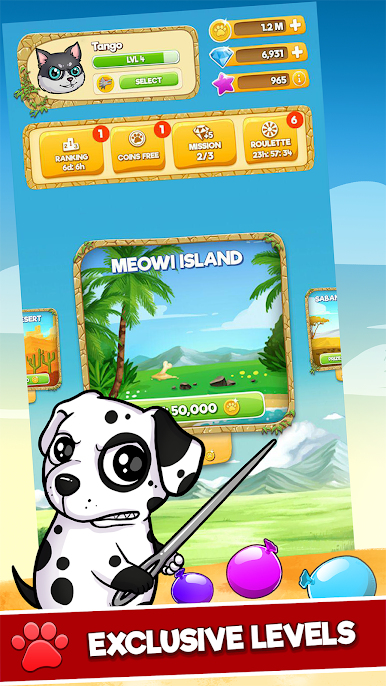
- Character collection: Unlock playful heroes like Mimitos and Shibo, plus their friends, to personalize your squad.
- Friends help, too: Recruit buddies, share benefits, and keep the rivalry going all week.
- Smooth on PC: Prefer a keyboard and big screen? It runs great on BlueStacks while still feeling perfectly snappy on mobile.
Slay your opponents with your epic moves. Play it your way on BlueStacks and dominate the battlefield.




Play CUTE WARS PUZZLE BATTLE on PC. It’s easy to get started.
-
Download and install BlueStacks on your PC
-
Complete Google sign-in to access the Play Store, or do it later
-
Look for CUTE WARS PUZZLE BATTLE in the search bar at the top right corner
-
Click to install CUTE WARS PUZZLE BATTLE from the search results
-
Complete Google sign-in (if you skipped step 2) to install CUTE WARS PUZZLE BATTLE
-
Click the CUTE WARS PUZZLE BATTLE icon on the home screen to start playing

