


Convertisseur d'unité précise
Jouez sur PC avec BlueStacks - la plate-forme de jeu Android, approuvée par + 500M de joueurs.

Page Modifiée le: Dec 7, 2025
Run Unit Converter - calculate and convert on PC or Mac
Multitask effortlessly on your PC or Mac as you try out Unit Converter – calculate and convert, a Tools app by UUCMobile on BlueStacks.
About the App
Ever stumbled over a confusing measurement when you’re cooking, shopping, or working on a project? Unit Converter – calculate and convert (from UUCMobile) makes all those “what does that mean?” moments way easier. Whether you’re figuring out currency rates, trying to convert recipes, or just want to check different units, this app’s got you covered. Designed for quick, no-fuss conversions, it’s a flexible tool you’ll find handy more often than you think.
App Features
-
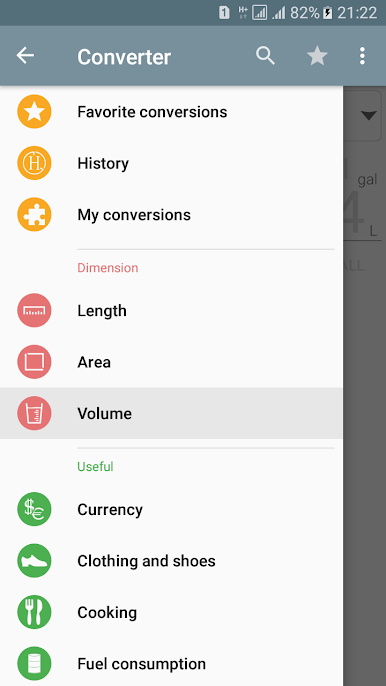
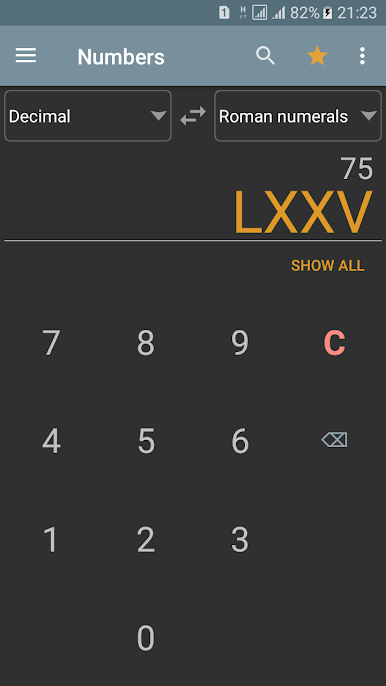
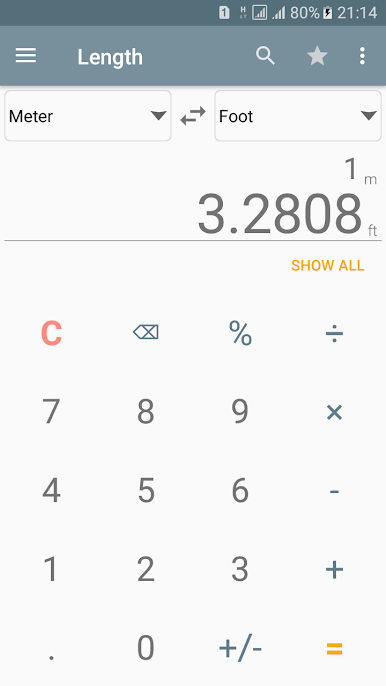
Tons of Categories
You get over 40 groups to convert just about anything—currencies, weights, lengths, volumes, and plenty more. Cooking, math, mechanics, electricity, or even shoe sizes—yep, it’s in here. -
Offline Access
No connection? No problem. Almost everything works offline, except fetching the latest currency rates (but once the rates are updated, you’re set until the next refresh). -
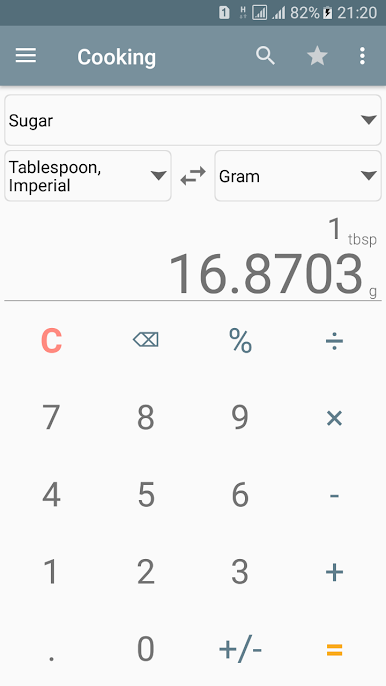
Built-in Calculator
Forget switching apps: do quick math or percentages right on the keypad while converting. It’s all integrated. -
Custom Conversions
Need a specific conversion that’s not built in? Create your own formulas and conversions directly in the app—super useful if you have unusual units you run into at work or school. -
Favorites & History
Mark your most-used conversions for easy access, and peek back at what you’ve converted recently if you want to double-check anything. -
Search and Instant Results
Can’t find a unit? Pop it into the search bar. And as soon as you type in your value, results show up—no need to hit extra buttons. -
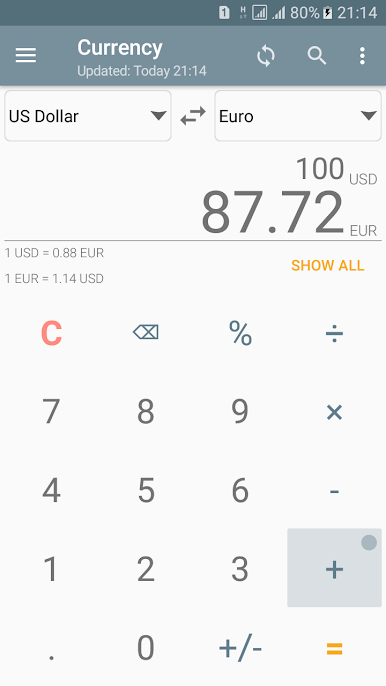
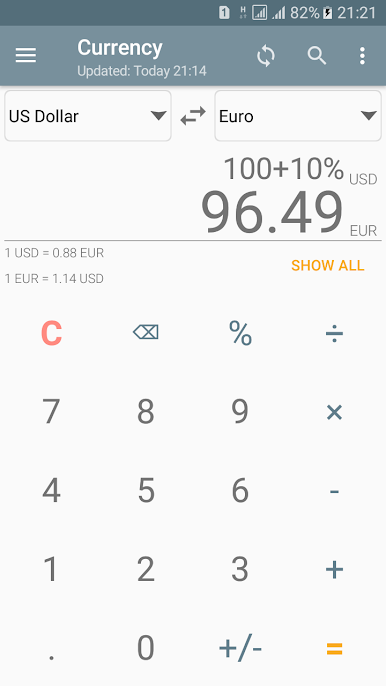
Currency Converter
Get up-to-date rates using info from the European Central Bank and other sources. Rates get saved for offline use, so you’re not stuck if you lose connection. -
Share & Copy Options
Share your results with a tap—email them or just copy and paste to wherever you need. -
Friendly Interface
The design’s straightforward and supports both portrait and landscape, so it feels right on a phone or tablet (or even through BlueStacks on a computer screen). -
Language Support
Switch between English, German, Portuguese, Spanish, Russian, Romanian, and Ukrainian. More languages are on the way.
All in all, Unit Converter – calculate and convert packs a ton of conversion tools from UUCMobile into one spot—handy for just about any situation, no matter where you’re using it.
Switch to BlueStacks and make the most of your apps on your PC or Mac.
Jouez à Convertisseur d'unité précise sur PC. C'est facile de commencer.
-
Téléchargez et installez BlueStacks sur votre PC
-
Connectez-vous à Google pour accéder au Play Store ou faites-le plus tard
-
Recherchez Convertisseur d'unité précise dans la barre de recherche dans le coin supérieur droit
-
Cliquez pour installer Convertisseur d'unité précise à partir des résultats de la recherche
-
Connectez-vous à Google (si vous avez ignoré l'étape 2) pour installer Convertisseur d'unité précise
-
Cliquez sur l'icône Convertisseur d'unité précise sur l'écran d'accueil pour commencer à jouer

