


Bandsintown Concerts
在電腦上使用BlueStacks –受到5億以上的遊戲玩家所信任的Android遊戲平台。

Run Bandsintown Concerts on PC or Mac
What’s better than using Bandsintown Concerts by Bandsintown? Well, try it on a big screen, on your PC or Mac, with BlueStacks to see the difference.
About the App
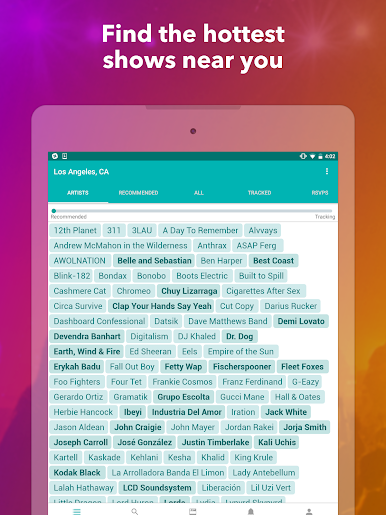
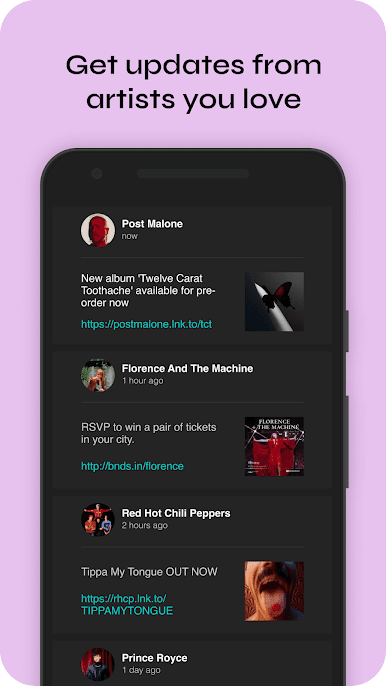
If you’re always on the hunt for your next favorite concert, Bandsintown Concerts makes it a whole lot easier to keep your finger on the pulse. No more frantically searching for tour dates or missing out when your favorite artist swings through town. You get a fresh, personal feed of upcoming concerts and events, all based on what you actually listen to—or who you want to catch live.
App Features
-
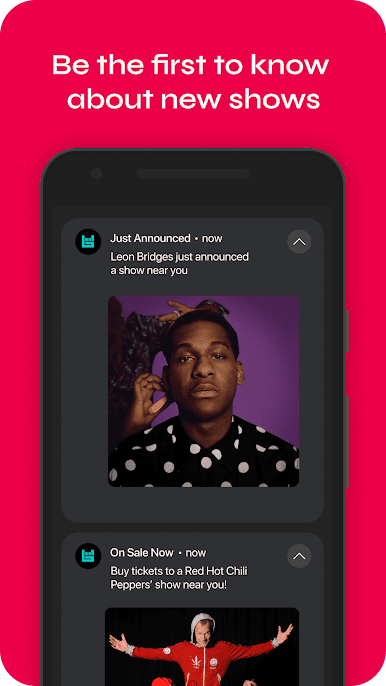
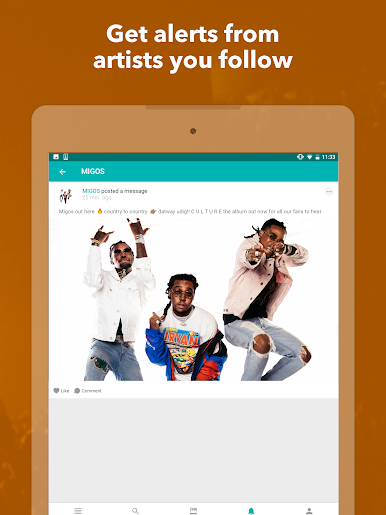
Personalized Concert Alerts
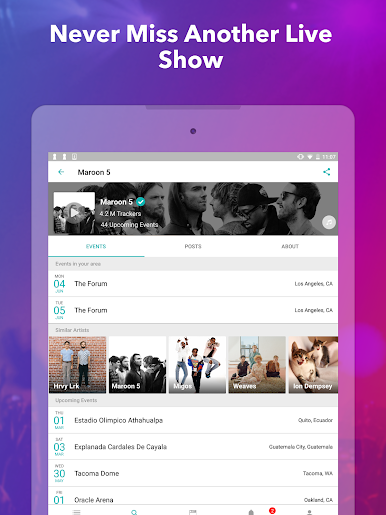
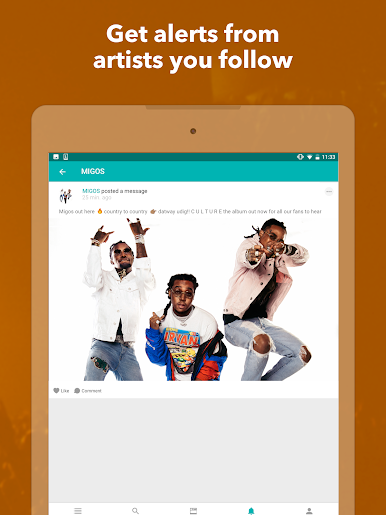
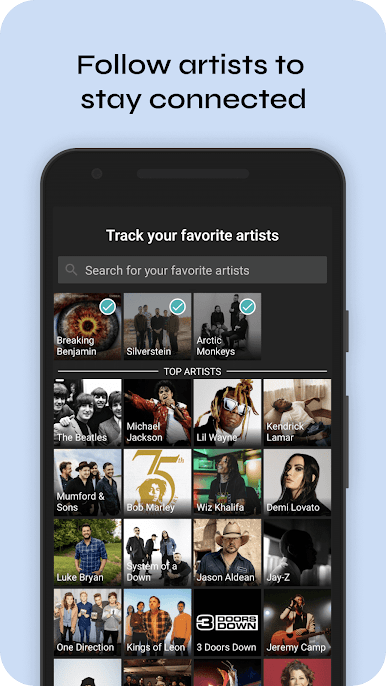
Get notified when artists you love announce shows near you. Just follow the bands you dig or connect your music services, and Bandsintown Concerts will handle the rest. -
Artist & Service Syncing
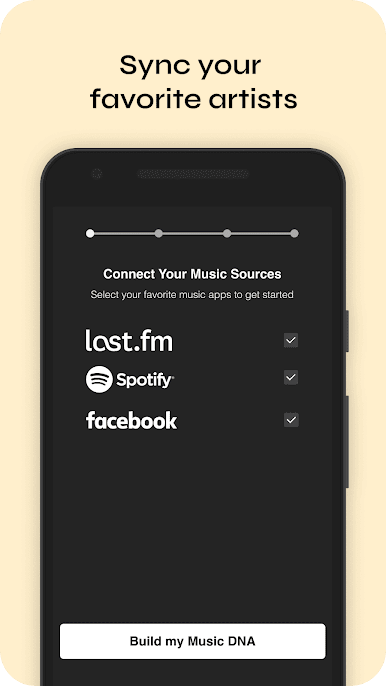
Already listening to music on Spotify or similar platforms? Sync them up and let the app pick up on your taste, making recommendations feel surprisingly spot-on. -
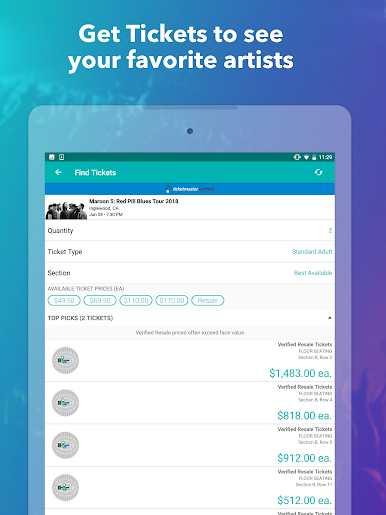
Easy Ticket Options
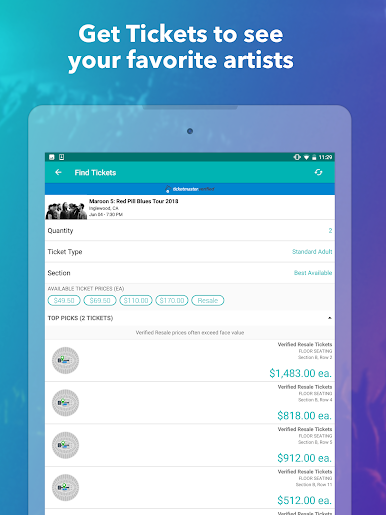
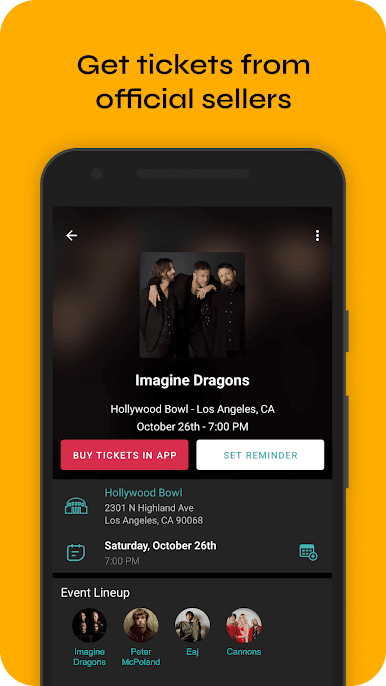
When you spot a concert you’re interested in, grab tickets directly from official sellers. No hoops or sketchy reselling—just straightforward, legit access. -
Tour Requests
Really want someone to play your city? Send a request for your favorite artists to stop by. Who knows, it could happen! -
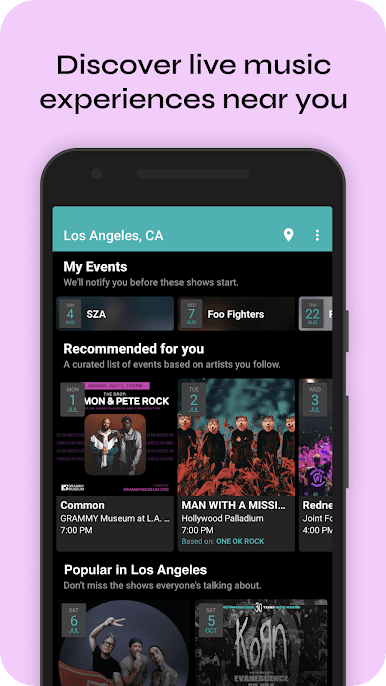
Concert Discovery
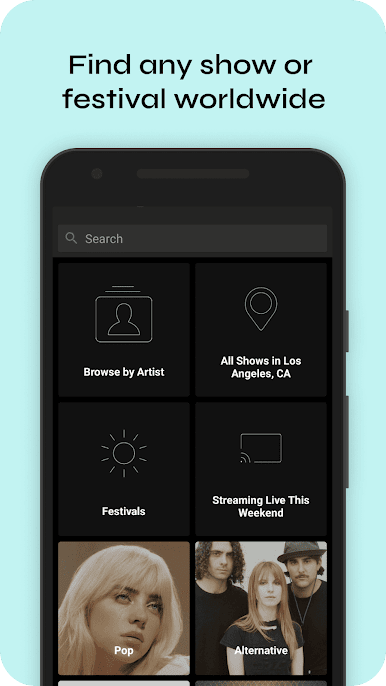
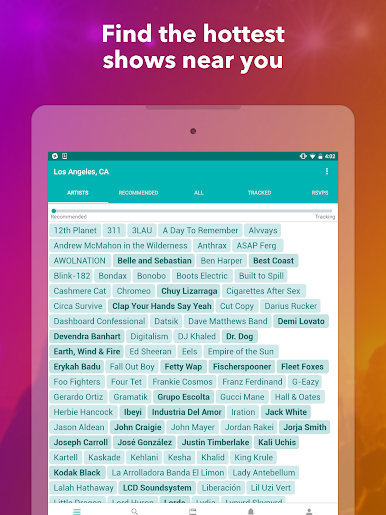
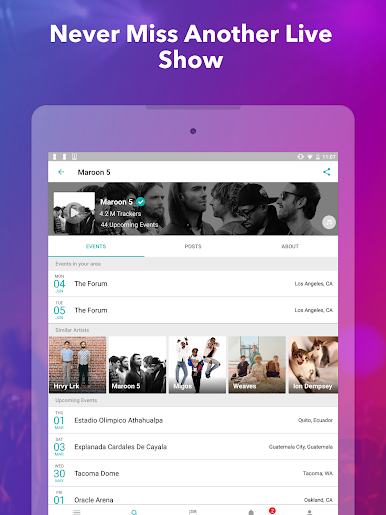
Browse events happening anywhere, not just locally. Whether you’re planning a trip or just like scoping out festivals around the world, it’s all right there. -
Reviews & Reminders
Not sure about the vibe at a venue, or want to check what others thought of a show? Read up on reviews before buying. You can also bookmark events so you won’t forget when ticket sales go live. -
Find New Acts
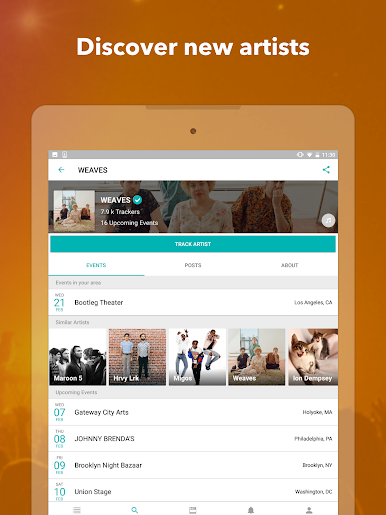
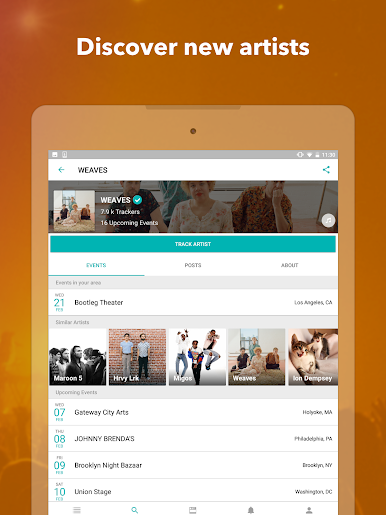
Bandsintown Concerts offers suggestions based on your music taste, so you might discover new artists or catch a cool indie band you’d never have found otherwise.
All these features are meant to be as easy to use on your laptop through BlueStacks as they are on your phone—perfect for when you want a bigger view of the concert scene.
Eager to take your app experience to the next level? Start right away by downloading BlueStacks on your PC or Mac.

在電腦上遊玩Bandsintown Concerts . 輕易上手.
-
在您的電腦上下載並安裝BlueStacks
-
完成Google登入後即可訪問Play商店,或等你需要訪問Play商店十再登入
-
在右上角的搜索欄中尋找 Bandsintown Concerts
-
點擊以從搜索結果中安裝 Bandsintown Concerts
-
完成Google登入(如果您跳過了步驟2),以安裝 Bandsintown Concerts
-
在首頁畫面中點擊 Bandsintown Concerts 圖標來啟動遊戲

