


Hey Duggee The Big Outdoor App
Spiele auf dem PC mit BlueStacks - der Android-Gaming-Plattform, der über 500 Millionen Spieler vertrauen.

Seite geändert am: Oct 14, 2025
Play Hey Duggee The Big Outdoor App on PC or Mac
From the innovators and creators at BBC Worldwide (Ltd), Hey Duggee The Big Outdoor App is another fun addition to the World of Educational games. Go beyond your mobile screen and play it bigger and better on your PC or Mac. An immersive experience awaits you.
About the Game
Hey Duggee The Big Outdoor App is a playful, hands-on way for kids to jump into outdoor adventures alongside Duggee and the Squirrels. Designed by BBC Worldwide (Ltd), this educational game blends fun activities with key learning moments, letting little ones earn badges while exploring and creating. Kids can expect silly mini-games, cheerful characters, and a whole lot of Duggee-style giggles—perfect for keeping young minds entertained and curious.
Game Features
-
Seven Unique Mini-Games
Each activity introduces a brand new badge to earn, from catching acorns to building castles in the sand. There’s always something different to try! -
Fine Motor Skills Development
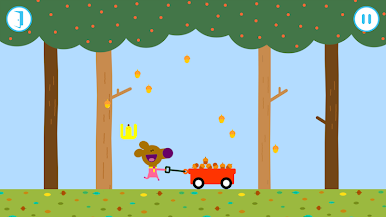
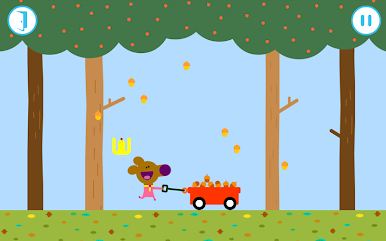
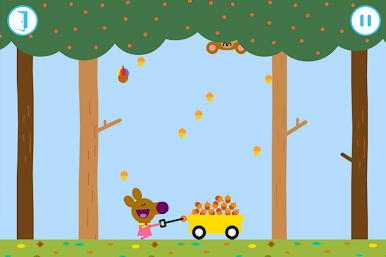
Games like The Acorn Badge get players using their fingers to catch falling acorns—watch out for banana peels! These playful challenges help sharpen those tiny hand muscles. -
Counting and Attention Support
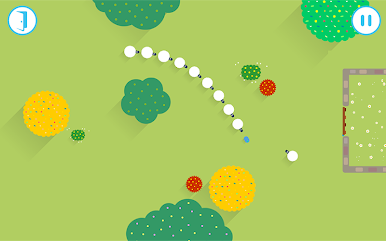
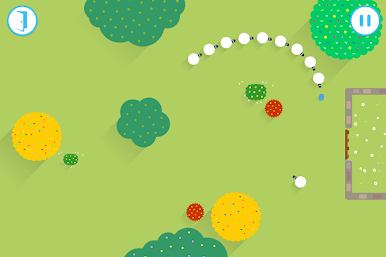
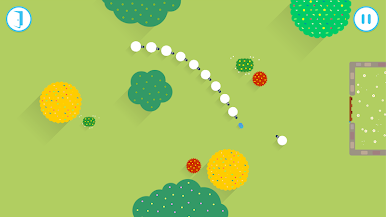
The Sheep Badge sneaks a bit of math into the fun, asking kids to herd and count the wandering sheep. A gentle way to practice numbers without feeling like “schoolwork.” -
Movement and Rhythm
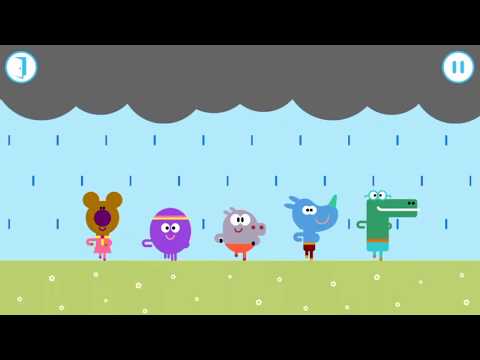
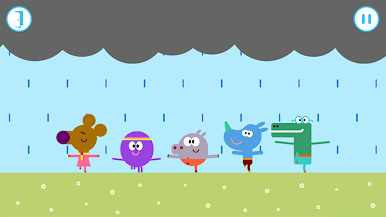
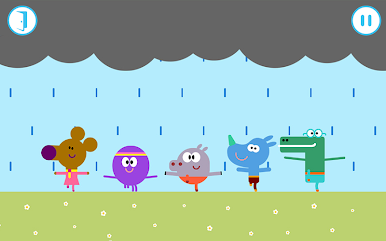
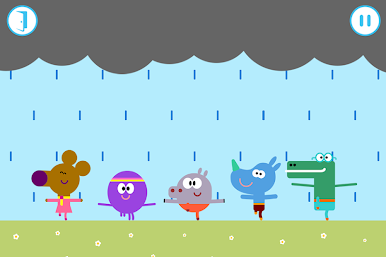
Raindance Badge gets kids up and moving with a simple dance sequence. Clap, wiggle, jump—can you keep up with Duggee’s moves? -
Creativity Boosters
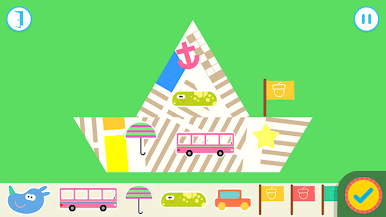
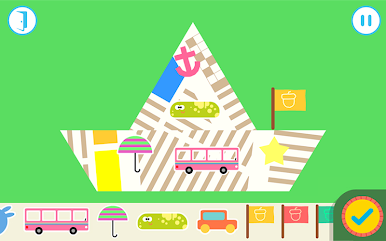
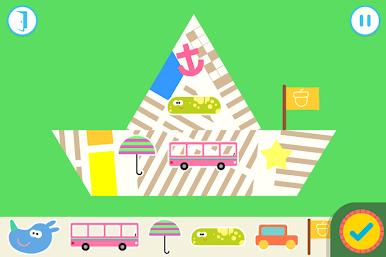
The Paper Boat and Sandcastle badges encourage imagination and hands-on creativity, from folding boats for ants to decorating the ultimate sandy fortress. -
Gentle Speech and Planning Practice
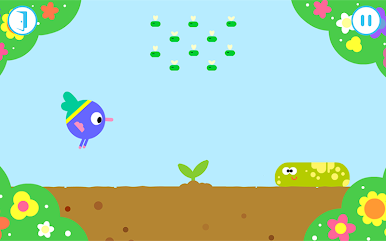
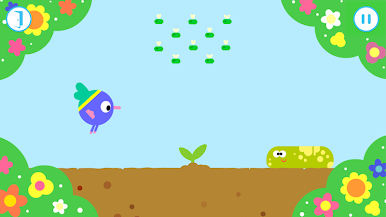
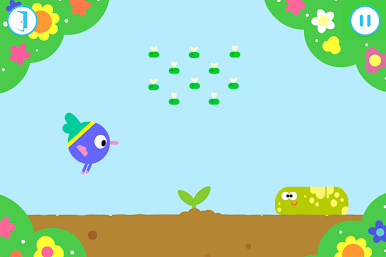
Kids get to talk to their virtual veggies in the Food Growing Badge and plan underwater paths with the Submarine adventure. -
Memorable Progress Tracking
Every earned badge and adventure is saved in a colorful gallery. Kids can peek back at their achievements anytime. -
Safe, Kid-Friendly Play
No ads, and the camera feature is used only to snap a fun profile photo—so grown-ups can relax while little ones play. -
Optimized for All Ages
Whether your child is a Duggee superfan or just likes to explore, there’s a balance of challenge and fun for early learners. -
Smooth Experience on BlueStacks
The game runs great on BlueStacks, making it easy to enjoy Hey Duggee The Big Outdoor App from your desktop, too.
Start your journey now. Download the game on BlueStacks, invite your friends, and march on a new adventure.
Spiele Hey Duggee The Big Outdoor App auf dem PC. Der Einstieg ist einfach.
-
Lade BlueStacks herunter und installiere es auf deinem PC
-
Schließe die Google-Anmeldung ab, um auf den Play Store zuzugreifen, oder mache es später
-
Suche in der Suchleiste oben rechts nach Hey Duggee The Big Outdoor App
-
Klicke hier, um Hey Duggee The Big Outdoor App aus den Suchergebnissen zu installieren
-
Schließe die Google-Anmeldung ab (wenn du Schritt 2 übersprungen hast), um Hey Duggee The Big Outdoor App zu installieren.
-
Klicke auf dem Startbildschirm auf das Hey Duggee The Big Outdoor App Symbol, um mit dem Spielen zu beginnen

