

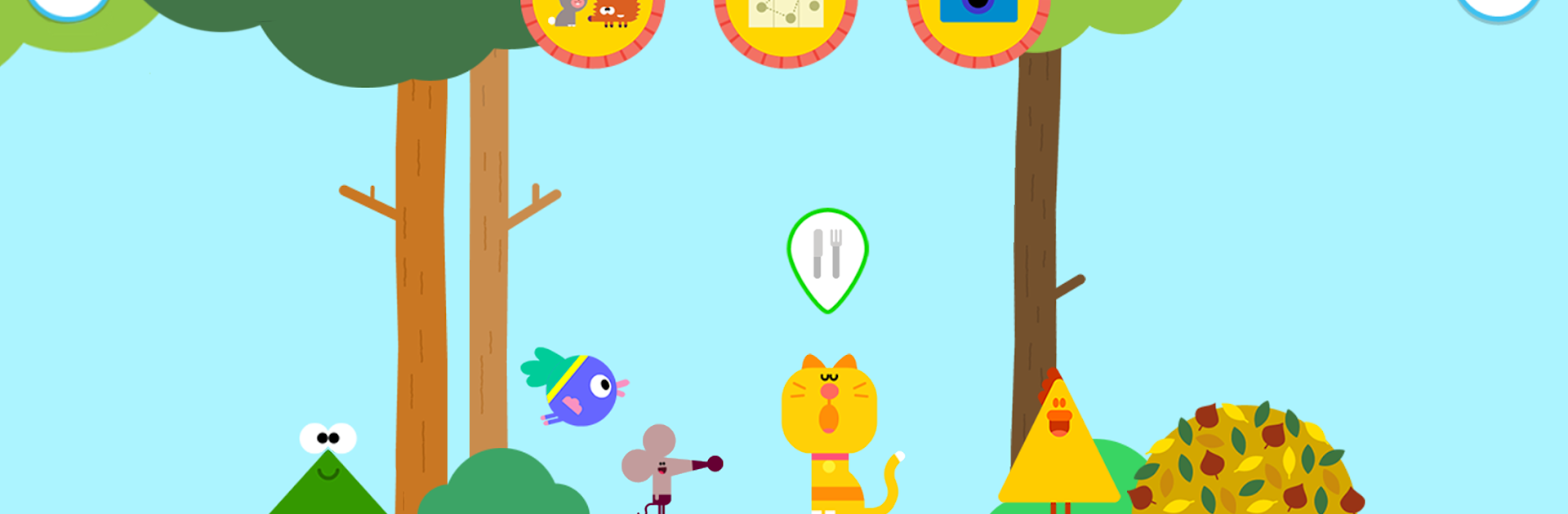
Hey Duggee: We Love Animals
العب على الكمبيوتر الشخصي مع BlueStacks - نظام أندرويد للألعاب ، موثوق به من قبل أكثر من 500 مليون لاعب.

Play Hey Duggee: We Love Animals on PC or Mac
Bring your A-game to Hey Duggee: We Love Animals, the Educational game sensation from BBC Studios Distribution Ltd.. Give your gameplay the much-needed boost with precise game controls, high FPS graphics, and top-tier features on your PC or Mac with BlueStacks.
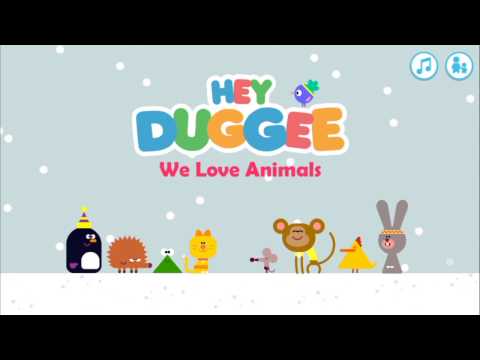
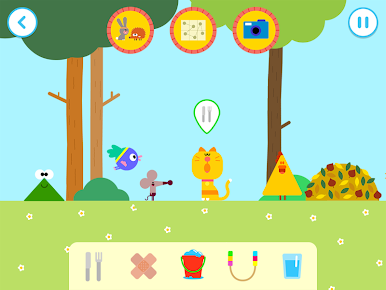
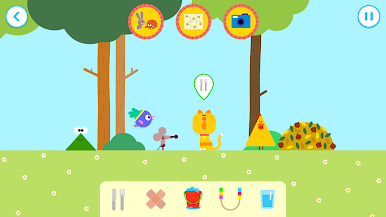
Hey Duggee: We Love Animals feels like a gentle digital pet corner where the Squirrels invite a player to look after a bunch of cute creatures and keep them happy. It is open ended, simple to pick up, and there are no ads popping up in the middle of things, which is great for younger kids. The game moves between a park, woods, beach, snowy spot, and a field, with animals wandering around doing their thing. The fun comes from noticing what each animal needs and giving it the right care, so it feels more like playful tinkering than a big challenge.
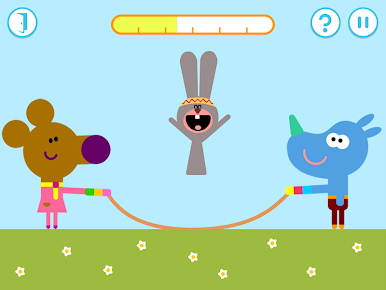
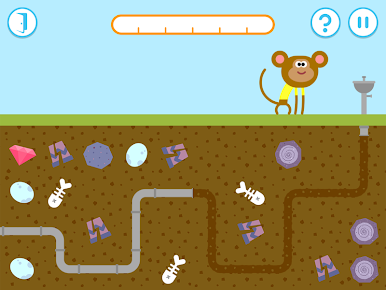
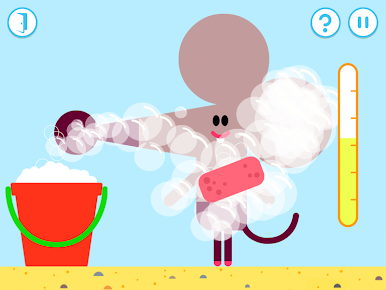
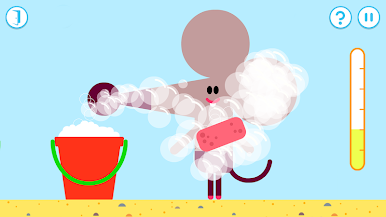
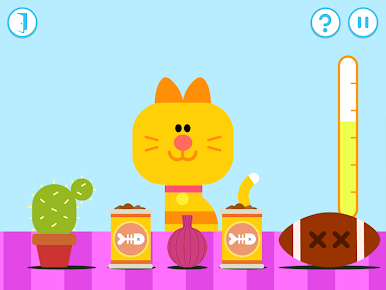
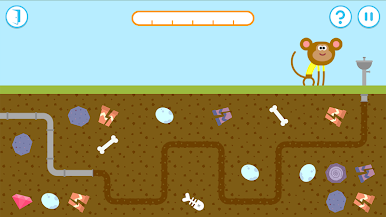
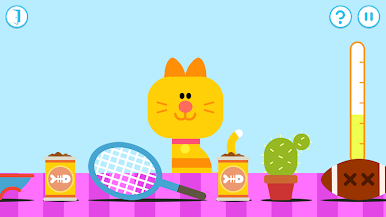
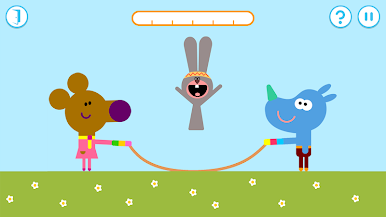
Each animal has a small task that fits their mood. The cat wants the right food from a belt of snacks, the monkey gets a drink after the player connects pipes to a fountain, the mouse needs a wash with leaves brushed off, soap spread, then bubbles popped. There is a skipping exercise run by Norrie and Tag, and when the frog is in a scrape it is time for a few bandages in the right place. There are nine animals in total, from a penguin and hedgehog to a chicken and rabbit, and earning the We Love Animals badge just happens as the care jobs are done. On PC with BlueStacks the mouse clicks make the mini games very easy, dragging pipe pieces or popping bubbles feels clean on a bigger screen, and the bright sounds and chunky shapes keep the mood calm and cheerful. It suits very young players, or anyone who wants a no pressure, hands on activity where the animals react right away and do cute little animations when they are content.
Ready to top the leaderboard? We bet you do. Let precise controls and sharp visuals optimized on BlueStacks lead you to victory.
العب Hey Duggee: We Love Animals على جهاز الكمبيوتر. من السهل البدء.
-
قم بتنزيل BlueStacks وتثبيته على جهاز الكمبيوتر الخاص بك
-
أكمل تسجيل الدخول إلى Google للوصول إلى متجر Play ، أو قم بذلك لاحقًا
-
ابحث عن Hey Duggee: We Love Animals في شريط البحث أعلى الزاوية اليمنى
-
انقر لتثبيت Hey Duggee: We Love Animals من نتائج البحث
-
أكمل تسجيل الدخول إلى Google (إذا تخطيت الخطوة 2) لتثبيت Hey Duggee: We Love Animals
-
انقر على أيقونة Hey Duggee: We Love Animals على الشاشة الرئيسية لبدء اللعب

