


Moonlight Lovers: Ivan - Datin
Play on PC with BlueStacks – the Android Gaming Platform, trusted by 500M+ gamers.

Page Modified on: Aug 27, 2025
Play Moonlight Lovers: Ivan - Datin on PC or Mac
Step into the World of Moonlight Lovers: Ivan – Datin, a thrilling Role Playing game from the house of BEEMOOV GAMES. Play this Android game on BlueStacks App Player and experience immersive gaming on PC or Mac.
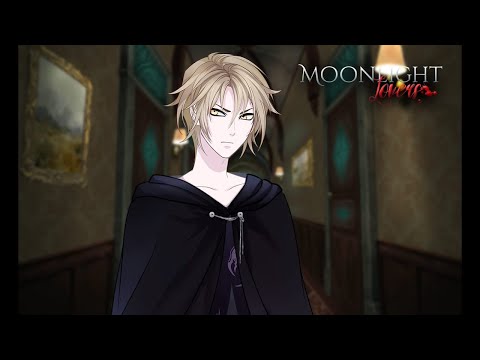
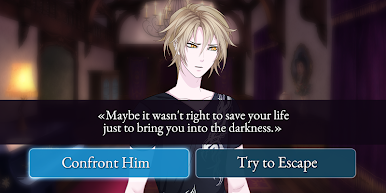
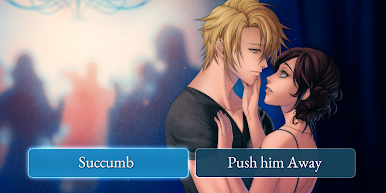
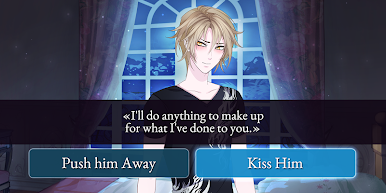
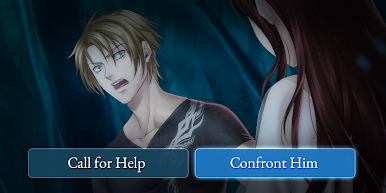
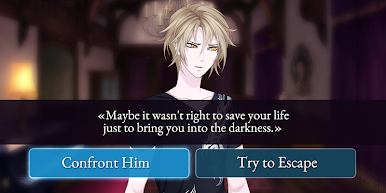
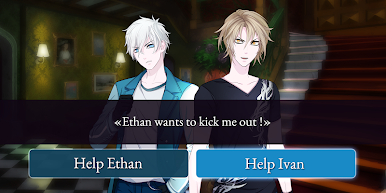
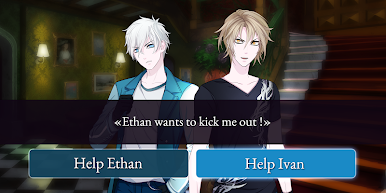
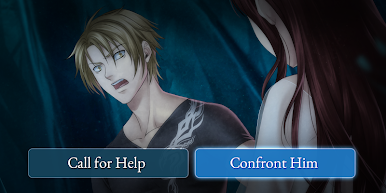
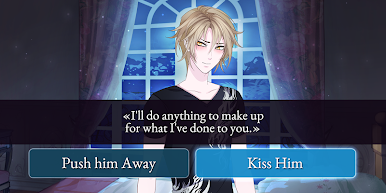
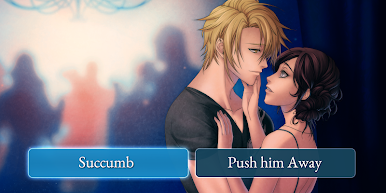
Moonlight Lovers: Ivan is one of those visual novels that’s got a bit of a gothic vibe going on, with plenty of mysterious atmosphere and – of course – romance. The whole thing is about moving through chapters and making choices that actually matter. Every decision changes the way things play out, so it’s not just reading along, but actively deciding what kind of relationship you want with Ivan and how deep you want to get into the secrets of the manor. The game’s set in this big, eerie mansion you suddenly inherit, and immediately, the place feels off. You start bumping into all these supernatural types, especially Ivan – he’s a conflicted vampire, dealing with his own past and all the trouble that comes with it. Depending on what players pick, the story branches off into three different endings, so there’s real reason to switch things up and see how things could have gone.
It’s actually interesting how each of the vampire characters has their own backstory and romance route, not just Ivan. There are some cool illustrations and the mood is darker than usual for games like this. Playing it on PC with BlueStacks just gives it a bit more room to breathe – the artwork looks nicer and it’s easier to keep track of choices. The story can get pretty heavy at times, but there’s always that feeling of figuring out someone else’s secrets or getting closer to the characters through your own choices. If someone’s into story-driven games where every decision actually changes things and likes the idea of a moody, mysterious setting with some drama, this one offers a lot to dig into.
Make your gaming sessions memorable with precise controls that give you an edge in close combats and visuals that pop up, bringing every character to life.
Play Moonlight Lovers: Ivan - Datin on PC. It’s easy to get started.
-
Download and install BlueStacks on your PC
-
Complete Google sign-in to access the Play Store, or do it later
-
Look for Moonlight Lovers: Ivan - Datin in the search bar at the top right corner
-
Click to install Moonlight Lovers: Ivan - Datin from the search results
-
Complete Google sign-in (if you skipped step 2) to install Moonlight Lovers: Ivan - Datin
-
Click the Moonlight Lovers: Ivan - Datin icon on the home screen to start playing

