


Run Cow Run
Spiele auf dem PC mit BlueStacks - der Android-Gaming-Plattform, der über 500 Millionen Spieler vertrauen.

Seite geändert am: Nov 21, 2025
Play Run Cow Run on PC or Mac
Run Cow Run brings the Action genre to life, and throws up exciting challenges for gamers. Developed by Bengigi, this Android game is best experienced on BlueStacks, the World’s #1 app player for PC and Mac users.
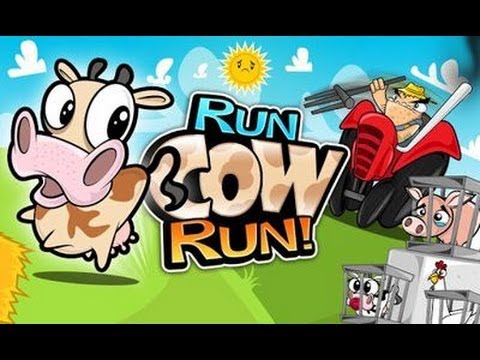
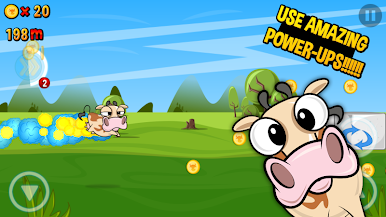
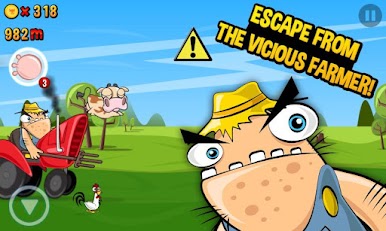
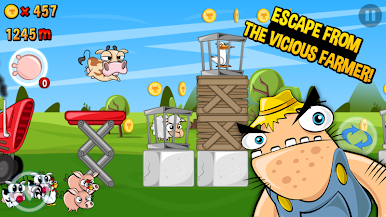
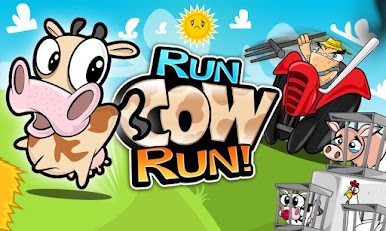
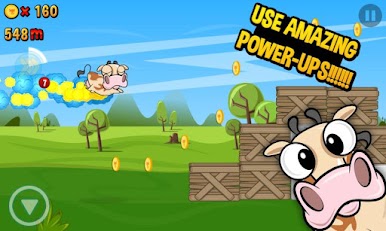
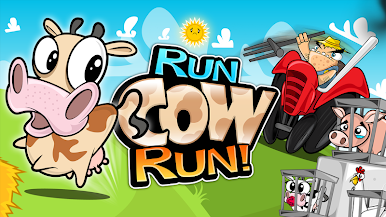
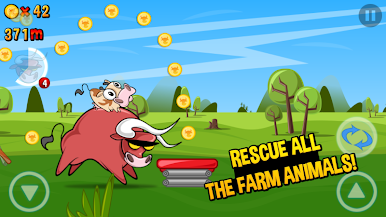
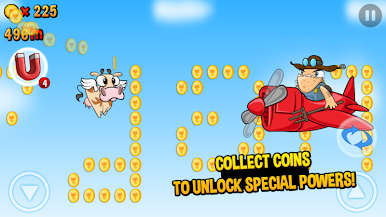
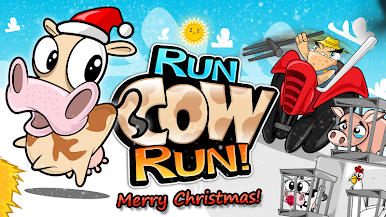
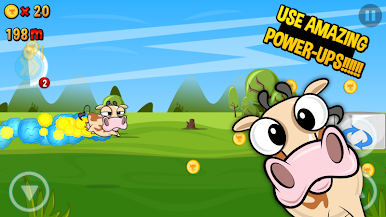
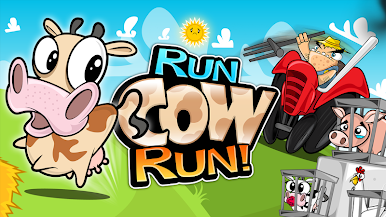
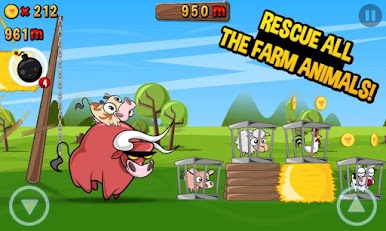
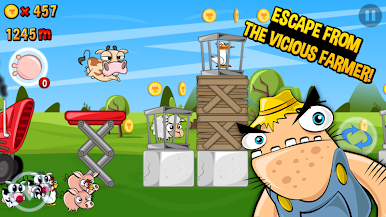
Run Cow Run is a side-scrolling runner about a brave little cow sprinting from a grumpy farmer, freeing pigs, chickens, ducks, and sheep from cages while scooping up coins. Movement is simple to learn, with a clean jump and a quick slide under windmills and fences, but the timing tightens as speed builds and obstacles pile up. It looks bright and cartoony, packed with goofy chase energy, so the save-the-animals theme stays playful even when the farmer is almost catching up.
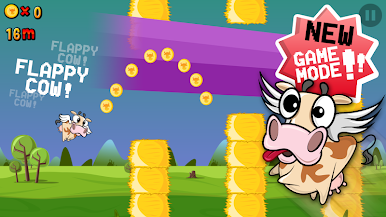
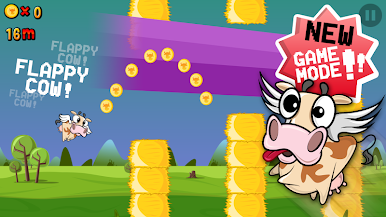
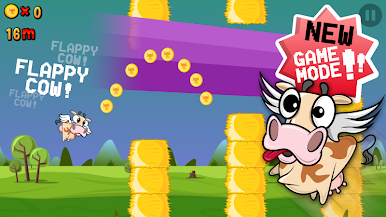
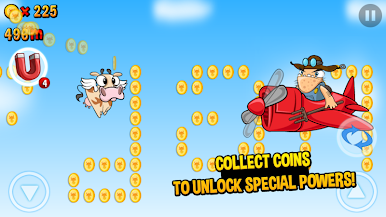
Coins unlock upgrades and quirky power ups that keep runs going longer and make rescues smoother. There is a Flappy Cow mini game too, a tap-to-fly challenge that breaks up the running and scratches that score-chasing itch in tiny bursts. Achievements and leaderboards are built in for anyone who wants bragging rights. On PC with BlueStacks, keyboard mapping makes jumps and slides feel sharp, and the bigger screen makes it easier to read what is coming. Sessions are short, restarts are instant, and it settles into that satisfying loop where patterns click, cages pop open, and the cow dashes just a bit farther. It is cute, a little cheeky, and very focused on quick reactions rather than complicated menus, plus there is even a certain nut-obsessed squirrel cameo if that rings a bell.
Make your gaming sessions memorable with precise controls that give you an edge in close combats and visuals that pop up, bringing every character to life.

Spiele Run Cow Run auf dem PC. Der Einstieg ist einfach.
-
Lade BlueStacks herunter und installiere es auf deinem PC
-
Schließe die Google-Anmeldung ab, um auf den Play Store zuzugreifen, oder mache es später
-
Suche in der Suchleiste oben rechts nach Run Cow Run
-
Klicke hier, um Run Cow Run aus den Suchergebnissen zu installieren
-
Schließe die Google-Anmeldung ab (wenn du Schritt 2 übersprungen hast), um Run Cow Run zu installieren.
-
Klicke auf dem Startbildschirm auf das Run Cow Run Symbol, um mit dem Spielen zu beginnen

