

FSWizard Pro Machinist Calc
Play on PC with BlueStacks – the Android Gaming Platform, trusted by 500M+ gamers.

Page Modified on: Jan 17, 2024
Run FSWizard Pro Machinist Calc on PC or Mac
Multitask effortlessly on your PC or Mac as you try out FSWizard Pro Machinist Calc, a Productivity app by Zero_Divide on BlueStacks.
About the App
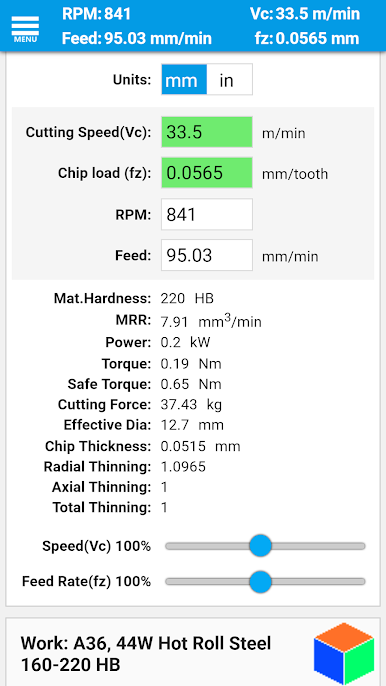
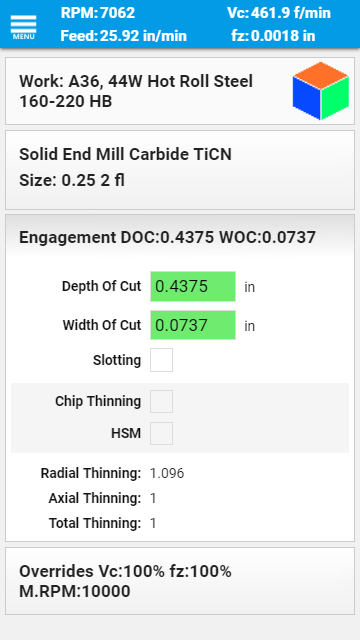
FSWizard Pro Machinist Calc by Zero_Divide is the ultimate productivity tool for CNC machinists. Forget about tedious calculations—this app has got you covered. Simply select your workpiece and tool materials, and it’ll automatically determine the optimal speeds and feeds for you. Designed by a fellow machinist, it aims to boost your machining productivity and extend cutter life while figuring out chip thinning, HSM, and machining parameters like depth of cut.
App Features
-
Comprehensive Calculators
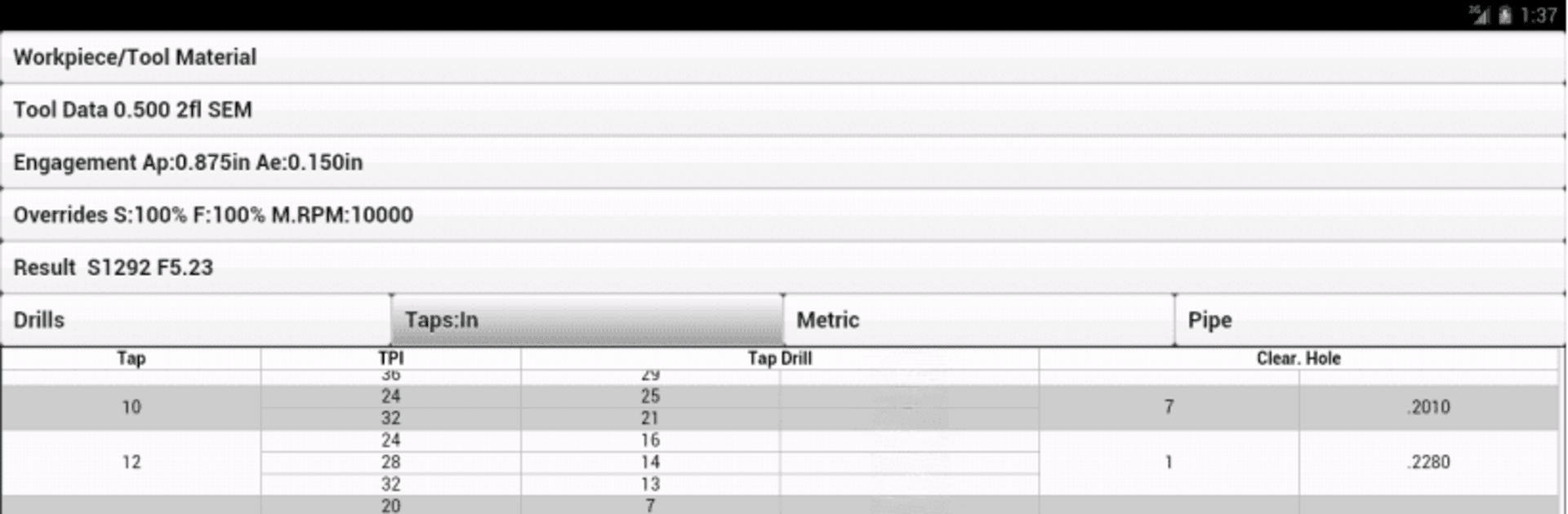
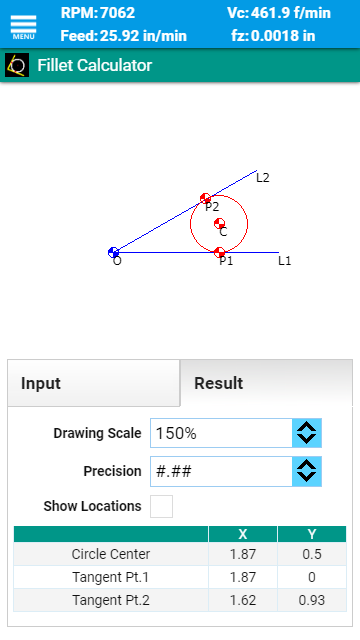
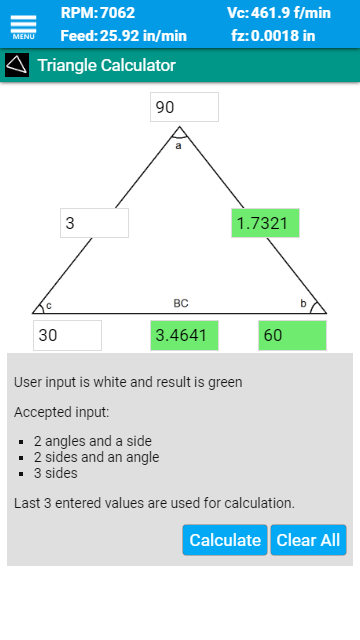
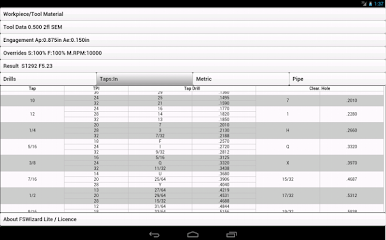
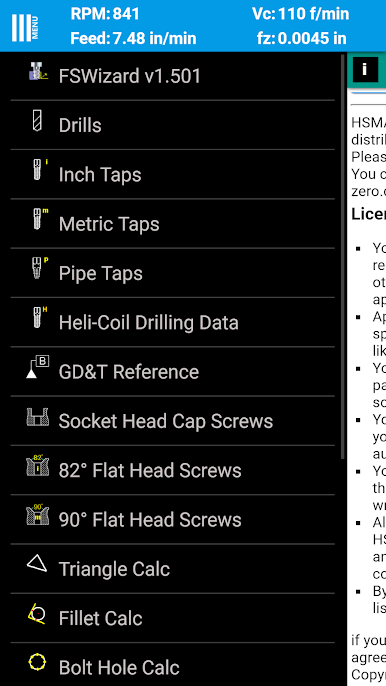
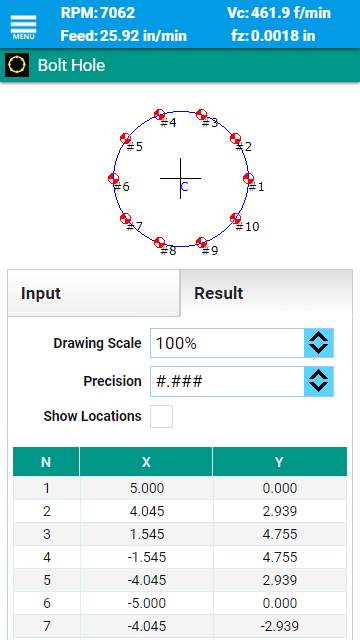
From Ball Nose Endmills to Tapping Feeds, we’ve got calculators for nearly every scenario you could face in the workshop. -
Tool References
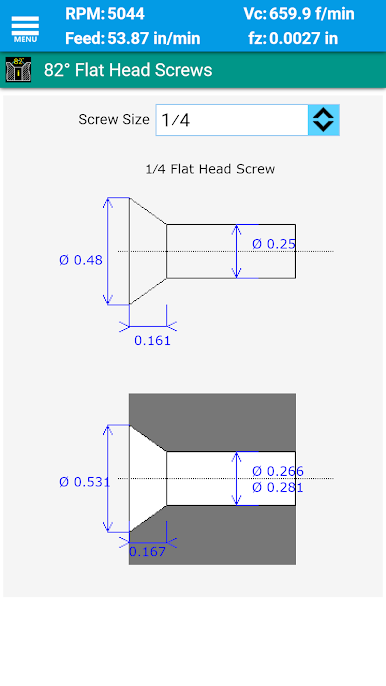
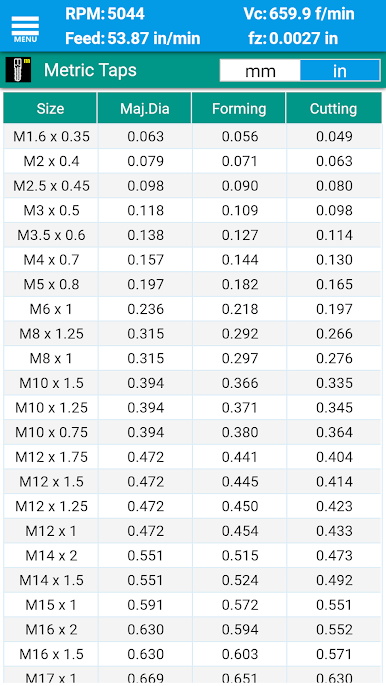
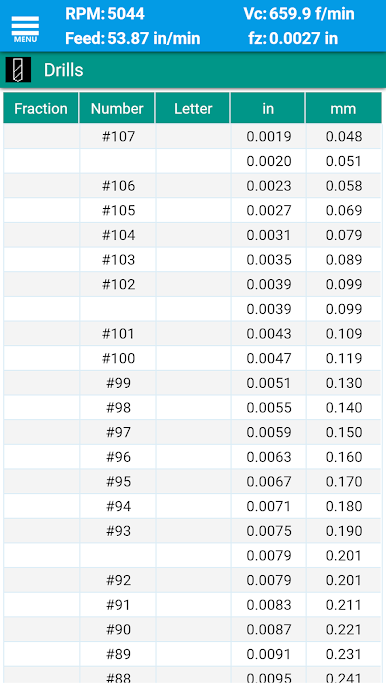
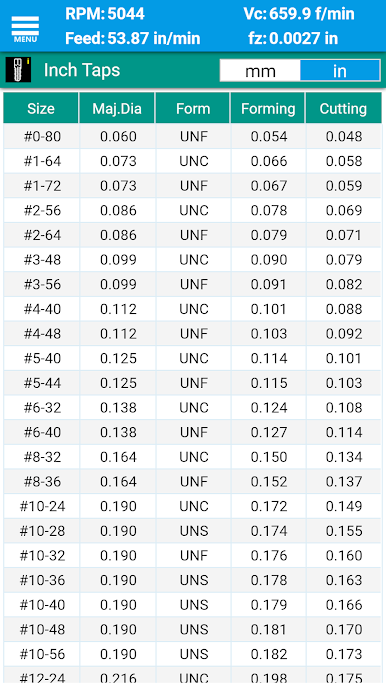
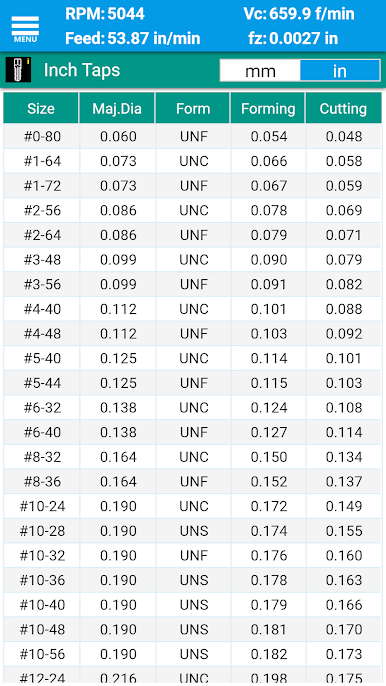
Includes Imperial and Metric charts for screws, threads, and more, plus info on HeliCoil inserts. -
Interactive GD&T Reference
Dive into the definitions for flatness, position, and other key geometric controls. -
Advanced Mathematical Tools
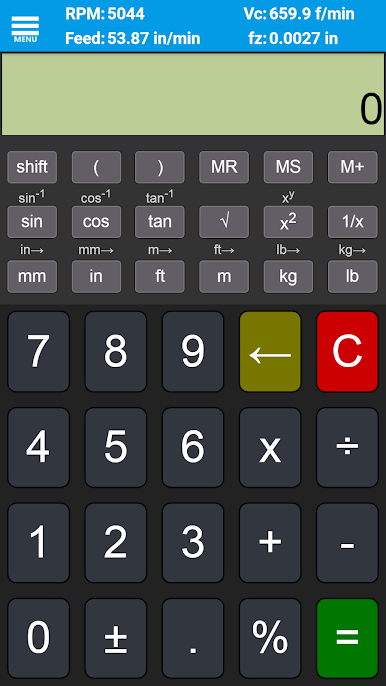
Utilize a Scientific Calculator with trig functions and calculation capabilities that go beyond basic arithmetic. -
Extensive Material Support
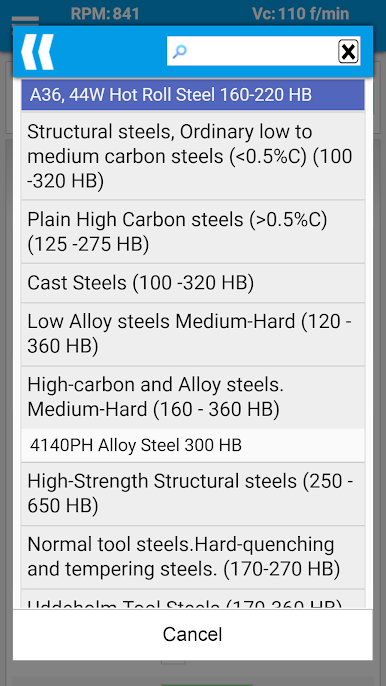
Supports a wide array of materials—from soft low-carbon steels to tough, high-strength alloys.
Try running FSWizard on BlueStacks for a seamless experience on any system.
BlueStacks brings your apps to life on a bigger screen—seamless and straightforward.

Play FSWizard Pro Machinist Calc on PC. It’s easy to get started.
-
Download and install BlueStacks on your PC
-
Complete Google sign-in to access the Play Store, or do it later
-
Look for FSWizard Pro Machinist Calc in the search bar at the top right corner
-
Click to install FSWizard Pro Machinist Calc from the search results
-
Complete Google sign-in (if you skipped step 2) to install FSWizard Pro Machinist Calc
-
Click the FSWizard Pro Machinist Calc icon on the home screen to start playing

