

Virtuell Familie Sommerferien
Spiele auf dem PC mit BlueStacks - der Android-Gaming-Plattform, der über 500 Millionen Spieler vertrauen.

Seite geändert am: Nov 25, 2025
Play Virtual Family Summer Vacation on PC or Mac
Join millions to experience Virtual Family Summer Vacation, an exciting Role Playing game from Billion Gaming Studio. With BlueStacks App Player, you are always a step ahead of your opponent, ready to outplay them with faster gameplay and better control with the mouse and keyboard on your PC or Mac.
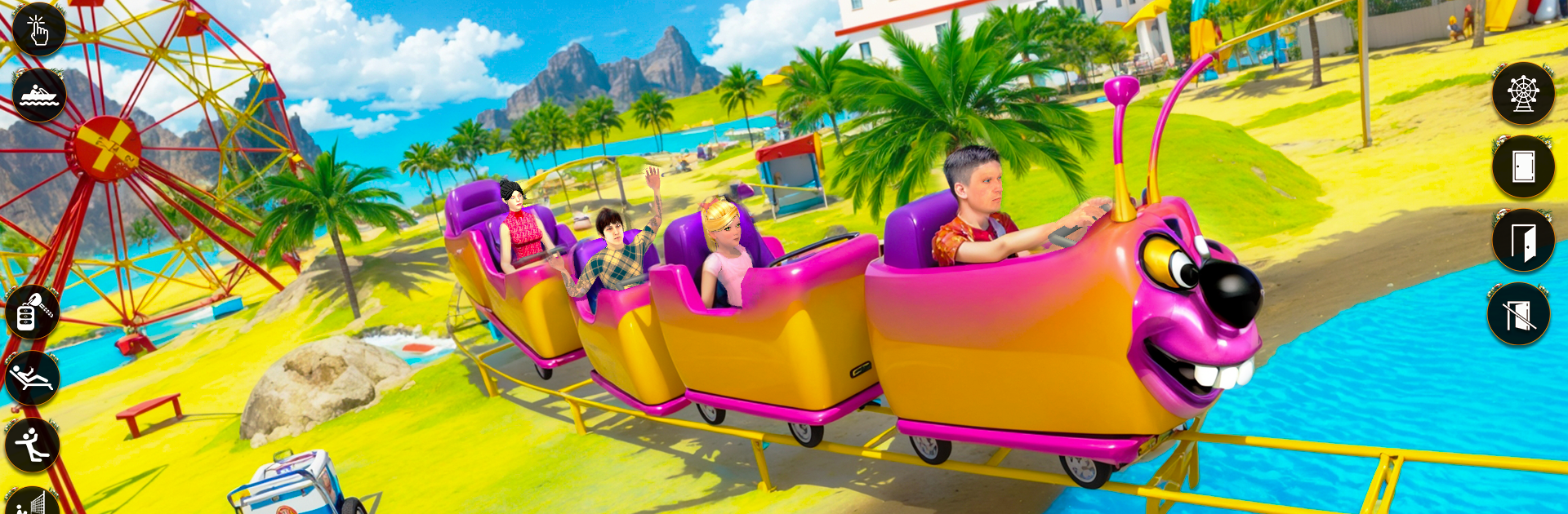
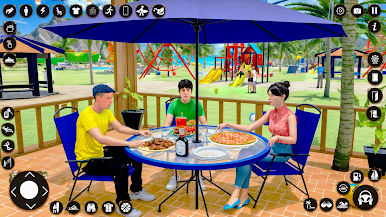
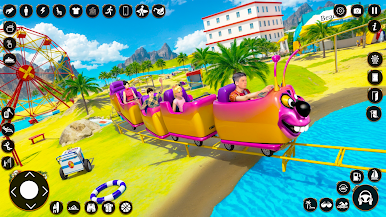
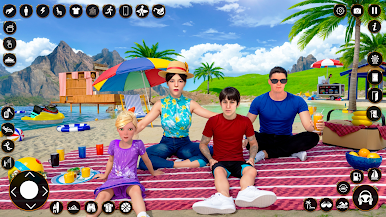
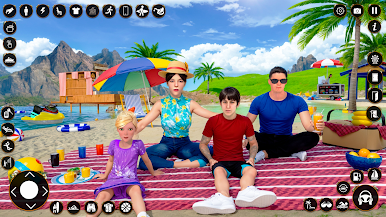
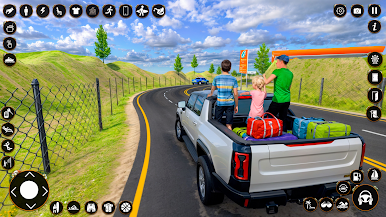
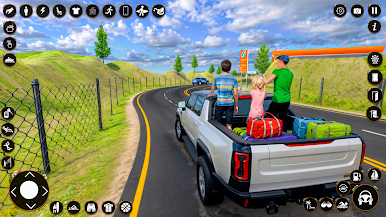
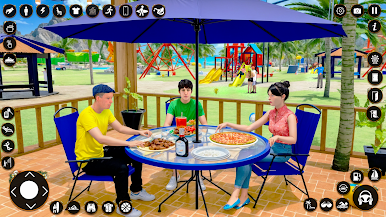
This one plays like a chill family road trip sim. It puts the player in a little summertime routine with mom, dad, and kids, where every step is a small task. Pack snacks and camping stuff, fuel up the jeep, grab cookies at a roadside shop, stop for lunch on the way, then head to beaches and hill stations. The driving bits have simple off-road paths with some tight turns and cliff edges, so there is a tiny bit of care needed without stressing anyone out. Once the family reaches a spot, it turns into light chores and mini moments like setting up tents, cooking, swimming, and hopping on swings. It is upbeat, bright, and a bit goofy, the kind of game that keeps tossing quick objectives so there is always something to tap.
On PC with BlueStacks it feels smoother because keyboard steering makes the jeep easier to handle, and the mouse makes the menus less fiddly. The levels are bite sized and straight forward, more about routine than surprise. There is a loop of errands that repeats from spot to spot, which can be relaxing if someone likes that slow vacation rhythm. The world is neat and colorful, the audio is cheerful, and the whole thing leans hard into family-friendly summer themes rather than challenge. It suits players who enjoy life-sim chores, breezy driving, and that make-a-list-then-check-it-off feel. The map is not huge but it does the job, and the tasks are clear so younger players will understand what to do next.
Make your gaming sessions memorable with precise controls that give you an edge in close combats and visuals that pop up, bringing every character to life.
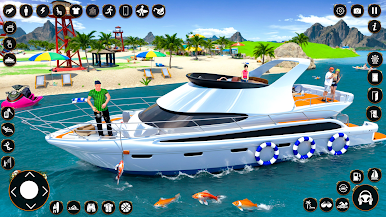
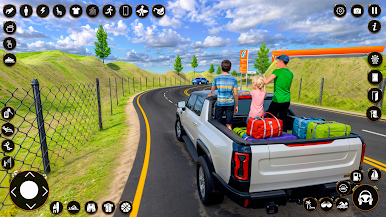
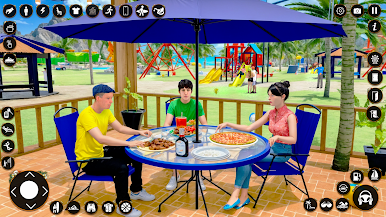
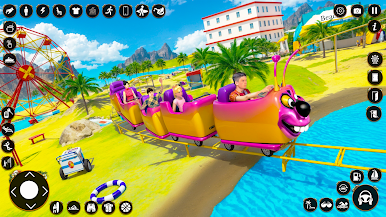
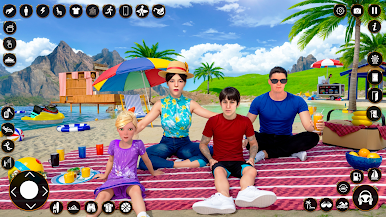
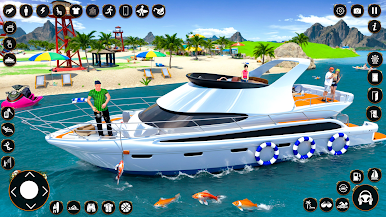
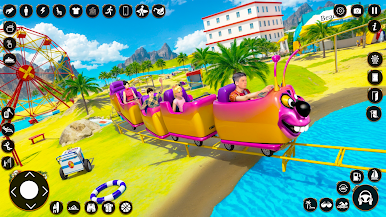
Spiele Virtuell Familie Sommerferien auf dem PC. Der Einstieg ist einfach.
-
Lade BlueStacks herunter und installiere es auf deinem PC
-
Schließe die Google-Anmeldung ab, um auf den Play Store zuzugreifen, oder mache es später
-
Suche in der Suchleiste oben rechts nach Virtuell Familie Sommerferien
-
Klicke hier, um Virtuell Familie Sommerferien aus den Suchergebnissen zu installieren
-
Schließe die Google-Anmeldung ab (wenn du Schritt 2 übersprungen hast), um Virtuell Familie Sommerferien zu installieren.
-
Klicke auf dem Startbildschirm auf das Virtuell Familie Sommerferien Symbol, um mit dem Spielen zu beginnen

