


Bizzabo
Jogue no PC com BlueStacks - A Plataforma de Jogos Android, confiada por mais de 500 milhões de jogadores.

Página modificada em: Dec 12, 2025
Play Bizzabo on PC
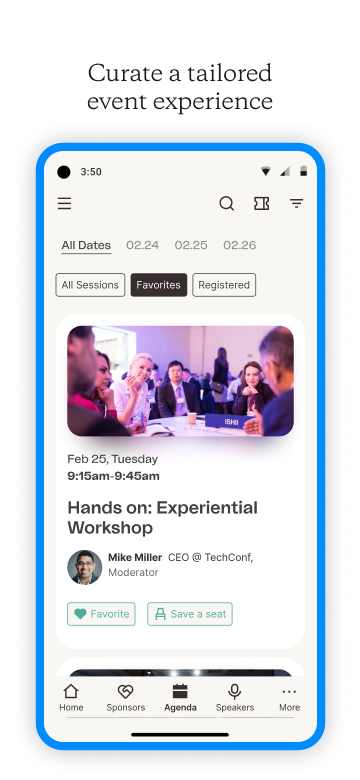
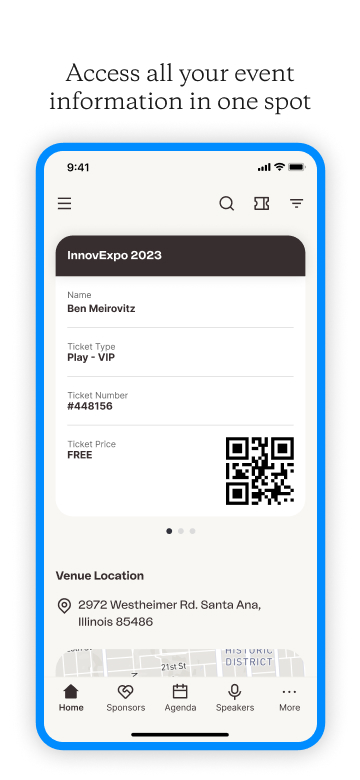
CUSTOMIZE YOUR EXPERIENCE
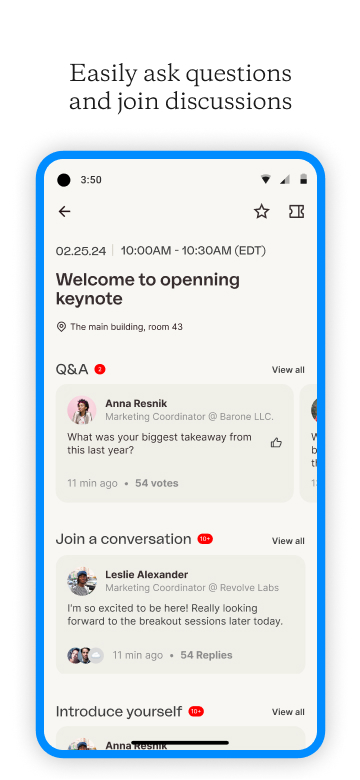
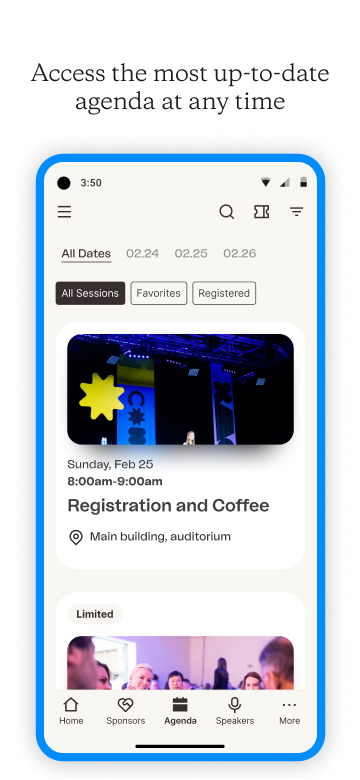
View the agenda, access sessions and locations, read up on speaker bios, and see who else is attending.
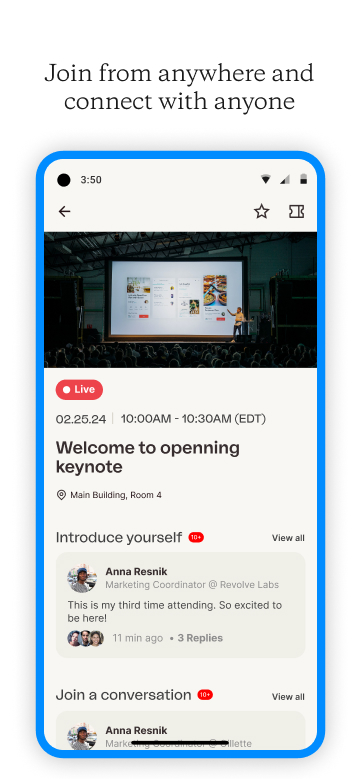
JOIN FROM ANYWHERE
No matter where you are in the world, or what device you’re on, access live events from home or on the go.
ENGAGE & INTERACT
Engage with speakers, sponsors, and fellow attendees with exciting features like Q&A, polls, chat, social sharing, and more.
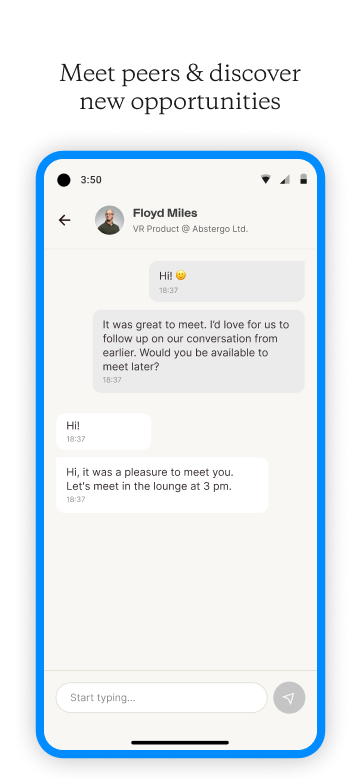
NETWORK WITH THE RIGHT PEOPLE
Maximize opportunities with 1:1 messaging and enriched attendee profiles.
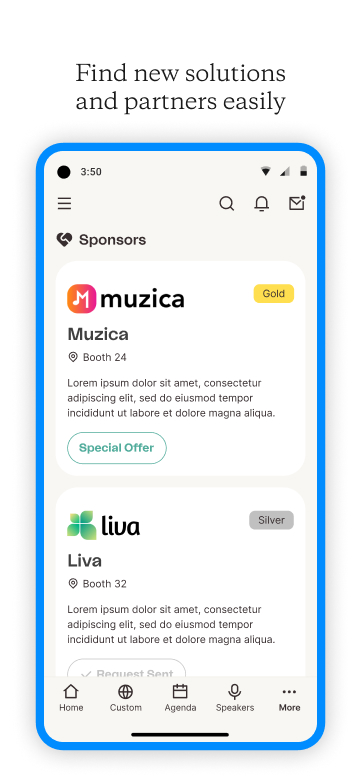
GET TO KNOW EXHIBITORS
Learn more about sponsors through dedicated virtual booths. Book private chats for more personalized discussions.
STAY IN THE KNOW
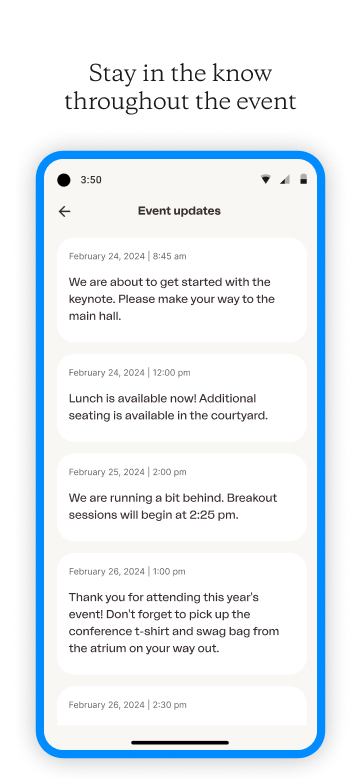
Stay up to date with in-app notifications. Get real-time updates about sessions, speakers and special offers.
ENHANCE YOUR ONSITE EXPERIENCE
Use your mobile app to navigate the onsite venue.
"After demoing Bizzabo I can confidently say it’s one of the best conference apps I’ve seen, and I’ve seen a few." – TechCrunch
Jogue Bizzabo no PC. É fácil começar.
-
Baixe e instale o BlueStacks no seu PC
-
Conclua o login do Google para acessar a Play Store ou faça isso mais tarde
-
Procure por Bizzabo na barra de pesquisa no canto superior direito
-
Clique para instalar Bizzabo a partir dos resultados da pesquisa
-
Conclua o login do Google (caso você pulou a etapa 2) para instalar o Bizzabo
-
Clique no ícone do Bizzabo na tela inicial para começar a jogar

