


Boldr Icon Pack
العب على الكمبيوتر الشخصي مع BlueStacks - نظام أندرويد للألعاب ، موثوق به من قبل أكثر من 500 مليون لاعب.

Play Boldr Icon Pack on PC
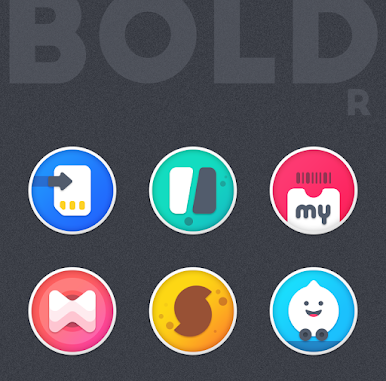
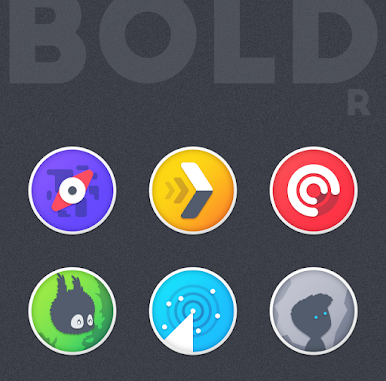
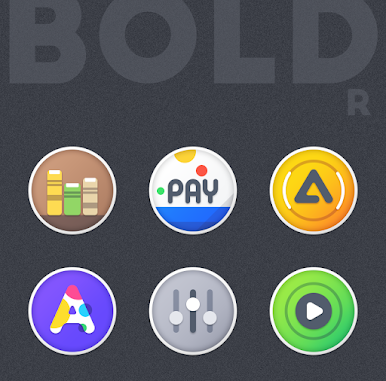
▸ 2600+ unique round icons
▸ Regular Updates
▸ Alternative icons
▸ Custom folders icons
▸ Cloud based wallpapers
▸ Dynamic Calendar support
▸ Icon request tool
▸ Material Dashboard
▸ Premium icon request support
Boldr is the beautiful icon pack with eye pleasing smooth colorful gradients and each icon created with utmost care.
How to use this Icon pack?
▸ Install the supported Launcher
▸ Open Boldr Icon Pack and Go to Apply section and Select Launcher to apply.
If your launcher is not in the list then apply manually from the launcher settings section.
BEFORE YOU GO
• Icon pack requires a supported launcher
• App's help section holds FAQ and answers
RECOMMENDED LAUNCHER AND SETTINGS
▸ Use NOVA Launcher
▸ Set Icon Normalization Off From the Nova Launcher Settings
▸ Set Icon Size to 110% - 130%
SUPPORTED LAUNCHERS
• Nova Launcher(recommended) • Lawnchair Launcher • Microsoft Launcher • Smart Launcher • ADW Launcher • Action Launcher • Apex Launcher • Go Launcher • Poco Launcher • Evie Launcher
• Next Launcher • Solo Launcher • Hyperion Launcher • Niagara Launcher • Total Launcher • CM Theme Engine
This pack may supports other launchers which are not listed in the apply section of the app and supported launchers.
STAY IN TOUCH!
https://twitter.com/FLATEDGE1418
https://mewe.com/i/flatedge
Any Help?
Mail me @ flatedge18@gmail.com
العب Boldr Icon Pack على جهاز الكمبيوتر. من السهل البدء.
-
قم بتنزيل BlueStacks وتثبيته على جهاز الكمبيوتر الخاص بك
-
أكمل تسجيل الدخول إلى Google للوصول إلى متجر Play ، أو قم بذلك لاحقًا
-
ابحث عن Boldr Icon Pack في شريط البحث أعلى الزاوية اليمنى
-
انقر لتثبيت Boldr Icon Pack من نتائج البحث
-
أكمل تسجيل الدخول إلى Google (إذا تخطيت الخطوة 2) لتثبيت Boldr Icon Pack
-
انقر على أيقونة Boldr Icon Pack على الشاشة الرئيسية لبدء اللعب

