


Braina PC Remote Voice Control
Graj na PC z BlueStacks – Platforma gamingowa Android, która uzyskała zaufanie ponad 500 milionów graczy!

Strona zmodyfikowana w dniu: Mar 27, 2025
Run Braina PC Remote Voice Control on PC or Mac
Let BlueStacks turn your PC, Mac, or laptop into the perfect home for Braina PC Remote Voice Control, a fun Productivity app from Brainasoft.
About the App
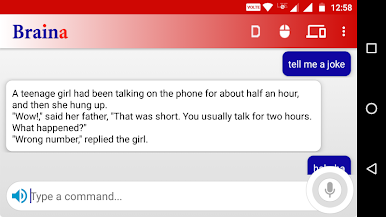
Want to control your Windows computer just by talking? Braina PC Remote Voice Control by Brainasoft makes it easy to turn your Android device into a smart remote that listens and responds. You’ll get a hands-free experience that blends productivity and convenience—play music, look up information, manage presentations, or even dictate notes, all with simple voice commands. With your phone acting as both a wireless mic and a control pad, you might find yourself wondering how you ever managed without it.
App Features
-
Wireless Voice Commands
Turn your Android device into a wireless microphone that listens to your commands. Speak naturally and Braina on your PC gets the job done—no cords, just WiFi. -
Effortless Music and Video Playback
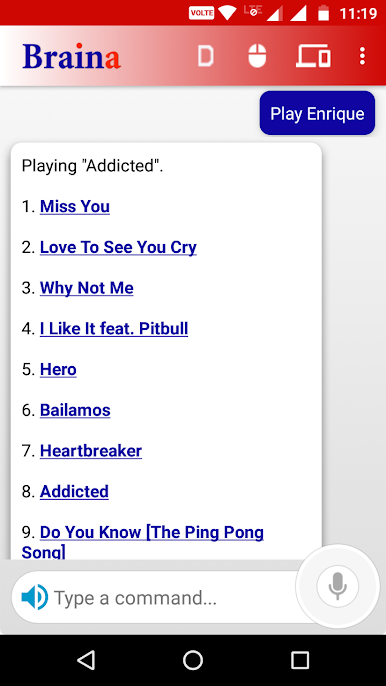
Tell Braina what song or video you want, and it’ll start playing it on your PC, whether it’s saved locally or online. “Play jazz classics” or “Play video Godfather” gets instant results. -
Speech to Text Dictation
Dictate into your phone and have your words appear on your PC in programs like Microsoft Word, perfect for writing or sending emails without touching your keyboard. -
Remote Mouse and Keyboard
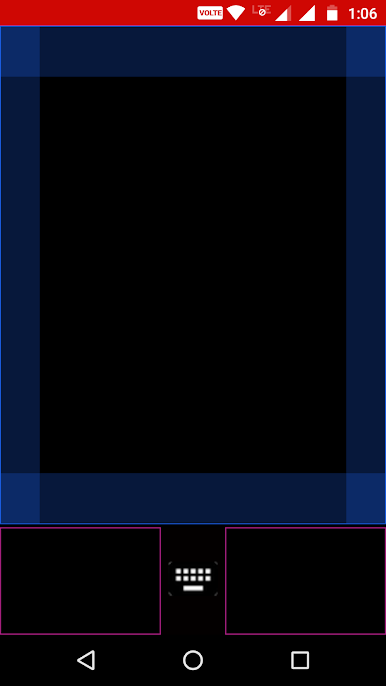
Move your PC’s mouse using your phone screen, tap to click, or type with your mobile keyboard. Handy for presentations or when your desk is cluttered. -
Smart Search and File Access
Open files, programs, and folders on your computer just by telling Braina what you need. “Open my thesis draft” or “Search folder work” will do the trick, much faster than clicking around. -
Calculate and Define
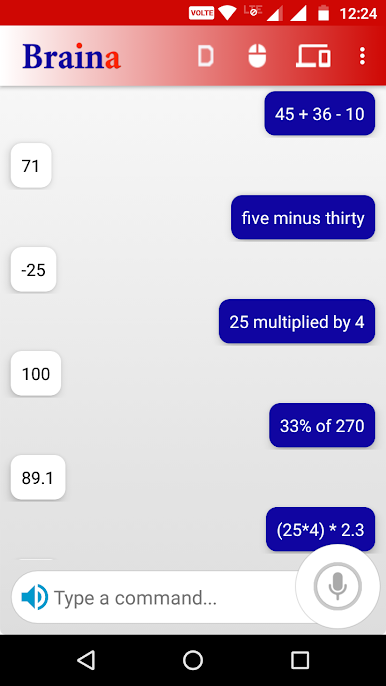
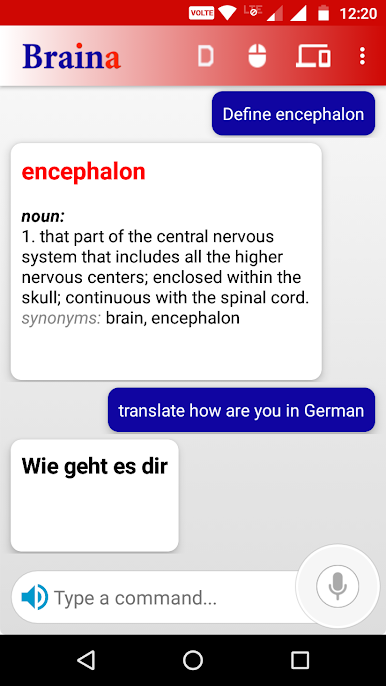
Do quick math out loud, or ask for dictionary definitions and synonyms. Need to figure out a sum or check a tricky word? Braina can help. -
Presentation Control
Advance your PowerPoint slides with a simple “next” or “previous,” keeping your hands free to focus on your talk. -
Web and Info Lookup
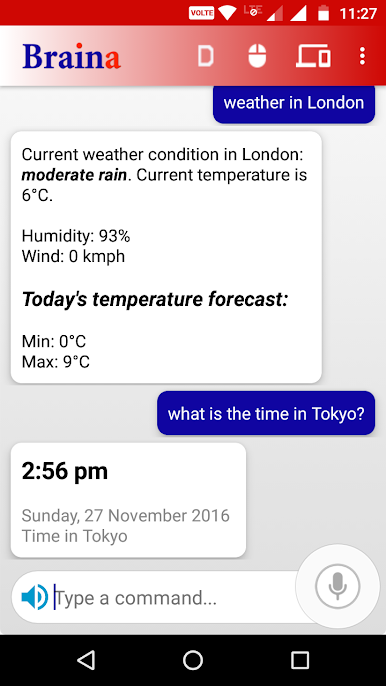
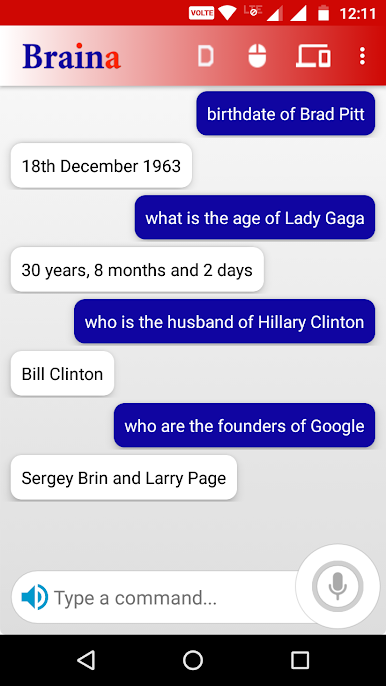
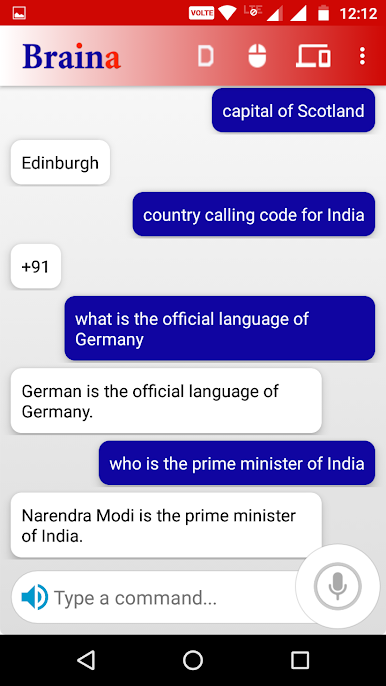
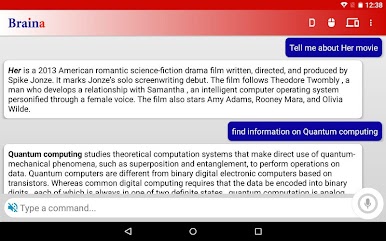
Ask questions, get news or weather updates, or search the web—no need to type or switch devices. -
Set Alarms & Save Notes
Set reminders, alarms, or save quick notes on the fly by voice. Handy for keeping track of things without missing a beat. -
Remote Shutdown
Turn off your PC remotely—did you forget to shut it down before leaving? No sweat, Braina’s got you covered.
You can use Braina PC Remote Voice Control seamlessly on your Windows PC, and running it through BlueStacks on your desktop adds even more flexibility to how (and where) you control your tech.
Big screen. Bigger performance. Use BlueStacks on your PC or Mac to run your favorite apps.

Zagraj w Braina PC Remote Voice Control na PC. To takie proste.
-
Pobierz i zainstaluj BlueStacks na PC
-
Zakończ pomyślnie ustawienie Google, aby otrzymać dostęp do sklepu Play, albo zrób to później.
-
Wyszukaj Braina PC Remote Voice Control w pasku wyszukiwania w prawym górnym rogu.
-
Kliknij, aby zainstalować Braina PC Remote Voice Control z wyników wyszukiwania
-
Ukończ pomyślnie rejestrację Google (jeśli krok 2 został pominięty) aby zainstalować Braina PC Remote Voice Control
-
Klinij w ikonę Braina PC Remote Voice Control na ekranie startowym, aby zacząć grę

