


Solitaire Triple Match
Chơi trên PC với BlueStacks - Nền tảng chơi game Android, được hơn 500 triệu game thủ tin tưởng.

Trang đã được sửa đổi vào: Oct 30, 2025
Play Solitaire Triple Match on PC or Mac
Step into the World of Solitaire Triple Match, a thrilling Casual game from the house of Mad Brain Games LTD. Play this Android game on BlueStacks App Player and experience immersive gaming on PC or Mac.
About the Game
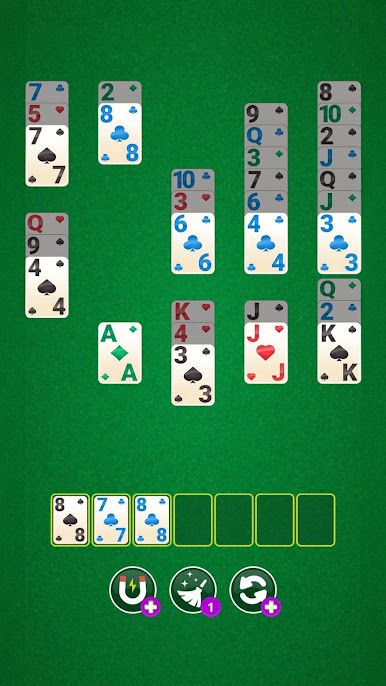
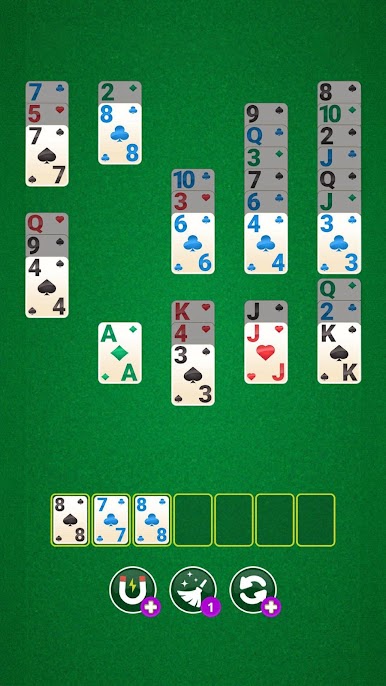
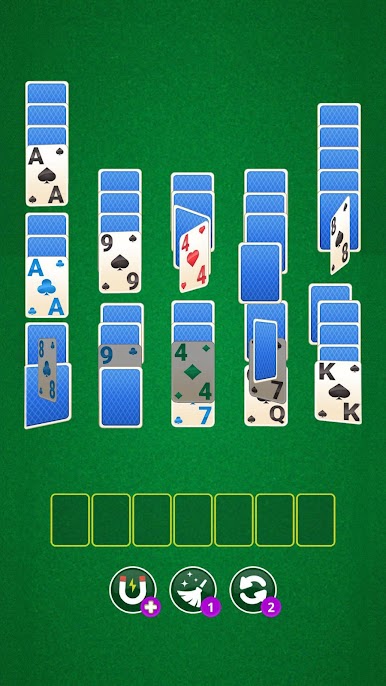
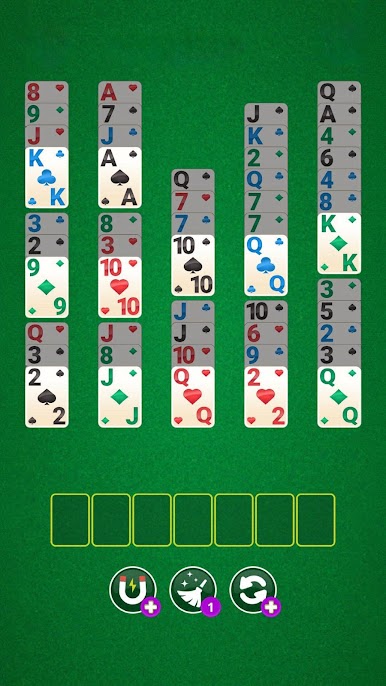
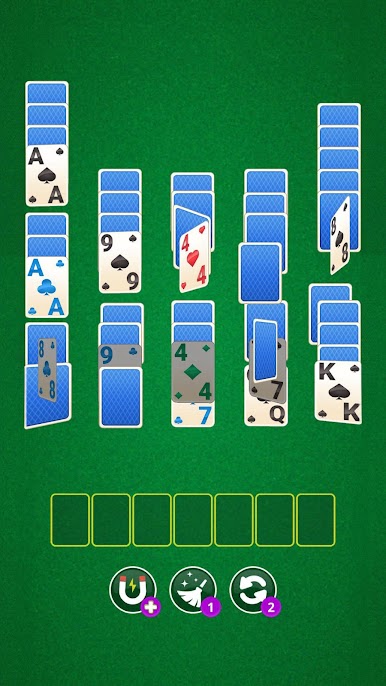
Solitaire Triple Match takes the classic feel of solitaire and spices it up with a clever twist: now you’re matching tiles and thinking a step ahead with every move. If you’re looking for something relaxing yet totally absorbing, this casual game by Mad Brain Games LTD might be just your thing. Expect puzzles that make you pause (in a good way) and colorful scenes that pop as you go along.
Game Features
-
Card-Matching with a Twist
Forget what you know about old-school solitaire—here, it’s all about matching three cards at a time, so your brain stays busy and your fingers never get bored. -
Strategic Play
You’ll need to plan ahead. Clearing the board isn’t just luck; each move requires a bit of thought to line things up just right or to pull off a slick combo. -
Stunning Level Design
Every stage is more than a new puzzle—it’s also a treat for the eyes. Levels are filled with vibrant backgrounds and unique layouts that keep things feeling fresh. -
Collectible Boosters
Tricky spot? That’s what boosters are for. As you play, you’ll unlock special tools to help you out, turning even tricky boards into a win. -
Competitive Edge
Want to see how your skills stack up? Tackle challenges and climb the leaderboards against players from around the globe. -
Constant Surprises
New levels and updates pop in regularly, so there’s always something different to look forward to.
You can get the best out of Solitaire Triple Match using BlueStacks, which makes tapping through puzzles on your PC feel super smooth.
Ready to top the leaderboard? We bet you do. Let precise controls and sharp visuals optimized on BlueStacks lead you to victory.




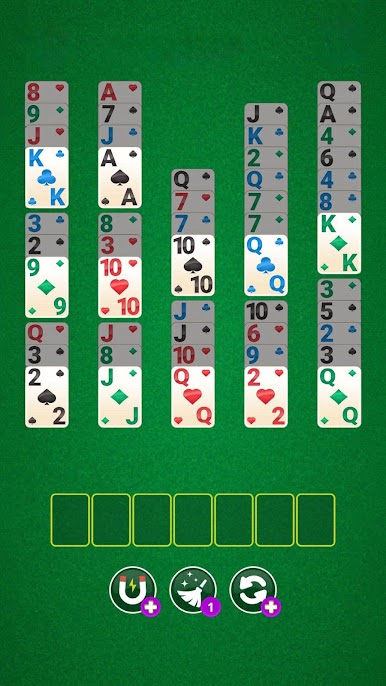
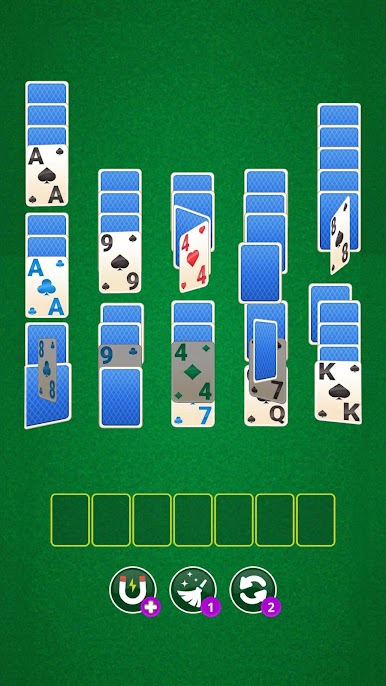

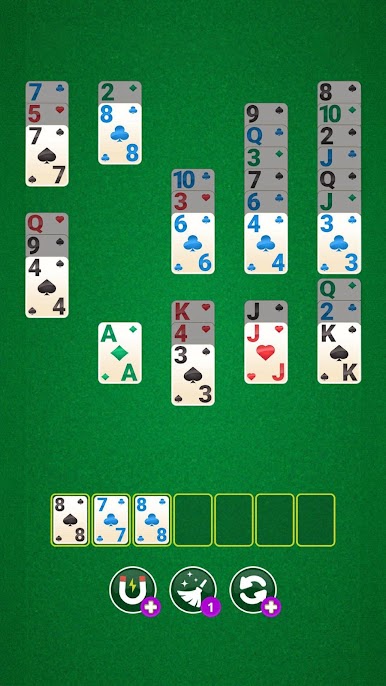

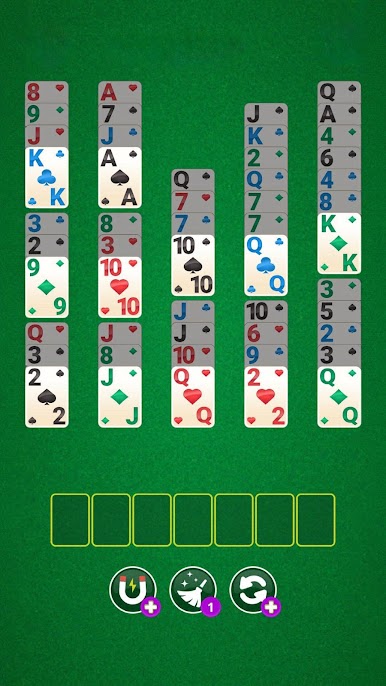

Chơi Solitaire Triple Match trên PC. Rất dễ để bắt đầu
-
Tải và cài đặt BlueStacks trên máy của bạn
-
Hoàn tất đăng nhập vào Google để đến PlayStore, hoặc thực hiện sau
-
Tìm Solitaire Triple Match trên thanh tìm kiếm ở góc phải màn hình
-
Nhấn vào để cài đặt Solitaire Triple Match trong danh sách kết quả tìm kiếm
-
Hoàn tất đăng nhập Google (nếu bạn chưa làm bước 2) để cài đặt Solitaire Triple Match
-
Nhấn vào icon Solitaire Triple Match tại màn hình chính để bắt đầu chơi

