

Jeux de Logique - Casse Tête
Jouez sur PC avec BlueStacks - la plate-forme de jeu Android, approuvée par + 500M de joueurs.

Page Modifiée le: Nov 11, 2025
Play Brain Over - Tricky Puzzle on PC or Mac
Bring your A-game to Brain Over – Tricky Puzzle, the Puzzle game sensation from (Andrei & Aleksandr Krupiankou). Give your gameplay the much-needed boost with precise game controls, high FPS graphics, and top-tier features on your PC or Mac with BlueStacks.
About the Game
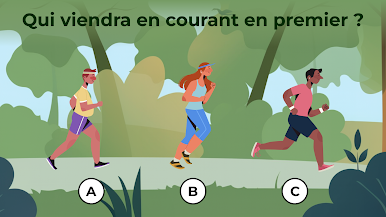
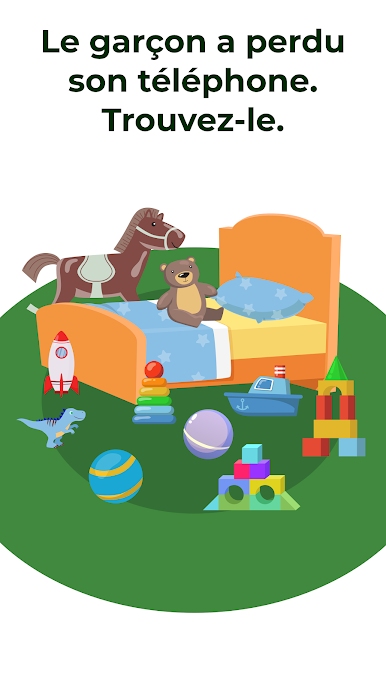
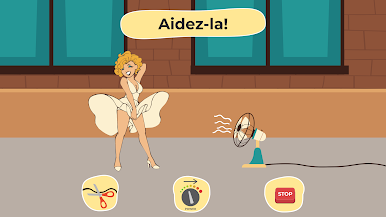
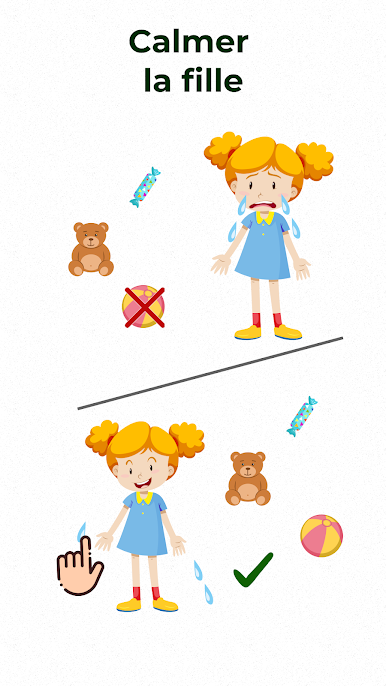
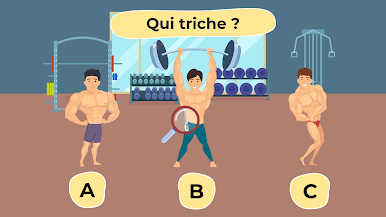
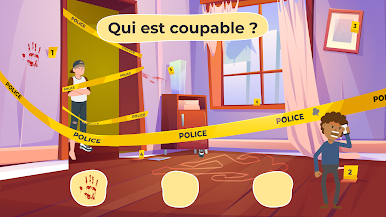
Ready for a little brain workout with a twist? Brain Over – Tricky Puzzle is all about those moments when you think, “Wait, is that really the answer?” This puzzle game from Andrei & Aleksandr Krupiankou isn’t just about solving riddles—it’s about looking at things from fresh, sometimes hilarious angles. Perfect for anyone who loves a challenge, but doesn’t mind laughing a bit at some of the clever—or downright silly—solutions.
Game Features
-
Out-of-the-Box Puzzles
Don’t expect the usual logic challenges here. Each level comes with unpredictable tasks that’ll stretch your creativity, test your intuition, and sometimes make you do a double-take. -
For All Ages
Whether you’re a kid figuring out the basics or an adult thinking you’ve seen every brain teaser out there, there’s something here for everyone. If you can spot details and think in unexpected ways, you’re in the right place. -
No Timer Pressure
Take your time working through the puzzles. There’s no rush—or penalty for thinking things through slowly. Tinker, experiment, and see what wild ideas might actually work. -
Play Anywhere, Anytime
You don’t need an internet connection to get your puzzle fix, making it easy to squeeze in a mental break wherever you are. -
Endless Variety
With loads of distinct challenges and levels, boredom doesn’t stand a chance. Each puzzle mixes up what’s expected—you won’t solve two the same way. -
Easy to Pick Up, Hard to Walk Away From
The controls and gameplay stay simple and straightforward, but the real trick is in the puzzles themselves. That hook of “just one more level” is real. -
Smart Fun, Lighthearted Feel
Even when a solution seems a little goofy, you’ll probably end up smiling at how clever (or unexpected) the answer turns out. -
Works Smoothly on BlueStacks
If you like playing puzzle games on your PC with BlueStacks, you’ll enjoy more control while clicking your way through these wild brain teasers.
Slay your opponents with your epic moves. Play it your way on BlueStacks and dominate the battlefield.


Jouez à Jeux de Logique - Casse Tête sur PC. C'est facile de commencer.
-
Téléchargez et installez BlueStacks sur votre PC
-
Connectez-vous à Google pour accéder au Play Store ou faites-le plus tard
-
Recherchez Jeux de Logique - Casse Tête dans la barre de recherche dans le coin supérieur droit
-
Cliquez pour installer Jeux de Logique - Casse Tête à partir des résultats de la recherche
-
Connectez-vous à Google (si vous avez ignoré l'étape 2) pour installer Jeux de Logique - Casse Tête
-
Cliquez sur l'icône Jeux de Logique - Casse Tête sur l'écran d'accueil pour commencer à jouer

