

Brandbassador
在電腦上使用BlueStacks –受到5億以上的遊戲玩家所信任的Android遊戲平台。

Run Brandbassador on PC or Mac
What’s better than using Brandbassador by Brandbassador? Well, try it on a big screen, on your PC or Mac, with BlueStacks to see the difference.
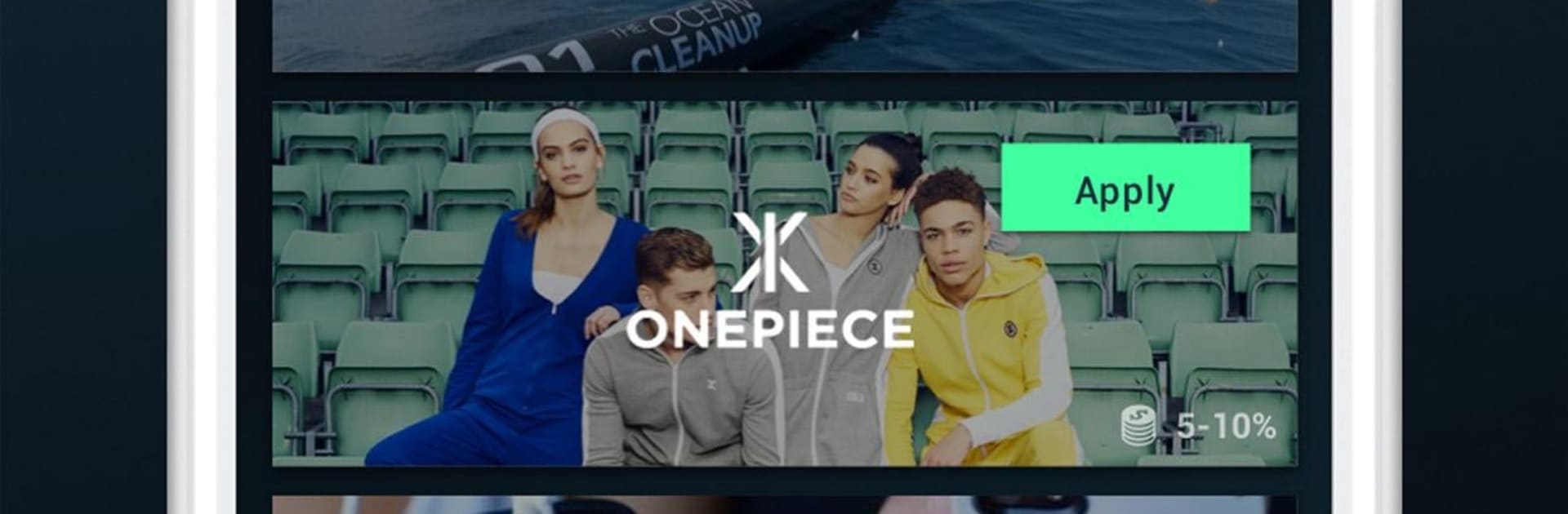
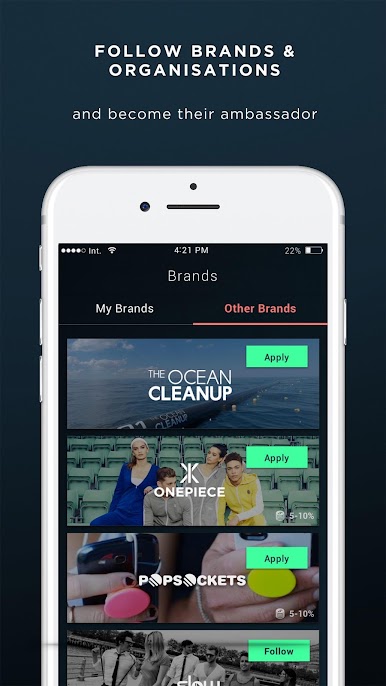
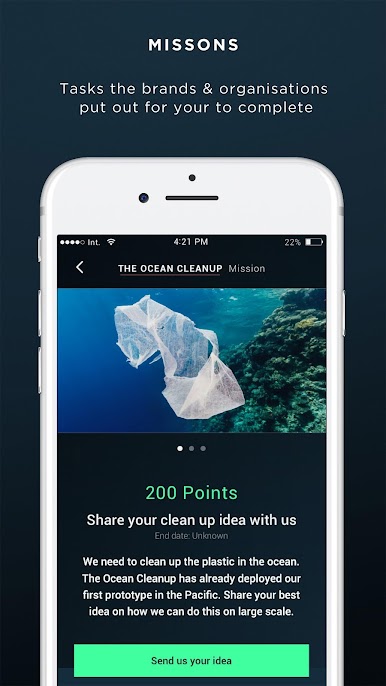
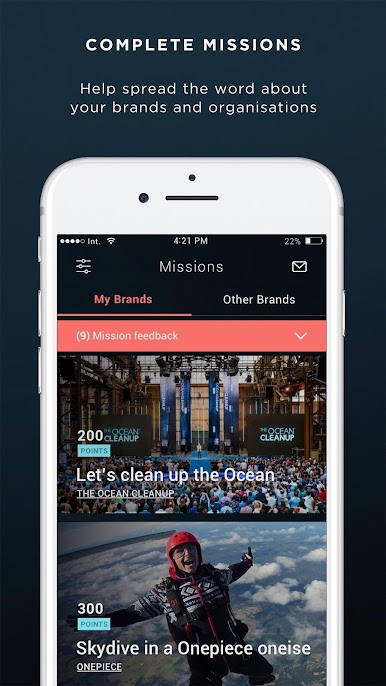
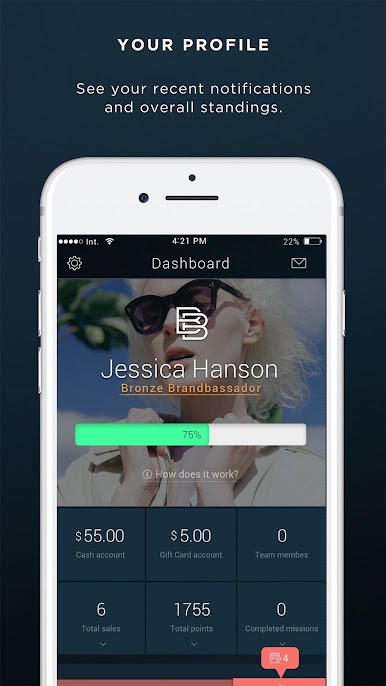
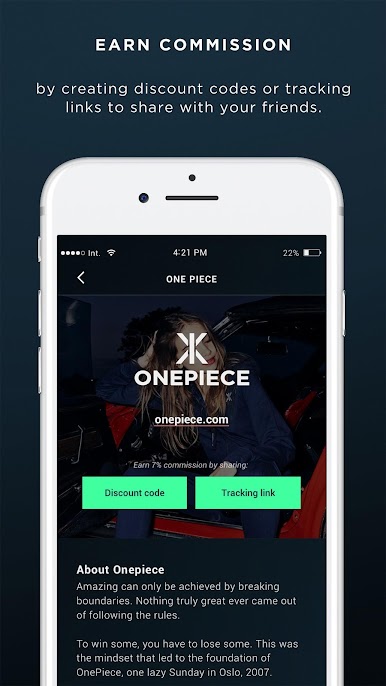
Brandbassador feels like a chill little hub for people who enjoy sharing products they actually like. Someone signs up to different brands and gets a list of small missions, things like posting a story, snapping a quick photo, dropping a review, or sharing a personal code or link. Each mission shows exactly what the brand wants, what it pays, and how it gets approved, so it reads more like a clear to do list than a guessing game. The app tracks clicks and sales from that person’s link, and when sales come in, the commission turns into credit that can be swapped for gift cards to use on the brand’s shop. Some missions pay a flat amount even without sales, but the bigger payouts depend on real purchases and how engaged someone’s audience is.
The flow is simple, with a feed of missions, a wallet page, and an inbox for approvals. It works fine on phone, but running it through BlueStacks on a laptop helps a lot with typing captions, moving photos around, and keeping a few social tabs open while checking mission rules. It suits anyone who already posts about products and does not mind following fairly specific instructions. Not every brand accepts instantly and some missions wait for approval, so patience helps. It is not a get rich thing, more like steady pocket money for content someone is doing anyway, and the structure makes it easy to keep track of what is next.
Eager to take your app experience to the next level? Start right away by downloading BlueStacks on your PC or Mac.
在電腦上遊玩Brandbassador . 輕易上手.
-
在您的電腦上下載並安裝BlueStacks
-
完成Google登入後即可訪問Play商店,或等你需要訪問Play商店十再登入
-
在右上角的搜索欄中尋找 Brandbassador
-
點擊以從搜索結果中安裝 Brandbassador
-
完成Google登入(如果您跳過了步驟2),以安裝 Brandbassador
-
在首頁畫面中點擊 Brandbassador 圖標來啟動遊戲

