


Korean English Dictionary 영한사전
Mainkan di PC dengan BlueStacks – platform Game-Game Android, dipercaya oleh lebih dari 500 juta gamer.

Run Korean English Dictionary 영한사전 on PC or Mac
Let BlueStacks turn your PC, Mac, or laptop into the perfect home for Korean English Dictionary 영한사전, a fun Education app from Bravolol – Language Learning.
About the App
Korean English Dictionary 영한사전 makes looking up Korean and English feel easy and natural. Whether you’re studying, traveling, or just curious about a phrase you heard in a show, it gives you clear meanings, audio, and examples right when you need them. It’s built by Bravolol – Language Learning, and it fits nicely into your daily Education routine without getting in the way.
App Features
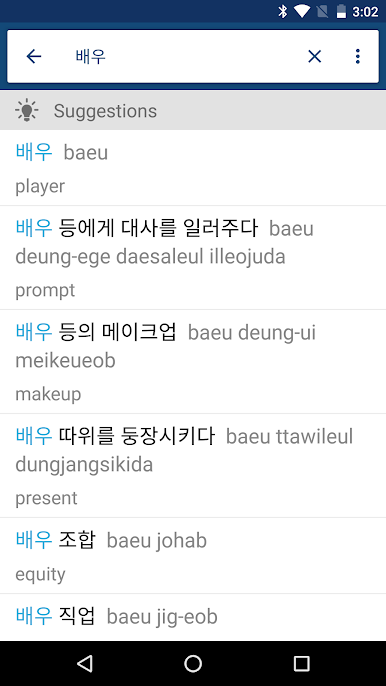
- Bilingual search made simple: Look up words in Korean or English, even if you’re not sure of the spelling—wildcard search has your back.
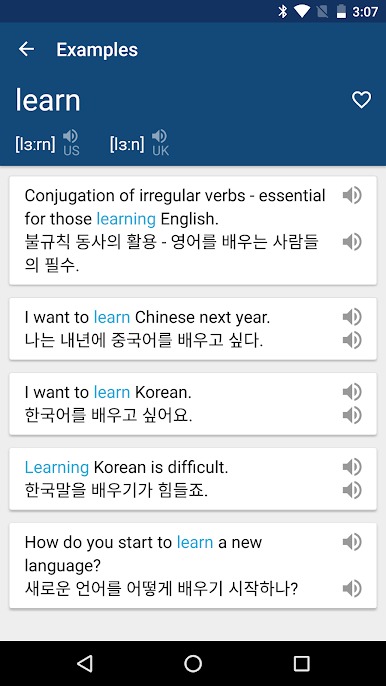
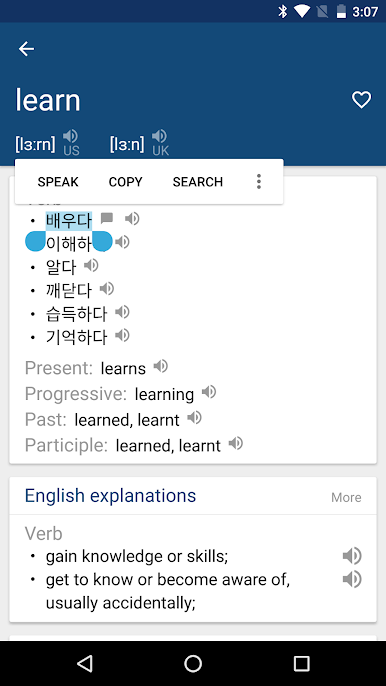
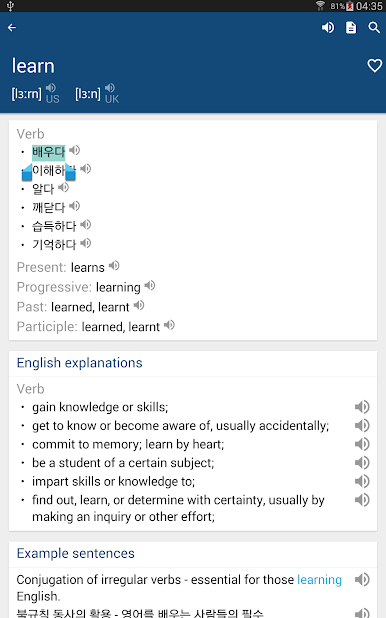
- Clear meanings with context: See concise definitions plus example sentences so you understand how words actually sound in real life.
- Pronunciation you can trust: Hear Korean, British English, and American English audio, with phonetics to guide your speech.
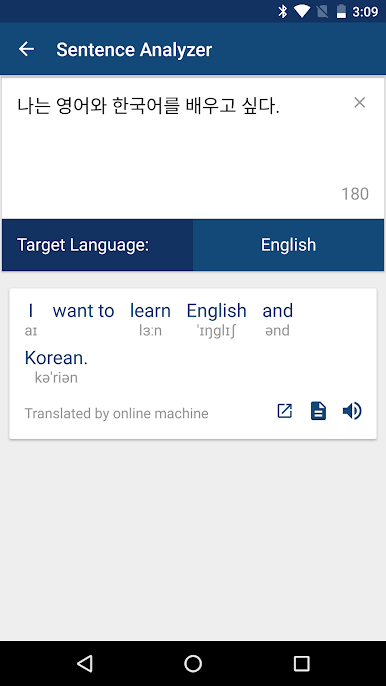
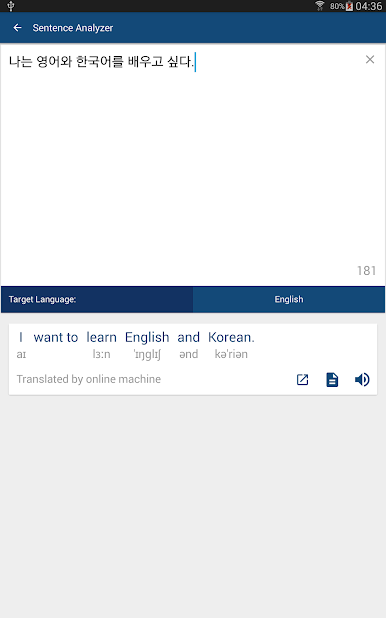
- Sentence analyzer: Paste a sentence to break it down and make sense of structure and vocabulary faster.
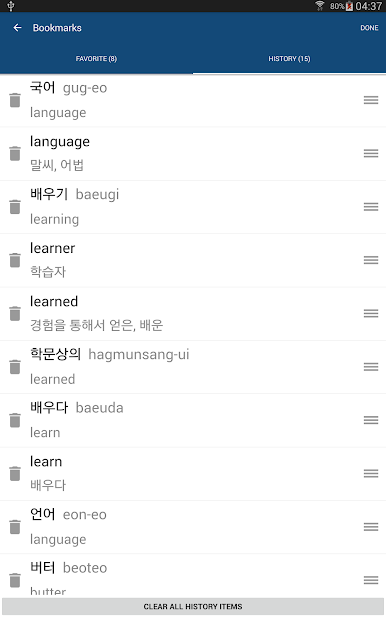
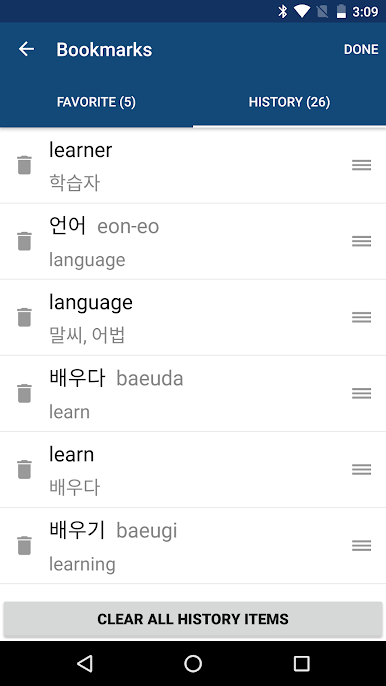
- Favorites and history: Save tricky words and revisit past lookups without starting from scratch.
- Flashcards for quick review: Turn saved entries into bite-sized study sessions whenever you have a minute.
- Works offline: Keep the full dictionary at hand—even without a connection.
- Read your way: Adjust font size so long sessions feel easier on the eyes.
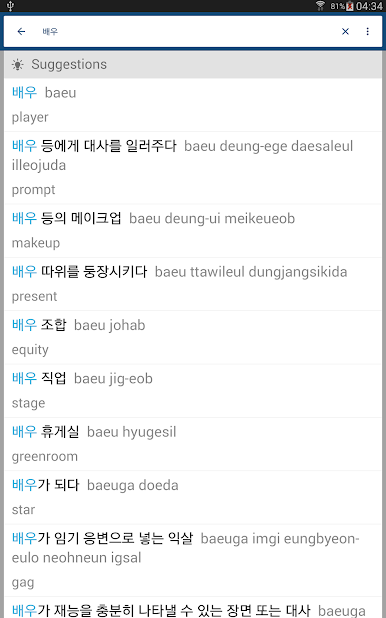
- Helpful suggestions: Get related terms and nearby matches to explore meanings and nuances.
- BlueStacks friendly: Prefer a bigger screen for focused study? It runs smoothly on BlueStacks on your desktop.
Ready to experience Korean English Dictionary 영한사전 on a bigger screen, in all its glory? Download BlueStacks now.
Mainkan Korean English Dictionary 영한사전 di PC Mudah saja memulainya.
-
Unduh dan pasang BlueStacks di PC kamu
-
Selesaikan proses masuk Google untuk mengakses Playstore atau lakukan nanti
-
Cari Korean English Dictionary 영한사전 di bilah pencarian di pojok kanan atas
-
Klik untuk menginstal Korean English Dictionary 영한사전 dari hasil pencarian
-
Selesaikan proses masuk Google (jika kamu melewati langkah 2) untuk menginstal Korean English Dictionary 영한사전
-
Klik ikon Korean English Dictionary 영한사전 di layar home untuk membuka gamenya

