


Firewall No Root – セキュリティ
BlueStacksを使ってPCでプレイ - 5憶以上のユーザーが愛用している高機能Androidゲーミングプラットフォーム

Run Firewall No Root – Security on PC or Mac
Why limit yourself to your small screen on the phone? Run Firewall No Root – Security, an app by cb innovations, best experienced on your PC or Mac with BlueStacks, the world’s #1 Android emulator.
About the App
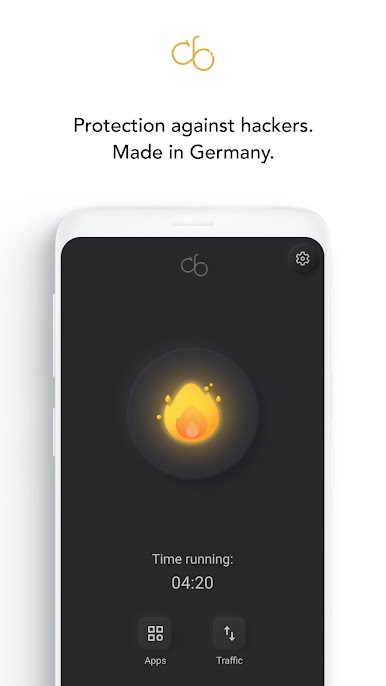
Firewall No Root – Security puts you in charge of which apps can use the internet on your Android device—no rooting, no fuss. It’s a clean, straightforward way to stop noisy background connections, save data, and keep certain apps offline when you want. Made by cb innovations, this Tools app focuses on control and clarity without getting in your way.
App Features
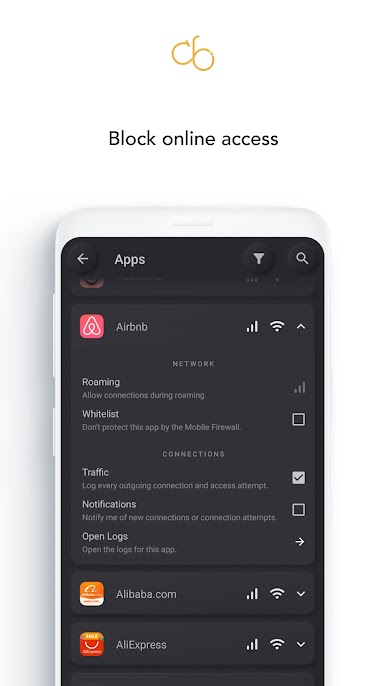
- Per‑app control: Choose which apps can go online, and whether they can use Wi‑Fi, mobile data, both, or neither—right from one screen.
- No root required: Works on stock devices. You don’t need special permissions or a separate account to get started.
- Local filtering only: Uses Android’s VpnService to filter traffic on your device. Nothing gets tunneled to remote servers.
- Data and battery mindful: Cut down on background chatter that eats your data plan and quietly drains your battery.
- Fewer trackers: Limit connections commonly used for tracking or unnecessary monitoring to keep things a bit more private.
- Family‑friendly controls: Keep kids’ games offline when they don’t need internet access, without blocking the whole device.
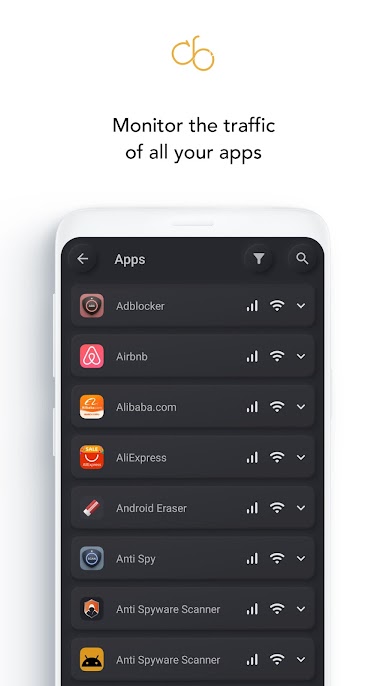
- Simple, no‑nonsense UI: See all installed apps with their current network status, then allow or block with a couple of taps.
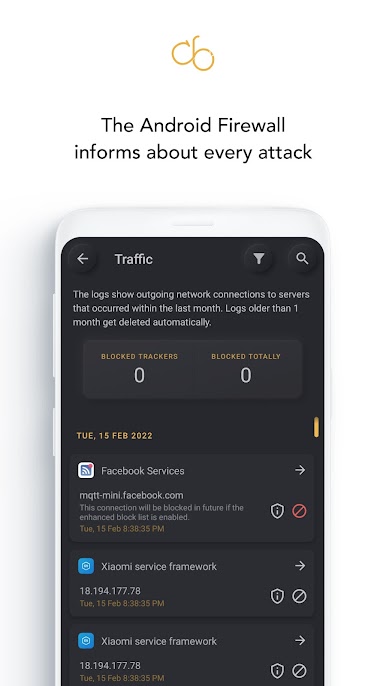
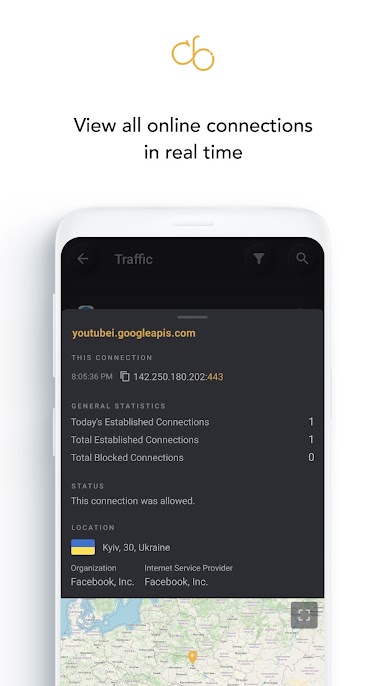
- Real‑time alerts: Get clear notifications when an app tries to connect so you can decide on the spot.
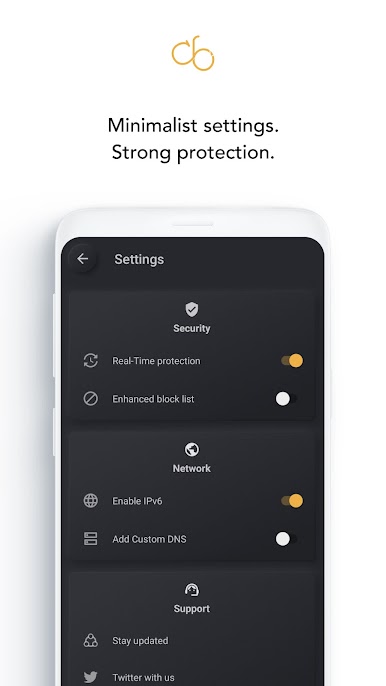
- Filter lists + custom rules: Benefit from updated filter lists and build your own rules by IP, host, or domain for finer control.
- Built‑in DNS changer: Switch to alternative DNS providers for speed or privacy and revert to your default anytime.
- Private by design: No analytics, no selling of personal data, and no profiling logs.
- Ad‑free core, optional upgrade: Enjoy all essential firewall features without ads; unlock extra conveniences with an in‑app purchase—no subscription pressure.
- BlueStacks friendly: Prefer a bigger screen? Manage and monitor your Android apps on desktop with BlueStacks and keep the same controls.
- One VPN at a time: Because it uses VpnService, you can’t run it alongside another VPN or firewall app simultaneously.
BlueStacks brings your apps to life on a bigger screen—seamless and straightforward.
Firewall No Root – セキュリティをPCでプレイ
-
BlueStacksをダウンロードしてPCにインストールします。
-
GoogleにサインインしてGoogle Play ストアにアクセスします。(こちらの操作は後で行っても問題ありません)
-
右上の検索バーにFirewall No Root – セキュリティを入力して検索します。
-
クリックして検索結果からFirewall No Root – セキュリティをインストールします。
-
Googleサインインを完了してFirewall No Root – セキュリティをインストールします。※手順2を飛ばしていた場合
-
ホーム画面にてFirewall No Root – セキュリティのアイコンをクリックしてアプリを起動します。

