


Live TV Mobile
Играйте на ПК с BlueStacks – игровой платформе для приложений на Android. Нас выбирают более 500 млн. игроков.

Страница изменена: Jul 11, 2023
Run Live TV Mobile on PC or Mac
Upgrade your experience. Try Live TV Mobile, the fantastic Video Players & Editors app from LoveWorld Inc, from the comfort of your laptop, PC, or Mac, only on BlueStacks.
About the App
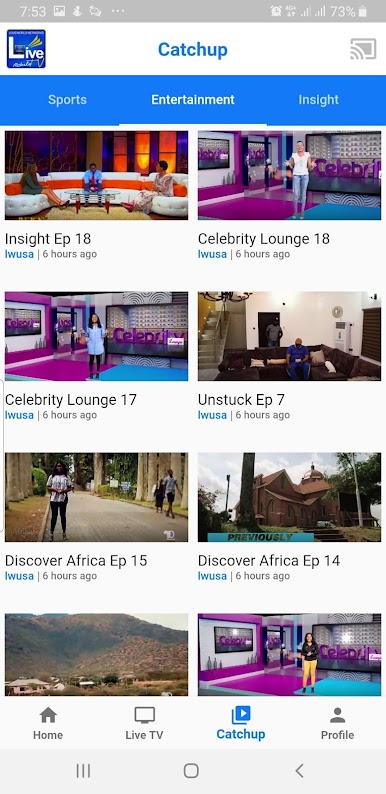
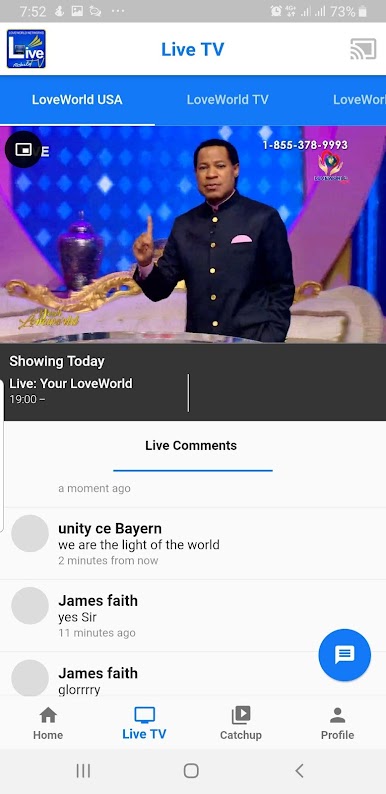
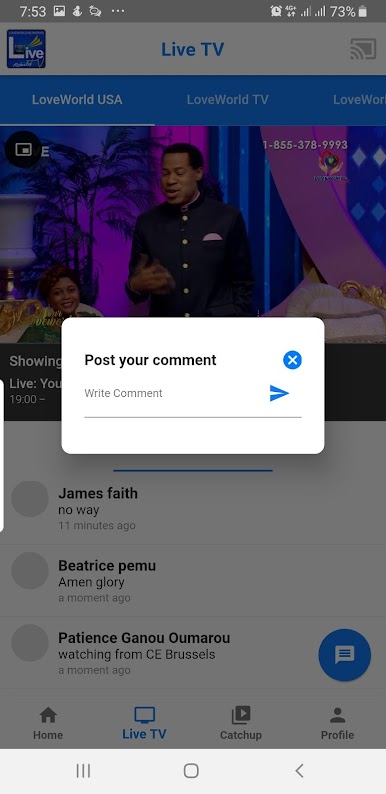
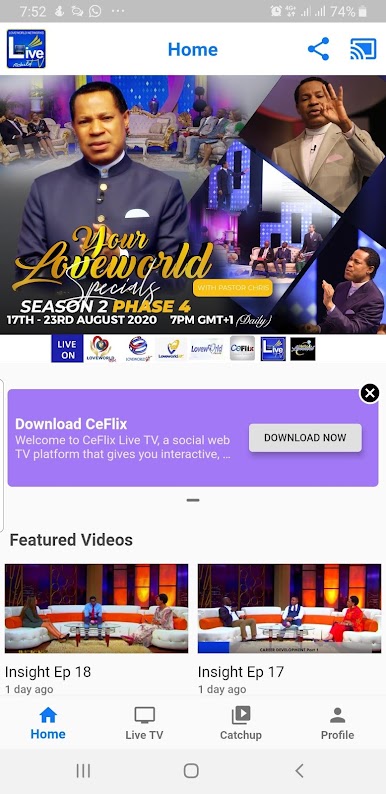
Ready to tune in and watch TV from your phone whenever you want? Live TV Mobile brings you all kinds of channels from the LoveWorld network, streaming live so you never miss a moment. Whether you’re looking to catch up on favorites, discover something new, or just have background TV while you’re relaxing, this app has you covered. It’s like having a TV in your pocket, but way more flexible.
App Features
- Instant Live Streaming
-
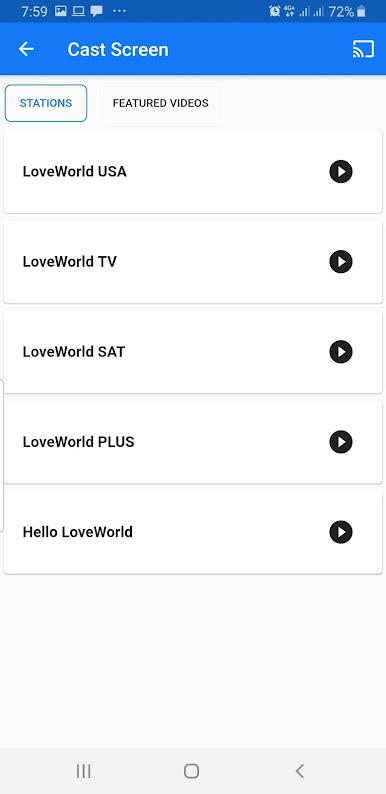
Flip through live broadcasts from LoveWorld USA, LoveWorld SAT, and LoveWorld TV with just a few taps. Everything streams right to your device in real time.
-
Multiple Channel Options
-
Not in the mood for one channel? No problem—switch between the different LoveWorld networks any time, all from one spot.
-
Simple, No-Fuss Controls
-
The interface is straightforward, making it super easy to jump straight into watching whatever you want, whenever you want.
-
Works on the Big Screen, Too
-
Want to enjoy streaming on your computer? Try Live TV Mobile through BlueStacks and catch your favorite shows in a bigger way.
-
Always Up-to-Date Content
- New shows and broadcasts are added as they happen, so there’s always something fresh to watch whenever the mood strikes.
BlueStacks gives you the much-needed freedom to experience your favorite apps on a bigger screen. Get it now.
Играйте в игру Live TV Mobile на ПК. Это легко и просто.
-
Скачайте и установите BlueStacks на ПК.
-
Войдите в аккаунт Google, чтобы получить доступ к Google Play, или сделайте это позже.
-
В поле поиска, которое находится в правой части экрана, введите название игры – Live TV Mobile.
-
Среди результатов поиска найдите игру Live TV Mobile и нажмите на кнопку "Установить".
-
Завершите авторизацию в Google (если вы пропустили этот шаг в начале) и установите игру Live TV Mobile.
-
Нажмите на ярлык игры Live TV Mobile на главном экране, чтобы начать играть.

